Discovery
EdTech market and competitor research, role prototyping for expert, student, and admin, and the core decisions on the reward economy.

Case study · EdTech · Web platform
EdPlace is a two-sided EdTech marketplace that connects two users who need very different tools: experts who package their knowledge into paid courses, and students who discover, buy, and complete them. The founder came to us with a clear vision but no audience, no MVP, and no off-the-shelf platform willing to bend to a custom reward economy — so we built the product from first principles as a Laravel + React platform for the US and EU.
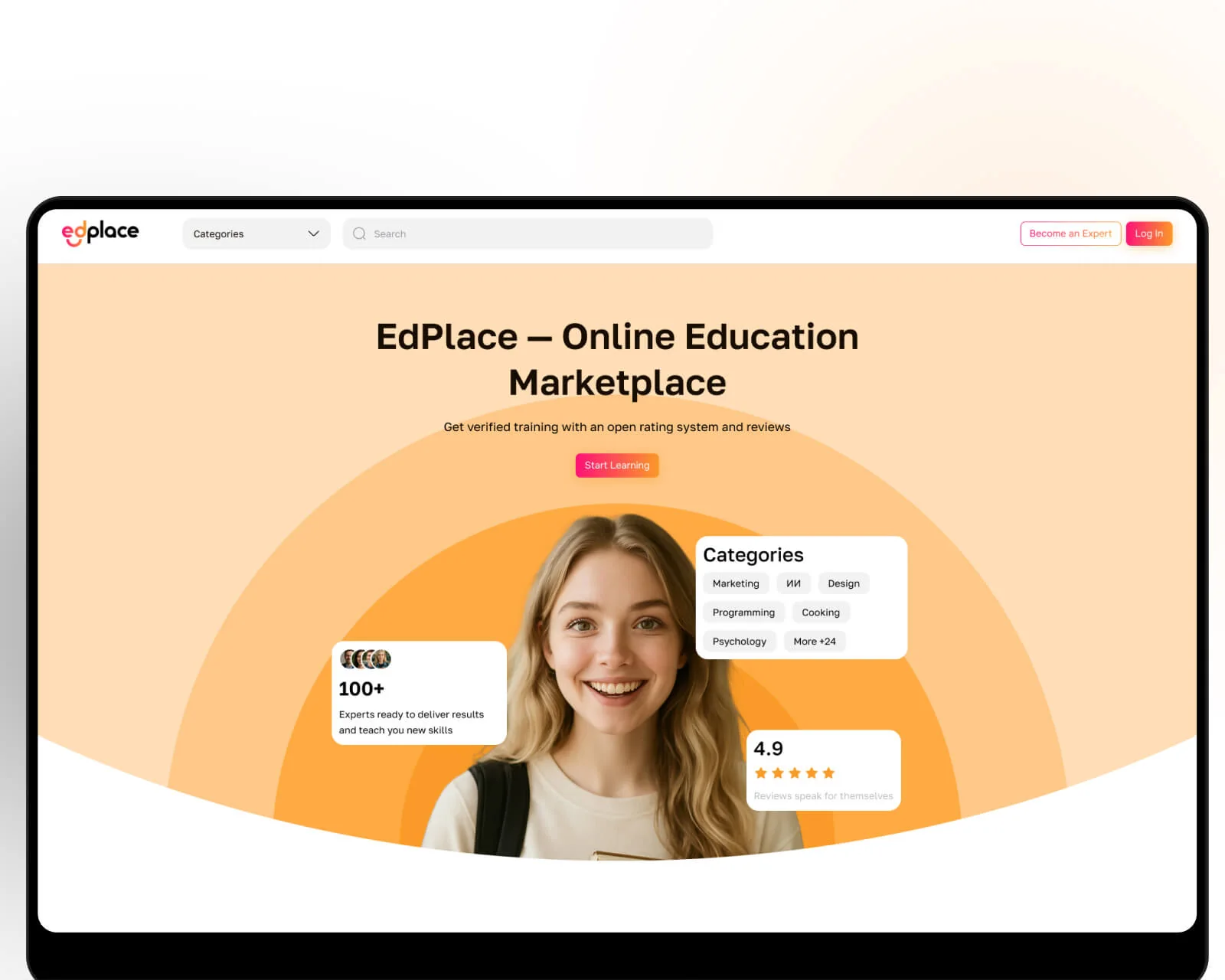
The founder was launching an EdTech startup from zero: a fresh idea, no existing audience, and no working prototype. The vision was a marketplace where any expert could publish and sell a course, and any student could find, pay for, and complete it comfortably — with an open rating and review system that kept quality honest. What was missing was the technical implementation and, critically, a platform economy the founder could actually own.
Two problems defined the build. On the expert side, there were no simple, functional tools to package knowledge into a course with several content types — video, audio, text, assignments — and to run learners through it as managed groups. On the student side, the friction was catalog navigation, filtering by topic, secure payment, and technical annoyances like buffering video on a weak connection. EdPlace was designed to remove both, and to do it on infrastructure the founder controls end to end rather than rents from a course-builder SaaS.
A snapshot of what the EdPlace build delivered across its first production cycle for the US and EU.
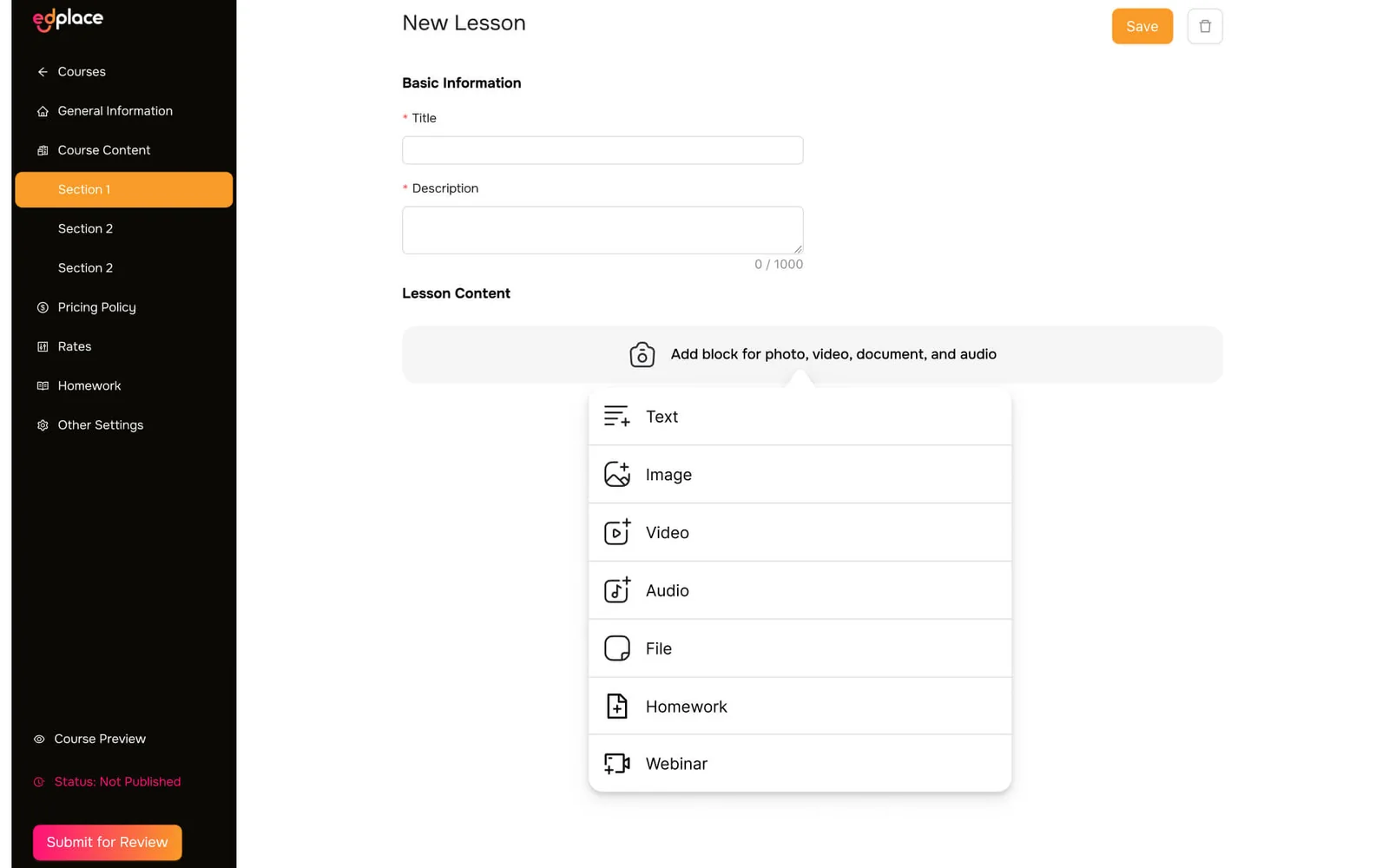
The expert cabinet is where the product earns its keep. An expert builds a course from sections and lessons, then opens each lesson in an editor that assembles content from blocks — text, image, video, audio, a file attachment, or a homework assignment — without touching a line of code. Homework can be reviewed manually by the expert or graded automatically, and every lesson ships with a live “Course preview” so the author sees exactly what a student will see before submitting for review.
Above the individual course sits the concept that shaped the whole data model: streams. An expert can run the same program as separate cohorts with different start dates, each tracking its own progress and performance, without duplicating a single lesson. It is the difference between a static course file and a business that can re-run a bestseller every quarter. The whole tier is delivered as part of our web application development practice.
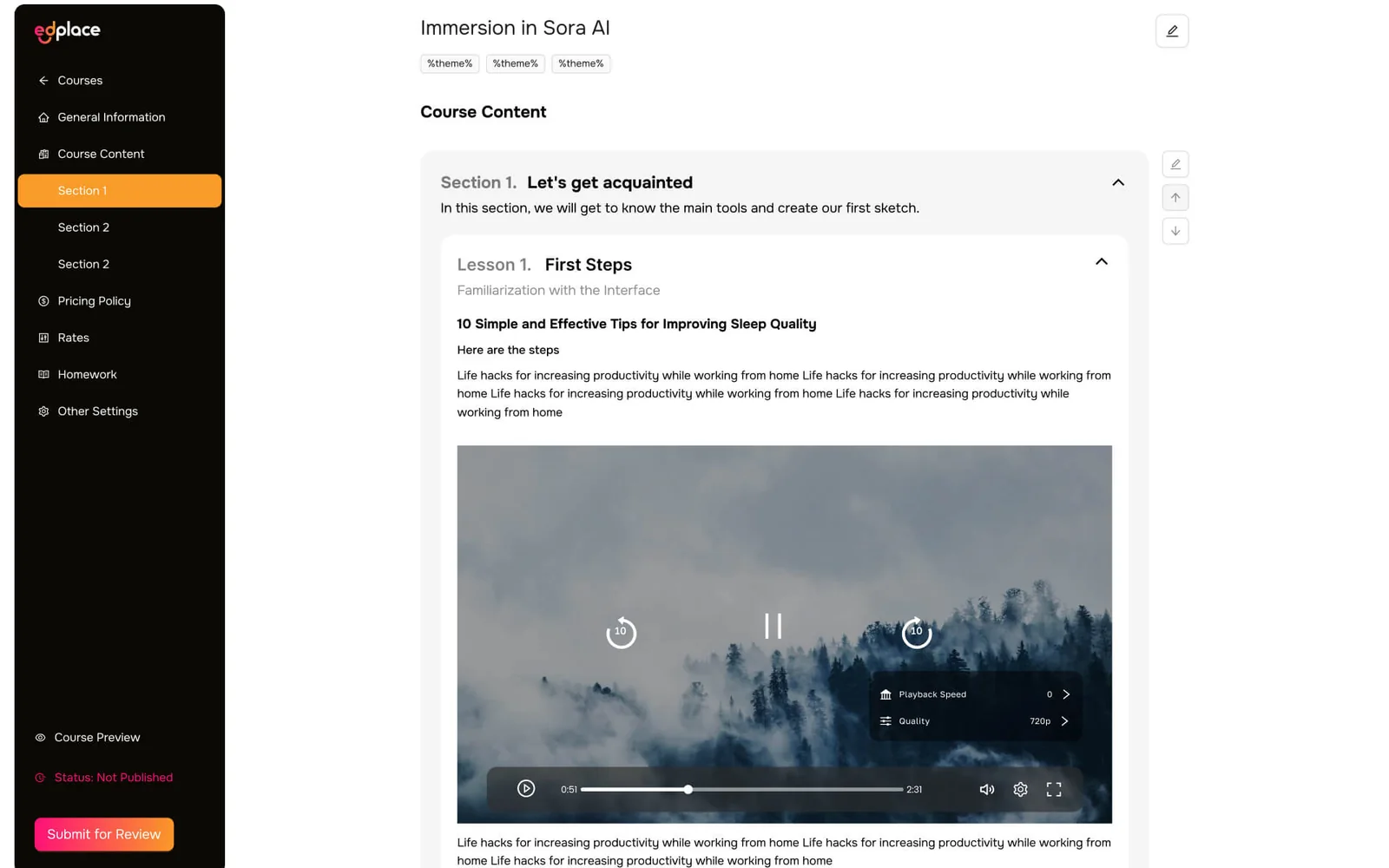
A course reads as a clean tree of sections and lessons, so a student always knows where they are and what comes next. Inside a lesson, the video player is the part that decides whether learning feels premium or painful. Uploaded videos are automatically transcoded into several bitrates, and the player adapts the quality to the learner's connection — with a manual override between 360p, 720p, and 1080p for anyone who wants to force it.
That single feature removes the most common reason learners abandon a lesson: buffering on a weak or mobile connection. Playback speed, resume-where-you-left-off, and a distraction-free player round out an experience built for people who watch courses on the train as often as at a desk. The transcoding pipeline and streaming layer are part of our cloud & DevOps practice.
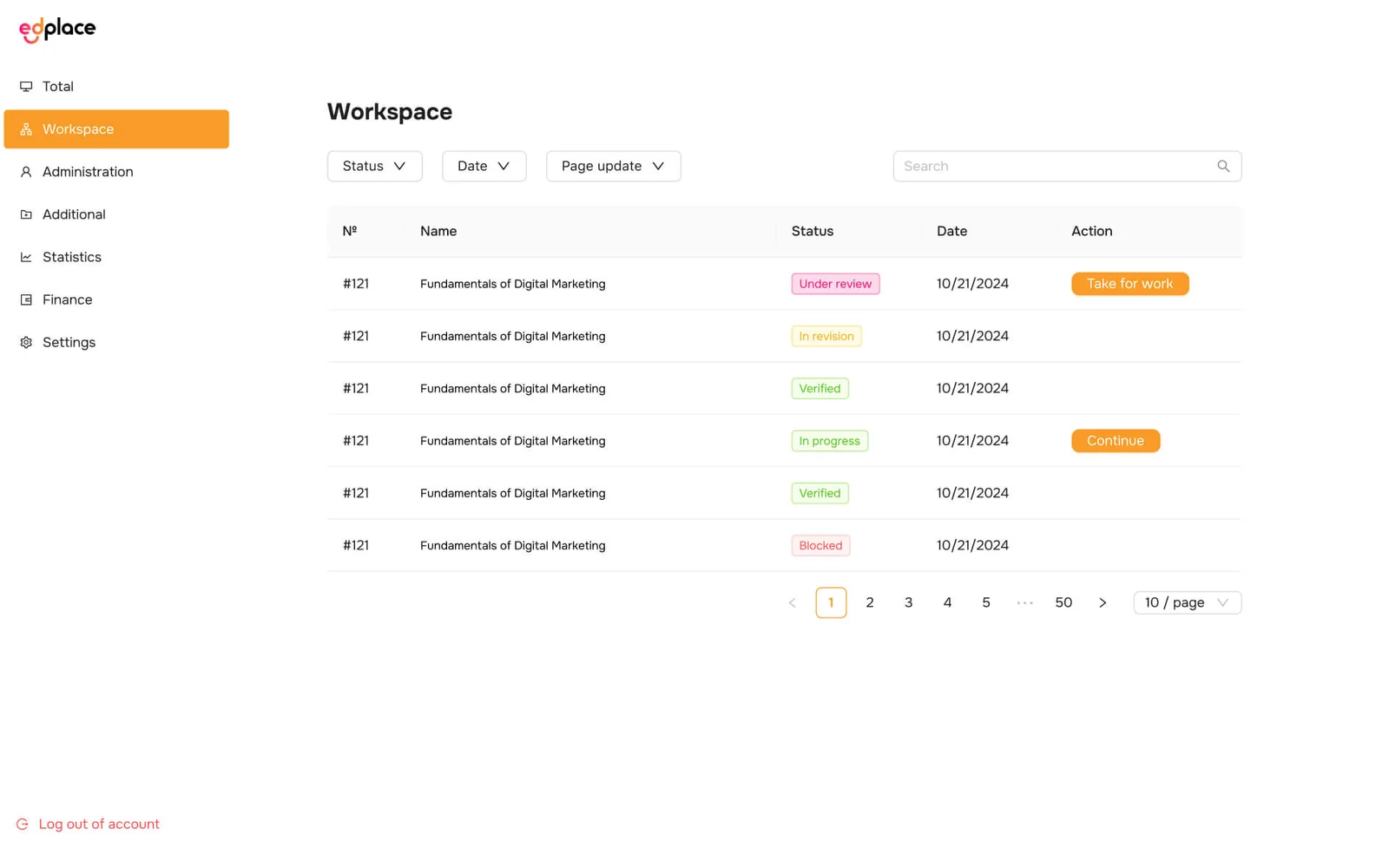
Quality is what makes a marketplace trustworthy, so moderation is a first-class workflow rather than an afterthought. From the admin console, administrators review every course before it goes live — checking accuracy and originality — and move it through a clear pipeline of statuses: under review, in revision, verified, in progress, or blocked. Each item carries a “take for work” action so a moderator can claim it and own the outcome.
The same console manages users — blocking, role changes — and configures the expert reward system: commission percentages, payout rules, and the finance view behind them. It all runs on a role-based access model, so the operator can grow a moderation team without handing everyone the keys. The admin tier is delivered as part of our custom software development practice.

On the student side, the job is discovery and trust. The catalog filters courses by topic — Marketing, IT, Design, and more — and sorts by popularity, date, or price. Each course page carries the things a buyer actually weighs before paying: a clear description, the author's profile, a course length, and an open rating with reviews. Access is provisioned automatically the moment a payment clears — no manual enrolment, no waiting.
The open review system is deliberate. Ratings are visible and honest, which pushes experts to keep quality high and gives students a real signal in a category crowded with hype. Payment, enrolment, and a personal “My learning” space are one continuous flow, so a first purchase turns into a returning learner rather than a one-off transaction.
Ready-made course tools ship faster, but the marketplace economics are exactly what EdPlace needed to own. Here is how a custom Laravel + React build compares with the SaaS course builders and open marketplaces the founder evaluated.
| Dimension | EdPlace (custom build) | SaaS builders (Teachable / Thinkific / Kajabi) | Open marketplaces (Udemy / Skillshare-style) |
|---|---|---|---|
| Revenue commission | None — the operator owns the economy | Per-seat fee or transaction share | Large platform revenue share |
| Role & reward customization | Unlimited — custom payout model | Limited to the plan's rules | Fixed by the platform |
| Data & payment ownership | Full — own data and payment circuit | Held inside the vendor | Owned by the marketplace |
| Adaptive video pipeline | First-class — multi-bitrate transcoding | Vendor player, limited control | Platform-managed |
| Moderation control | Full pre-publish moderation workflow | Minimal — you self-govern | Platform-enforced, not yours |
| Multi-cohort streams | Native — re-run without duplicating | Cohort add-ons, extra cost | Not the model |
| Branding & scalability | Own brand, scale without limits | Themed within vendor limits | The platform's brand, not yours |
References: Laravel documentation, React documentation, schema.org Course.
A hybrid of Waterfall structure and Agile sprints took EdPlace from a raw idea to a production platform — with room to react to what beta testers asked for.
EdTech market and competitor research, role prototyping for expert, student, and admin, and the core decisions on the reward economy.
Transaction schema, the expert reward and payout model, and the moderation scenarios that keep course quality defensible.
Laravel + React backend and frontend, the course constructor and cabinets, catalog, and the payment-gateway integration.
Adaptive transcoding pipeline, quality selection, moderation console, and payout logic validated against real flows.
Beta-tester sprints, go-live, and a clean architecture hand-off so the founder's in-house team could keep scaling it.
The commercial model is the reason EdPlace exists as a custom build rather than a Teachable store. Ready-made platforms are faster to launch, but they charge a commission on every sale, cap how far the reward system can flex, and keep the payment and learner data inside their walls. For a founder whose whole thesis is a proprietary course economy, that is renting the business rather than owning it.
So the payout layer was built as first-class product logic. Commission percentages, expert payouts, and the finance view are configuration against the reward model, not a code release — the operator can change the economics without an engineer in the loop. Because the marketplace, catalog, and entitlement services are decoupled, adding a new content type, a promotion, or a new role later is a configuration change rather than a rebuild.
Data posture is enforced at the architecture layer. Learner accounts hold only what enrolment and delivery need, payment records sit with the payment processor under a tokenized customer ID the storefront never sees, and role-based access controls what each cabinet can reach. The result is a platform that is auditable and scalable by design — not a prototype that has to be re-plumbed before it can grow.
EdPlace launches as a single Laravel + React platform serving experts and learners across the United States and the European Union. The application tier is stateless and horizontally scaled, so it can be pinned to EU or US regions independently for future data-residency commitments, and payment processing is configured per region against the operator's chosen acquirers.
Data handling is aligned with GDPR for European learners and acknowledges the US state-privacy patchwork — CCPA / CPRA in California, VCDPA in Virginia, CPA in Colorado, CTDPA in Connecticut, UCPA in Utah, TDPSA in Texas, and Oregon CPA. Consent is region-aware at the client layer, right-of-access and deletion flows are wired into the admin tier, and the platform is built to sit comfortably inside an ISO 27001 posture. The engineering team behind the build runs a CET workday with an East-Coast US overlap (9 AM–1 PM ET) for stand-ups, product sprints, and incident response.
The active custom software development roadmap for EdPlace includes richer learning analytics for experts, certificates and completion tracking, subscription and bundle pricing alongside one-off course sales, and native mobile companion apps for learners who study on the go. Infrastructure plans include further regionalization across the US and EU and continued automation of the transcoding pipeline in the cloud & DevOps roadmap.
If you are planning an online-course marketplace, an LMS with a custom reward economy, or any e-learning product where the platform economics outgrow a Teachable or Thinkific template for the US and EU, we have shipped this stack end to end and can compress the build timeline meaningfully. The engineering team behind EdPlace sits inside YuSMP Group. We work fixed-price for well-scoped MVPs and on dedicated development teams for ongoing delivery, with a CET workday and a guaranteed East-Coast US overlap (9 AM–1 PM ET) window for stand-ups, demos, and incident response.
A custom Laravel + React course-marketplace MVP with expert and student cabinets, a course constructor, a catalog with payments, and basic video playback typically costs $70k–$160k. Adding adaptive video transcoding, an expert reward and payout system, and an admin moderation console brings a full-featured platform to $180k–$450k. The dominant cost drivers are the video transcoding pipeline, the multi-role payout logic, and the moderation workflow that keeps course quality defensible before publication.
Off-the-shelf course builders like Teachable, Thinkific, and Kajabi are faster and cheaper to launch, but they take a revenue share or a per-seat fee, cap how far you can customize roles and the reward economy, and keep your payment and learner data inside their platform. A custom build like EdPlace is justified when the marketplace economics are the product: zero intermediary commission, full control of the expert payout model, ownership of learner data and the payment circuit, and freedom to scale features without vendor limits.
When an expert uploads a video, EdPlace automatically transcodes it into several bitrates. The player then adapts the quality to the learner's connection speed and lets the learner switch manually between levels such as 360p, 720p, and 1080p. This keeps lessons watchable on slow or mobile connections and removes buffering as a reason learners drop off.
A focused MVP with expert and student cabinets, a course constructor, a catalog, card payments, and basic video typically takes 4–7 months. Adding adaptive video transcoding, an expert payout system, and admin moderation adds a further 2–3 months. Validating the payout logic and the transcoding pipeline against real content and real payment flows is the step most often underestimated.
The admin console lets operators moderate courses before they go live (accuracy and originality checks), manage users with blocking and role changes, and configure the expert reward system including commission percentages and payouts. It runs on the same role-based access model that secures the storefront and cabinet APIs.
Related cases
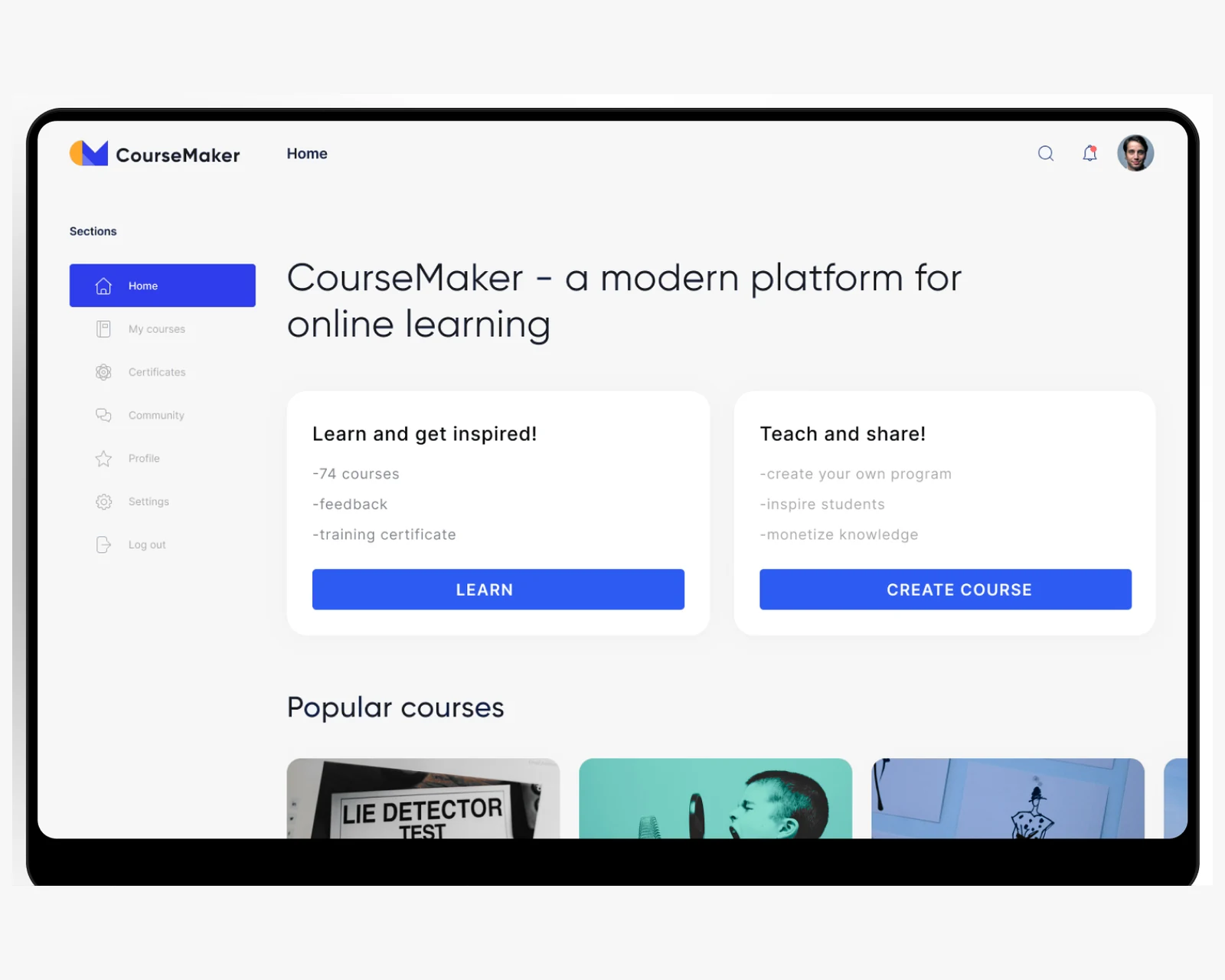
A course-authoring platform that lets educators build and publish structured online courses for US and EU learners.
View case →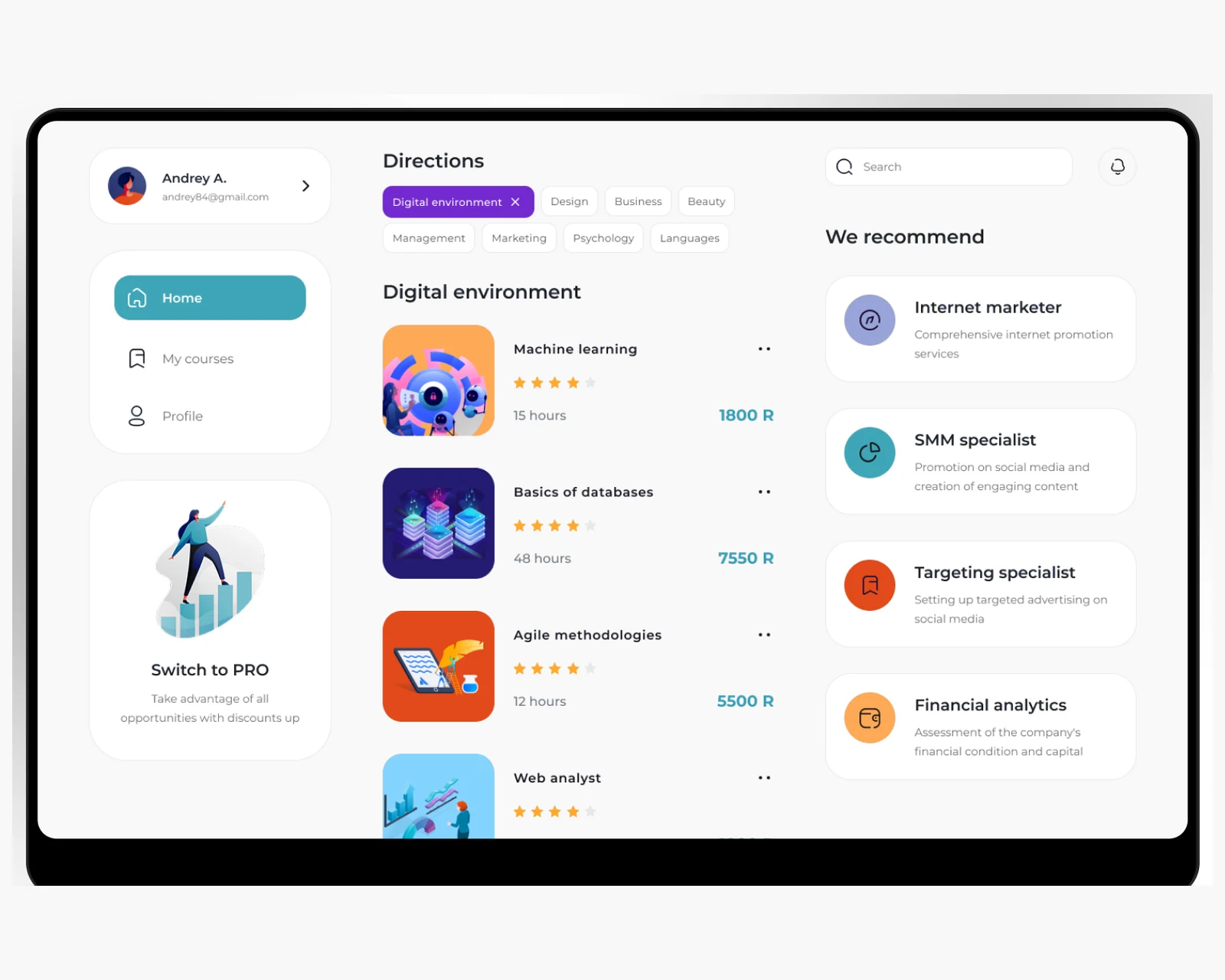
A web platform connecting coaches and clients with scheduling, sessions, and payments for a cross-border audience.
View case →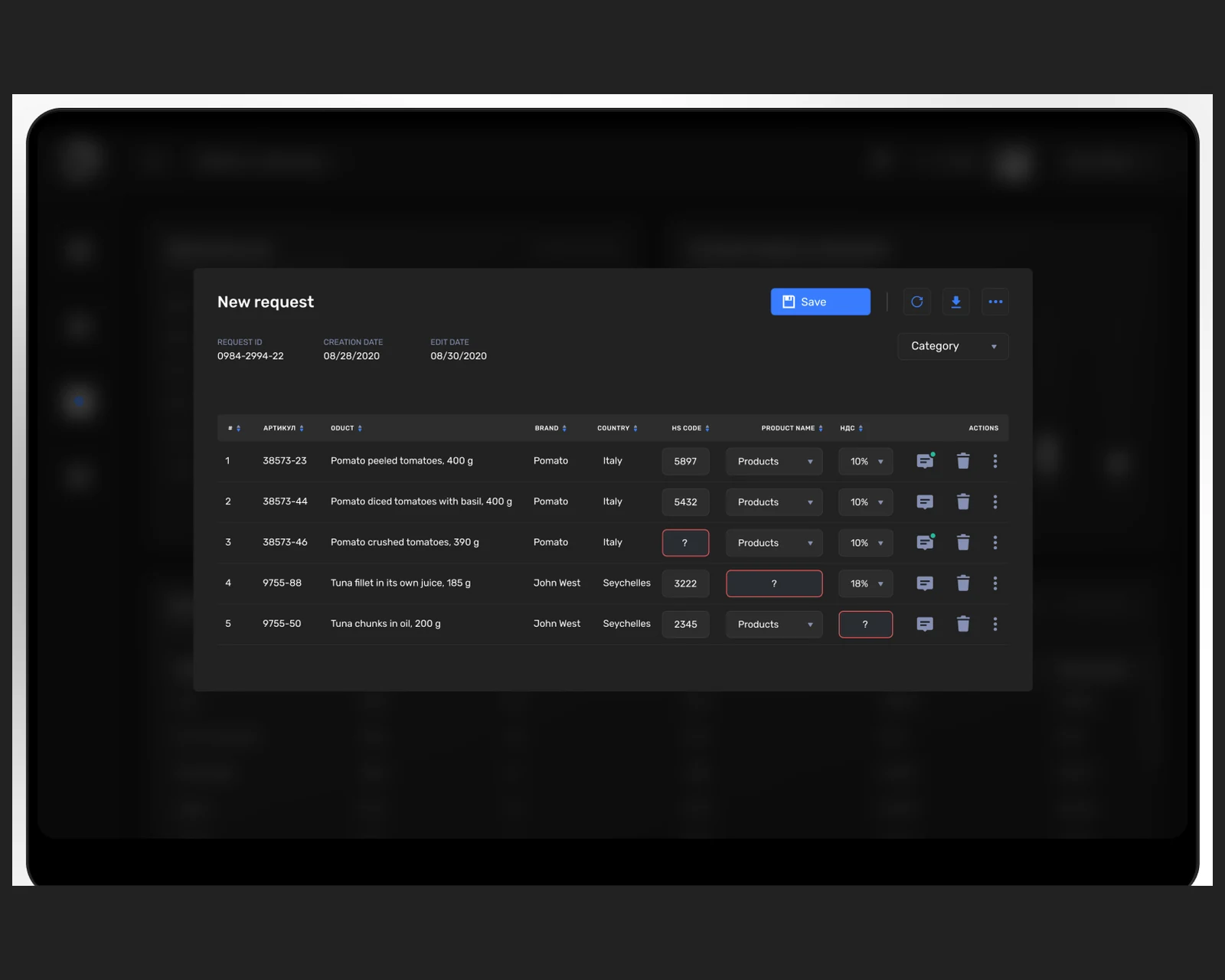
A training and learning platform with structured programs and progress tracking, built for US and EU teams.
View case →Share a few details and a senior consultant will reply within one business day.