
The short answer
On August 28, 2026, Microsoft Threat Intelligence published details of TerminalFix, a new variant of the ClickFix social engineering technique that targets enterprise Windows environments. Where classic ClickFix campaigns told victims to paste a command into the Windows Run dialog, TerminalFix specifically directs them to Windows Terminal or PowerShell — a change that makes complex, multi-line scripts far more reliable to execute. The lure is a fake Cloudflare CAPTCHA verification page served from compromised websites. Users who follow the on-screen instructions unknowingly kick off a chain that ends with a fully persistent backdoor inside their organization's internal network.
There is no software vulnerability to patch here. The only control surface that matters is whether a user runs the command. For teams responsible for enterprise security audits and hardening, TerminalFix represents a meaningful escalation in attacker sophistication — and a concrete test of whether your security awareness, endpoint controls, and detection capabilities are calibrated for 2026-era social engineering.
How TerminalFix runs
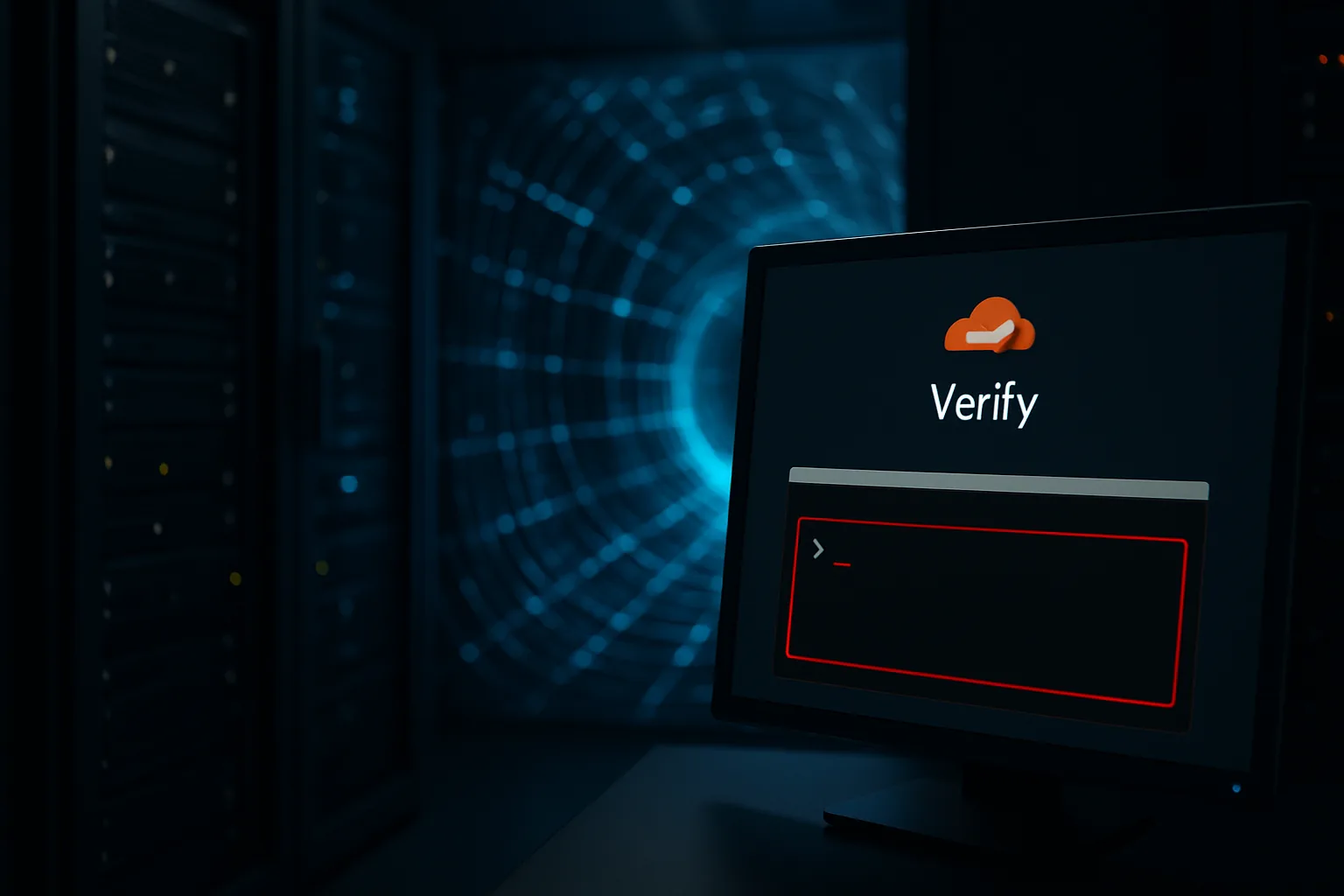
The attack begins on a legitimate-but-compromised website. Visitors are greeted by an overlay that mimics Cloudflare's browser integrity check — familiar branding, a recognizable spinner, and a message that claims the verification requires a manual step. Instead of a checkbox click, the overlay instructs the user to open Windows Terminal or PowerShell and paste a command that was automatically copied to their clipboard.
The choice of Windows Terminal is deliberate. Earlier ClickFix campaigns targeted the Run dialog (opened with Win+R), which is limited to single-line commands and often flagged by endpoint controls. PowerShell and Windows Terminal handle multi-line scripts natively, allowing attackers to embed the entire initial-access payload — download, unzip, execute, and clean up — in one clipboard paste. Execution also happens under the user's own identity, so it does not trigger a UAC prompt at the outset.
Once the command runs, the visible terminal window closes after a few seconds, and the machine behaves normally from the user's perspective. The attack chain continues silently in the background.
The 8-stage attack chain
Microsoft's analysis documents eight distinct stages between the initial PowerShell execution and full network access:
- Initial download. PowerShell fetches a ZIP archive from an attacker-controlled domain. The archive contains a legitimate Windows binary —
LockScreenContentServer.exe— and a rogue DLL nameddui70.dll. - DLL sideloading. When
LockScreenContentServer.exelaunches, Windows loadsdui70.dllfrom the same directory due to DLL search-order behavior. The malicious code executes inside a trusted process, bypassing application-allowlisting that permits the legitimate binary. - Steganographic extraction. The sideloaded DLL downloads PNG images from secondary attacker domains. Executable payloads are concealed in the pixel data of these images. The DLL extracts and loads the next stage entirely from image files, making traffic appear as ordinary image downloads to network inspection tools.
- Persistence — Registry. A Run key is written to the current user's registry hive, causing the initial loader to re-execute on every logon.
- Persistence — Scheduled task. A scheduled task fires every 60 minutes, acting as a watchdog that re-establishes the loader if it is killed between reboots.
- Active Directory reconnaissance. The implant runs automated AD enumeration: domain trust discovery, privileged group membership, service account inventory, and network topology mapping. Results are written to a local text file monitored by the implant.
- Command execution loop. A file-watch loop polls the local text file for attacker commands and executes them via PowerShell, providing a covert command channel that does not require a live connection to C2 at the time of execution.
- Reverse tunnel. A Python-based client (
client.py) establishes a WebSocket connection to attacker infrastructure on port 443. This creates a reverse SOCKS5 proxy tunnel that routes attacker traffic through the compromised host into the internal network. Eight message types are supported, covering tunnel management, data forwarding, and keep-alive signalling.
C2 domains identified by Microsoft include gitnow[.]dev (reverse tunnel endpoint), bestsocialmedianewspapper[.]com (payload delivery), and offlineupdater[.]com (failover domain). These should be added to threat-intelligence blocklists immediately.
Why Active Directory access is the real risk
The reverse tunnel is alarming on its own — it gives attackers a persistent, encrypted path into your internal network. But the combination of the tunnel with automated AD reconnaissance makes TerminalFix substantially more dangerous than a conventional infostealer.
By the time a defender discovers the infection, attackers already know your domain architecture: which accounts have privileged access, which machines are high-value targets, and which trust relationships could enable lateral movement to partner or subsidiary domains. That reconnaissance data means any follow-on attack — ransomware, data exfiltration, privilege escalation — can be executed with precision rather than brute-force scanning, significantly compressing dwell time between initial access and significant damage.
Microsoft explicitly warns that any confirmed TerminalFix execution should be treated as a full network-level compromise, not an isolated endpoint incident. The credential rotation scope is correspondingly broad: not just the compromised user's password, but any credentials cached on or accessible from the affected machine, including domain admin accounts and service accounts visible in the AD enumeration output.
What it means for US & EU software teams
For engineering teams and IT leaders, TerminalFix illustrates a maturing attacker playbook that bypasses many of the controls that were effective against earlier generations of malware. There is no CVE to prioritize, no patch to ship, and no signature that uniquely identifies the initial PowerShell command before it runs — because the command is typed by a real user.
The attack surface is every Windows machine in your organization that can reach the internet and open Windows Terminal. That includes developer workstations, which are high-value targets: they often have domain admin credentials cached, access to internal build systems, and broad network reach. A developer whose workstation is compromised via a TerminalFix lure gives attackers a foothold in your CI/CD pipeline, source repositories, and cloud credentials.
For teams operating under compliance frameworks such as SOC 2, ISO 27001, or the EU's NIS2 directive, TerminalFix also creates a documentation obligation. If an employee executed the malicious command, organizations must determine whether sensitive data was accessible from that machine — and, if it was, whether a reportable breach occurred. NIS2 imposes a 72-hour initial notification window for significant incidents affecting essential or important entities; the AD-aware nature of TerminalFix means a single workstation compromise can quickly qualify as significant under that standard. Building a response playbook for this scenario now is far less expensive than reconstructing one during an active incident.
The practical defense posture requires layering controls across awareness, policy, and detection. No single measure is sufficient, and TerminalFix's use of legitimate binaries, standard protocols, and pixel-embedded payloads is specifically designed to evade single-layer defenses. Enterprise teams that have not recently reviewed their Windows endpoint policy baseline against the MITRE ATT&CK techniques this campaign uses (T1574.001 for DLL sideloading, T1027.003 for steganography, T1021 for lateral movement) should treat this disclosure as a prompt to do so.
How to reduce your exposure now
Microsoft's recommended mitigations, applied in order of impact:
- Restrict PowerShell execution. Deploy AppLocker or Windows Defender Application Control (WDAC) policies that prevent PowerShell scripts from running unless signed or executed from an approved path. Enable Constrained Language Mode for standard users; reserve Full Language Mode for accounts that genuinely need it.
- Configure Windows Terminal to warn on multi-line paste. Windows Terminal 1.19+ includes a setting that displays a confirmation dialog before executing pasted content containing newlines. Enable this for all domain users via Group Policy or Intune.
- Enable PowerShell script block logging. Script block logging (via GPO: Computer Configuration → Administrative Templates → Windows Components → Windows PowerShell) captures the decoded content of every script block before execution, including obfuscated commands. Feed this into your SIEM for alerting on known-bad patterns.
- Deploy attack surface reduction rules. Microsoft Defender for Endpoint's ASR rules include policies that block credential stealing from LSASS, block process creations from Office macros, and prevent executable content from email. Review and enable the full ASR ruleset in audit mode first, then enforce.
- Block or monitor known C2 domains. Add
gitnow[.]dev,bestsocialmedianewspapper[.]com, andofflineupdater[.]comto your DNS blocklist or firewall deny list. Subscribe to Microsoft Threat Intelligence feeds to receive updated indicators as the campaign evolves. - Run targeted AD hygiene. Review privileged group membership, disable stale service accounts, and enforce Privileged Access Workstations (PAWs) for domain admin tasks. The value of TerminalFix's AD reconnaissance output is directly proportional to the overprivilege in your domain.
- Update security awareness training. Add TerminalFix lures to your phishing simulation library. The fake Cloudflare CAPTCHA pattern is visually convincing; users need to see it in a safe environment before they encounter it in the wild.
Frequently asked questions
What is TerminalFix and how does it differ from ClickFix?
TerminalFix is a more sophisticated variant of ClickFix, a class of social engineering attack that tricks users into pasting malicious commands. While classic ClickFix often targets the Windows Run dialog (Win+R), TerminalFix redirects victims to Windows Terminal or PowerShell. This change is deliberate: multi-line PowerShell scripts execute more reliably in Terminal than in the Run dialog, enabling TerminalFix to deploy a full 8-stage attack chain rather than a simple single-stage infostealer.
What does TerminalFix actually install on an enterprise machine?
TerminalFix deploys a Python-based reverse SOCKS5 tunnel implant that connects back to attacker-controlled infrastructure over an encrypted WebSocket connection. From that tunnel, attackers gain persistent access to the internal network for lateral movement, privilege escalation, and data exfiltration. The chain also establishes dual persistence via Windows Registry Run keys and a scheduled task that fires every 60 minutes, and performs extensive Active Directory enumeration to map the target environment.
Can endpoint detection or a firewall block TerminalFix?
Standard perimeter firewalls are of limited use because TerminalFix tunnels over HTTPS port 443 to legitimate-looking domains, making its traffic difficult to distinguish from normal web traffic. Microsoft Defender for Endpoint with attack surface reduction (ASR) rules, PowerShell Constrained Language Mode, and script block logging are the most effective host-level controls. Blocking execution of PowerShell commands pasted by users and restricting Windows Terminal to approved users significantly reduces exposure.
What should incident response teams do if TerminalFix is detected?
Microsoft recommends treating any confirmed TerminalFix execution as a full network-level compromise rather than an isolated endpoint incident. The reverse tunnel gives attackers a foothold into the internal network from the moment the PowerShell command runs. Response steps: isolate the affected host immediately, rotate all credentials accessible from that machine including domain admin accounts, audit Active Directory for new accounts or group membership changes created after the initial execution, and review scheduled tasks and Run keys across domain-joined machines for persistence indicators.
Sources
Microsoft Threat Intelligence — TerminalFix campaign deploys a reverse tunnel through multistage intrusion (primary source, August 28, 2026)
The Hacker News — TerminalFix Uses Fake Cloudflare CAPTCHAs to Deploy Reverse-Tunnel Backdoor