Discovery & evidentiary model
Workshop with the firm's senior partners to map matter types, identify what a defensible signed-document evidence pack must contain, and reconcile eIDAS and ESIGN requirements with the firm's existing workflow.

Case study · LegalTech · Mobile · CRM
How we built Signatory Pro — a remote document-signing platform for a cross-border law firm with offices in the European Union and ongoing matters across the United States. Native iOS and Android apps for clients, a Symfony and React CRM for the firm's operations team, and an identity-verification flow that meets the evidentiary bar lawyers actually need.
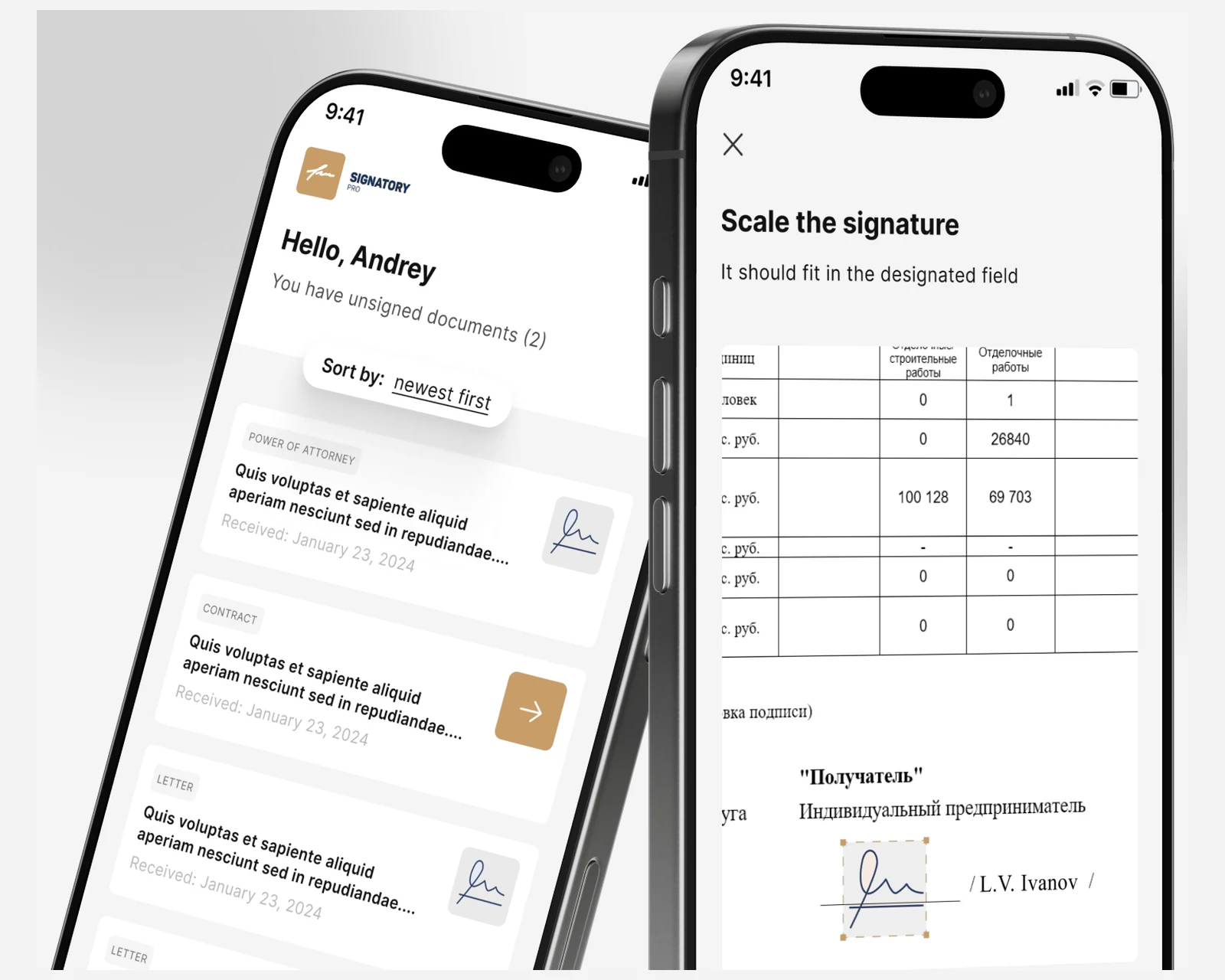
Signatory Pro was commissioned by an international law firm that combined two legal practices — one in the European Union, one in South-Eastern Europe — into a single operation serving sports-law clients across the United States, the European Union and the United Kingdom. The merged firm inherited a document-signing process built around paper: a contract drafted in one office, printed, signed, scanned, couriered to the counterparty, signed again, returned weeks later. For routine commercial work that workflow was wasting partner time and partner billings; for time-sensitive matters — a transfer window in football, a closing deadline on a real-estate deal — it was a real business risk. The firm asked us to build a single platform that would let any verified client sign documents from their phone, give the firm's operations team a CRM to route documents and manage clients, and produce an evidence trail strong enough to stand up when a counterparty later challenged a signed agreement.
A snapshot of what the Signatory Pro engagement delivered across the mobile clients, the backend and the CRM.
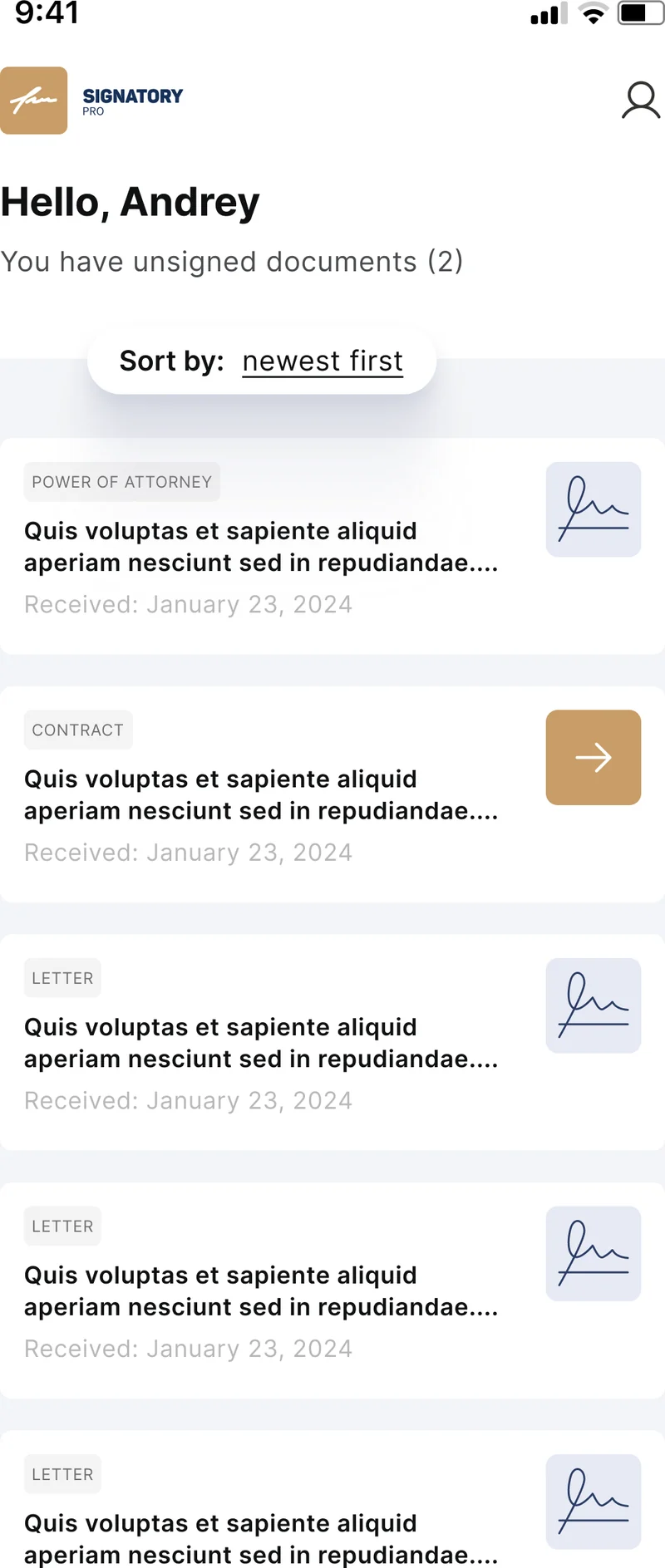
The first design choice on Signatory Pro was the document delivery surface itself. The obvious alternative — and the one most legal practices outside the top tier still use — is emailing PDF attachments back and forth: draft a contract, attach it to an email, ask the counterparty to print, sign, scan, and reply. We rejected that path early. Email attachments are not tamper-evident, they leak document content into a half-dozen mail providers and intermediate caches, and they produce an audit trail that is a hostile collection of forwarded message headers rather than a structured signature record. A native mobile feed inside the firm's own app turns the inbox into a structured queue: each document has a state (unsigned, signed, archived), a type (power of attorney, contract, letter), an assigned signatory, and a verifiable chain of custody from upload through signature to download.
The client view is intentionally minimal — a sorted list of pending documents with type chips and signature thumbnails — because the cognitive load on a signing screen needs to stay close to zero. Sort and filter controls let a partner with dozens of in-flight matters surface what is actually waiting for them. Behind the feed sits the firm's React CRM, where the operations team uploads documents, assigns them to clients, and watches state transitions land in real time. The same design choices we apply on a consumer mobile app development brief — one screen, one action, no surprises — translate directly to a LegalTech client surface where the user is a busy executive, not a hobbyist.
| Dimension | Emailed PDF attachments | Generic third-party signing platform | Signatory Pro native app |
|---|---|---|---|
| Tamper evidence | None — every recipient can edit a copy | Per-document hash, vendor-controlled | Per-revision hash, firm-controlled storage |
| Identity binding | Email address only | Email + optional ID upload | 5-step KYC bound to every signature event |
| Branding | Mail-client branding wins | Vendor branding wins | Firm branding throughout |
| Data location | Mail provider servers (US-centric) | Vendor's region of choice | Firm-elected EU or US region |
| Notification channels | Email reply only | Email + optional SMS | Push, SMS, email, WhatsApp Business |
| GDPR posture | Ambiguous joint-controller status | DPA with the vendor required per matter | Firm is the sole controller |
| Time to close routine contract | Days to weeks (courier round-trips) | Hours (vendor portal) | Minutes inside the firm's own app |
Regulatory references: eIDAS Regulation (EU) No 910/2014, US E-SIGN Act (15 U.S.C. §7001).
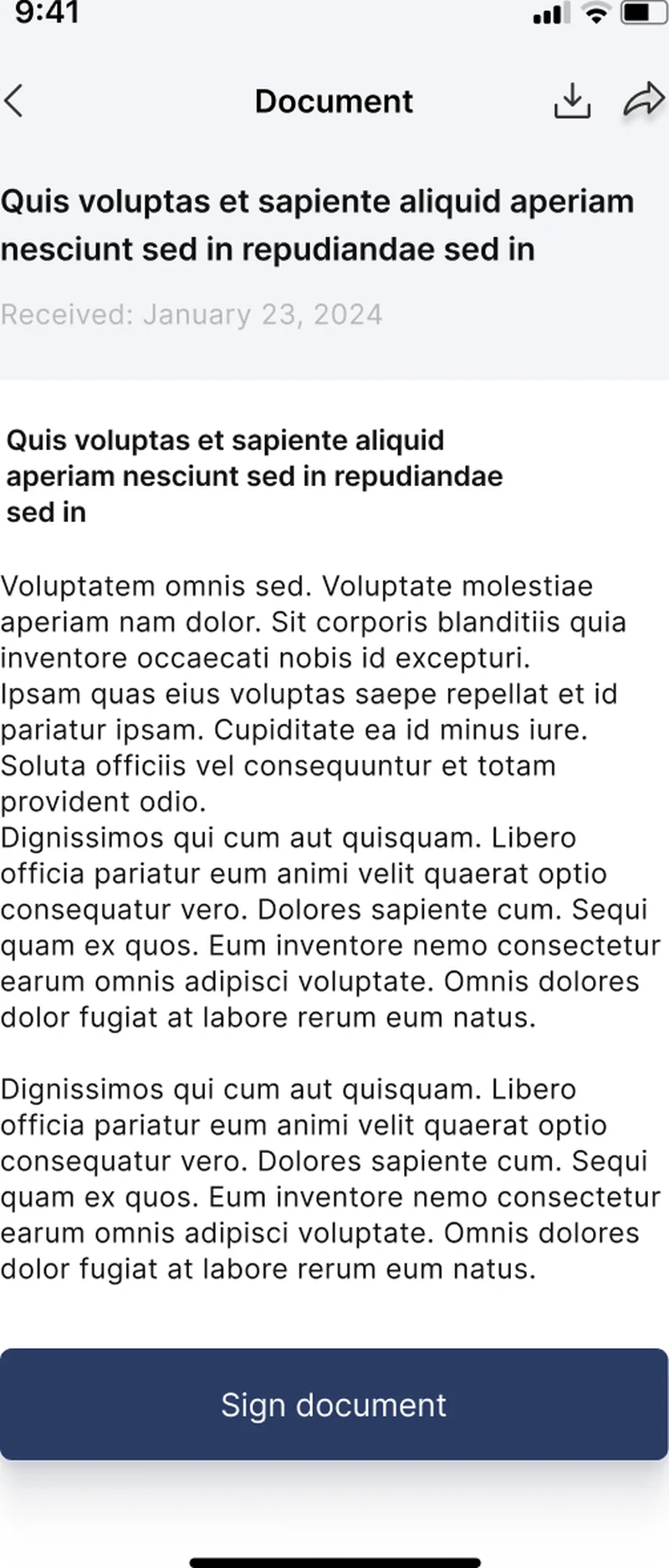
The iOS client is the surface most of the firm's clients touch, so it received the most design attention. The document detail screen is intentionally a single linear flow: the document's title, type chip, and received-on date sit at the top; the full text occupies the body; a single primary Sign document button anchors the bottom of the viewport. Tapping it advances into the signing sequence — PIN code or biometric unlock, signature confirmation, and an SMS one-time code that ties the act of signing to the device and the verified phone number on file. We use LocalAuthentication for Face ID and Touch ID, fall back to a PIN code stored in the iOS Keychain when biometrics are unavailable, and emit an out-of-band SMS one-time code so the audit trail does not collapse if a device is compromised.
The result of a successful signing event is an evidence package — not just a signed PDF, but a structured bundle containing the document hash before and after, the timestamp from a trusted source, the IP address and device fingerprint, the SMS one-time code receipt, the KYC binding to the user's verified identity, and the signature image itself with its capture timestamp. The bundle is generated server-side by the Symfony backend and stored in the firm's document archive; the client receives a download link for the signed PDF and a share affordance into the iOS share sheet. The same engineering posture we apply on consumer custom software development work — a single happy path that always produces a defensible artifact — is the spine of this surface.
The Android client carries feature parity with iOS but earns its own engineering surface around signature capture. Rather than asking a client to draw a signature with a finger on a touchscreen — which produces a wobbly, unrecognizable mark that looks nothing like the person's pen-on-paper signature and gives every counterparty a plausible reason to challenge it — Signatory Pro asks the user to sign a sheet of paper once, photograph it through the app, and let the backend produce a clean transparent signature asset that gets stamped onto every subsequent document. The capture screen is a guided viewfinder with a target rectangle, a flash control, and an inline instruction ("Place the signature in the rectangle and photograph it at a right angle") so the captured image is high-contrast, evenly lit, and roughly orthogonal to the page.
The server-side pipeline does the heavy lifting: a background-removal service strips the paper, leaving the signature as a transparent PNG on a clean alpha channel; an OCR step extracts any pre-printed metadata if the photographed page also contained a contract; a quality-assurance step rejects images that are too blurry, too dark, or visibly off-axis and prompts the client to retake. Once approved, the signature asset is stored in the user's profile and reused across every future signing event — so the visual signature on a contract closed in January looks identical to the one on a contract closed in November, and a forensic comparison against a paper original will hold up. We have applied the same approach on internal-CRM web application development work where consistent, high-quality identity artifacts mattered to the legal posture of the platform.
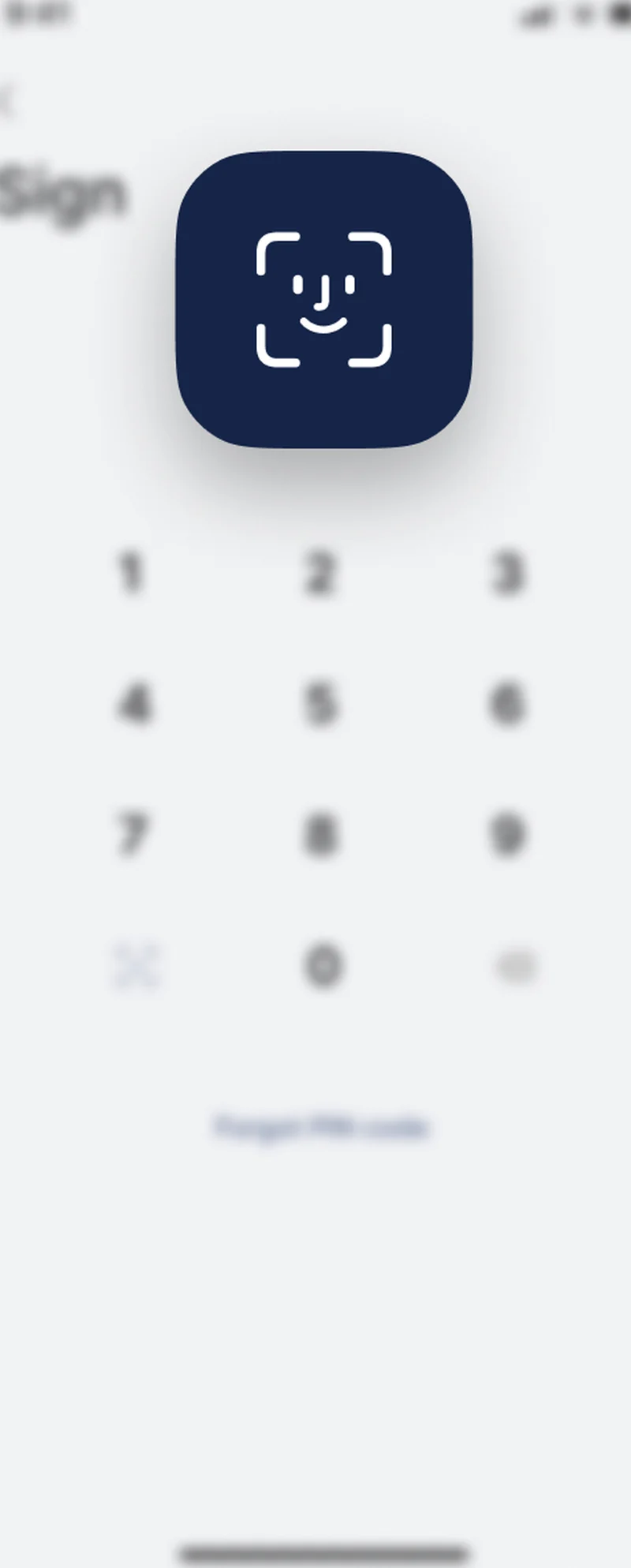
The fourth surface — the part of the platform a client only walks through once but that underwrites every subsequent signature — is identity verification. A new user is taken through a 5-step onboarding flow: phone-based SMS authentication, profile fields, signature capture (described above), a passport or national-ID photograph, and a selfie holding the document unfolded. The server runs OCR over the document image to extract the name, date of birth, document number, and expiry; runs a face-match between the document photograph and the live selfie; and routes any low-confidence case into a human review queue staffed by the firm's operations team via the CRM. The output is a verified-identity record bound to the user account, and every signature event from that point forward references that record by ID inside the evidence pack.
Data lives where the firm needs it to live. Personally identifiable information — the passport image, the selfie, the verified-identity record — is encrypted at rest in the firm-elected region (the European Union for matters governed by EU law, the United States for matters with US-resident counterparties) and is retained per the matter's retention policy with documented deletion windows. Document content is hashed before storage so a downstream tamper attempt is detectable without keeping a verbatim audit copy. The system is built so that an inbound subject-access request under GDPR, or an opt-out request under CCPA / CPRA, can be served by the firm's operations team from the CRM in minutes rather than days.
Compliance posture: GDPR-aligned · ISO 27001 ready · SOC 2 Type II in progress · HIPAA-capable · CCPA-acknowledged.
A five-phase engagement that took Signatory Pro from a paper-bound legal practice to a production iOS, Android and CRM platform.
Workshop with the firm's senior partners to map matter types, identify what a defensible signed-document evidence pack must contain, and reconcile eIDAS and ESIGN requirements with the firm's existing workflow.
Symfony backend with a React control plane, document-store schema with per-revision hashing, KYC pipeline integration, and the first end-to-end signing path against staged documents.
Native Swift client and native Kotlin client against the shared backend, feature parity for the document feed, signing flow, and identity onboarding, with platform-appropriate biometric integrations.
Firebase Cloud Messaging, SMS gateway, SMTP delivery, and WhatsApp Business API wired into a single notification orchestrator, with per-client channel preferences exposed in the CRM.
Audit-ready hardening of the evidence-pack generator, App Store and Google Play submissions, GDPR-aligned retention rules in the CRM, runbook and on-call handover to the firm's operations team.
Every document state change in Signatory Pro flows through a single notification orchestrator that fans out across four channels: Firebase Cloud Messaging for installed-app push, an SMS gateway for the client's verified phone number, SMTP email for clients who prefer to keep their record in their inbox, and the WhatsApp Business API for clients in jurisdictions where messaging is the default channel for business correspondence — common across much of the European Union, the United Kingdom and the Middle East. The CRM exposes per-client channel preferences so the firm's operations team can route a US corporate counterparty through email while routing an EU individual through WhatsApp, without re-implementing the routing logic for each new client. The orchestrator also tracks delivery receipts: a notification that never reached the client is visible in the CRM as an unhealthy state on the matter, so a partner can intervene before a deadline slips.
Signatory Pro launched with a cross-border posture from day one. The mobile clients are English-first and built so that an EU client and a US client see the same product surface, the same evidentiary controls, and the same compliance language. The architecture is region-agnostic: the firm can elect to pin a matter's data to an EU region for an EU-governed contract or to a US region for a matter with US-resident counterparties, without code changes. The same engineering posture supports clients in the Netherlands, Germany, France, Ireland, Sweden, and the United Kingdom — all jurisdictions where the firm has active matters — and is ready to scale to additional EU member states as the firm grows its client base.
Privacy posture mirrors the rest of our portfolio. The platform is aligned with GDPR across the European Union and ready to meet the US state-privacy patchwork: CCPA / CPRA (California), VCDPA (Virginia), CPA (Colorado), CTDPA (Connecticut), UCPA (Utah), TDPSA (Texas), and Oregon CPA. Document content and identity artifacts are kept under firm control rather than being handed to a third-party signing vendor — the practical effect is that a subject-access request from an EU data subject, or a deletion request from a California consumer, is fulfilled by the firm's operations team from inside the CRM rather than being escalated to a vendor support queue. The 5-step KYC binding makes every signature event traceable to a verified person, which is the bar that counterparty counsel reaches for first when a signed agreement is later challenged in a US or EU court.
The roadmap for Signatory Pro extends the platform along three axes the firm cannot safely run on emailed PDFs: a qualified electronic signature (QES) tier under eIDAS for matters that require the strongest legal weight in the European Union; a counterparty workflow so the firm's clients can themselves dispatch documents to their own counterparties without leaving the platform; and a public web client mirroring the mobile feed for desktop signing scenarios. Infrastructure plans include a tighter SLO on the evidence-pack generator (sub-second signed-PDF return for documents under 200 pages) and region-pinned database partitions in additional EU member states as the firm expands. We treat that roadmap the same way we treat ongoing cloud & DevOps work for any US or EU customer where regulatory posture, not just feature velocity, is the operating constraint.
A focused e-signature MVP covering iOS, Android and a basic CRM control plane — document upload, signature capture, KYC onboarding, and store submissions — typically costs $140k–$280k. Adding a multi-tenant CRM with push-notification orchestration, document archive search, and integrated identity verification brings a full-featured platform to $320k–$650k. The dominant cost drivers are KYC vendor integrations, identity-verification UX, and the legal-evidence audit trail required for cross-border document validity.
Production remote document signing has four moving parts: a tamper-evident document store that hashes every revision, a signature capture flow that records timestamp and device metadata alongside the signature image or vector, an identity binding step that ties the signature event to a verified individual, and a signed-PDF generator that embeds the signature, audit trail, and verification artifacts into a downloadable file. The legal weight of the result depends on jurisdiction: eIDAS in the European Union and the ESIGN Act in the United States both recognize this class of electronic signature for routine commercial contracts.
Identity verification for an e-signature mobile workflow runs as a guided onboarding flow: the user provides phone-based SMS authentication, uploads a passport or national-ID document photograph, and submits a selfie holding the document. Server-side OCR extracts document fields, a face-match step compares the selfie to the document photograph, and a human review queue clears any low-confidence cases. The result is a verified-identity record that binds every subsequent signature event to a real person, which is the evidentiary bar most courts and counterparties expect.
Symfony with a React control plane is a low-risk pairing for a LegalTech backend that needs strong typing, mature ORM tooling, and a long support window. Symfony's component architecture maps cleanly onto the legal-workflow domain — documents, signature events, parties, evidence packages — and its long-term-support releases mean an audit reviewer years from now still sees a maintained framework. React on the CRM gives the firm's operations team a single-page app that handles document routing, notification scheduling, and case bundles without round-tripping every action through a server render.
A focused MVP with iOS and Android clients, a Symfony backend, a basic React CRM, document upload and signing, and both store submissions typically takes 14–22 weeks. Adding KYC onboarding, push-notification orchestration, WhatsApp Business and email delivery, and an archive with search adds another 6–10 weeks. The audit-ready hardening pass — evidence-package generation, GDPR-aligned data retention, and a third-party readiness assessment — is frequently underestimated and should be budgeted at 4–6 weeks of dedicated work.
If you run a law firm, a LegalTech vendor, or a document-heavy operations function — anywhere in the United States, the European Union, or a cross-border market like the United Kingdom — and you are weighing a custom e-signature build, a CRM extension, or a refactor of a paper-bound workflow, we have shipped this stack end-to-end and can compress the build timeline meaningfully. The engineering team behind Signatory Pro sits inside YuSMP Group. We work fixed-price for well-scoped builds and on dedicated development teams for ongoing delivery, with a CET workday and a guaranteed East-Coast US overlap (9 AM–1 PM ET) window for stand-ups, demos, and incident response. Signatory Pro is a private deployment for a single international law firm and is not offered as a public SaaS — the case study describes our engineering capability rather than a product you can sign up to.
Compliance posture: GDPR-aligned · ISO 27001 ready · SOC 2 Type II in progress · HIPAA-capable · CCPA-acknowledged.
Related services
iOS, Android and cross-platform apps from concept to App Store with App Store-grade quality bar.
Explore mobile app development →
End-to-end product engineering for ambitious US & EU companies, built by senior teams under GDPR-aligned and SOC 2-minded practices.
Explore custom software development →
AWS, Azure and GCP migrations, Kubernetes platforms, CI/CD and observability for US & EU teams.
Explore cloud & DevOps →Related cases
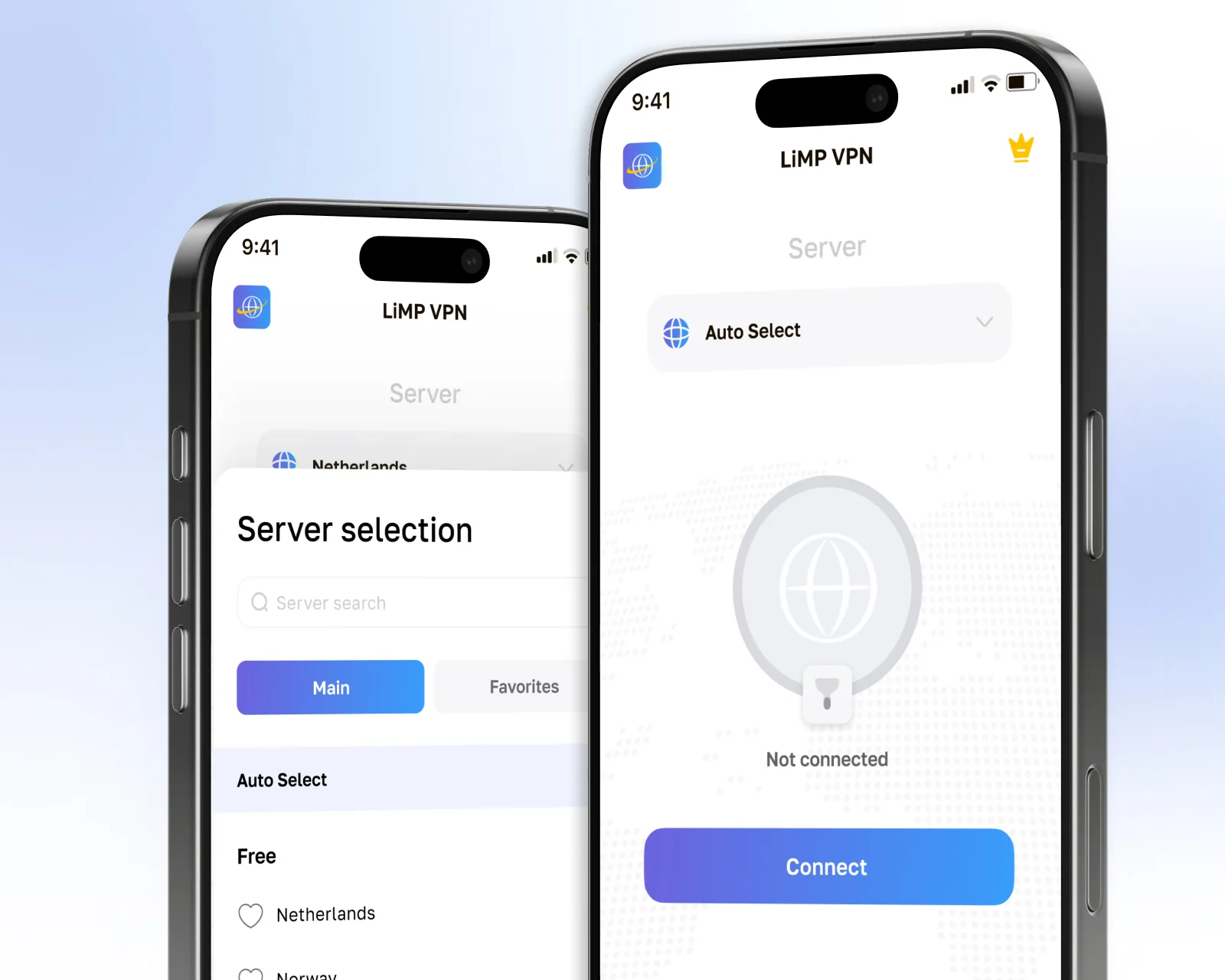
Native iOS + Android VPN with WireGuard, no-logs backend, split tunnel, and App Store + Google Play launch for US & EU.
View case →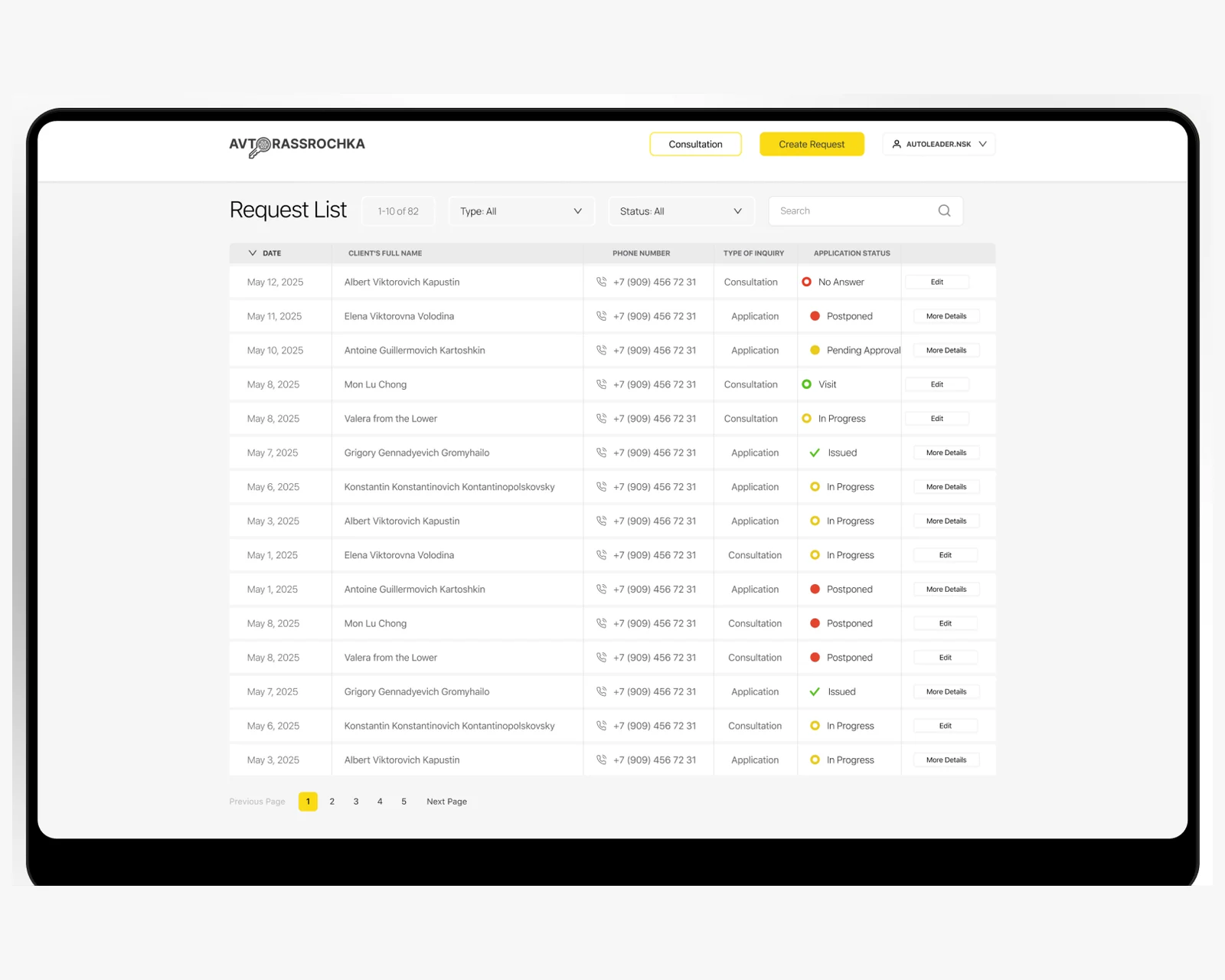
Dealer web platform with Bitrix24 CRM sync, Dadata pre-fill and real-time voice alerts — single intake channel for every auto-financing enquiry.
View case →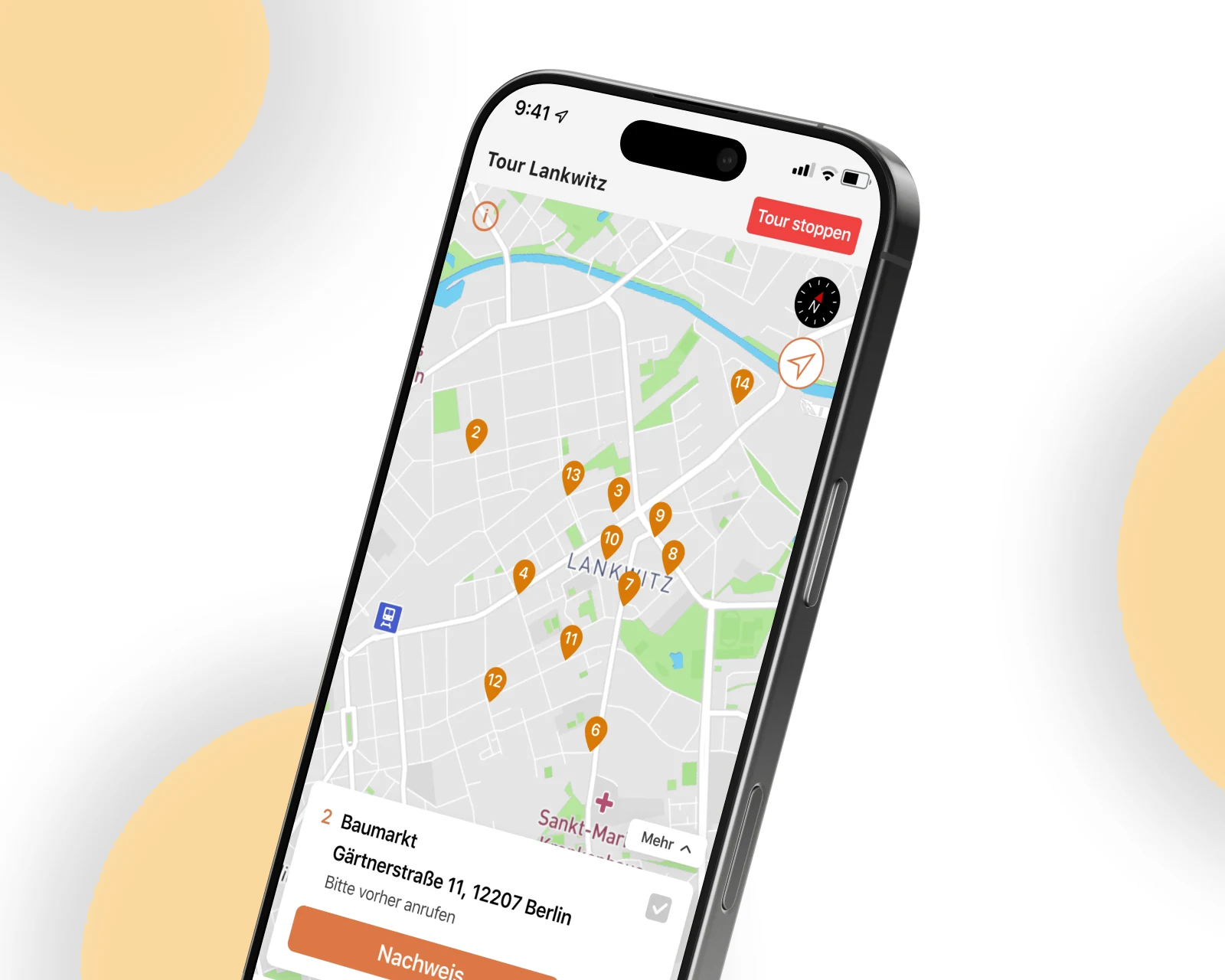
Android refactor + iOS new build for a German last-mile logistics operator — multi-point routing, real-time driver tracking, in-app invoicing.
View case →
Multi-tenant SaaS platforms with SSO, billing, region-pinned residency. SOC 2 in progress.
Learn more →Native iOS, Android, and cross-platform apps with store-ready release pipelines.
Learn more →
Architecture-first enterprise platforms with audit-ready compliance and integration to SAP, Salesforce, Workday, Okta.
Learn more →Share a few details and a senior consultant will reply within one business day.