Discovery & requirements
Mapped the manual marathon lifecycle, defined the catalog and goal taxonomy, scoped the payment model, and set the GDPR + CCPA posture for health-adjacent activity data.

Case study · Health & Fitness · Mobile
How we turned a manually-run paid-marathon business into a native iOS and Android product — a challenge catalog, in-app payments, before-and-after voting, leaderboards, and a React admin panel — built to serve a fitness community across the United States and the European Union with GDPR and CCPA expectations in mind from day one.

The client ran paid fitness marathons and sports competitions entirely by hand — sign-ups, payments, result tracking, and the community voting that kept people coming back were all manual processes that simply could not scale. They came to us wanting a single product that would carry the whole operation: a way for a participant in the United States or the European Union to discover a marathon by goal, pay for it inside the app, log daily results, and compete on a leaderboard, while the operator ran everything from one dashboard. We built MFIT as an integrated ecosystem — native iOS and Android clients, a Laravel backend, and a React admin panel — engineered by YuSMP Group as a piece of mobile app development rather than a template-driven fitness shell. The result is a gamified challenge app where the entire paid-marathon lifecycle, from catalog to payout-ready statistics, lives in one place.
A snapshot of what the MFIT build delivered across iOS, Android, and a React-driven admin plane in its first production cycle.
The first architectural decision was whether to build MFIT on a single cross-platform stack or as two native clients. We chose native — Swift on iOS, Kotlin on Android — because a gamified social fitness product is exactly the kind of app where the platform-native paths matter: animated challenge cards that have to stay smooth on mid-range Android hardware, in-camera capture for before-and-after photos, store-native billing flows, and push notifications that behave differently on each platform. A cross-platform framework can be the right call for a content-heavy reading app, but MFIT's value is in the interaction quality of the challenge feed and the friction-free payment path, both of which reward native tuning.
Building two codebases is more upfront work, so we kept the two teams in lockstep — shared API contracts against the Laravel backend, a shared design language, and synchronized sprints so iOS and Android features landed together. This is the same dual-native discipline we apply across our iOS and Android engineering practice. The comparison below is the trade-off matrix we walked the client through before committing to native.
| Dimension | Native (MFIT) | Cross-platform | Web wrapper |
|---|---|---|---|
| Animation smoothness on mid-range Android | Best — native rendering | Good — occasional bridge jank | Weakest — webview limits |
| Camera capture (before/after photos) | Direct native APIs | Plugin-mediated | Limited / inconsistent |
| Store billing integration | First-class StoreKit / Play Billing | Wrapper plugins | Awkward; review risk |
| Push notifications | Native APNs / FCM | Plugin-mediated | Constrained |
| Per-platform UX polish | Full control | Shared, less idiomatic | Generic |
| Upfront build cost | Higher — two codebases | Lower — shared code | Lowest |
| Long-term maintainability for a social product | Strong — independent evolution | Good — coupled releases | Brittle as features grow |
Platform references: Apple StoreKit documentation, Google Play Billing documentation.
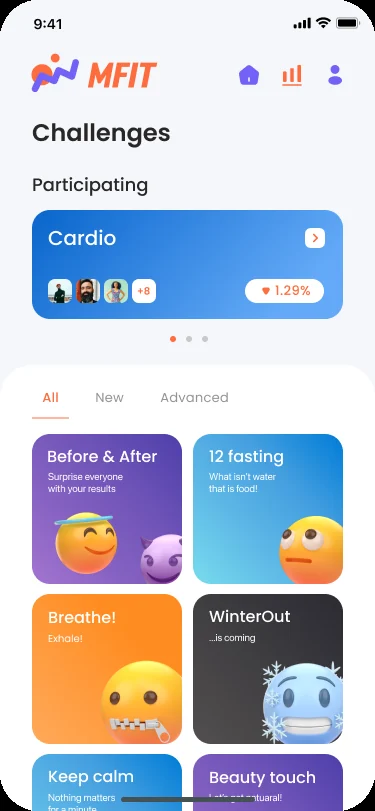
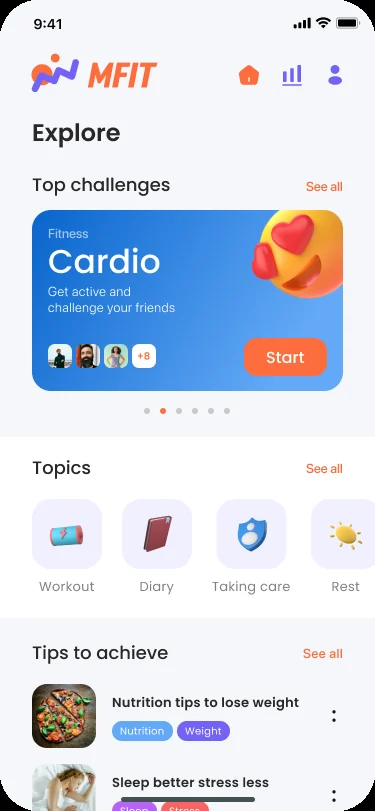
The iOS client is built in Swift. Onboarding had to be effortless because the buying decision in a fitness app happens within the first session: users register with email or sign in through a connected social account, and the very next screen is the challenge feed rather than a settings wall. The home surface — Explore — leads with a featured challenge card, a goal-based topic strip (Workout, Diary, Taking care, Rest), and a tips section, all driven by content the operator schedules from the admin panel. Authentication state, entitlement, and the user's active challenges are cached locally so the feed renders instantly on reopen and never blocks on a network round-trip for the first paint.
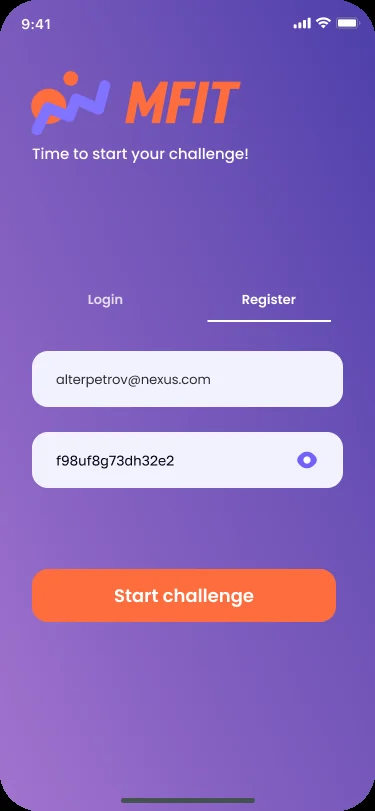
The challenge detail screen is where conversion happens: a single large call-to-action ("Start challenge") sits directly under the price and a short value statement, with social proof — the avatars of participants already in the marathon — placed right above the button. Paid marathons are purchased inline through Apple StoreKit so the user never leaves the app for a browser checkout, which is the single biggest lever on conversion in this category. The entire iOS surface ships as part of our mobile app development practice.
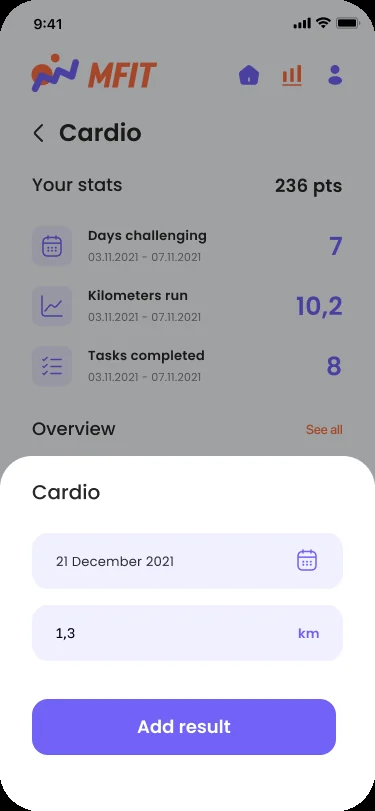
The Android client is written in Kotlin. The mechanic that keeps a fitness marathon alive is the daily loop of logging a result and watching your rank move, so the Android team spent disproportionate effort on the stats and leaderboard surface. A participant in a Cardio marathon sees their own panel — points, days challenging, kilometers run, tasks completed — and a ranked overview of everyone else, with rank-change arrows that make the competition feel live. Adding a result is a two-field bottom sheet (date and distance) that writes through to the Laravel backend and reflects on the leaderboard immediately.
Because Android device families from Samsung, Xiaomi, and Pixel handle background work and notifications differently, the client uses native FCM for push and schedules non-urgent work — leaderboard refresh, reminder nudges, streak alerts — with WorkManager so reminders survive Doze mode and battery-saver states. The same engineering team carries iOS and Android in lockstep, the way we run every custom software development engagement that spans two native clients and a shared backend.
The backend is a Laravel application that owns the marathon catalog, entitlement records, results, leaderboards, voting, and the comment threads that drive community engagement. The React admin panel sits on top of it as the operator's single pane of glass: create and schedule a marathon, set its goal and price, moderate before-and-after submissions and comments, fire targeted push notifications, and watch live statistics on participation, completion, and revenue. This panel is what replaced the client's fully manual process — one small team can now run many paid marathons in parallel across US and EU time zones.
On privacy, MFIT handles health-adjacent activity data — distances, workout logs, and user-submitted photos — so the data model was built to minimize what is stored and to honor deletion requests cleanly. We are careful not to overstate medical posture: this is a fitness and community product, not a regulated clinical system, and it is not marketed as a medical device. Consent flows are region-aware: users in the European Union get a granular consent screen aligned with GDPR, and users in California receive a CCPA-style disclosure aligned with CCPA / CPRA in the same flow. Photo submissions pass through admin moderation before they appear in public voting.
Compliance posture: GDPR-aligned · ISO 27001 ready · SOC 2 Type II in progress · HIPAA-capable · CCPA-acknowledged.
A five-phase SCRUM build that took MFIT from a manual marathon business to a production product across iOS, Android, a Laravel backend, and a React admin panel.
Mapped the manual marathon lifecycle, defined the catalog and goal taxonomy, scoped the payment model, and set the GDPR + CCPA posture for health-adjacent activity data.
Laravel backend skeleton, data model for marathons, entitlements, results, voting, and comments; shared API contracts so iOS and Android could move in lockstep.
Swift iOS client and Kotlin Android client — onboarding, challenge feed, in-app payments via StoreKit and Play Billing, results logging, leaderboards, and awards.
React admin dashboard for marathon creation, moderation, push, and revenue stats; payment and receipt-validation QA; consent-flow and content-moderation testing.
App Store + Google Play submission across US and EU storefronts, telemetry, and ongoing support with a v2.0 roadmap including nutrition tracking.
MFIT's monetization layer was built so that buying a marathon feels like a single tap, while the operator gets a clean revenue view per challenge. Paid marathons are sold through Apple StoreKit on iOS and Google Play Billing on Android; server-side receipt validation runs against each store's verification endpoint and writes a single entitlement record on the Laravel backend keyed to the user's account, so a purchase resolves consistently across reinstalls and device swaps. Keeping payment inside the app rather than redirecting to a browser checkout was a deliberate conversion decision — the friction of a context switch is where fitness apps lose buyers at exactly the moment of highest intent. The admin panel exposes the resulting revenue and participation series per marathon, which is what lets the operator decide pricing and scheduling for the next cohort. The subsystem was structured for extensibility: the active v2.0 roadmap adds nutrition and meal tracking, which slots into the same entitlement and content model rather than requiring a new payment path. The team continues to maintain the product and ship the v2.0 features as a follow-on engagement.
MFIT launched on Apple App Store and Google Play with storefronts active across the United States and the European Union. The English-language build serves users in California, New York, Texas, Florida, and Washington in the US, and users in the Netherlands, Germany, France, Ireland, and Sweden in the EU, without a separate codebase per region. Consent flows are region-aware at the client layer: users in the EU and EEA receive a GDPR-style granular consent screen with separate toggles for optional product analytics; users in California receive a CCPA-style "Do Not Sell or Share My Personal Information" disclosure in the same flow. Because MFIT handles health-adjacent activity data and user-submitted photos, data handling is aligned with GDPR for European users and with the US state-privacy patchwork — CCPA/CPRA (California), VCDPA (Virginia), CPA (Colorado), CTDPA (Connecticut), UCPA (Utah), TDPSA (Texas), and Oregon CPA — with data minimization and clean deletion as the baseline rather than per-jurisdiction data segregation.
Content moderation is part of the launch posture, not an afterthought: before-and-after photo submissions and community comments pass through the admin panel's moderation queue before they appear in public voting, which keeps a social fitness product safe to operate across both markets. The engineering team behind the build sits across CET and runs a CET workday with East-Coast US overlap (9 AM–1 PM ET) for stand-ups, store-review choreography, and incident response — the timezone that lets a US-facing product and an EU engineering team share four hours of live overlap every day. The same backend and admin plane that serves the US and EU today is structured so a future regional cohort or language can be added as configuration, not a fork.
The active custom software development roadmap for MFIT centers on the v2.0 release, which adds nutrition and meal tracking, richer diary entries, and deeper analytics on participant progress. Planned platform work includes a coach/organizer tier with team management, expanded award and streak mechanics to lift retention, and a web companion view for participants who prefer logging results from a laptop. Infrastructure plans include further automation of the build and release pipeline and observability across the Laravel backend, scaffolded into our cloud & DevOps roadmap so the operator can run more marathons in parallel without operational drag.
If you are planning a fitness, wellness, or gamified community app for audiences in the US and EU — with in-app payments, leaderboards, and an operator dashboard that turns a manual process into a product — we have shipped this stack end-to-end and can compress the build timeline meaningfully. This case study lives at yusmpgroup.com/cases/fitness-app, and the engineering team behind the build sits inside YuSMP Group. We work fixed-price for well-scoped MVPs and on dedicated development teams for ongoing delivery, with a CET workday and a guaranteed East-Coast US overlap (9 AM–1 PM ET) window for stand-ups, demos, and incident response.
A fitness app MVP covering native iOS and Android clients, authentication, a marathon catalog, in-app payments, and a basic admin panel typically costs $90k–$220k. Adding gamified challenges, before-and-after voting, leaderboards, push notifications, and a full React admin dashboard brings a comparable product to $200k–$450k. The dominant cost drivers are the two native codebases, the payment and receipt-validation work across App Store and Google Play, and the community moderation tooling in the admin panel.
For MFIT we built native Swift on iOS and native Kotlin on Android because the app leans on smooth animated challenge cards, camera capture for before-and-after photos, push notifications, and store-billing flows that behave differently per platform. Native gives the lowest-friction camera and payment integrations and the most predictable performance on the mid-range Android devices common across the US and EU. A cross-platform stack can be the right call for simpler content apps, but a gamified social fitness product benefits from per-platform tuning.
Paid marathons and premium challenges are sold through Apple StoreKit on iOS and Google Play Billing on Android. Server-side receipt validation runs against each store's verification endpoint and writes a single entitlement record on the Laravel backend, keyed to the user's account. Keeping payment inside the app rather than redirecting to a browser checkout measurably improves conversion. The same entitlement resolves cleanly across reinstalls and device swaps, and the admin panel surfaces a payment and revenue view per marathon.
The MFIT admin panel is a React dashboard that lets the operator create and schedule marathons, set pricing and goals, moderate before-and-after submissions and comments, send targeted push notifications, and watch live statistics on participation, completion, and revenue. It replaced a fully manual process — the client previously organized paid marathons by hand — so the panel is the operational core that lets a small team run many challenges in parallel across US and EU time zones.
A focused fitness MVP with native iOS and Android clients, authentication, a marathon catalog, in-app payments, and a basic admin panel typically takes 14–22 weeks. Adding gamified leaderboards, before-and-after photo voting, community comments, awards, and a full React admin dashboard adds 6–10 weeks. The MFIT build ran roughly five months on a SCRUM cadence, with App Store and Google Play review choreography budgeted into the final sprints.
Related cases
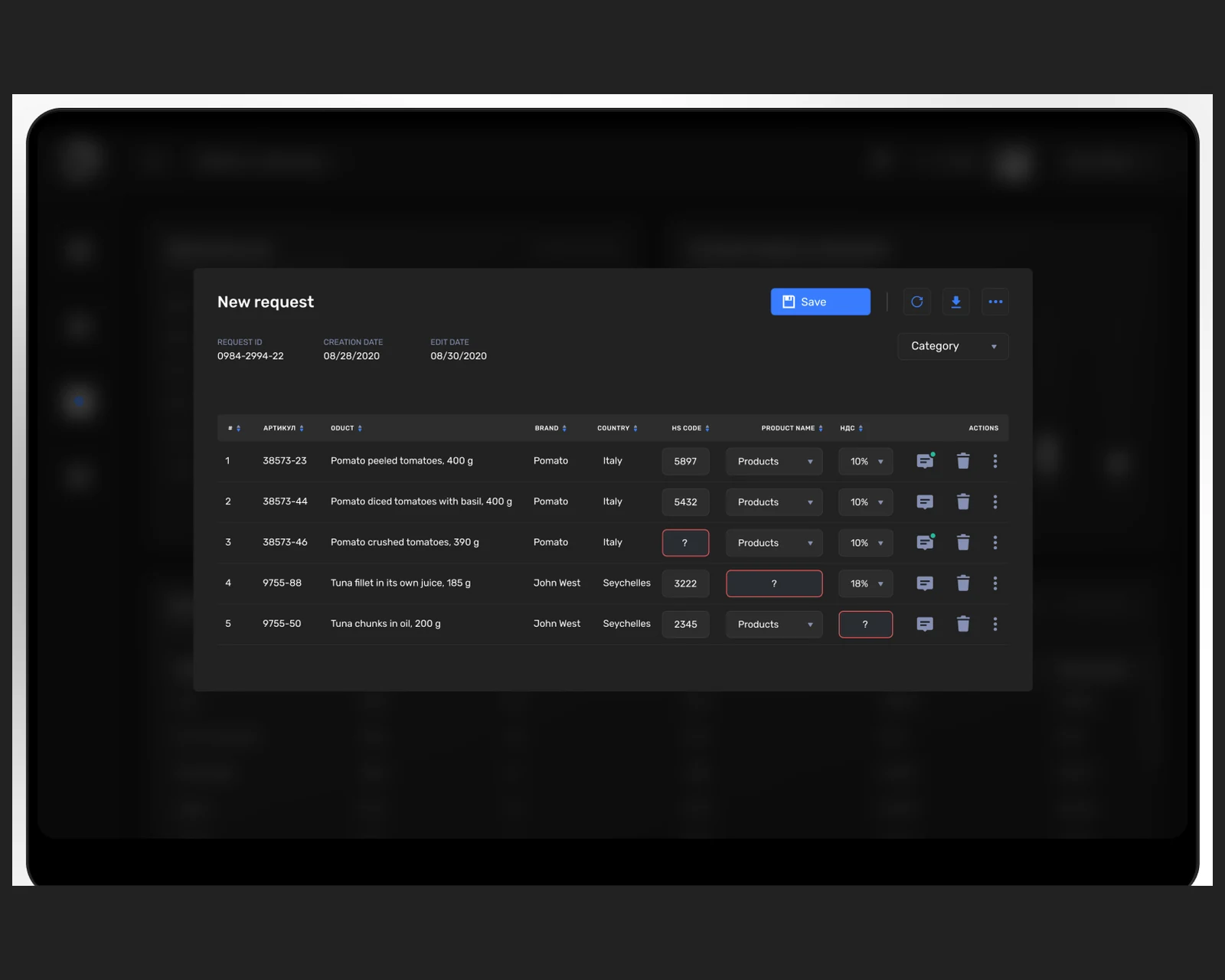
A workout and training companion app — guided programs, progress tracking, and a clean native mobile experience for US & EU users.
View case →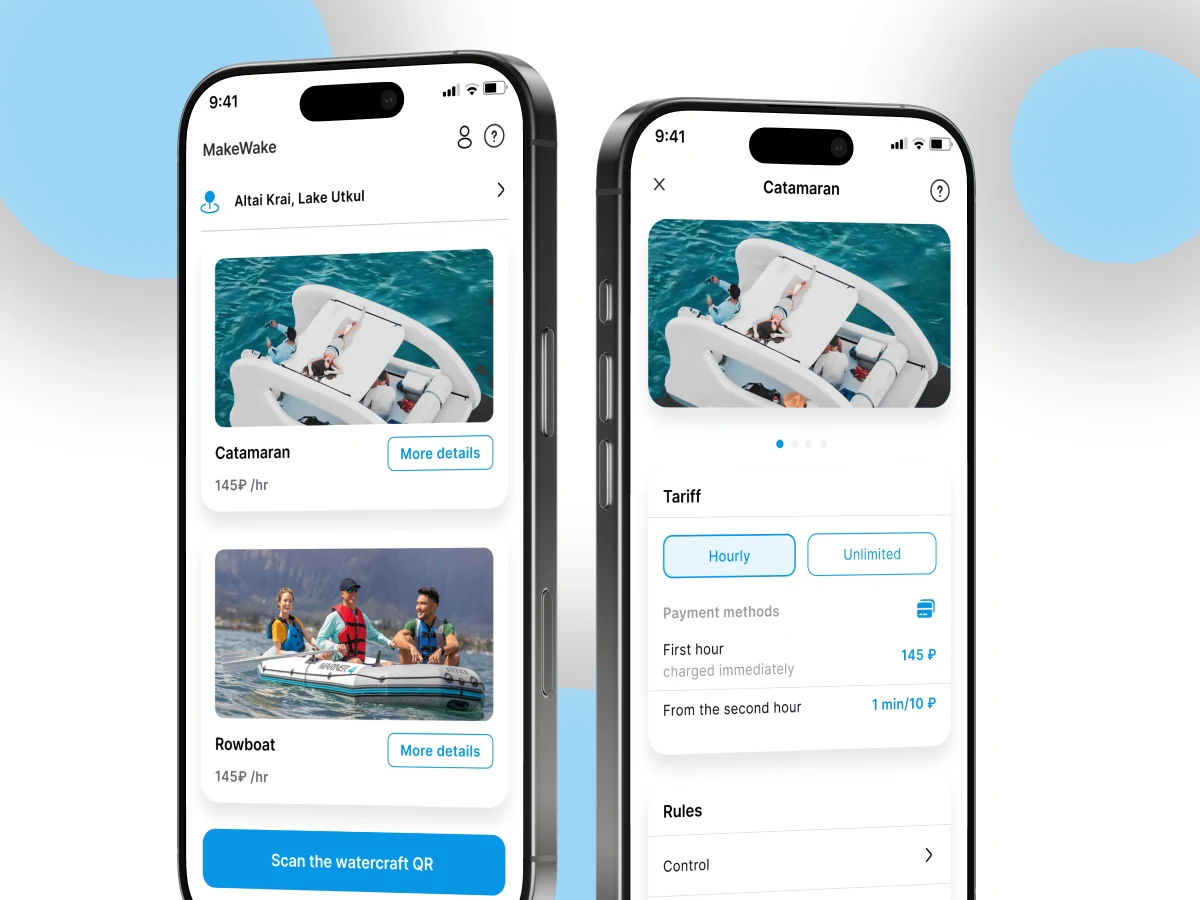
A native mobile consumer product with booking, payments, and a community layer — built on a shared backend across iOS and Android.
View case →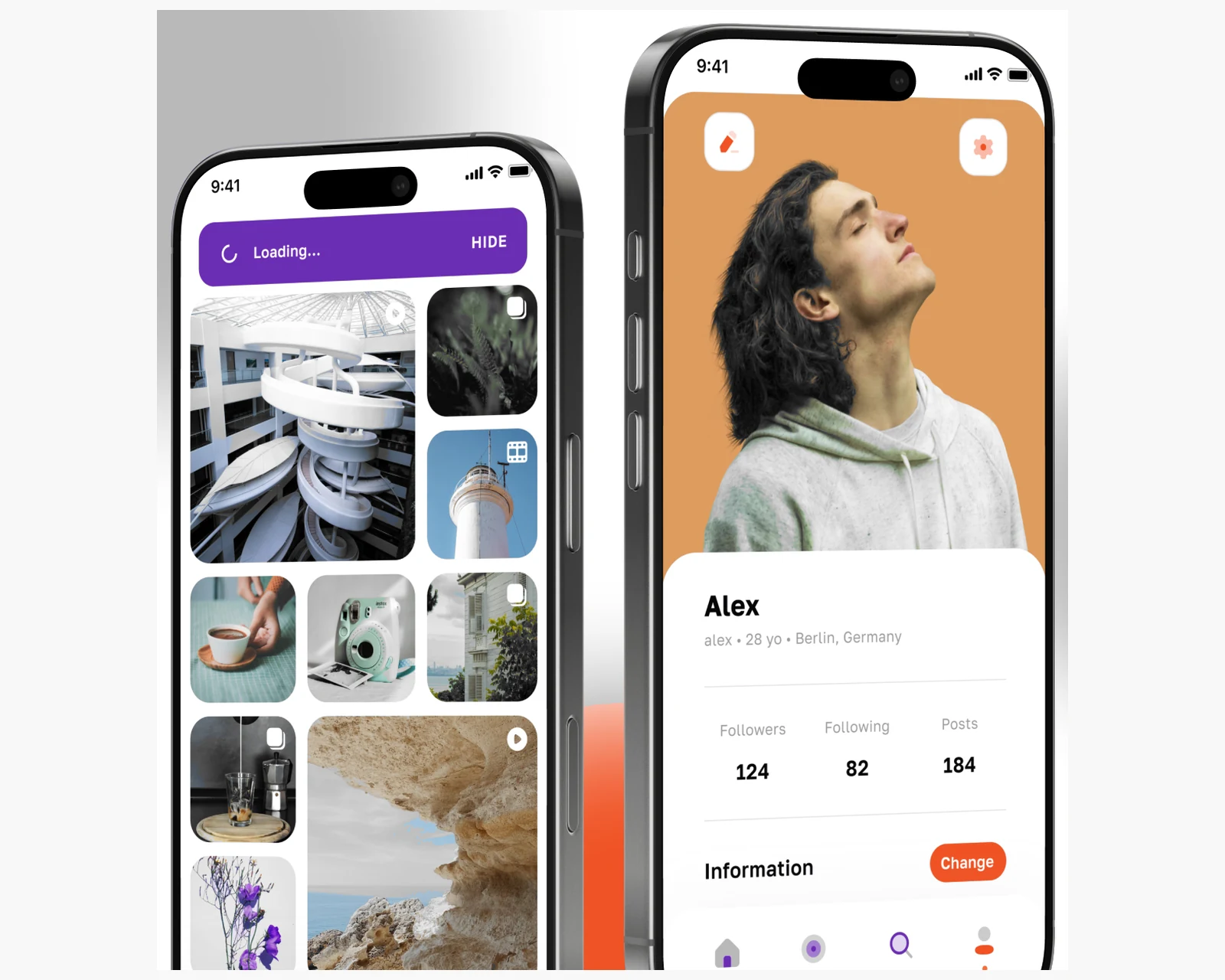
Native iOS + Android social platform with geo-radar discovery, real-time chat, and a virtual coin economy across US & EU.
View case →
Native iOS, Android, and cross-platform apps with store-ready release pipelines.
Explore mobile app development →
Custom platforms engineered to your business model, scaling cleanly from MVP to millions of users.
Explore custom software development →
Build and release pipelines, observability, and scalable infrastructure for mobile-backed products.
Explore cloud & DevOps →Share a few details and a senior consultant will reply within one business day.