Most guides to healthcare software cover the same ground: HIPAA, EHR integration, FHIR, cost ranges. That material is necessary and we have covered it elsewhere. This article is about the layer those guides skip — everything that becomes true only because mobile app development puts your product on a phone in a patient’s pocket or a clinician’s hand. Platform health data, wearables, on-device storage, the SDKs quietly collecting what they should not, app store review, and the European requirements that US-centric guides omit entirely.
This is general information, not legal or regulatory advice. Confirm obligations with qualified counsel for your markets.
TL;DR
Mobile healthcare apps need a compliance and integration stack that web products skip entirely: platform health data APIs (Apple Health / Google Health Connect), wearable ingestion with deduplication, on-device PHI encryption, offline conflict handling, SDK auditing to prevent data leakage, and multi-round app store review. Budget 20–50% more than a non-healthcare app and 2–4 extra months for regulatory groundwork. Costs range from $40K for a simple wellness MVP to $750K+ for a full clinical platform.
Patient apps and clinician apps are different products
The single most consequential decision is which of these you are building. Teams that blur the line ship something that serves neither well.
| Patient-facing | Clinician-facing | |
|---|---|---|
| Primary need | Low friction, clarity, reassurance | Information density, speed, minimal taps |
| Usage pattern | Occasional, often stressful moments | Dozens of times per shift |
| Device | Personal, varied, older hardware common | Often managed or shared devices |
| Connectivity | Home and mobile networks | Hospital interiors with dead zones |
| Accessibility | Wide range of ages and abilities — decisive | Still required, different emphasis |
| Failure mode | User abandons the app | Clinician works around the app, and your data goes stale |
A patient app optimised like a clinical tool feels cold and confusing. A clinical tool designed like a consumer app wastes seconds on every interaction, and seconds multiply across a shift until staff route around it.
If your product serves both, treat them as two applications sharing a backend, not one application with a role switch.
Types of healthcare mobile apps
Defining your app category early determines the compliance pathway, integration requirements, and commercial model. The global mHealth market reached approximately $43 billion in 2025 and is projected to exceed $150 billion by 2034 — but the category shapes which slice is reachable and what it takes to build into it.
| Category | Primary users | Key compliance trigger | Core integration |
|---|---|---|---|
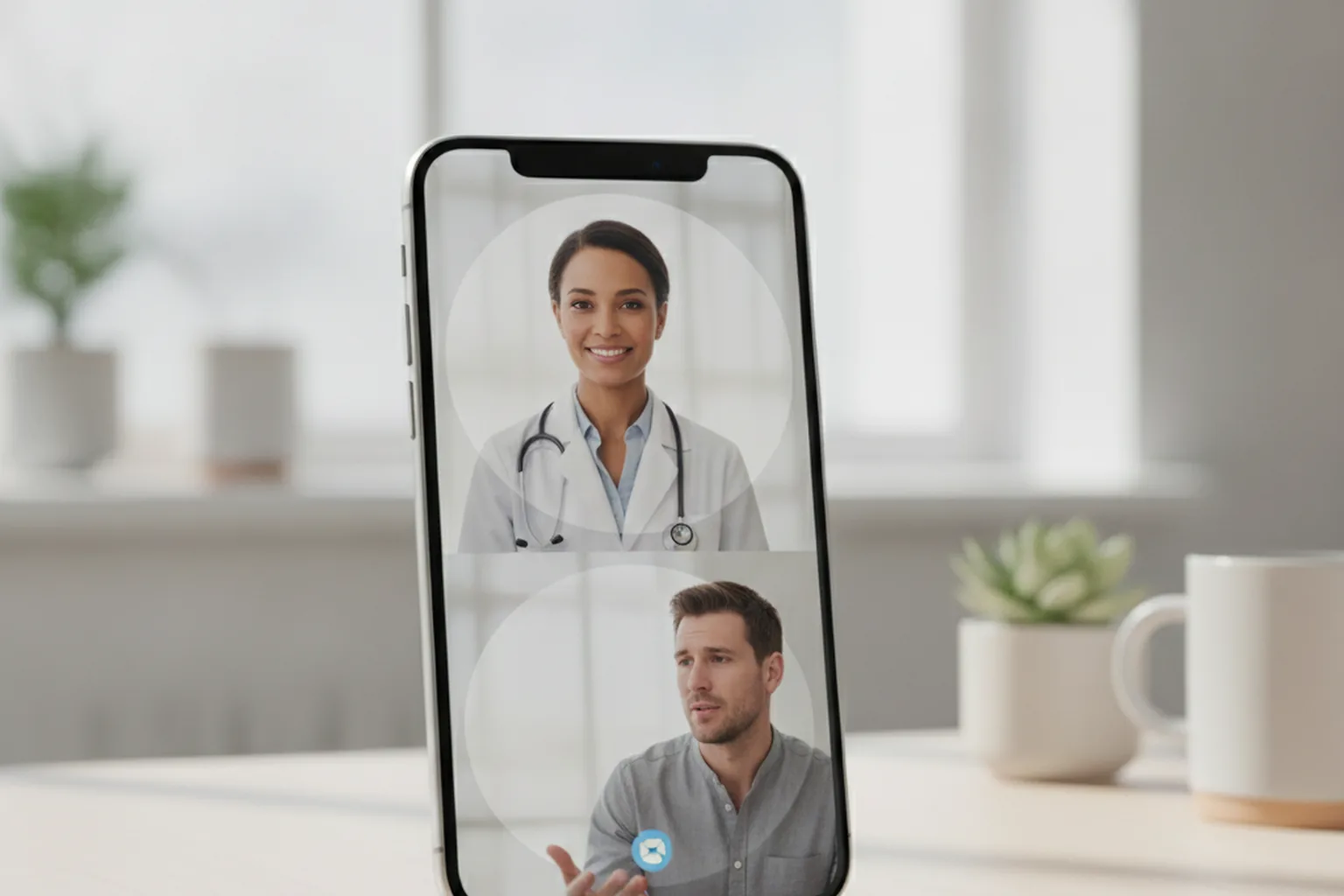
| Telemedicine / video consultation | Patients, clinicians | HIPAA BAA with video vendor, state licensing | Video SDK, EHR, scheduling |
| Remote patient monitoring (RPM) | Chronic care patients, care teams | HIPAA; FDA SaMD if monitoring drives treatment decisions | Wearables, HL7 FHIR, clinical alerting |
| Medication management & adherence | Patients, pharmacists | HIPAA if linked to prescriptions from a covered entity | e-Prescribing APIs, pharmacy systems |
| EHR access & clinical documentation | Clinicians, nurses | HIPAA; EU MDR if the output is diagnostic | Epic/Cerner FHIR R4, HL7 v2, Redox |
| Mental health & digital therapeutics | Patients | HIPAA (if linked to a covered entity); FDA if making therapeutic claims | Secure messaging, CBT content, push notifications |
| Wellness & fitness (consumer) | General consumers | FTC health breach notification rule; platform health data policies | Apple Health, Google Health Connect |
The patient-vs-clinician distinction in the previous section cuts across all of these categories. A remote monitoring app serving a HIPAA-covered entity and a consumer wellness app share almost no compliance requirements even when they display similar data — the difference is determined by whether a covered entity or business associate is in the data chain.
What the mobile layer adds to a healthcare build
Everything in the standard healthcare stack still applies. On top of it, mobile app development for healthcare introduces work that has no equivalent in a web product:
- Reading from and writing to platform health data stores, each with its own permission model and usage restrictions
- Ingesting data from wearables and connected devices, including reconciling gaps and duplicates
- Deciding what health data may live on the device, and protecting it there
- Behaving sensibly when the network disappears mid-task
- Passing app store review under the stricter rules that apply to medical content
- Meeting accessibility requirements on touch interfaces
- Auditing every third-party SDK for what it collects
Each of these is small on its own. Together they are the difference between a healthcare software development product that works in the field and one that works in a demo.
Platform health data
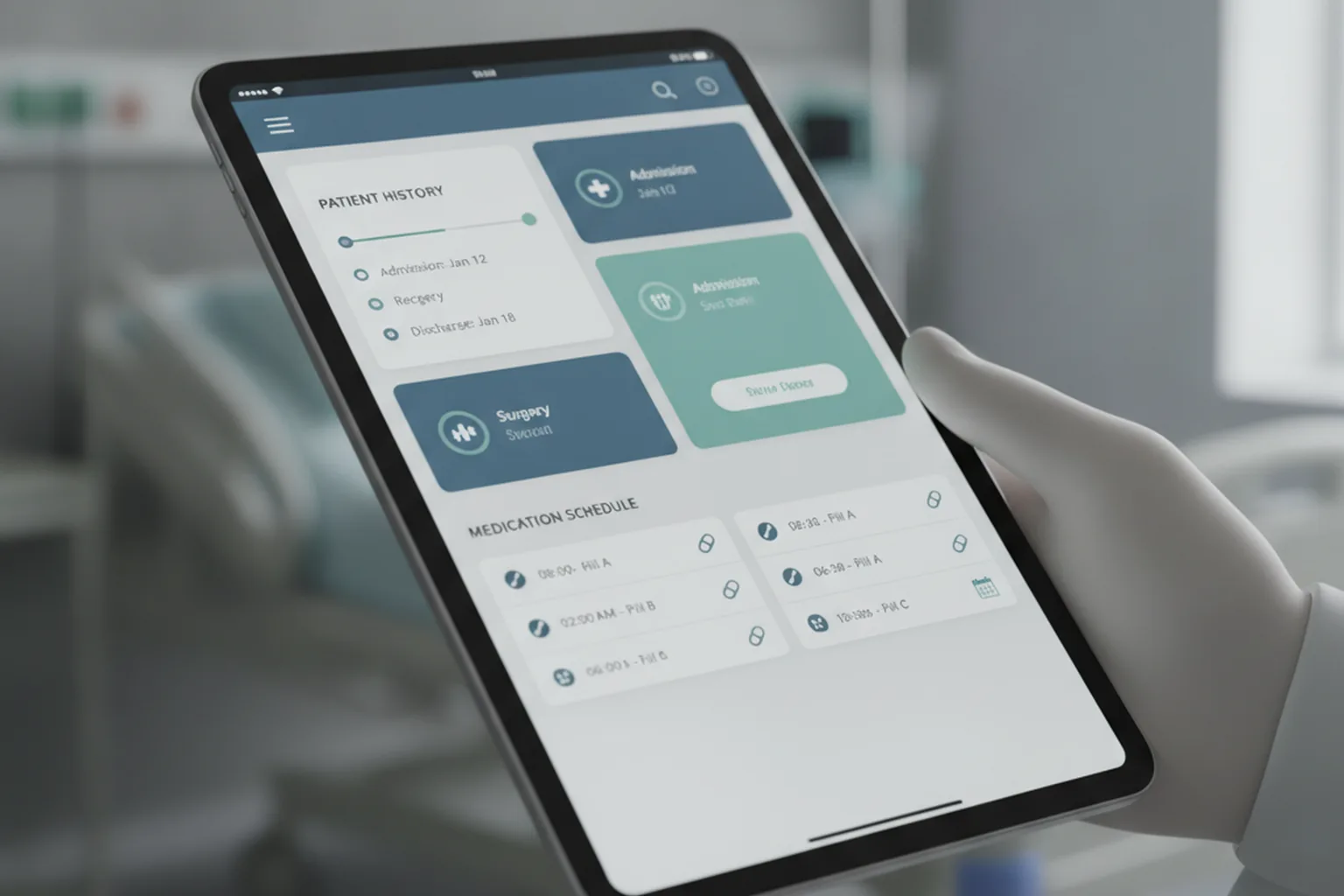
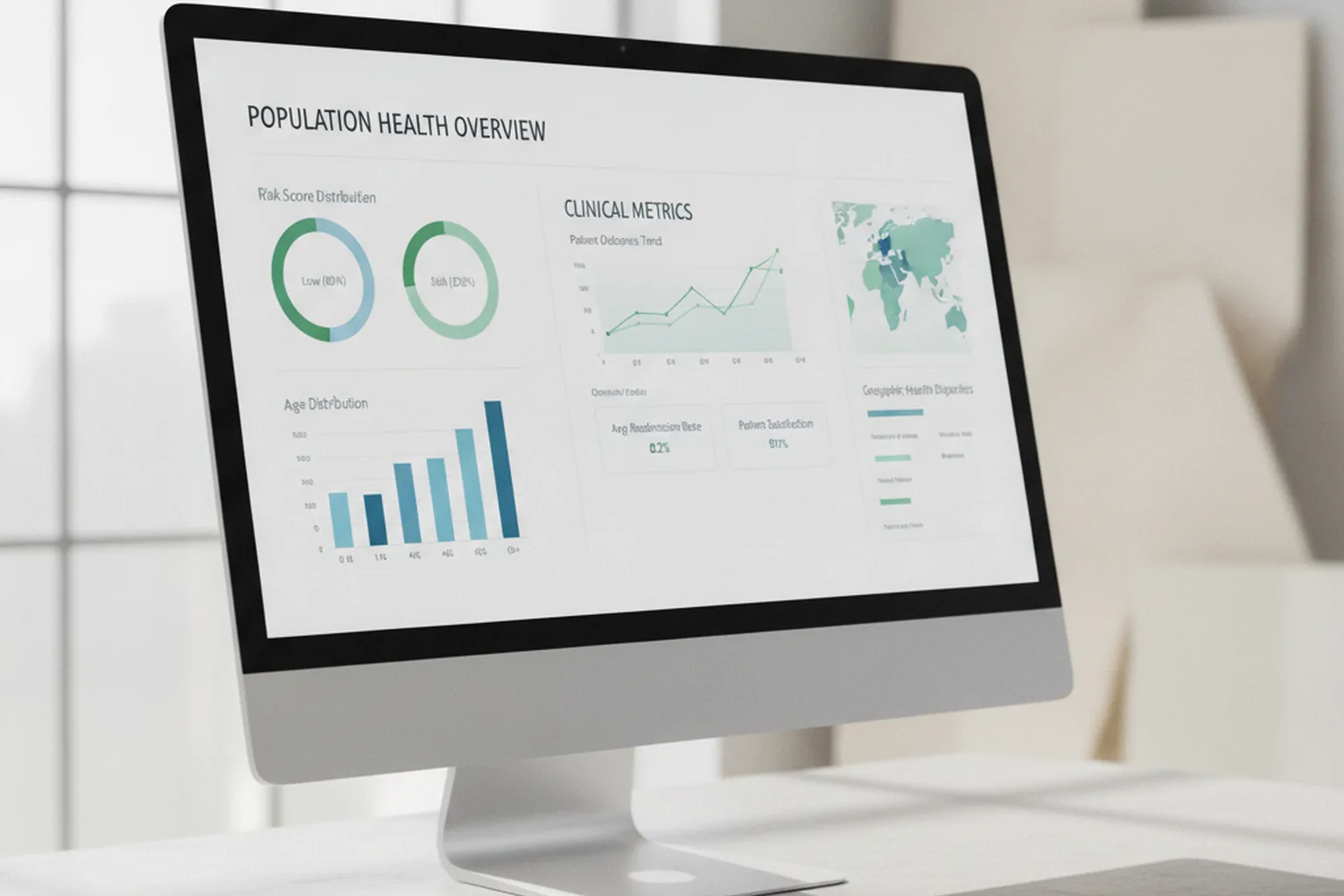
Both mobile platforms provide a central health data store that other apps can read from and write to with user permission. For most patient-facing products this is the shortest path to meaningful data: steps, heart rate, sleep, weight, glucose from a connected meter, and much more, already normalised.
Three things to plan around.
Permissions are granular and revocable. Users grant access per data type, and can revoke it later. Your app must behave correctly when a permission it had yesterday is gone today — not crash, not silently show stale numbers.
Usage is restricted by policy. Both platforms prohibit using health data for advertising, marketing or sale to third parties, and require clear disclosure of what you read and why. Violations are a store enforcement matter, not just a legal one.
The store is not a medical record. Data there is user-controlled, can be edited or deleted by the user, and may come from consumer devices of unknown accuracy. It is excellent for engagement and trend features and inappropriate as a sole basis for clinical decisions.
Exact API names and capabilities change between OS releases; verify current behaviour at build time rather than relying on documentation written a year ago.
Wearables, remote monitoring, and AI features
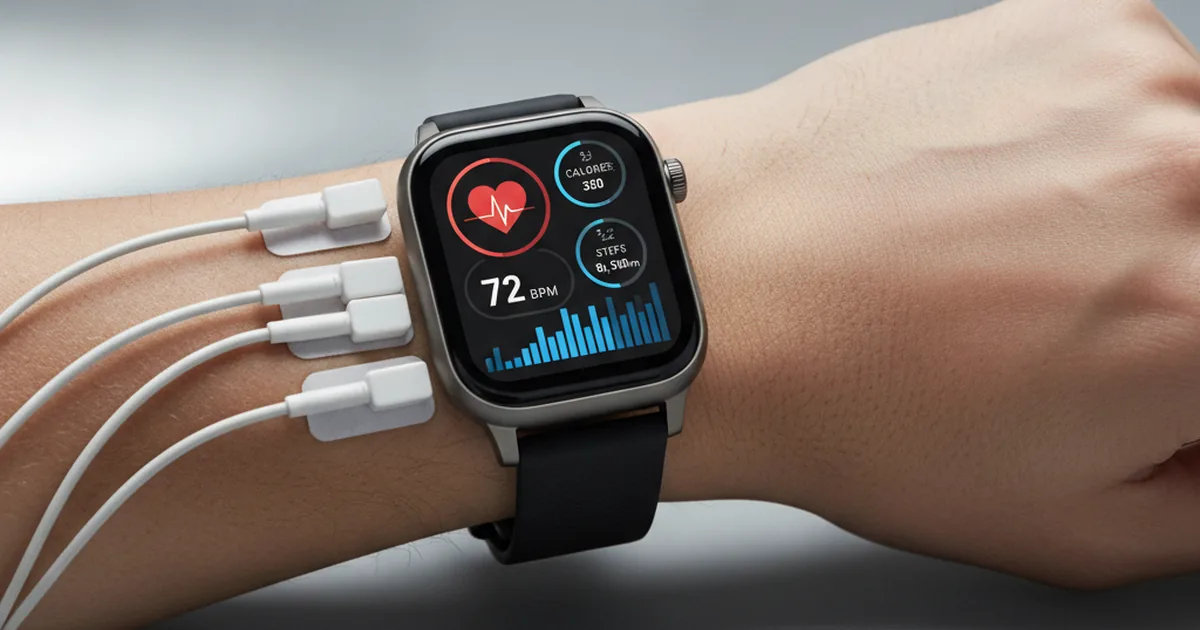
Remote patient monitoring is the strongest commercial driver in mobile health right now, and the least understood technically. The failure modes are consistent:
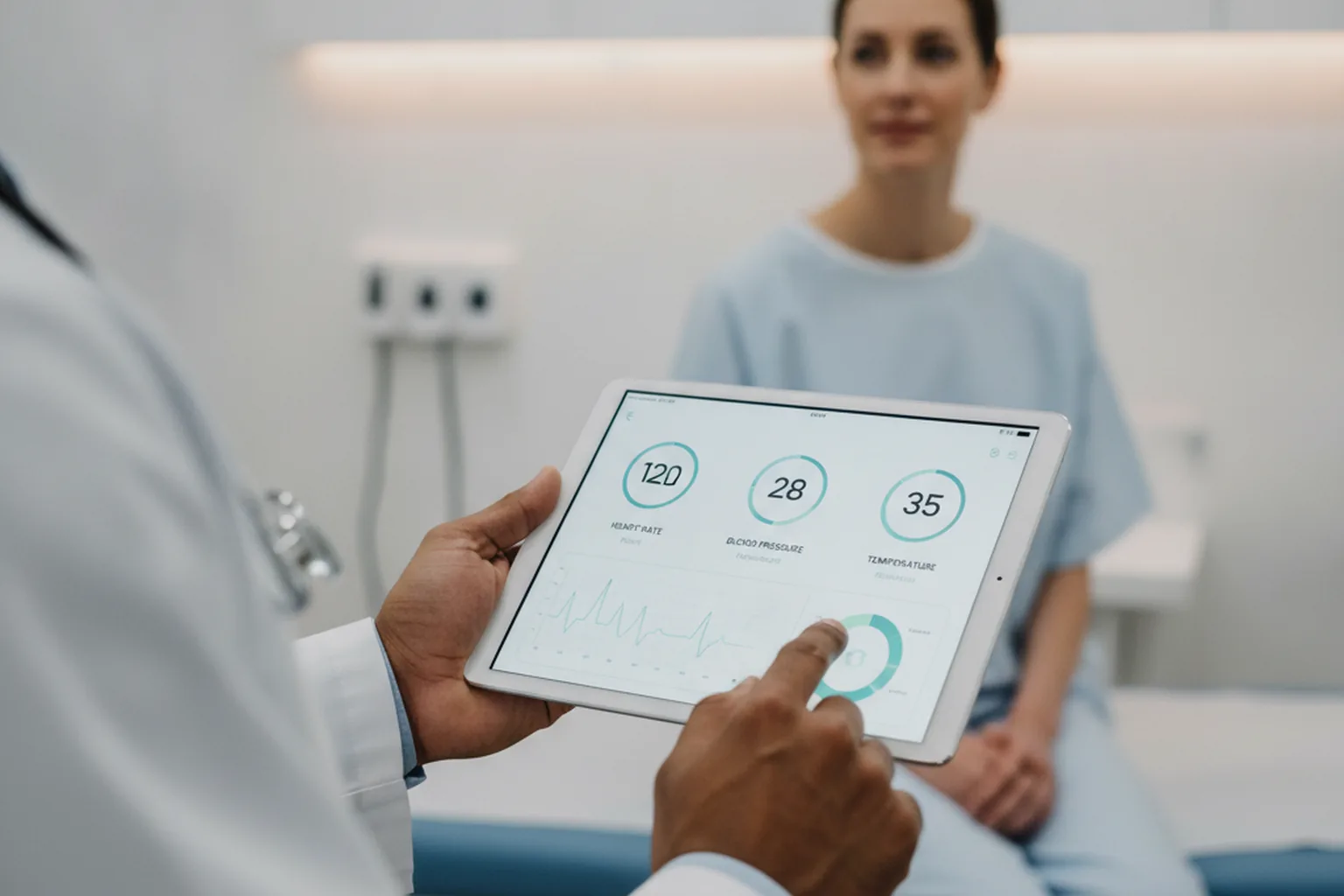
Data arrives late, out of order, or twice. Wearables sync opportunistically. Your ingestion layer needs to handle backfill and deduplication, and your clinical logic must not assume that the absence of a reading means the absence of an event.
Battery policies interfere. Aggressive background restrictions on some devices delay or drop scheduled syncs. If a care pathway depends on daily readings, the app must detect and surface gaps rather than quietly under-reporting.
Accuracy varies by device class. A regulated medical device and a consumer fitness tracker can report the same metric with very different reliability. Where readings feed a clinical decision, the provenance of each data point needs to be stored alongside it.
Alert design is a safety matter. Thresholds that generate too many alerts produce alarm fatigue, and clinicians stop reading them. This is a clinical design question, not a UX preference, and it belongs in discovery with people who will actually receive the alerts.
AI is changing the wearable data layer. Ambient clinical documentation tools automatically transcribe and structure patient-clinician conversations, reducing documentation time and improving record accuracy. Predictive analytics flag deterioration risk before readings cross clinical thresholds. AI-powered triage chatbots pre-qualify symptoms before a consultation slot is allocated. Each of these services processes health data as model input, which means the same SDK audit discipline applies to AI vendors as to any other third-party service — including model providers who train on or retain submitted data by default.
The SDK problem nobody warns you about
Here is the practical risk that appears in no other guide on this topic.
A typical mobile app ships with several third-party SDKs: crash reporting, analytics, performance monitoring, push delivery, attribution, sometimes a support chat widget. Each of them collects data by default, and several transmit it off-device automatically.
In a healthcare app, that default behaviour is a problem. A crash report can contain a screen name that reveals a condition. An analytics event can carry a screen path, a user identifier and a timestamp that together constitute protected health information. A support widget may capture screenshots.
Three rules that prevent this from becoming an incident:
- Inventory every SDK and document what it collects, where it sends it, and whether the vendor will sign the agreements your jurisdiction requires for handling health data.
- Configure rather than accept defaults. Strip identifiers, suppress automatic screen tracking, redact sensitive views from crash captures, and disable automatic collection of anything you did not deliberately choose.
- Test what actually leaves the device. Proxy the traffic and read it. Teams are routinely surprised.
The same discipline applies to AI features. Any service that processes health data on your behalf — including model providers — falls within the same obligations as any other vendor.

Storing health data on the device
The safest amount of health data on the device is the least you can operate with. Where local storage is genuinely needed, the requirements are specific:
- Use the platform secure storage mechanisms for credentials and tokens; never plain files or shared preferences
- Encrypt cached clinical data at rest, and tie key availability to device unlock
- Set explicit retention: cached data should expire, not accumulate for the life of the install
- Wipe on logout, on account switch, and on detection of a compromised device state
- Suppress sensitive content in the app switcher preview and block screenshots on views showing clinical data
- Assume the device may be lost, shared, or backed up to a cloud account you do not control
For clinician apps on managed devices, coordinate with whoever administers the mobile device management policy early — their configuration can conflict with your assumptions about backups, storage and network access.
Our HIPAA-compliant software development engagements include a data-at-rest audit as a standard deliverable for every mobile healthcare product.

Offline behaviour in clinical settings
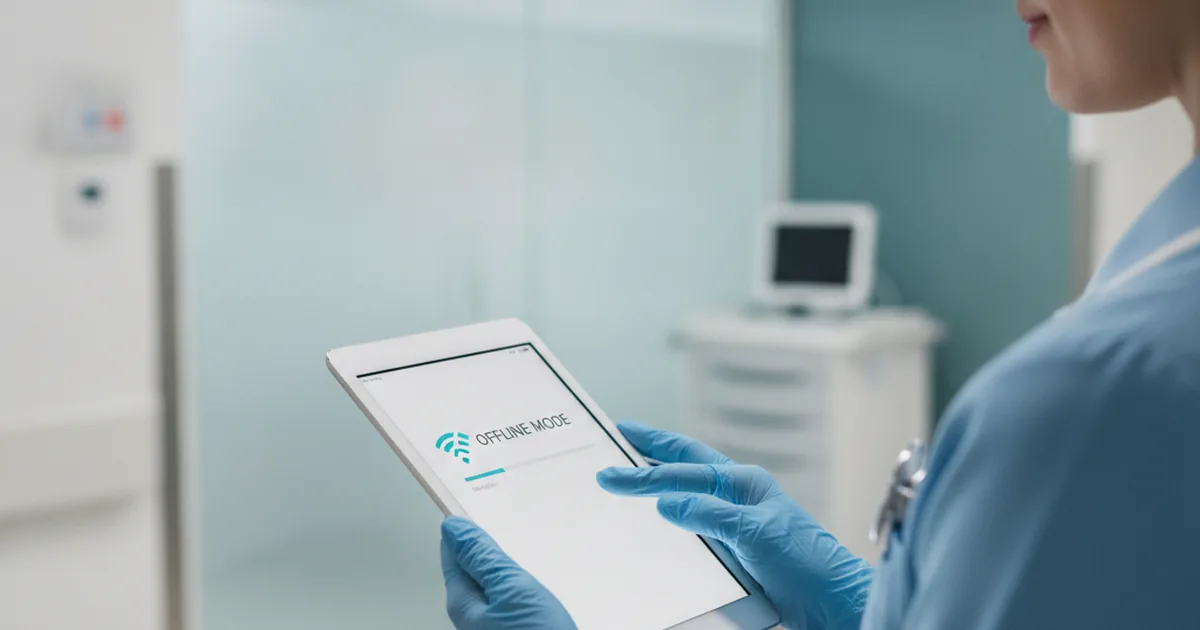
Hospital buildings are notorious for connectivity dead zones, and home visits happen wherever the patient lives. A clinical app that requires connectivity will be abandoned within a week.
Design decisions worth making early:
Read caching versus write queuing. Showing cached information offline is straightforward. Accepting input offline is not, because it raises the question of what happens when two people edit the same record from different devices.
Conflict resolution must be explicit. Decide in advance whether last-write-wins is acceptable — in clinical data it usually is not — and design a resolution path that a human can understand.
Visible state. The user must always know whether what they are seeing is current, and whether what they entered has been saved to the server. Silent queues cause more harm than a blunt “not synced” indicator.
Never silently discard. A queued entry that fails to sync must surface, not disappear.
Technology stack for healthcare mobile apps
The right stack is driven by three healthcare-specific constraints: which services can sign BAAs (not all cloud services under an account are automatically in scope — verify per service), which interoperability standards your EHR targets use (HL7 FHIR R4 is now the de facto exchange format for US integrations), and how much background and offline processing the clinical workflow demands.
| Layer | Common options | Healthcare consideration |
|---|---|---|
| Cross-platform client | Flutter (Dart), React Native | Covers most patient apps; saves ~30% of budget across iOS + Android |
| iOS native | Swift + SwiftUI | Required when deep HealthKit integration or continuous background sensor processing is core to the product |
| Android native | Kotlin | Preferred for Health Connect write-back at scale or low-latency Bluetooth medical devices |
| Backend | Node.js, Django, Go | Node.js for real-time telemedicine chat; Django for security-intensive PHI workflows; Go for high-throughput RPM ingestion pipelines |
| Database & cloud | PostgreSQL, AWS HealthLake, Google Cloud Healthcare API, Azure Health Data Services | All three major clouds offer HIPAA BAAs; AWS HealthLake and GCP Healthcare API provide FHIR-native storage and analytics |
| Interoperability | HL7 FHIR R4, Redox, Mirth Connect | FHIR R4 required for CMS Interoperability Rule; Redox and Mirth as integration engines for legacy HL7 v2 hospital systems |
| Video (telemedicine) | Twilio, Daily.co, Vonage | Choose vendors who will sign HIPAA BAAs; verify end-to-end encryption configuration — defaults are not always sufficient |
| Secure messaging | HIPAA-capable messaging SDKs | Standard consumer chat SDKs (Firebase defaults, SendBird) are not sufficient; audit data retention policies and key management practices |
For EU-regulated products, verify that cloud regions and data residency satisfy GDPR transfer requirements. Any AI or ML service processing health data is subject to the same data processing agreement obligations as any other vendor.
Development process and phases
Healthcare mobile projects follow the same agile mechanics as other software, but several phases carry regulatory weight and cannot be compressed without consequence to compliance or quality.
| Phase | Typical duration | Healthcare-specific work |
|---|---|---|
| Discovery & compliance mapping | 2–4 weeks | User research with patients and clinicians; regulatory pathway determination (covered entity? SaMD?); PHI data flow inventory; vendor BAA identification |
| Architecture & security design | 2–3 weeks | Threat modelling for PHI at rest and in transit; SDK inventory; offline sync architecture; MDM integration plan for managed clinician devices |
| UI/UX design | 3–6 weeks | Dual-track design if patient and clinician flows coexist; accessibility to WCAG 2.2 AA; clinical workflow shadowing to validate interaction models |
| Development | 8–20 weeks | Health API integration; EHR/FHIR connectivity; wearable ingestion pipeline; offline write queue with conflict handling; SDK configuration and traffic verification |
| Compliance & security testing | 2–4 weeks | Penetration testing; PHI data flow audit (proxy and read SDK traffic); HIPAA technical safeguards verification; device matrix testing across OS versions |
| App store preparation & review | 2–4 weeks calendar | Privacy nutrition label completion; supporting documentation for medical claims; first-submission review cycle (medical apps frequently require 1–3 rounds) |
| Post-launch maintenance | Ongoing | OS compatibility with HealthKit and Health Connect API changes on major releases; annual HIPAA risk assessment updates; store policy compliance monitoring |
The discovery phase is where classification mistakes are least expensive to fix. Identifying that your app triggers FDA SaMD review or EU MDR classification during architecture design is a planning adjustment; identifying it after first store submission is a programme-level delay.
App store rules for medical apps
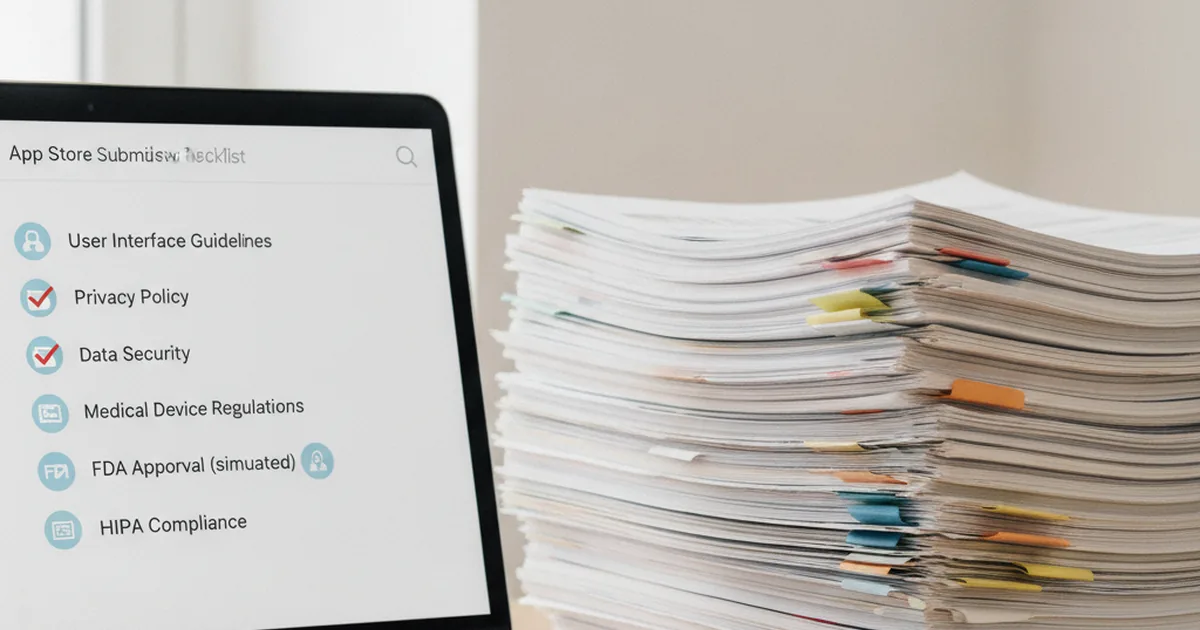
Health and medical applications are reviewed against stricter criteria than general consumer apps, and rejections are common for reasons unrelated to code quality.
What reviewers look for:
- Evidence that medical claims are supported, and that the developer is a recognised institution where the content implies clinical authority
- Clear disclosure of data collection and use, matching what the app actually does
- Justification for each sensitive permission requested
- Absence of diagnostic claims the app is not authorised to make
- Age rating and content appropriate to the audience
Practical implications for the schedule: budget more than one review cycle for the first submission, prepare the privacy disclosures alongside development rather than the night before, and if your app makes any claim that could be read as diagnostic, resolve its regulatory status before you submit rather than after a rejection.
Also worth planning: if the app is distributed only to a health system’s own staff, public store distribution may not be the right channel at all, and enterprise distribution changes the release process considerably.
If your app is not HIPAA-covered, you are still regulated
A common and expensive misconception: “we are not a covered entity or business associate, so compliance does not apply to us.”
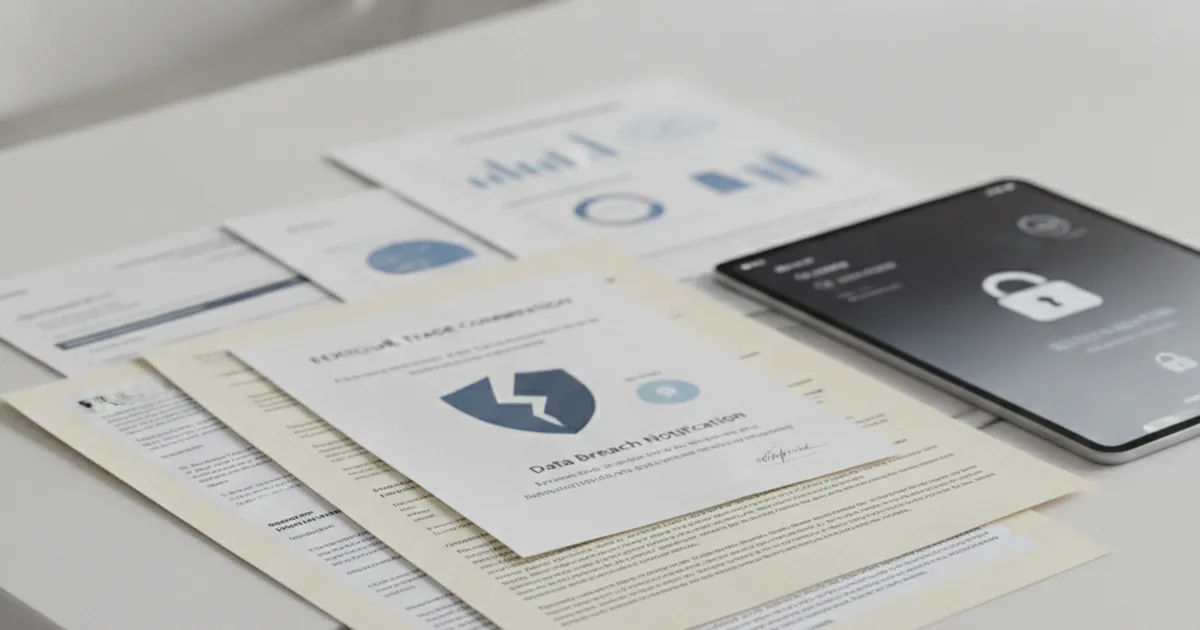
In the United States, consumer health and wellness applications that fall outside HIPAA are still subject to the Federal Trade Commission’s health breach notification requirements, which oblige them to notify users and the regulator following unauthorised disclosure of identifiable health information. The rule’s scope extends to app developers handling health data outside the traditional healthcare system.
The practical consequence is that a wellness app cannot skip the security architecture. It can skip some HIPAA-specific documentation, but breach obligations, disclosure duties and the reputational exposure remain.
Where an app’s features shade into diagnosis, treatment recommendation or clinical decision support, a separate question arises: whether the software qualifies as a regulated medical device. Under the FDA’s Software as a Medical Device (SaMD) framework, apps that make diagnostic or treatment decisions may require 510(k) premarket notification (Class II) or Premarket Approval (Class III), with associated quality system requirements. That determination should happen during discovery — classification after a store rejection or enforcement action is significantly more disruptive.
Selling into the EU
Every widely-read guide on this topic is written for the US market. If you sell in Europe, three additional considerations apply.
Health data is a special category
Under GDPR, data concerning health receives heightened protection: a specific lawful basis is required, and the bar for consent is higher than for ordinary personal data. Practical consequences for a mobile product include explicit, granular and revocable consent, data minimisation as a design constraint rather than a principle, and clear handling of transfers outside the EU.
Medical device classification
Software with a medical purpose may be regulated as a medical device in the EU under its own framework, with classification driving conformity assessment requirements. The trigger is intended purpose, not technology: an app that calculates a dose or supports a diagnosis can fall in scope where a symptom diary does not. This assessment belongs at the start of the project.
Accessibility
Healthcare services are within the scope of the European Accessibility Act, which has applied since June 2025 with enforcement escalating through 2026. For a mobile product this means screen reader support across clinical flows, adequate touch targets, text scaling without layout breakage, sufficient contrast on charts and readings, and authentication that does not depend on a single gesture or timed input.
Accessibility is also disproportionately relevant here on its merits: patient populations skew older and include people with impairments, so the compliance requirement and the product requirement point the same direction.

Cost and timeline
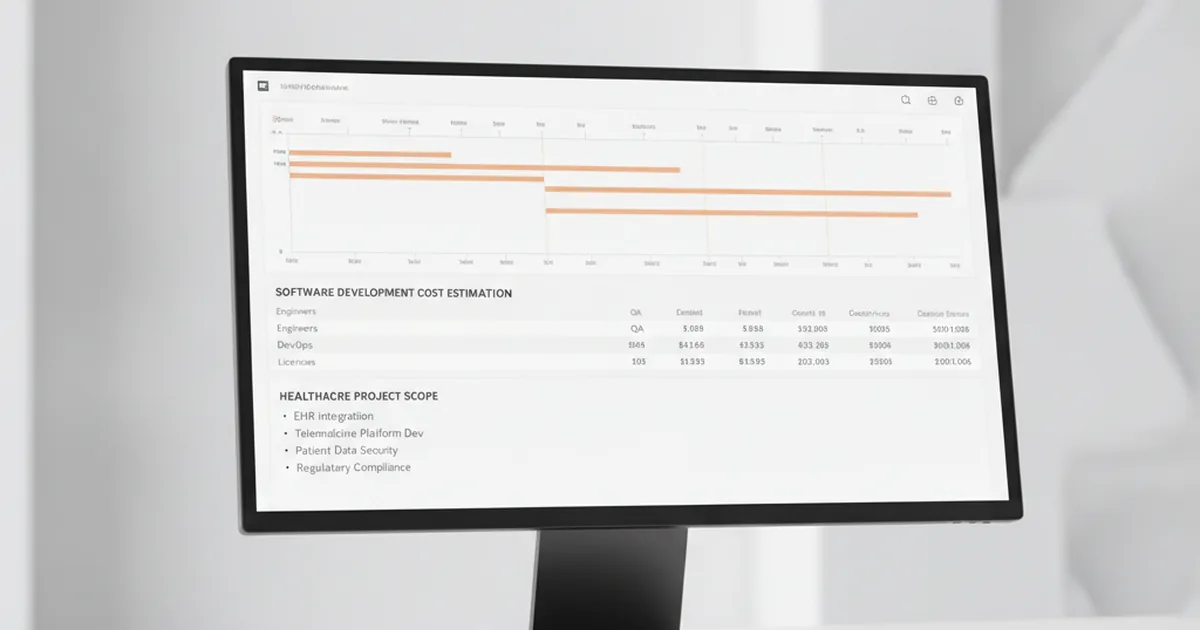
Healthcare mobile app costs vary widely by app type, target platform, and compliance scope. The table below gives realistic ranges based on US and EU market engagements in 2025–2026.
| App type | Typical cost range | Timeline (MVP to launch) |
|---|---|---|
| Wellness / fitness tracker (non-HIPAA) | $40K–$100K | 3–5 months |
| Medication management / appointment scheduling | $75K–$175K | 4–7 months |
| Telemedicine platform (video + EHR lite) | $150K–$400K | 6–12 months |
| Remote patient monitoring with device integration | $200K–$500K | 9–15 months |
| Full clinical platform (EHR-integrated, multi-site) | $350K–$750K+ | 12–18+ months |
HIPAA compliance adds 20–50% to baseline development cost compared to a non-medical app of equivalent feature scope. EU MDR classification adds further: conformity assessment fees, notified body review, and quality management system documentation are substantial non-development costs that should be budgeted separately from engineering spend.
Rather than repeat general line items, here are the mobile-specific costs teams most often underscope:
| Item | Typical effort |
|---|---|
| Platform health data integration | 2–4 weeks per platform, more with write-back |
| Wearable or device ingestion | 3–6 weeks for the first device class, less for subsequent |
| Offline support with conflict handling | 4–8 weeks, depending on how much is editable offline |
| SDK audit and hardening | 1–2 weeks, plus vendor agreement negotiation |
| Accessibility work | 2–4 weeks if designed in; substantially more if retrofitted |
| Store review preparation and cycles | 2–4 weeks of calendar, largely waiting |
| Device matrix testing | Ongoing; real devices across OS versions, not simulators |
The pattern is consistent: each item is modest when planned and expensive when discovered. Offline behaviour and accessibility in particular are architectural, and retrofitting either into a shipped clinical app costs several times what designing it in would have.
Our iOS development and Android teams scope these items explicitly in every healthcare engagement so the build itself proceeds without compliance surprises.
FAQ
What is mobile healthcare software development?
It is building healthcare software development applications for phones and tablets — patient-facing or clinician-facing — including the platform-specific work that a web product does not require: health data APIs, wearable integration, on-device data protection, offline behaviour, and app store review under medical app rules. The underlying compliance and integration stack is shared with healthcare software generally.
Does a wellness app need to be HIPAA compliant?
Often not, if it does not handle protected health information for a covered entity or business associate. But it is not unregulated: in the US, consumer health apps outside HIPAA fall under the FTC’s health breach notification requirements, which impose disclosure obligations after unauthorised exposure of identifiable health data.
Can I use analytics and crash reporting in a healthcare app?
Yes, with deliberate configuration. Default settings in most SDKs collect screen names, identifiers and crash context that can constitute health information in this setting. Audit every SDK, disable automatic collection, redact sensitive views, confirm the vendor will sign the agreements your jurisdiction requires, and verify by inspecting the traffic your app actually sends.
Should health data be stored on the device?
Only what is necessary for the app to function, and always encrypted with keys tied to device unlock. Set explicit expiry, wipe on logout, suppress sensitive content in app previews and screenshots, and assume the device may be lost or shared. The safest default is to keep clinical data on the server and cache the minimum.
Do EU rules differ from HIPAA for health apps?
Substantially. GDPR treats health data as a special category requiring a specific lawful basis and stricter consent. Software with a medical purpose may additionally be regulated as a medical device under EU rules based on intended purpose. Accessibility requirements also apply to healthcare services under the European Accessibility Act.
Native or cross-platform for a healthcare app?
Cross-platform frameworks are used widely in health products and support the required security controls, saving roughly a third of budget across two platforms. Native becomes preferable where you need immediate access to new platform health or security APIs, or where continuous background sensor processing is central to the product.
How long does app store review take for a medical app?
The review itself is typically days, but health applications face stricter scrutiny and first submissions frequently require more than one cycle. Budget two to four weeks of calendar for the first release, and prepare privacy disclosures and any supporting documentation for medical claims well before submission.
What technology stack should I use for a healthcare mobile app?
Cross-platform frameworks (Flutter or React Native) cover most patient apps and save roughly 30% of budget across iOS and Android. Native Swift or Kotlin becomes necessary when the app relies on continuous background sensor processing or needs immediate access to new platform health APIs. For the backend, Node.js suits real-time telemedicine, Django is well-established for security-intensive PHI workflows, and Go handles high-throughput RPM ingestion efficiently. Any major cloud (AWS, GCP, Azure) can support a HIPAA-capable deployment, but verify which specific services are covered by the BAA — not every service under an account is automatically in scope.
How long does it take to build a healthcare mobile app?
A basic wellness or medication tracking MVP typically takes 3–5 months. A telemedicine platform with EHR integration runs 6–12 months. A remote patient monitoring system with device integration and clinical alerting often takes 12–18 months. Allow 2–4 additional weeks for compliance and security testing, and 2–4 weeks of calendar time for app store review. Medical apps frequently require more than one review cycle on first submission.
Published 22 August 2026. Regulatory information reflects US FTC rules, EU GDPR, EU MDR 2017/745, and the European Accessibility Act 2025 as of the publication date. Consult qualified legal and regulatory counsel for advice specific to your product and jurisdiction.