
TL;DR — key facts at a glance
Computer vision software development is building applications that extract meaning from images and video — detecting objects, reading text, spotting defects — using models trained on labelled visual data instead of hand-coded rules. In 2026 a focused build costs about $20k and most custom projects land between $60k and $150k, taking 2 to 8 months. Image annotation is 20–40% of the budget, and the edge-versus-cloud choice decides latency, privacy and cost. If you are evaluating whether to build, buy or outsource, our AI & ML development team can help you scope the right approach.
What is computer vision software development?
Computer vision software development is the design and engineering of applications that extract meaning from images and video — detecting and locating objects, reading text, classifying a scene, or measuring a defect — using models trained on labelled visual examples rather than hand-written rules. The trained model is only part of the system: around it sit a data pipeline that captures and annotates images, an evaluation loop that proves the model is accurate enough, and the deployment layer that runs it on a server or directly on a camera in the field. Whether you are adding a vision feature to an existing product or building a standalone inspection system, it fits within the broader discipline of custom software development — purpose-built logic around your specific data, accuracy targets and deployment constraints.
It is a specialised branch of machine learning, and it is where a large share of our computer vision development services concentrate. A vision system is probabilistic, not deterministic — it is right most of the time, at a confidence it reports — so everything that makes it trustworthy lives in the layers around the model: the quality and coverage of the images you train on, the accuracy metrics you hold it to, and the monitoring that catches it failing when lighting, cameras or scenes change. Most of these systems are built in Python, but the language matters far less than the annotated data and the deployment target behind it.
Computer vision sits inside the broader field of machine learning software development and shares its foundations of data, training and evaluation — but the day-to-day work is distinct. Instead of tabular data you handle pixels; instead of a spreadsheet of features you annotate thousands of images; instead of a REST endpoint you may ship to a camera with a few watts of compute. That is why vision is worth treating as its own discipline rather than a generic "AI" project.
What can you build with computer vision?
Computer vision software falls into a handful of proven patterns, and picking the right one keeps scope honest. Almost every real product is a specific instance of one of these, tied to a concrete industry decision, not an open-ended "camera that understands everything."
- Object detection & tracking — locating and following items, people or vehicles in a frame; the engine behind retail analytics, security and traffic systems.
- Image classification — assigning a label to a whole image, from medical triage and content moderation to crop-disease detection in agriculture.
- Defect & quality inspection — spotting flaws on a production line in manufacturing, food and pharma, faster and more consistently than manual checks.
- Optical character recognition (OCR) — reading text from photos and documents for data capture, invoice processing and identity verification.
- Facial recognition & verification — matching or verifying faces for access control and onboarding; high-value but heavily regulated (see risks).
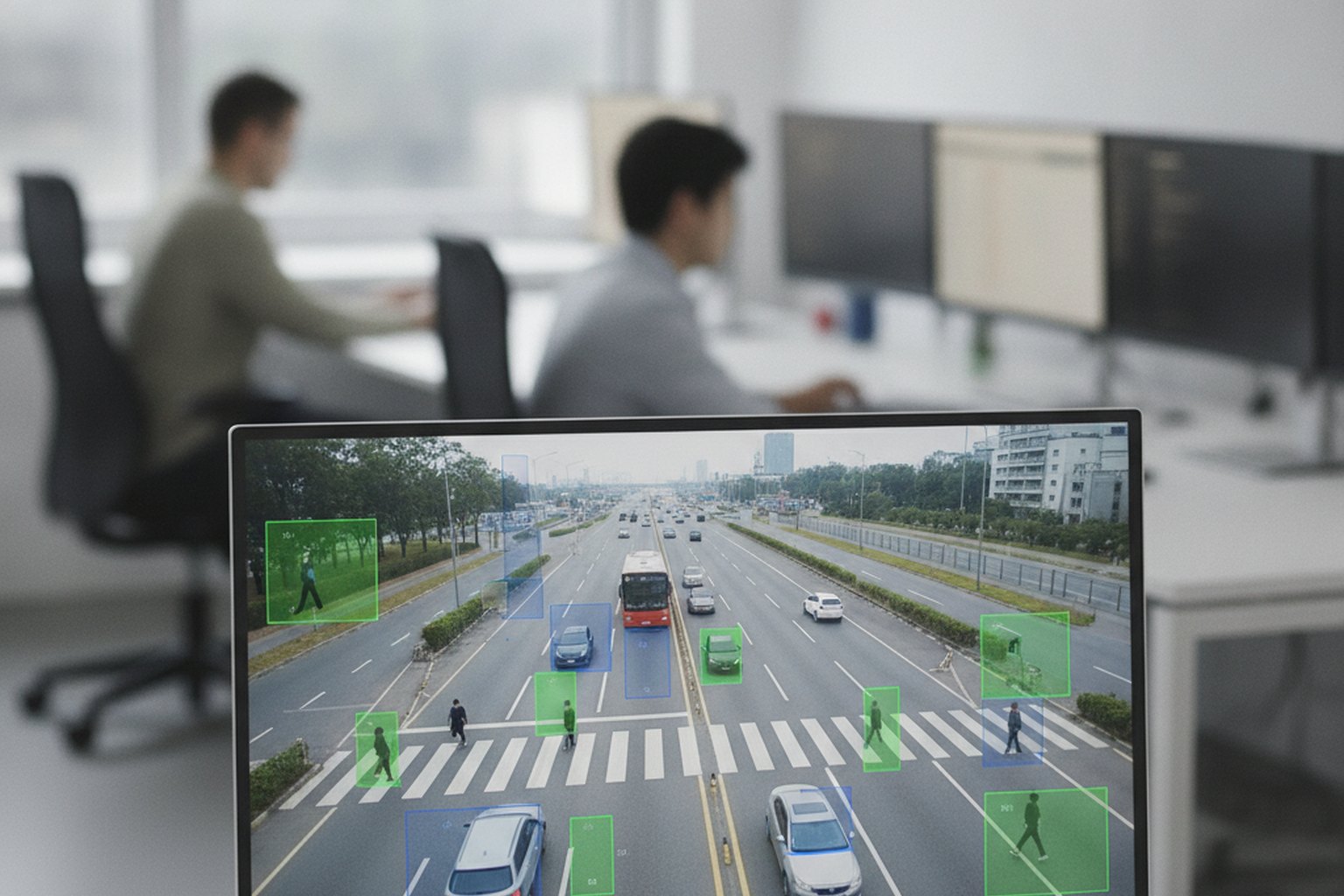
- Video analytics — real-time analysis of live streams for people counting, licence-plate reading, or safety and PPE compliance.
The common thread is that each pattern is narrow enough to measure. A strong first computer vision project targets one high-value, well-bounded decision where a wrong answer is recoverable — a model that flags items for a human to confirm, not an unattended system making irreversible calls. That scoping discipline is what separates products that ship from demos that stall on a laptop.
Computer vision use cases by industry
The same core computer vision patterns — detection, classification, OCR, segmentation — appear in almost every sector, but the specific decision being automated and the accuracy bar differ sharply. The table below shows where each industry concentrates its investment and what the primary decision is:
| Industry | Primary use case | Vision pattern | Key accuracy driver |
|---|---|---|---|
| Manufacturing | Defect and quality inspection on production lines | Anomaly detection, segmentation | Lighting consistency, defect variety in training set |
| Retail | Product recognition, shelf monitoring, self-checkout | Object detection, classification | SKU breadth, partial occlusion |
| Healthcare | Medical image analysis, pathology, radiology assist | Classification, segmentation | Annotation by domain experts, regulatory validation |
| Automotive | ADAS, lane detection, object detection for NCAP | Object detection, depth estimation | Edge latency (<50 ms), weather/night coverage |
| Security | Perimeter monitoring, PPE compliance, people counting | Video analytics, pose estimation | Low-light performance, false-positive rate |
| Agriculture | Crop disease detection, yield estimation, weed mapping | Classification, object detection (drone) | Seasonal variation, drone altitude normalisation |
| Logistics | Barcode/label reading, package dimensioning, damage detection | OCR, object detection | Speed (conveyor fps), orientation variance |
| Finance | Document OCR, identity verification, cheque processing | OCR, face recognition | Document quality, spoofing resistance |
A useful scoping rule: if the industry table above shows your sector, the pattern is proven — which means the risk is in your image data readiness and integration, not in whether computer vision can do the task at all.
Real-World Use Cases with Outcomes
Abstract capability lists rarely help decision-makers scope a project. What follows are concrete deployment archetypes from 2026 production systems — each with the technical approach used, the accuracy or throughput achieved, and the business outcome measured. Use these as calibration points when setting your own accuracy targets and ROI projections.
Retail: Automated Inventory and Self-Checkout
A large grocery chain deployed a shelf-monitoring system using overhead RGB cameras and a YOLO11-based detector fine-tuned on 280,000 annotated SKU images. The model runs at the edge (NVIDIA Jetson Orin NX) at 15 fps per aisle, flagging out-of-stock and misplaced items in real time. Results after 6 months in production: out-of-stock rate fell from 8.3% to 2.1%, restocking labour hours dropped by 34%, and the system covered 140 stores on a hardware cost of $1,200 per aisle. A self-checkout variant of the same model reduced checkout time by 28% by recognising loose produce by visual category rather than barcode — eliminating 70% of cashier interventions on produce items.
Key metric: mAP@0.5 of 0.91 across 4,200 SKUs in controlled lighting; drops to 0.84 under variable in-store lighting — the real-world vs. benchmark gap that every retail CV system must close through diverse training images.

Healthcare: Radiology and Pathology Assistance
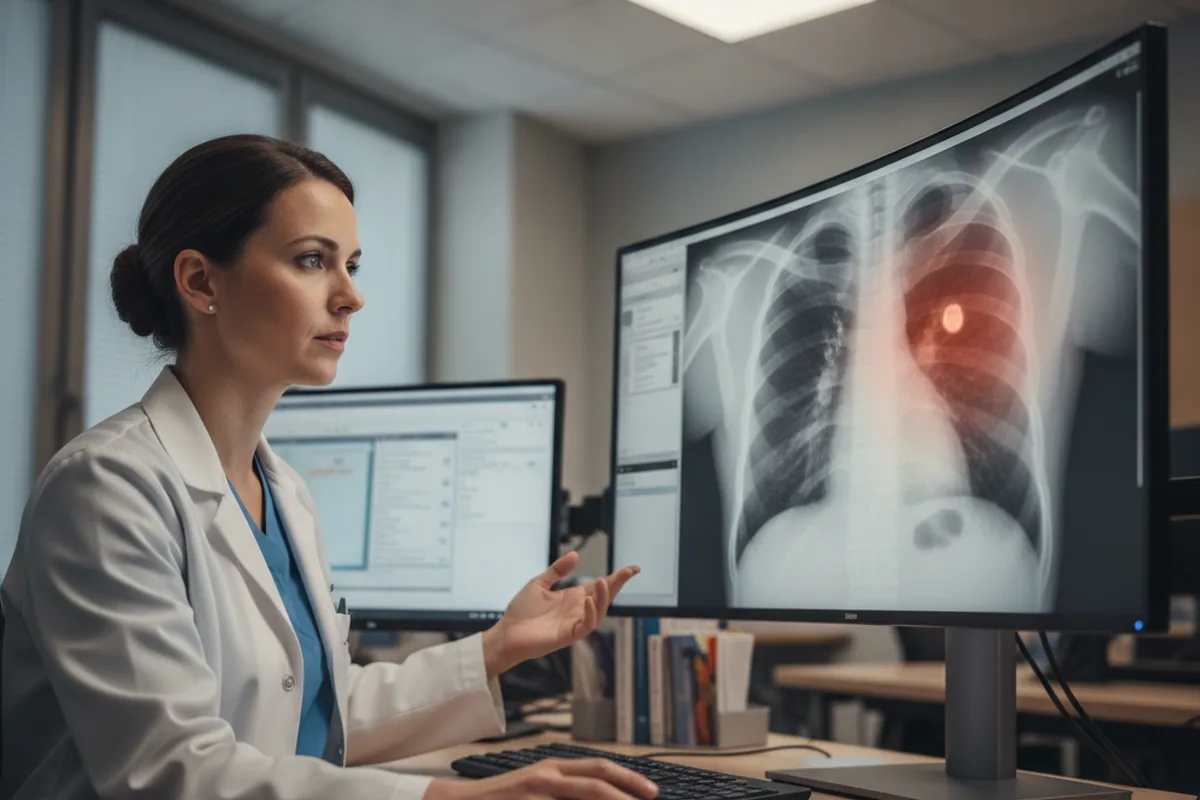
A radiology support tool built on a fine-tuned vision transformer (ViT-L/16 backbone) scans chest X-rays for 14 finding categories — pneumonia, pleural effusion, nodules and others — and overlays a heatmap for the reporting radiologist. In a clinical validation study on 12,000 held-out films, the model reached sensitivity of 93.4% and specificity of 91.8% on pneumonia detection, compared to 87.2% and 83.5% for radiologists working alone. Reporting time per film fell by 19%. Regulatory path: CE-marked as a Class IIa device under EU MDR; FDA 510(k) clearance pending as of mid-2026. HIPAA compliance required a fully on-premises deployment on hospital-owned GPUs — no patient images leave the facility.
Key metric: AUC 0.96 on internal test set; AUC 0.91 on external validation (different hospital, different scanner vendor) — illustrating how domain shift between hospitals is the primary accuracy risk in medical CV.
Automotive: ADAS Object Detection
A Tier-1 automotive supplier integrated a multi-camera pedestrian and cyclist detection system for ADAS on a mid-range vehicle platform. The model is a custom two-stage detector (EfficientDet backbone) quantised to INT8 and running on a Hailo-8 AI accelerator at 45 ms end-to-end latency per camera at 30 fps. NCAP test performance: 98.1% pedestrian detection rate in daylight, 91.4% in simulated night conditions, meeting Euro NCAP VRU 2024+ requirements. Training data covered 2.3 million annotated frames across 14 weather and lighting conditions; synthetic frames from CARLA simulator provided 35% of the training volume for rare scenarios such as occlusion in fog.
Key metric: False positive rate of 0.003 per km — critical for ADAS where false positives cause phantom braking and driver annoyance. Achieved through confidence threshold tuning and a one-week shadow-mode validation on 50,000 km of real driving data.
Manufacturing: Defect Detection on Production Lines
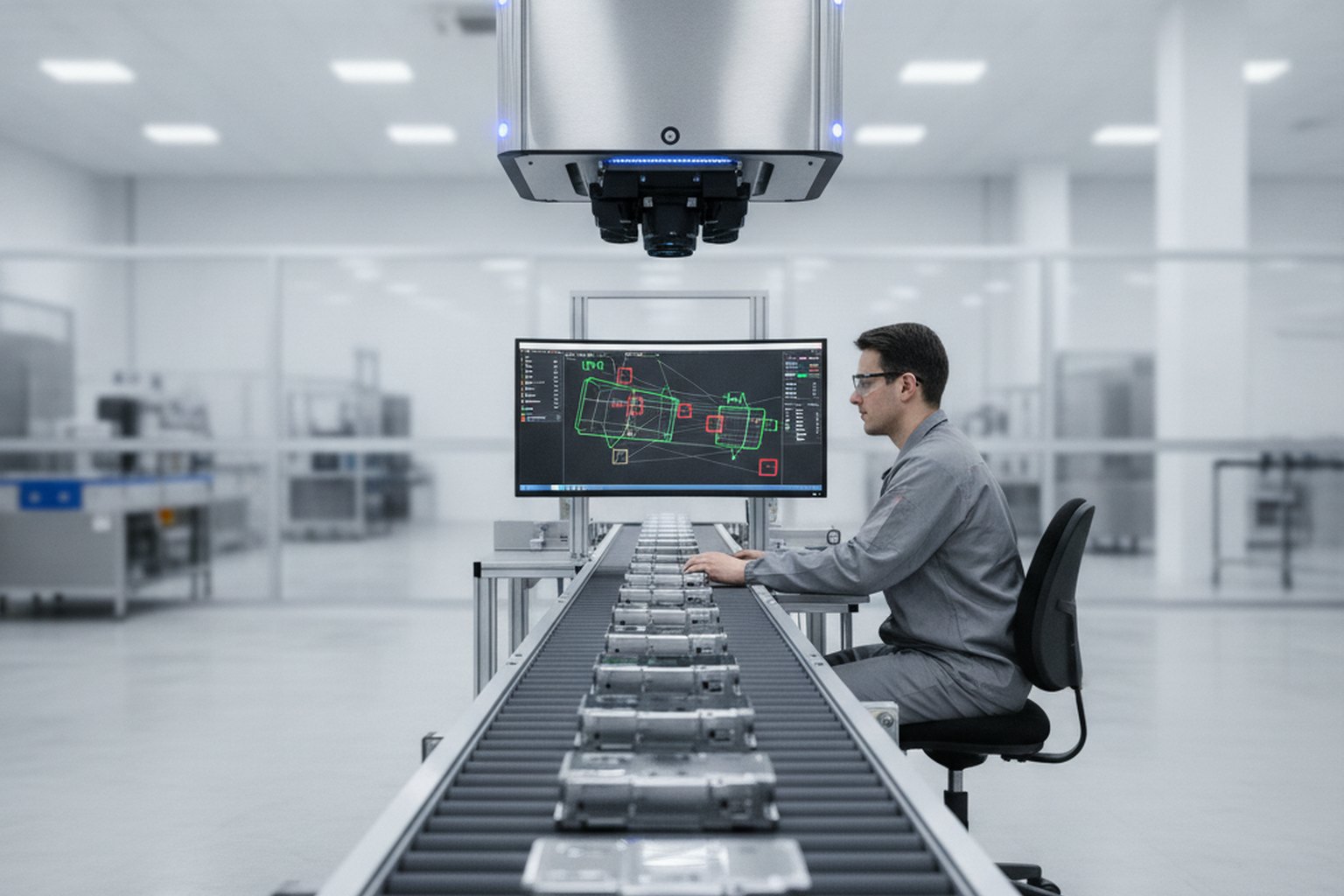
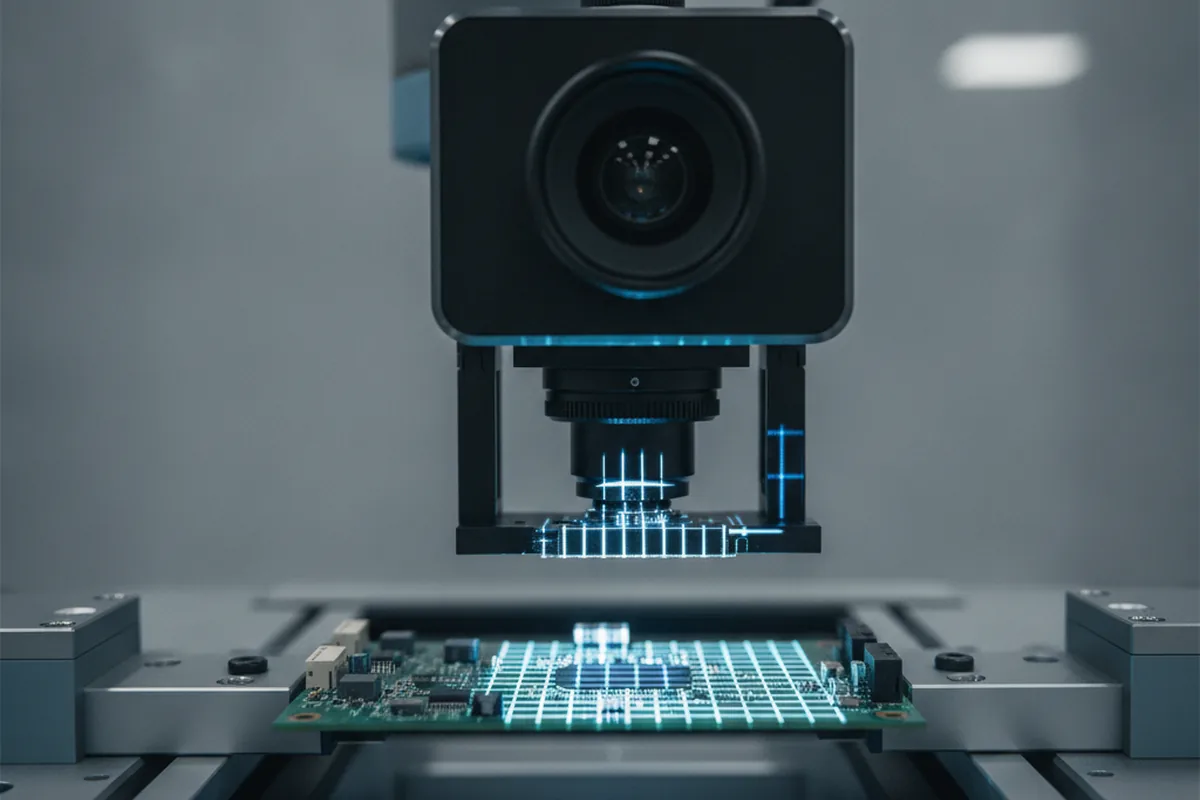
An electronics manufacturer replaced 12 manual visual inspectors with a CV defect detection system on a PCB assembly line running at 1,800 units per hour. The system uses four area-scan cameras, a structured-lighting setup for sub-millimetre Z resolution, and a semantic segmentation model (U-Net architecture, fine-tuned on 95,000 annotated defect images). Defect catch rate in production: 99.2% across seven defect categories (solder bridges, missing components, lifted pads, polarity errors), versus 81.4% for manual inspection over an equivalent period. False positive rate: 2.8% (items flagged for human review that prove defect-free). Payback period: 8.3 months based on inspector labour savings and warranty-claim reduction.
Key metric: Precision 97.3% / Recall 99.2% on the held-out test set; production precision landed at 96.1% after two retraining cycles on live-footage false positives — a normal post-launch tuning arc for high-throughput inspection systems.
Computer vision vs traditional software
The core difference is simple: in traditional software a developer writes the rules and the program follows them exactly, while in computer vision the rules are learned from labelled images, so the system's behaviour depends on the examples it was trained on. That one shift cascades through the whole engineering process — where the effort goes, how you test, and what happens after launch.
| Dimension | Traditional software | Computer vision software |
|---|---|---|
| Logic | Hand-written rules | Learned from labelled images |
| Main effort | Writing and testing code | Collecting and annotating images |
| Output | Exact and repeatable | Probabilistic, with a confidence score |
| Testing | Pass/fail unit tests | Accuracy, precision and recall on held-out images |
| After launch | Stable until changed | Degrades as cameras, lighting and scenes drift; needs retraining |
The practical consequence is that computer vision software is never "finished" at launch the way a traditional feature is. A rules engine keeps behaving the same until someone edits it; a vision model quietly gets worse when a camera is moved, a new product appears, or the seasons change the lighting. That is why monitoring and retraining belong in the build, not bolted on later — and why teams that treat a vision project like a normal web app, interface first, usually discover too late that the model cannot hit the accuracy bar in real conditions.
How computer vision works: the pipeline
A production computer vision system is a loop, not a straight line, and understanding the loop is how you reason about cost, timeline and risk. The model is one stage inside a cycle that starts and ends with images, and most of the engineering lives in the stages on either side of training.
- Image & video capture — sourcing the visual data the model learns from and will run on, from existing camera feeds to a purpose-built collection.
- Annotation & labelling — drawing the boxes, masks or class labels that tell the model the right answer; the most labour-intensive stage in vision.
- Preprocessing & augmentation — resizing, normalising and synthetically varying images (rotation, lighting, crops) so the model generalises beyond the training set.
- Model training — fitting a network — a convolutional neural network, a vision transformer, or a detector such as YOLO — to the annotated images.
- Evaluation — measuring accuracy, precision, recall and mean average precision (mAP) on images the model has never seen, before anyone trusts it.
- Deployment & monitoring — serving the model in the cloud or on an edge device, then watching for accuracy decay and feeding fresh images back into training.
The signal to take from the loop is where the work actually concentrates: image capture, annotation and evaluation, not model choice. In 2026 practice, data work — and annotation in particular — is routinely the most underestimated line item, consuming an estimated 20–40% of a vision project's budget. A team that spends its first weeks arguing about which detector to use, rather than whether the images can support the decision at all, is optimising the wrong stage.
The computer vision development process
Computer vision software is built in the same disciplined phases as any serious product, with two phases that ordinary software does not have: a feasibility assessment up front and an evaluation loop throughout. Skipping either is where most vision projects quietly fail — either building something the images cannot support, or shipping something nobody measured against a target.
- Problem framing & feasibility. Turn a business goal into a precise visual task, agree the accuracy metric that defines success, and confirm the available images can actually support it. Roughly 2–4 weeks.
- Data collection & annotation. Gather representative images and video and label them accurately; usually the longest and most underestimated phase in a vision build. About 4–10 weeks.
- Model development & evaluation. Choose an architecture, fine-tune or train it, and measure it on held-out images against the agreed metric. Around 3–6 weeks.
- Application build & integration. Wrap the model in real software and wire it into cameras, your systems, UI and workflows. Typically 4–8 weeks.
- Deployment & optimization. Ship the model to the cloud or an edge device, optimising it for the target hardware, with logging, drift detection and a retraining path. About 2–4 weeks.
- Monitoring & iteration. Watch accuracy and cost on real footage and retrain on fresh images — vision systems are tuned after launch, not finished at it.
The through-line is that image data readiness and the number of experiment cycles, not front-end screens, decide the timeline. The fastest route to production is to narrow the first release hard — one decision, one camera position, a human confirming the output and a concrete accuracy bar you measure from week one — then expand once it clears the bar on real usage. This is the same scope discipline we apply to any product engineering build.
Computer vision tech stack in 2026
A modern computer vision application looks like a normal software system with an image-and-model subsystem in the middle, so most of the stack is familiar and only a few pieces are vision-specific. The goal is a boring, well-supported combination your team can operate for years, not a collection of the newest research repos.
- Core libraries — OpenCV for classical image processing and pre/post-processing, with Python as the default language across the field.
- Deep-learning framework — PyTorch with torchvision for training convolutional networks and vision transformers; PyTorch now dominates vision research and most new model releases.
- Detection models — Ultralytics YOLO (YOLO11 in 2026) for real-time object detection, the gold standard when speed on live video matters, because it scores the whole image in a single pass.
- Pre-trained & foundation models — Hugging Face Transformers for ViT, CLIP and SAM, so you fine-tune a strong base model instead of training from scratch — typically 3–5x cheaper.
- Annotation & dataset tooling — platforms such as Roboflow or CVAT to label, version and manage image datasets; the backbone of the most expensive stage.
- Deployment & edge runtimes — NVIDIA TensorRT, OpenVINO or TFLite to optimise models for edge devices, with Docker, Kubernetes and MLflow or Weights & Biases for serving, tracking and monitoring.
- Synthetic data tools — NVIDIA Omniverse Replicator, Rendered.ai or Unity Perception for generating labelled training images when real data is scarce, private or safety-critical. Synthetic-to-real transfer has matured significantly in 2026: a well-tuned synthetic dataset can bootstrap a model to 80–90% of the accuracy achievable with real images, at a fraction of the annotation cost.
The tools matter less than the shape: a clean image pipeline, a measurable evaluation harness, and monitoring around a served model that may live in the cloud or on a camera. The most common 2026 pattern is a pre-trained detector fine-tuned on your own annotated images, deployed with an optimised edge runtime where latency demands it — a useful reminder that the stack's centre of gravity is annotated data and deployment, not the model brand.
How much does computer vision software development cost in 2026?
In 2026, computer vision software development typically costs from about $20,000 for a focused image-classification or simple-detection build on clean data to $300,000 or more for advanced video analytics or safety-critical systems, with most custom business projects landing between $60,000 and $150,000. Where a project lands is driven mostly by the complexity of the visual task, image data readiness and the deployment target rather than raw development hours. Independent 2026 pricing analyses put the bands at roughly these levels:
| Scope | Typical 2026 cost | Timeline |
|---|---|---|
| Image classification / simple detection (pre-trained, clean data) | $20,000–$60,000 | 2–4 months |
| Mid-complexity system (custom detection + integrations) | $60,000–$150,000 | 4–8 months |
| Advanced video analytics / edge deployment | $150,000–$300,000 | 6–12 months |
| Enterprise or safety-critical platform | $300,000–$1,000,000+ | 9–18 months |
| Image annotation (100,000+ images) | $30,000–$100,000 (often 20–40% of budget) | Runs in parallel |
For grounding, real projects in 2026 cluster like this: a retail self-checkout with product recognition typically runs $80,000–$150,000, a factory defect-detection system $50,000–$120,000, and a healthcare imaging tool that reads X-rays or MRIs $150,000–$300,000. The cost lever unique to vision is annotation — labelling images can cost $0.05 to $2 per image, so a large dataset alone runs into tens of thousands. Two other costs surprise teams: GPU compute for training, and the ongoing spend on inference, monitoring and retraining that a traditional app never has. Weigh all of it against the value of the decision the model automates.
How long does it take to build?
A focused computer vision system takes roughly 2 to 4 months to reach production, a mid-complexity system 4 to 8 months, and an advanced video-analytics or safety-critical platform 9 to 18 months or more — the same bands as the cost table, because time and money move together on a vision build. What stretches a timeline is rarely the interface; it is image collection and annotation, and the number of experiment cycles the team runs before the model is accurate and stable enough to trust in real conditions.
The fastest route to production is to narrow the first release hard: one visual task, one camera position, a human reviewing the output, and a concrete accuracy bar you measure from week one. Teams that try to specify every capability up front and disappear for a year usually return with a model that looks impressive on a curated test set and fails on live footage. Ship a bounded version, prove it clears the bar in production, then expand — computer vision rewards iteration far more than big-bang launches.
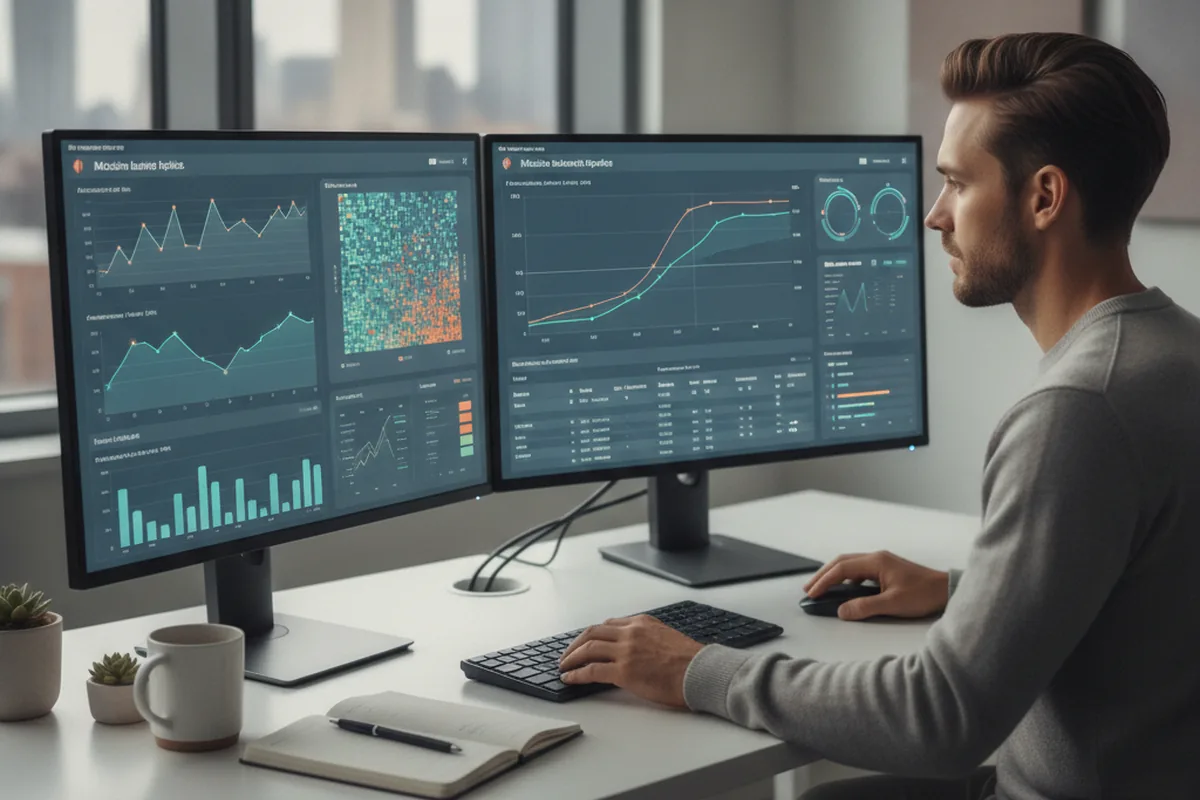
Model Evaluation Metrics Every Team Must Track
Computer vision models are probabilistic systems — they are right most of the time, at a confidence they report. Knowing which metric to optimise for your specific task is as important as choosing the model architecture. The four metrics below apply to detection and classification tasks and together give a complete picture of model quality before any production deployment.
Precision and Recall
Precision answers: "Of all the times the model said 'yes,' how often was it right?" A high-precision model has few false positives — it only fires when it is confident. Recall answers: "Of all the real positives in the data, how many did the model catch?" A high-recall model misses few instances but may also flag things that are not there. The two are in tension: raising the confidence threshold improves precision but hurts recall, and vice versa.
The right balance depends on the cost of each error type in your application. A defect inspection system where a missed defect causes a product recall should optimise for recall (target: >99%). A self-checkout system where a false positive causes a customer dispute should optimise for precision (target: >97%). Always specify both targets before training, not after.
F1-Score
The F1-score is the harmonic mean of precision and recall: F1 = 2 × (Precision × Recall) / (Precision + Recall). It is a single number that penalises models that are great on one metric and poor on the other. Use F1 as your headline metric when both false positives and false negatives carry real cost — which is most production computer vision tasks. A good production F1 target for a general-purpose detector is ≥0.90; safety-critical systems should aim for ≥0.95.
Mean Average Precision (mAP)
mAP is the standard benchmark for object detection models and the number you will see in model papers (e.g., "YOLO11 achieves 54.9 mAP on COCO"). It averages precision across multiple recall thresholds and across all object classes, giving a single score that reflects both detection accuracy and class coverage. mAP@0.5 uses an IoU threshold of 0.5 (box overlap ≥50% counts as correct); mAP@0.5:0.95 averages across ten IoU thresholds and is more demanding. For production, mAP@0.5 ≥0.80 on your own held-out images is a reasonable threshold for most business applications; safety-critical systems need mAP@0.5:0.95 ≥0.70.
The real-world vs. benchmark gap: Models evaluated on standard benchmarks (COCO, ImageNet) almost always score lower on your specific images. A YOLO11 model with mAP@0.5 of 0.55 on COCO may reach 0.91 on your well-annotated domain-specific dataset — or 0.67 if your training images are poorly representative. Evaluate on your own data, not the paper.
Latency vs. Accuracy Tradeoff
Model accuracy and inference speed are inversely correlated: larger, more accurate models are slower. The tradeoff is the primary design decision for edge deployments where compute is constrained.
| Model tier | Example models | mAP@0.5 (COCO) | Typical edge latency | Best for |
|---|---|---|---|---|
| Nano / Tiny | YOLO11n, EfficientDet-D0 | ~39–45 | 5–15 ms (Jetson Nano) | Low-power cameras, IoT sensors |
| Small / Medium | YOLO11s/m, EfficientDet-D2 | ~55–63 | 15–45 ms (Jetson Orin NX) | Industrial inspection, retail analytics |
| Large / XL | YOLO11l/x, ViT-L | ~67–78 | 40–120 ms (Jetson AGX Orin) | Cloud inference, medical imaging |
Confusion Matrix: What the Model Is Getting Wrong
A confusion matrix shows, for each class, how many instances were correctly classified versus misclassified into other classes. It reveals systematic errors that aggregate metrics hide: a model with 92% overall accuracy may be missing 40% of a rare-but-critical defect class. Always inspect the confusion matrix class-by-class before declaring a model production-ready. Common patterns to look for: high confusion between visually similar classes (fix with more diverse training data), high false-positive rate on a specific class (raise the confidence threshold for that class), and low recall on rare classes (use class-weighted loss or oversample rare examples in training).
Edge or cloud: where should the model run?
Run computer vision on the edge — on the camera or a nearby device — when you need low latency, must work offline, process many video streams at once, or have to keep footage on-site for privacy; run it in the cloud when models are large, hardware is centralised, or throughput is modest. This single decision shapes your hardware budget, your accuracy ceiling and your compliance posture, which is why it belongs at the start of the project, not the end.
Edge deployment optimises the model with runtimes such as NVIDIA TensorRT, OpenVINO or TFLite and runs it on devices like NVIDIA Jetson, trading some accuracy and update convenience for speed, resilience and data control — the footage never leaves the site. Cloud deployment keeps models large and easy to update but adds latency, bandwidth cost, and the privacy and regulatory weight of streaming video off-premises. In practice many production systems are hybrid: inference at the edge for real-time decisions, with training, aggregation and monitoring in the cloud. Edge-inference chipsets and regulatory pressure — from driver-assistance cameras to inspection mandates in pharma and food — are a major reason vision budgets keep growing in 2026.
Deployment Patterns: Edge, Cloud, and Hybrid
The broad edge-versus-cloud choice resolves into three distinct deployment patterns in practice, each with specific hardware platforms, cost structures, and operational tradeoffs. Choosing the right pattern at the start of a project prevents expensive re-architecture 6 months later.
Edge Deployment: Local Inference on Constrained Hardware
Edge deployment runs the model directly on or near the camera — on a device that has no reliable cloud connectivity, requires sub-50 ms latency, or must keep footage on-premises for privacy or regulatory reasons. The footage never leaves the facility; only the inference results (detected objects, counts, alerts) are transmitted.
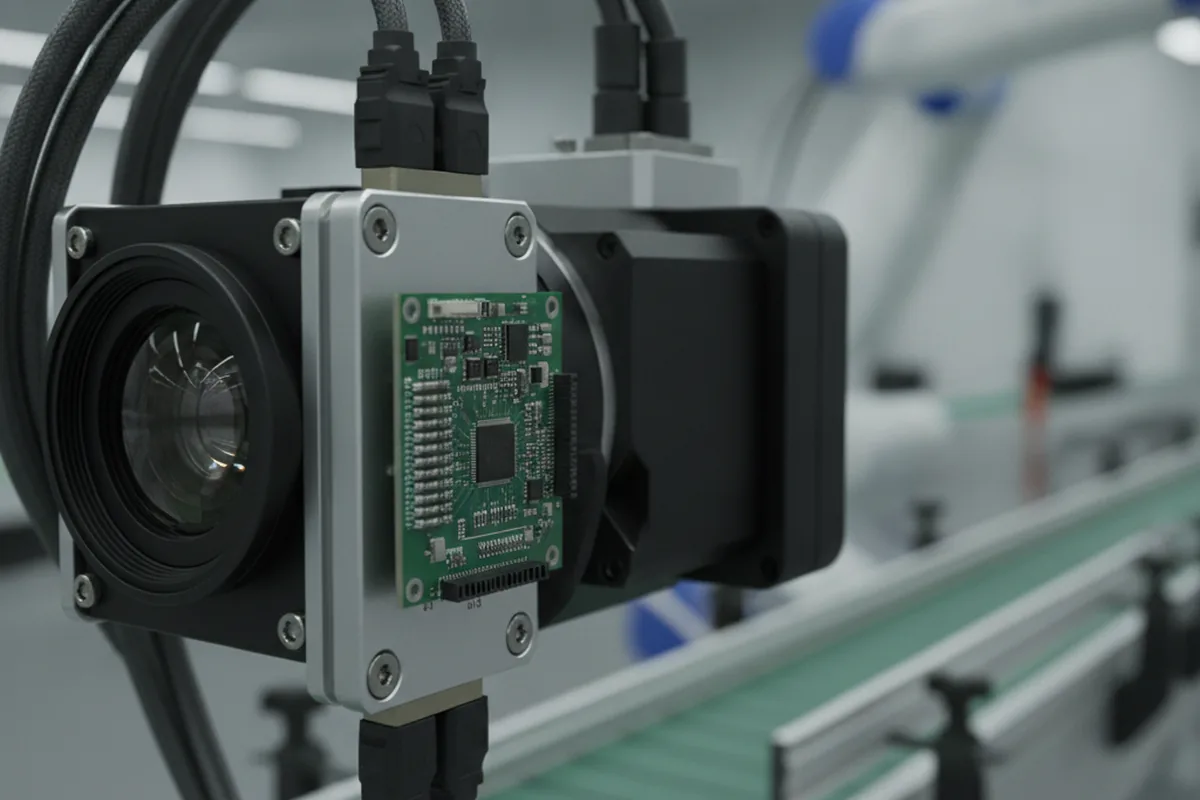
Common edge hardware platforms in 2026:
- NVIDIA Jetson Orin series (Nano, NX, AGX Orin) — the dominant platform for production CV at the edge. Jetson AGX Orin delivers up to 275 TOPS at 60W; Jetson Orin Nano covers simpler tasks at 10W. Best for: industrial inspection, retail analytics, smart city cameras. TensorRT inference acceleration is mature and well-documented.
- Google Coral (Edge TPU) — a 4 TOPS USB or PCIe accelerator optimised for TFLite models under 8 MB. Very low power draw (2W) makes it suitable for battery-powered devices and embedded systems. Best for: classification and lightweight detection on resource-constrained devices. Limitation: models must be compiled specifically for the Edge TPU; large detection models require splitting.
- Hailo-8 / Hailo-8L — purpose-built inference accelerators delivering 26 TOPS (Hailo-8) at under 5W. Increasingly used in automotive ADAS, smart traffic cameras, and industrial IoT where power envelopes are strict. Native INT8/INT4 quantisation pipeline; supported by major camera module vendors.
- Intel OpenVINO + Myriad VPU — Intel's inference toolkit with hardware acceleration on Myriad X VPUs and Arc GPUs. Strong ecosystem for converting PyTorch/ONNX models; good fit when the target hardware is an Intel-based industrial PC or NUC.
Edge deployment checklist: Quantise the model to INT8 (typically <1% mAP loss with calibration data); validate latency on the exact target device before training; plan OTA model updates; instrument edge devices with health monitoring and drift detection that pushes alerts to a central dashboard.
Cloud Deployment: Scalable Managed Inference
Cloud deployment hosts the model on managed ML infrastructure. It is the right choice when the model is large (ViT-L, Segment Anything), throughput requirements are moderate (batch processing rather than continuous video), or models need frequent updates without hardware access.
Managed ML inference platforms in 2026:
- AWS SageMaker Real-Time Inference — managed endpoint with auto-scaling, A/B model variants, and shadow mode for safe model updates. GPU instance types: ml.g5.xlarge for light workloads, ml.p4d.24xlarge for high-throughput batch. SageMaker Multi-Model Endpoints let multiple CV models share one endpoint to reduce cost.
- Google Cloud Vertex AI — endpoint serving with autoscaling to zero (pay per request, not per idle hour), integrated with Artifact Registry and Vertex Pipelines for MLOps. Optimum for teams already on GCP or using Vertex Training. GPU types: A100 (80GB) for large models, T4 for cost-optimised inference.
- Azure Machine Learning Managed Online Endpoints — similar managed endpoint model, with native integration to Azure Blob Storage (common for healthcare imaging that already lives in Azure). Strong compliance tooling (HIPAA BAA, FedRAMP) for regulated industries.
Cloud cost structure to plan for: GPU instance cost + data transfer (video streaming generates significant egress) + storage for inference logs. At scale (1M+ images/day), per-image cost of cloud inference often exceeds edge total-cost-of-ownership within 18–24 months — a threshold worth calculating before committing to cloud-first.
Hybrid Pattern: Edge Preprocessing + Cloud Training
The hybrid pattern is the most common production architecture in 2026. Inference runs at the edge for real-time decisions and data sovereignty; training and model management run in the cloud where compute is elastic. Monitoring data (inference results, confidence scores, flagged anomalies) streams to the cloud, where an MLOps pipeline triggers retraining when drift is detected and pushes updated models back to edge devices over OTA.
This pattern resolves the main tensions: it gives you edge latency and privacy with cloud scalability and trainability. The engineering cost is the OTA update pipeline and the bidirectional monitoring infrastructure — plan 4–8 weeks of backend work on top of the model itself. Tools that work well in this pattern: NVIDIA Fleet Command for Jetson OTA management, AWS IoT Greengrass for edge-to-cloud data sync, and MLflow or Weights & Biases for centralised experiment tracking across edge model versions.
Risks and challenges to plan for
The failure modes of computer vision software are well understood by 2026, which means they are plannable rather than surprising. Naming them early is what separates a team that ships a dependable system from one that is firefighting after launch.
- Annotation cost and quality. Labelled images are the fuel and the biggest bill; inconsistent or sparse annotation caps accuracy no matter how good the model is. Budget for it first, and audit label quality.
- Accuracy in the real world. A model that scores well on a clean test set can fail on live footage with poor lighting, occlusion, motion blur or unusual angles. Test on real conditions early, not curated images.
- Model drift. Accuracy decays when cameras move, products change or seasons shift the lighting. Monitoring and a retraining path have to be designed in, or the system silently gets worse.
- Privacy and regulation. Video of people is personal data under GDPR, and biometric or facial-recognition use is classified as high-risk under the EU AI Act (Article 6, Annex III), which entered its enforcement phase in 2026. HIPAA applies whenever a vision model processes images of patients or medical records. In practice this means: data-minimisation at capture (blur faces not relevant to the task), documented retention limits, a conformity assessment for high-risk systems, and logging that supports a right-to-explanation. These obligations belong in the design, not a pre-audit retrofit.
- Edge hardware constraints. A model that runs in the cloud may be too heavy for a low-power camera; plan the accuracy-versus-speed trade-off and the target device before training, not after.
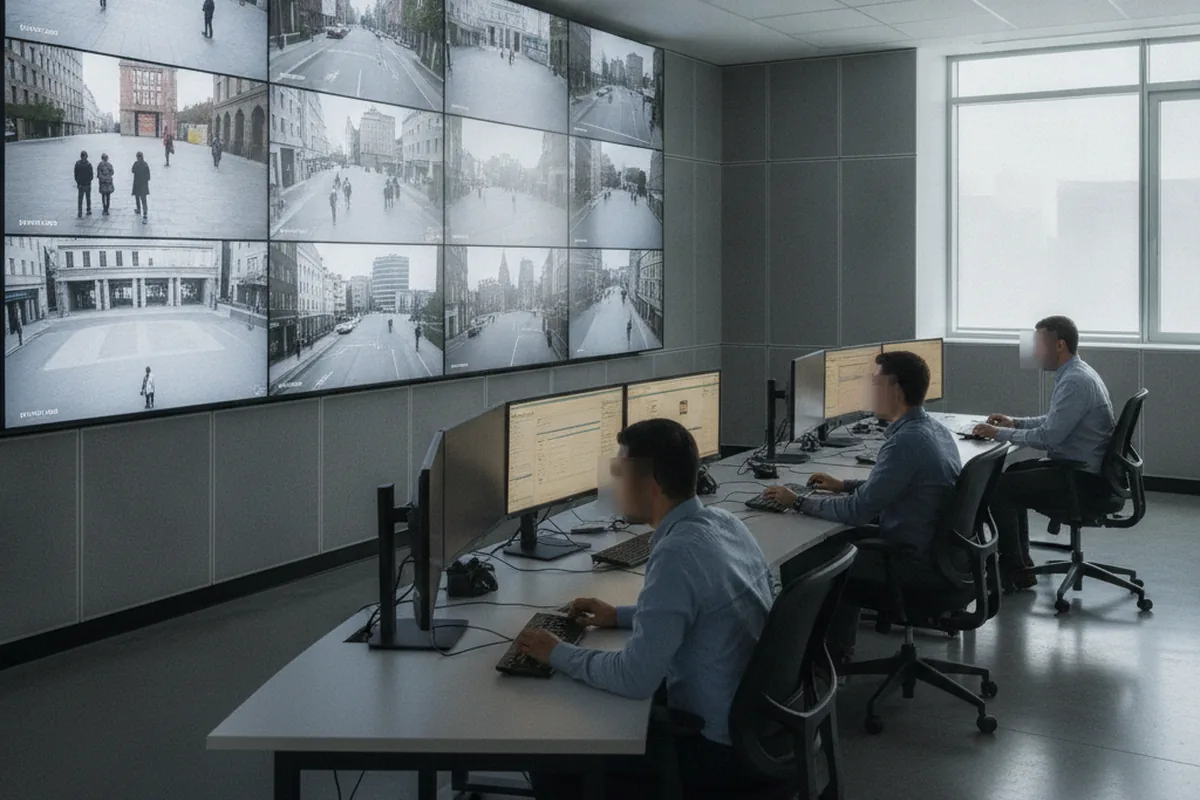
None of these is a reason to avoid computer vision; they are the reasons it is an engineering discipline rather than a demo. A partner who talks openly about annotation, real-world testing and privacy before talking about model architecture is one who has shipped this before.
How to choose a computer vision development company
Choose a computer vision software development company on shipped production systems, not slick prototypes — anyone can fine-tune a detector on a public dataset, but very few can make it accurate, monitored and affordable on live cameras. This checklist separates a partner who will hand you a system you can trust from one who will learn vision on your budget.
1. Production vision experience, not notebooks
Ask to see computer vision systems they have taken to production and kept running, with real cameras and real monitoring. A team that has shipped vision will talk fluently about annotation, drift, edge optimisation and evaluation — the parts that only show up once a model is live in the field.
2. A data-first approach
Insist that they start with your images — their quality, coverage and labelling — before promising a model. If a company quotes a fixed accuracy before seeing your footage, keep looking; serious computer vision software development services treat image data readiness as the first question, not an implementation detail.
3. A clear deployment target
Ask early whether the model will run in the cloud or on the edge, and make them justify it against your latency, privacy and cost needs. A partner who defaults to the cloud without asking about your cameras and constraints has not thought about where your system actually lives.
4. A real evaluation and monitoring plan
Ask how they will measure success and keep the model healthy after launch: the metric, the held-out test set, the monitoring, and the retraining path — the same test we apply in our guide to how to choose a software development company. If the only deliverable on offer is a finished model from a vague brief, you are being sold to, not advised.
Build, buy or outsource: which is right for your computer vision project?
Before writing a line of code, the first question is whether to build a custom vision system, buy an off-the-shelf platform, or outsource development to a specialist team. Each path has a distinct cost structure, time to value, and accuracy ceiling — and the wrong choice is the most expensive mistake a product team can make in computer vision.
| Approach | Best when | Trade-offs | Typical cost |
|---|---|---|---|
| Buy / off-the-shelf | Generic use case (basic OCR, face verification) with standard image conditions and low accuracy bar | Fast to deploy; low flexibility; vendor lock-in; per-image cost scales badly; can't fine-tune on your data | $0–$2k/mo SaaS subscription or per-call pricing |
| Build in-house | Your data is unique IP, you have an existing ML team, and the vision system is a core competitive differentiator | Full control; slow ramp; requires annotators, GPU infra and MLOps capability; retention risk on AI talent | $300k–$600k/yr all-in for a 3–4 person ML team |
| Outsource to a specialist | Custom accuracy target on your own images, no existing ML team, time-to-market pressure, or a bounded scope that does not justify a full hire | Fastest to production; fixed scope risk if brief is weak; knowledge transfer needs to be planned; ongoing support contract needed post-launch | $60k–$300k per project (as per cost table above) |
The most common mistake is buying an off-the-shelf API for a use case that needs a custom model — then discovering three months in that vendor accuracy on your specific images is 30 points below the bar. If your visual task is non-standard, your image conditions are unusual, or the decision carries real business weight, start with a feasibility assessment on your own data rather than a vendor pilot on their demo images.
What KPIs improve after deploying computer vision? Realistic benchmarks
The business case for computer vision software is measured in operational metrics, not model scores. Below are the KPI categories and benchmark ranges drawn from production deployments in 2026 — not vendor marketing claims but the ranges realistic to plan against before you build.
| KPI category | Typical improvement | Example (manufacturing defect inspection) |
|---|---|---|
| Defect / error catch rate | +25 to +60 percentage points vs manual | Manual inspection: 78% catch rate → CV: 96–99% (consistent, non-fatigue) |
| Manual labour hours | 50–80% reduction on the inspected task | 6 FTE visual inspectors → 1 FTE reviewing CV flags |
| Throughput / speed | 3–10× faster than human inspection rate | Human: 200 units/hr → CV: 1,200 units/hr on a conveyor |
| False-positive rate | Depends on model tuning; target <5% in production | High FP rate in month 1 → tuned to <3% after 2 retraining cycles |
| Payback period | 12–30 months (manufacturing, logistics); 24–48 months (healthcare, regulated sectors) | $80k CV system replacing $120k/yr manual inspection → payback <12 months |
Set your target KPIs and measurement plan before you scope the build — not after it launches. A team that cannot tell you how they will measure success in week one is unlikely to deliver it in month eight. The KPIs also dictate the accuracy bar: if a false negative costs $500 in recalled product, the model has to perform differently than if it flags items for a human to confirm.
Computer vision trends in 2026
The defining shift in 2026 is that computer vision has moved from research to operational baseline, and the winners are the teams that industrialise it rather than the ones with the cleverest model. The market reflects it: independent analyses value computer vision at roughly $20–33 billion in 2026 and project growth of about 15% a year through the early 2030s. For leaders commissioning vision software, three trends matter most:
- Edge vision goes mainstream. Cheaper edge-inference chips and privacy pressure are pushing real-time detection onto cameras and devices, making the deployment target a first-class design decision rather than an afterthought.
- Foundation models cut data needs. Pre-trained backbones like CLIP and SAM, fine-tuned on a modest labelled set, now reach production accuracy with far less annotation than training from scratch demanded a few years ago.
- Governance becomes a build requirement. As the EU AI Act phases in through 2026, biometric and surveillance use cases carry documentation, transparency and risk-assessment duties that belong in the design, not retrofitted before an audit.
Underneath the trends, the fundamentals hold: a computer vision product succeeds on annotated image quality, a clear accuracy target and the operations that keep it healthy on live cameras. The models get more capable every year, but the difference between a system users trust and a demo that disappoints is still the engineering around the model — which is precisely why disciplined computer vision software development matters more in 2026, not less.
FAQ
What is computer vision software development?
Computer vision software development is the design and engineering of applications that extract meaning from images and video — detecting objects, reading text, classifying scenes or measuring defects — using models trained on labelled visual examples rather than hand-coded rules. In practice it means an image and video pipeline (capture, annotate, train, evaluate) wrapped in real software and kept accurate in production through monitoring and retraining. It is a specialised branch of machine learning focused on visual data, and it can run in the cloud or on a camera at the edge.
How much does computer vision software development cost in 2026?
In 2026, computer vision software development typically costs from about $20,000 for a focused image-classification or simple-detection build on clean data to $300,000 or more for advanced video analytics or safety-critical systems, with most custom business projects between $60,000 and $150,000. Data annotation is the cost lever unique to vision: labelling a large image set (100,000+ images) can run $30,000 to $100,000 on its own, often 20–40% of the budget. Using a pre-trained model such as YOLO, ResNet or CLIP and fine-tuning it is roughly 3–5x cheaper than training from scratch.
What is the difference between computer vision and machine learning?
Machine learning is the broad discipline of building systems that learn patterns from data; computer vision is the branch of machine learning that works specifically with images and video. A vision system uses the same foundations — data, training, evaluation — but adds vision-specific concerns: annotation of images, models such as convolutional neural networks and vision transformers, metrics like mean average precision, and deployment onto cameras and edge devices where latency and bandwidth matter. A team fluent in machine learning software development can build vision systems, but the data and deployment work is distinct.
How long does it take to build a computer vision system?
A focused computer vision system takes roughly 2 to 4 months to reach production, a mid-complexity system 4 to 8 months, and an advanced video-analytics or safety-critical platform 9 to 18 months or more. The timeline is driven mostly by image data readiness and annotation: about 2–4 weeks of problem framing and feasibility, 4–10 weeks of data collection and labelling, 3–6 weeks of model development and evaluation, 4–8 weeks of application build and integration, and 2–4 weeks of deployment and optimization.
Should a computer vision model run on the edge or in the cloud?
Run computer vision on the edge — on the camera or a nearby device — when you need low latency, work offline, process many video streams, or must keep footage on-site for privacy; run it in the cloud when models are large, hardware is centralised, or throughput is modest. Edge deployment uses optimised runtimes such as NVIDIA TensorRT, OpenVINO or TFLite on devices like NVIDIA Jetson, trading some accuracy and update convenience for speed and data control. Many production systems are hybrid: inference at the edge, training and monitoring in the cloud.
What does a computer vision software development company do?
A computer vision software development company builds the full system around a vision model: it frames the problem, collects and annotates image data, selects and trains models, wraps them in production software, integrates with cameras and business systems, and deploys to the cloud or the edge with monitoring and retraining. The best computer vision software development services start with your data and a measurable accuracy target rather than a demo, and treat annotation, evaluation and deployment as core engineering. Choose one on shipped production systems, not proofs of concept.
Which industries use computer vision software most?
Manufacturing (defect inspection), retail (product recognition and self-checkout), healthcare (medical imaging), automotive (ADAS), security (perimeter monitoring and PPE compliance), agriculture (crop disease detection), logistics (barcode reading and package dimensioning), and finance (document OCR and identity verification) are the highest-adoption sectors in 2026. See the industry use-case table above for primary patterns and accuracy drivers in each.
Can computer vision software work in real time?
Yes. Real-time computer vision — processing live video at 30 fps or faster — is standard in 2026 using optimised models such as YOLO11 on edge devices (NVIDIA Jetson, Coral, OAK-D) or GPU servers in the cloud. The keys are a fast detector architecture, optimised with TensorRT or OpenVINO for the target hardware, and a lean inference pipeline. Latency under 50 ms is routine for edge detection; sub-100 ms cloud inference is achievable on GPU-backed endpoints.
Should I build, buy or outsource computer vision development?
Buy an off-the-shelf computer vision API when your use case is generic (basic OCR, standard face verification) and vendor accuracy on your image type is already acceptable — the cost to switch later is low. Build in-house when the vision system is a long-term core differentiator, you have an existing ML team, and your image data is proprietary IP. Outsource to a specialist team when you need a custom accuracy target on your own images, lack an ML team, or have a bounded scope that does not justify a full hire. The most common mistake is applying off-the-shelf APIs to non-standard visual tasks and discovering the accuracy gap after three months; start with a feasibility test on your real data, not a vendor demo.
Can synthetic data replace real images in computer vision training?
Partly. Synthetic data — generated images from tools like NVIDIA Omniverse Replicator or Unity Perception — can bootstrap a computer vision model to 80–90% of the accuracy achievable with real images, at far lower annotation cost. It is especially valuable when real data is scarce (early product launch, rare defect classes), privacy-sensitive (medical imaging, surveillance), or safety-critical (autonomous vehicles in edge conditions). In practice most production systems use a hybrid approach: synthetic images to bootstrap and handle rare cases, real images to fine-tune and close the accuracy gap. Synthetic data alone is rarely enough for high-accuracy production systems.
What programming languages are used in computer vision development?
Python is the dominant language for computer vision development — PyTorch, TensorFlow, OpenCV, and the entire model ecosystem are Python-first. It runs training, data pipelines, annotation tooling, and model serving in the vast majority of production systems. C++ is used for performance-critical inference on embedded and edge hardware, where Python's overhead is unacceptable; TensorRT inference engines on Jetson devices are commonly called from C++ for minimum latency. JavaScript is used for web-based CV demos (TensorFlow.js) but not for production vision systems. In short: Python for everything above the inference layer; C++ where milliseconds matter on constrained hardware.
How much data do I need to train a custom computer vision model?
The minimum viable dataset depends on the task complexity and the approach. For fine-tuning a pre-trained model (the standard 2026 approach): 500–2,000 annotated images per class can produce a useful detector if the pre-trained backbone is strong and your images are clean. For training from scratch: plan for 10,000–100,000 images per class for reliable performance. More important than raw count is diversity — images must cover the lighting conditions, angles, occlusion levels, and backgrounds the model will encounter in production. A common failure mode is training on 50,000 images that all look alike and getting a model that fails the moment a camera angle changes.
What is the difference between object detection and image classification?
Image classification assigns a single label to an entire image ("this is a cat"). Object detection locates and labels each instance of an object in the image, outputting a bounding box and a class for every detected item ("cat at coordinates [x1,y1,x2,y2], confidence 0.94"). Classification is simpler and faster; detection is needed whenever there are multiple objects per image, their position matters, or you need to count or track them. A third pattern, instance segmentation, adds a pixel-level mask for each detected object — used when the exact shape matters (measuring defect area, surgical tool tracking). Most production systems use object detection or segmentation; classification is typically a component of a larger pipeline rather than the whole product.
What hardware is needed for computer vision at the edge?
The minimum for real-time edge inference is a dedicated AI accelerator — a CPU alone cannot process 30 fps video streams at useful accuracy. Entry-level options include the Google Coral USB Accelerator (4 TOPS, ~$60) for simple classification, and the NVIDIA Jetson Orin Nano (40 TOPS) for small detection models. The Hailo-8 (26 TOPS at under 5W) suits power-constrained installations. Production-grade: NVIDIA Jetson AGX Orin (275 TOPS) for demanding multi-camera or large-model deployments. Camera selection matters too: resolution, frame rate, global vs. rolling shutter, and IR capability for night vision each constrain what the model can detect. Plan hardware selection alongside model selection — the two are tightly coupled on edge deployments.
How do I handle privacy and data compliance in CV systems?
Privacy in computer vision starts at capture, not in the model. Best-practice approaches in 2026: apply face and licence-plate blurring at the camera or first processing stage (before footage is stored or transmitted), use on-premises or private-cloud inference for footage containing identifiable individuals, and implement minimum-retention policies (retain inference results, not raw footage, unless there is a documented legal basis). Under GDPR, video of people in public or private spaces is personal data — processing requires a lawful basis, typically legitimate interest with a balancing test or explicit consent. The EU AI Act classifies real-time biometric identification in public spaces as prohibited (with narrow exceptions) and emotion recognition as high-risk, requiring conformity assessment, logging, and human oversight. For US healthcare, HIPAA applies to any imaging system that processes patient-identifiable data. Embed compliance requirements in the system design; retrofitting them into a live system is costly and often incomplete.
What are the most common failure modes in production CV systems?
The four most common production failures are: (1) Domain shift — the model was trained on images that do not match production conditions (different camera, lighting, angle), causing accuracy to drop silently; caught by continuous monitoring with ground-truth spot-checks. (2) Class imbalance at the long tail — the model works well on common cases but misses rare-but-important ones (rare defect types, unusual products) because they were underrepresented in training; caught by class-level metrics in the confusion matrix. (3) Confidence calibration failure — the model reports high confidence on wrong predictions, so confidence-threshold filtering does not save it; common in fine-tuned models and addressed with temperature scaling post-training. (4) Annotation inconsistency — different annotators labelled the same objects differently, injecting noise that caps accuracy regardless of model capacity; caught by inter-annotator agreement (Cohen's kappa ≥0.80 is a reasonable bar for bounding-box tasks).
Last updated 26 September 2026. Cost, timeline and market figures reflect independent 2026 computer vision development pricing analyses and market reports for US and EU clients; actual pricing varies by scope, image data readiness, model complexity, integrations, deployment target and usage. Figures are general guidance, not a quote — request a scoped proposal for your specific situation.