
Staging in software development is the final rehearsal before a release meets real users. Code that passed every unit test on a laptop and every check in continuous integration can still fail in production because of a missing environment variable, a database migration that locks a large table, or a third-party API that behaves differently with live keys. A staging environment exists to surface those problems while they are still cheap to fix.
In custom web application development, staging is the last gate between a merged change and paying users. It is where the exact build that will ship is deployed onto production-like infrastructure, tested end to end and approved. Good staging software development practice is less about owning an extra server and more about discipline: the same artifact, the same configuration shape and an honest go/no-go decision.
This guide is written for CTOs, product owners and companies buying custom software in the US and EU. It explains what staging is, how it differs from other environments, how it fits a CI/CD pipeline, how to set it up, what typically goes wrong, and whether newer approaches such as preview environments and feature flags make shared staging obsolete in 2026.
What is staging in software development?
Staging in software development is a pre-production environment that replicates production as closely as practical, used to deploy and validate a release candidate before it goes live. Teams also call it pre-production, pre-prod or simply the staging environment.
A release candidate is the specific build — a container image, package or bundle with a version number — that the team intends to ship. In a typical software development life cycle, code moves from local development to a shared test or QA environment, then to staging, and finally to production. Staging is the only stop where the whole system runs together in conditions close to the real thing, which is why defects that depend on configuration, scale or integrations tend to appear there first.
Staging environment vs staging server vs staging database
These three terms describe different layers of the same idea, and mixing them up causes scope confusion in contracts and tickets.
- Staging environment — the complete pre-production setup: application services, databases, queues, caches, networking, configuration, secrets and monitoring.
- Staging server — the compute that hosts the application in staging. In 2026 this is usually a set of containers, a Kubernetes namespace or serverless functions rather than a single machine.
- Staging database — a separate database instance with the same schema version as production, filled with synthetic or anonymized data, where migrations are rehearsed before they touch real records.
Why is a staging environment important?
A staging environment matters because it is the only place to test the real release, on production-like infrastructure, without risking customers. It turns “it works on my machine” into “it works on a copy of production”.
- Catches environment-specific bugs. Differences in runtime versions, operating system packages, CDN rules or network policies show up before users see them.
- Validates database migrations. Schema changes run against realistic data volumes, so slow or locking migrations are found and rewritten.
- Enables safe performance and load tests. You can push traffic to staging without degrading the live service.
- Supports stakeholder demos and sign-off. Product owners and clients review the finished release on a stable URL rather than a developer’s laptop.
- Rehearses deployment and rollback. The deployment script, feature-flag defaults and rollback procedure are executed for real before they are needed in production.
- Produces compliance evidence. Change-management controls in SOC 2 audits or HIPAA programs are easier to demonstrate when each release has a recorded test run and approval in pre-production.
What breaks when teams skip staging
Teams that skip staging usually discover the same three failure modes in production, during business hours.
- A migration locks a large table. Adding a column with a default or a new index on a table with millions of rows can block writes for minutes; on a developer database with a hundred rows it finished instantly.
- A missing environment variable or secret. A new service expects a configuration value that exists in the developer’s local file but was never added to production, and the first request fails.
- Third-party sandbox vs live behavior. Payment, email or identity providers often behave differently in sandbox and live modes — different webhooks, rate limits or required fields — and the gap appears only when real keys are used.
Dev vs test vs staging vs production: how do the environments differ?
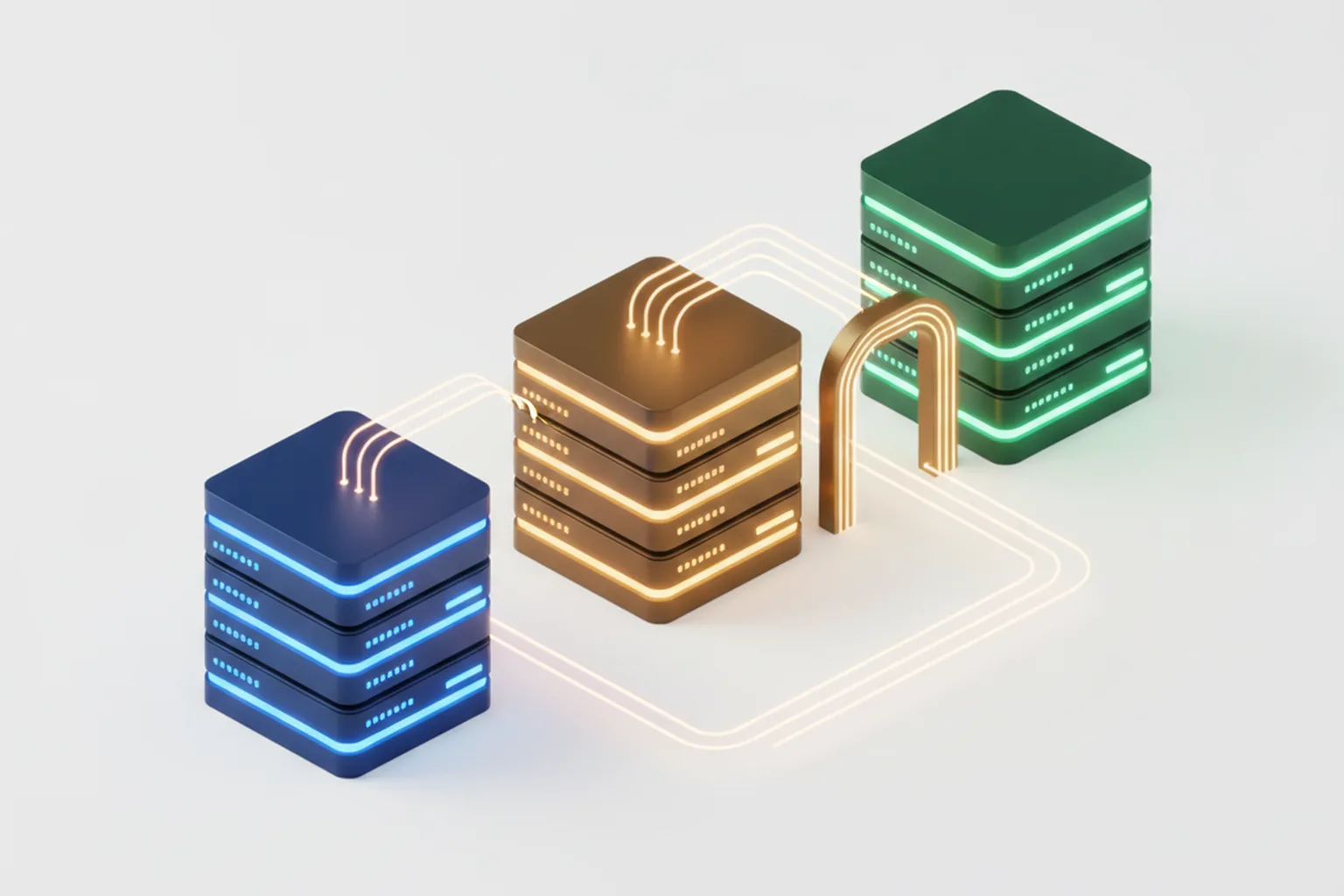
Development, test, staging and production environments differ in purpose, users, data and how closely they match the live system. Each later environment is closer to production and stricter about what is allowed to change.
| Environment | Purpose | Who uses it | Data | Infra parity | Typical tests |
|---|---|---|---|---|---|
| Local / dev | Write and debug code | Individual developers | Seed and fixture data | Low | Unit tests, manual checks |
| Test / QA (CI) | Verify features while code changes | CI pipeline, QA engineers | Test fixtures, synthetic sets | Medium | Integration, API, functional |
| Preview (per PR) | Review one change in isolation | Reviewers, designers, PMs | Seeded or synthetic | Medium, short-lived | Visual review, E2E on the branch |
| Staging (pre-prod) | Validate the release candidate | QA, product owners, clients, ops | Anonymized or synthetic, realistic volume | High | Smoke, regression, migration, load, UAT |
| Production | Serve real users | Customers | Live data | — | Monitoring, synthetic checks, canary analysis |
Staging vs UAT vs QA — what’s the difference?
Staging is a place, while UAT and QA are activities. Quality assurance covers the whole effort of preventing and finding defects, and a QA environment is where testers check features as they are built. User acceptance testing is the moment business users or the client confirm that the software solves their problem.
UAT is frequently run on staging because staging holds the finished release candidate. Larger organizations sometimes keep a separate UAT environment so business testers are not disrupted by technical checks. If you want to go deeper, read our guides to user acceptance testing in software development and quality assurance in software development.
How does staging work in a CI/CD pipeline?
In a CI/CD pipeline, staging receives the exact artifact that will later go to production, runs automated and manual checks on it, and then promotes that same artifact unchanged. The guiding principle is “build once, deploy many”.
- Merge. A reviewed pull request is merged into the main branch.
- Build the artifact once. CI compiles, tests and packages the code into a versioned artifact, for example a container image with an immutable tag.
- Deploy to staging. The pipeline deploys that artifact to staging, runs database migrations and applies staging configuration.
- Run automated checks. Smoke tests, end-to-end regression tests and integration checks run against the staging URL.
- Run manual and UAT checks. QA and stakeholders review the release, exploratory testing covers new features.
- Make the go/no-go decision. An owner approves the release in the pipeline, which records who approved what and when.
- Promote to production. The identical artifact is deployed to production; only environment-specific configuration changes.
Rebuilding the code for production after testing in staging breaks the chain of evidence: what you tested is no longer exactly what you ship. Our guide to CI/CD in software development explains the rest of the pipeline in detail.
What should be identical to production
Staging should match production in everything that changes how the software behaves, even if it runs at a smaller scale.
- Runtime and dependency versions: language runtime, frameworks, operating system image, database engine version.
- Infrastructure definition: the same Infrastructure as Code modules with different parameters.
- Configuration shape: the same keys and structure, with environment-specific values.
- Service topology: the same services, queues, caches and network paths between them.
- Feature-flag state: the flags planned for release set the way they will be in production.
- Edge behavior: CDN, caching rules, redirects, TLS and security headers.
What can differ
Staging can safely differ in scale and in anything that touches real money, people or messages. Typical differences are fewer instances and smaller databases, cheaper instance types, smaller data volumes, and third-party services such as payments, email and SMS running in sandbox or test mode.
What tests run in staging?
Staging runs the tests that need the whole system and production-like conditions; fast unit tests belong earlier in the pipeline. The goal is to check the release as a product, not each function.
- Smoke tests — a few critical paths such as sign-in, checkout or the main dashboard, run right after deployment to confirm the build is alive.
- Regression and end-to-end tests — automated browser or API journeys that confirm existing features still work.
- Integration tests with third-party sandboxes — payments, identity, CRM or shipping providers in test mode, including webhooks.
- Database migration rehearsal — migrations run against realistic data volumes, with timing measured and the rollback path verified.
- Performance and load tests — expected and peak traffic, compared with a baseline from previous releases.
- Security scans — dynamic application security testing (DAST) against the running application, plus configuration and header checks.
- UAT and stakeholder demo — business users confirm the release meets acceptance criteria; optional chaos experiments test resilience when a dependency fails.
How to set up a staging environment (step by step)
Setting up a staging environment takes seven steps, and the first one — describing infrastructure as code — decides whether staging stays close to production over time. The steps below are vendor-neutral and apply on AWS, Azure, Google Cloud or Kubernetes.
- Define infrastructure as code shared with production. Use Terraform, Pulumi or a similar tool so staging and production are created from the same modules with different variables.
- Isolate staging. Put it in a separate cloud account, project or Kubernetes namespace with its own network rules, so a mistake in staging cannot reach production systems.
- Manage secrets and environment variables separately. Store staging secrets in a secrets manager, never reuse production keys, and keep the list of required variables identical across environments.
- Choose a data strategy. Generate synthetic data or use an anonymized and masked production snapshot that keeps realistic volume and edge cases; this matters for GDPR and HIPAA.
- Wire pipeline promotion and approvals. Automate deployment to staging on merge, and require a recorded approval before promotion to production.
- Mirror production observability. Ship logs, metrics and traces exactly as in production, and route staging alerts to a non-paging channel.
- Control access and keep staging out of search. Protect staging with single sign-on or basic authentication and send an
X-Robots-Tag: noindexheader, so search engines never index a duplicate of your site.
Staging environment best practices
The best staging environments are boring: they look like production, they are refreshed on a schedule and someone clearly owns them. These practices keep them that way.
- Keep parity through code. Change staging only through the same Infrastructure as Code and pipeline as production; no manual console edits.
- Refresh data on a schedule. Rebuild anonymized datasets weekly or monthly so tests reflect current data shapes.
- Deploy the same artifact. Promote, never rebuild, between staging and production.
- Scale down outside working hours. Automate nightly and weekend scale-down to control cost.
- Name one owner. A platform or DevOps lead is accountable for staging health and its queue of releases.
- Treat configuration drift as a bug. Any unexplained difference from production gets a ticket and a fix.
- Time-box staging freezes. If staging is locked for a release, keep the window short so it does not block every other team.
Common staging problems and how to fix them
Most staging problems come from drift, stale data and contention between teams, not from the idea of staging itself. The table lists the issues we see most often and the fixes that work.
| Problem | Symptom | Fix |
|---|---|---|
| Configuration drift | Tests pass in staging, release fails in production | Shared IaC modules, automated drift detection, no manual changes |
| Stale data | Edge cases and real volumes never tested | Scheduled anonymized refresh, generated data for edge cases |
| Shared-staging bottleneck | Teams queue for staging, releases batch up | Per-PR preview environments for feature review, staging only for release candidates |
| “Works on staging, fails in prod” | Failures only under real traffic or data size | Load tests at realistic volume, canary releases in production |
| Cost creep | Staging bill close to production | Smaller instances, scale-to-zero schedules, TTL teardown for previews |
| Staging exposed or indexed | Staging pages in Google, unreleased features leaked | Authentication in front of staging, noindex header, no public links |
| Flaky tests | Team ignores red builds and re-runs until green | Quarantine and fix flaky tests, stable test data, explicit waits |
Do you still need staging in 2026? Preview environments, feature flags and canary releases
Most product teams still benefit from a staging gate in 2026, but teams that release many times a day increasingly supplement or replace shared staging with per-PR preview environments, feature flags, canary releases and strong observability. The right answer depends on release frequency, risk and how mature your automation is.
The case against a single shared staging environment is real. Luca Rossi argues in Refactoring’s “Do You Need Staging in 2026?” that shared staging rarely achieves true parity with production and can become a queue that slows teams down; for many teams, small changes, good tests, feature flags, canary releases, observability and preview environments cover the same risks. Ephemeral preview environments are created automatically when a pull request opens and destroyed on merge, and they need automatic TTL teardown to keep costs under control.
At the same time, AI-assisted coding is increasing the volume of change that must pass through some kind of gate. Google Cloud’s DORA “2025 State of AI-assisted Software Development” report, based on a survey of about 5,000 technology professionals, found that AI adoption continues to correlate with higher software delivery instability — more change failures and rework. Faros AI’s analysis of teams with high AI adoption reported 98% more pull requests per developer, 441% longer median review time and 243% more incidents per pull request. More changes per day means automated gates — staging, previews or both — matter more, not less.
| Approach | What it does | Best fit | Watch out for |
|---|---|---|---|
| Shared staging | One production-like environment for release candidates | Weekly or daily releases, migrations, client sign-off, regulated products | Queues, drift, cost |
| Preview environment per PR | Short-lived copy of the app for each pull request | Many parallel features, design and product review | Cost without TTL teardown, shared databases |
| Feature flags | Ship code dark and enable it for chosen users | Gradual rollouts, experiments, kill switches | Flag debt, untested flag combinations |
| Canary / blue-green | Send a small share of traffic to the new version or switch between two stacks | High traffic, strong monitoring, fast rollback | Some users see failures, database changes must be backward compatible |
A practical 2026 setup for many web products combines them: preview environments for each pull request, a lean staging environment for release candidates and migrations, and feature flags plus canary releases in production.
Staging release checklist (before you promote to production)
Promote a release from staging to production only when all seven items below are true and recorded. This checklist turns the go/no-go meeting into a short, evidence-based decision.

- Migrations rehearsed and reversible. Database migrations ran on staging with realistic data, timing is acceptable and a rollback or forward-fix path is documented.
- Smoke and end-to-end tests green on the exact artifact. Results refer to the same version tag that will be promoted.
- Configuration and secrets diff reviewed. Every new environment variable or secret exists in production with the right value.
- Performance within threshold. Response times and resource use are within the agreed baseline.
- Rollback plan tested. The team knows how to return to the previous version and has practiced it.
- Stakeholder sign-off recorded. The product owner or client approved the release in the pipeline or ticket.
- Monitoring and alerts ready. Dashboards and alerts cover the new features, and someone is on watch during the release.
What staging costs and who should own it
Staging usually costs a fraction of production because it runs as a scaled-down copy, and its owner should be named in the project plan or contract. Without an owner, staging drifts, costs creep and nobody can say whether it is safe to release.
Cost depends on how close to production you need to be. The main levers are smaller instance sizes, fewer replicas, scale-to-zero schedules outside working hours, smaller anonymized datasets and automatic TTL teardown for preview environments. Load testing is the exception: run it on temporarily scaled-up staging rather than paying for full-size capacity all month.
If you work with an outsourcing partner, write staging into the contract. Specify which environments exist, who pays the cloud bills, who has access, what data may be used, and that acceptance of each release happens on staging. Our software development contract guide lists the clauses to include, and our overview of DevOps in software development explains how ownership of environments is usually shared between the vendor and your team.
Frequently asked questions
What is staging in software development?
Staging in software development is a pre-production environment that mirrors production as closely as possible: the same infrastructure, configuration, services and a realistic but safe copy of data. A release candidate is deployed there and tested before it goes live. Staging catches integration, database migration and configuration problems that local and CI test environments miss, and it is where stakeholders give the final go or no-go for a release.
Is staging the same as a test environment?
No. A test or QA environment is used to verify features and run automated tests while code is still changing, and it is often scaled down or simplified. Staging is the last environment before production and should match production in infrastructure, configuration and topology. Tests in staging check that a finished release candidate works as a whole system, not whether an individual feature is correct.
What is the difference between staging and UAT?
Staging is a place and user acceptance testing (UAT) is an activity. Staging is the production-like environment where a release candidate runs; UAT is the process in which business users or the client confirm that the software meets their requirements. UAT is often performed on staging, but some teams run it in a separate UAT environment and use staging only for final technical checks.
Should staging use production data?
Staging should not use raw production data. Use synthetic data or an anonymized and masked snapshot of production that keeps realistic volumes and edge cases but removes personal and payment details. Copying live customer data into a less protected environment creates GDPR, HIPAA and security risks. Staging should also never be connected to production databases, live payment keys or real email and SMS providers.
Can you deploy to production without a staging environment?
Yes, some high-maturity teams deploy without a shared staging environment. They rely on small changes, strong automated tests, per-pull-request preview environments, feature flags, canary or blue-green releases and fast rollback backed by good observability. For most product teams, especially those with database migrations, third-party integrations, compliance needs or client sign-off, a staging gate remains the safer and cheaper option.
How do you keep a staging environment in sync with production?
Keep staging in sync by defining both environments with the same Infrastructure as Code modules, deploying the same build artifact to both, applying the same configuration shape with environment-specific values, refreshing anonymized data on a schedule, and running a drift check that compares runtime versions, services and settings. Treat any unexplained difference between staging and production as a bug with an owner.
Published 17 October 2026. Sources: Google Cloud DORA, 2025 State of AI-assisted Software Development (survey of about 5,000 technology professionals, June–July 2025); Faros AI, Key takeaways from the DORA report 2025; Luca Rossi, Refactoring, Do You Need Staging in 2026?; TechTarget, What is a staging environment?; Northflank, What is a staging environment and how to set one up; Stategraph, Ephemeral environments.