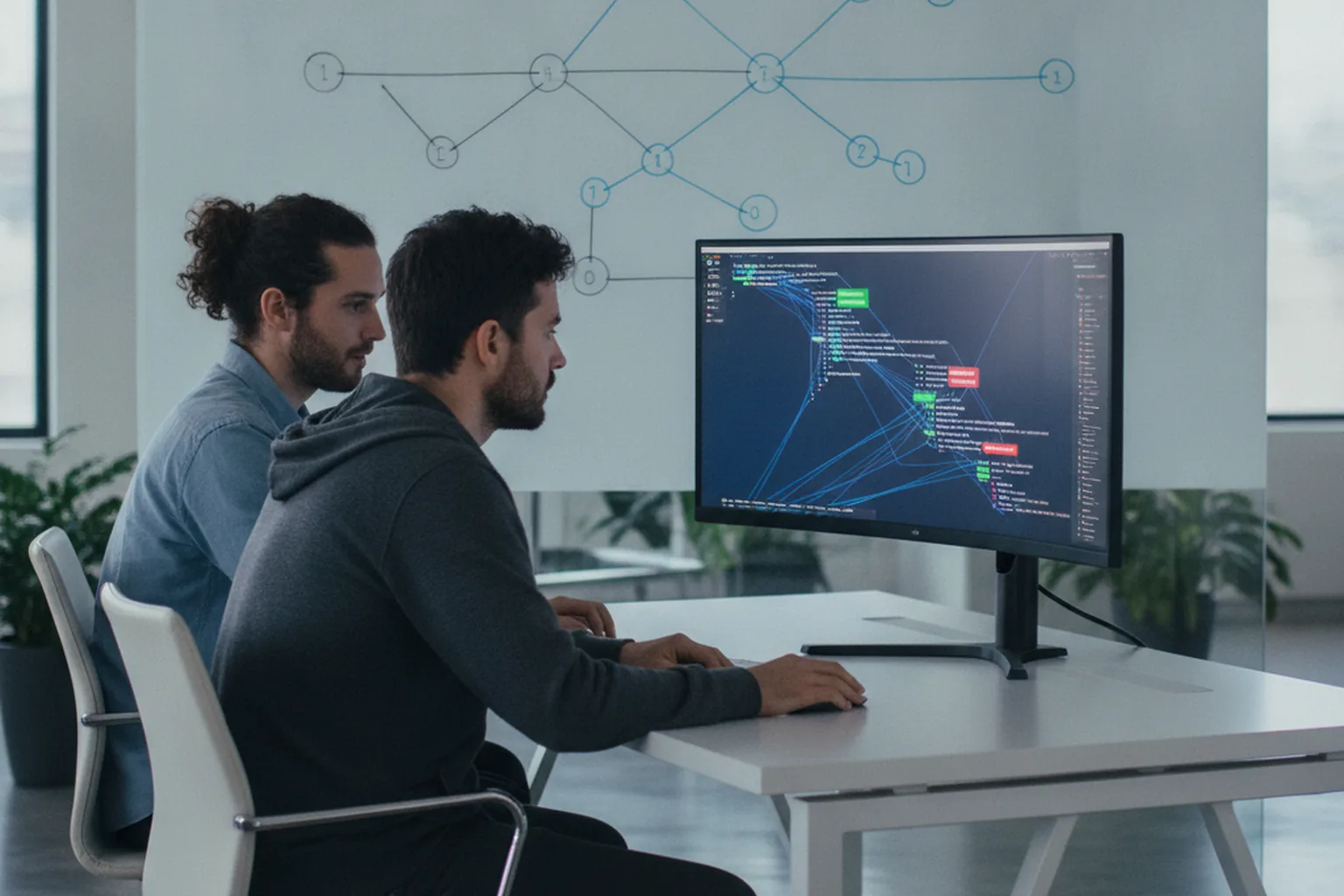

What is a pull request in software development? It is a formal request to merge a set of code changes from one branch into another — usually from a short-lived feature branch into main — after other engineers have reviewed them. Developers shorten it to “PR”, and on most teams nothing reaches production without one: the PR is where the diff, the reasoning behind it, the test results and the review conversation all live together.
Teams that run software product engineering services at scale treat the pull request as the single gate every change must pass — review, tests and security checks happen there, not after release. That makes the PR one of the cheapest places to catch a bug, and one of the most expensive places to lose time when reviews stall.
The scale is huge. According to GitHub’s Octoverse 2025 report, developers merged an average of 43.2 million pull requests every month between September 2024 and August 2025, up 23% year over year, alongside nearly one billion commits pushed. Below you will find the pull request definition, the full PR lifecycle, step-by-step instructions for creating and reviewing one, the three merge methods, common workflows, 2026 benchmarks and practical rules for the growing wave of AI-generated PRs.
What is a PR in software development?
A PR in software development is a pull request: a proposal to merge a branch of code changes into another branch, reviewed and approved by teammates before the merge happens. Pull request definition in software development, in one line: a reviewable, discussable, testable package of changes that asks the owners of a target branch to accept it.
A pull request always compares two branches. The head branch (also called the source or compare branch) contains the new work; the base branch (the target) is where the work should land, typically main or develop. The platform renders the difference between them as a diff — added lines in green, removed lines in red — and lets reviewers comment on any line.
Three roles take part in a typical PR. The author writes the code, opens the request and responds to feedback. One or more reviewers read the diff, ask questions, suggest changes and approve. A maintainer or the author (once approvals are in) performs the merge. Pull requests live in the Git hosting platform: GitHub, GitLab, Bitbucket and Azure DevOps all implement the same idea, as IBM’s overview of pull requests notes, even if the buttons are labelled differently.
What does PR mean in software development?
In software development, PR means pull request — not public relations. The name comes from the original open-source model: a contributor with no write access to a project would push changes to their own copy and ask the maintainer to pull them in. Today the author often pushes to the same repository, but the name stuck. Engineers use “PR” as a noun (“open a PR”), as a workflow stage (“it is in PR”) and as a unit of work (“three PRs merged today”).
Pull request vs merge request
A pull request and a merge request are the same thing under two names: GitHub, Bitbucket and Azure DevOps say “pull request”, while GitLab says “merge request” (MR) because the final action is a merge. The GitLab documentation describes merge requests as the place to propose, review and merge code changes — exactly the job a PR does elsewhere.
| Aspect | Pull request (GitHub, Bitbucket, Azure DevOps) | Merge request (GitLab) |
|---|---|---|
| Purpose | Review and merge a branch | Review and merge a branch |
| Short form | PR | MR |
| Automated checks | Status checks (GitHub Actions, Azure Pipelines, Bitbucket Pipelines) | Merge request pipelines (GitLab CI/CD) |
| Approval rules | Required reviews, branch protection, CODEOWNERS | Approval rules, protected branches, code owners |
| Work-in-progress state | Draft pull request | Draft merge request |
How does a pull request work?
A pull request works as a short loop: you branch off main, commit your changes, open a PR, let automation and reviewers check it, fix what they find, and merge once it is approved. Every PR in software development follows roughly the same seven steps:
- Create a branch. Start a feature branch from the latest
mainso your work is isolated from everyone else’s. - Commit changes. Make small, logically grouped commits with clear messages.
- Push the branch. Upload it to the shared remote repository (GitHub, GitLab, Bitbucket or Azure DevOps).
- Open the pull request. Choose the base branch, write a title and description, link the ticket and request reviewers.
- Run automated checks. The CI/CD pipeline builds the code and runs unit tests, linters, type checks and security scans; results appear as status checks on the PR.
- Review and revise. Reviewers comment and request changes; the author pushes new commits to the same branch and the PR updates automatically.
- Approve and merge. When required approvals and checks are green, the PR is merged into the base branch, the feature branch is deleted and the change flows on to deployment.
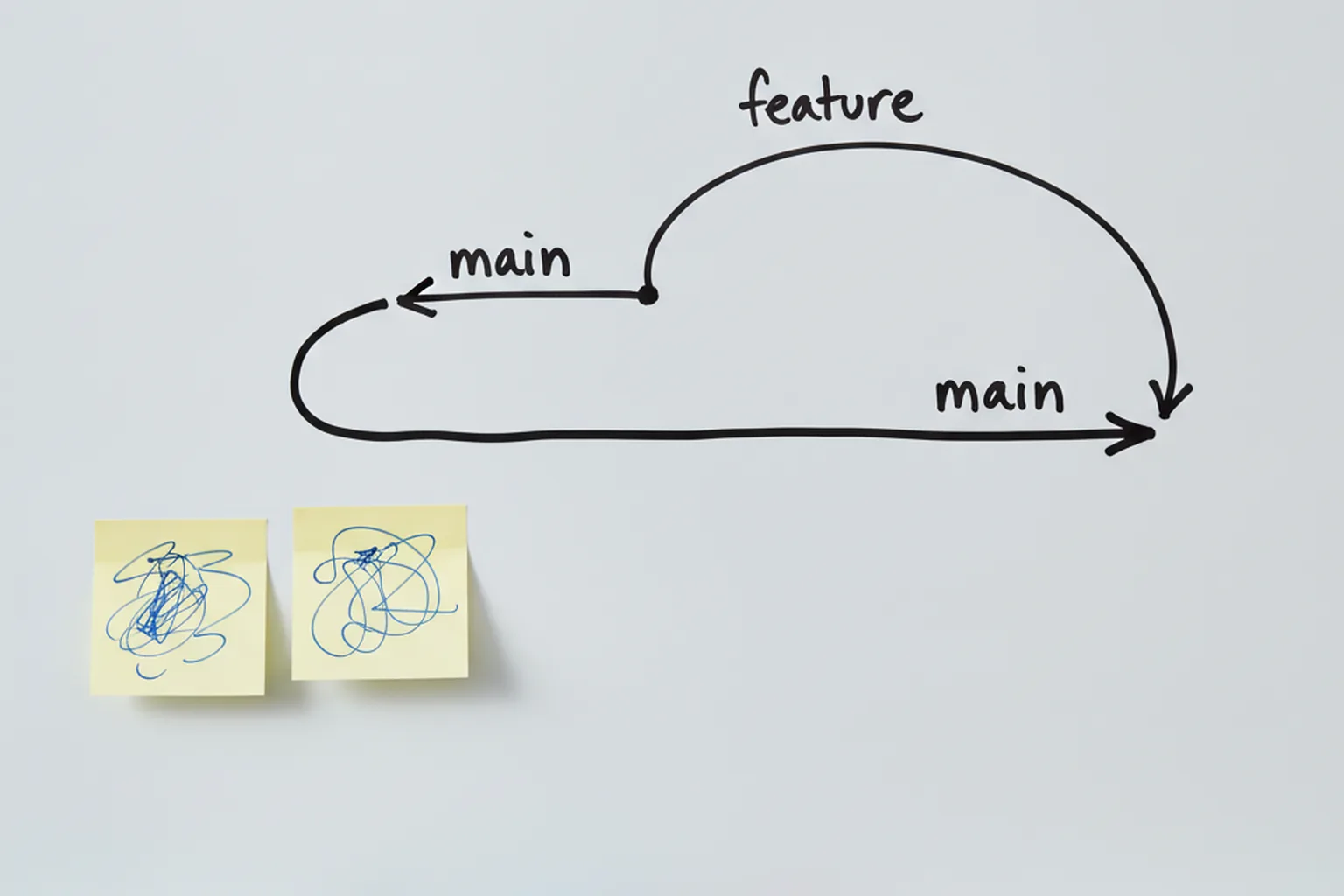
The key idea is that the PR is a living object. Every new commit on the head branch updates the diff, re-runs the checks and marks earlier comments as outdated, so the conversation always reflects the current code. Nothing touches the base branch until someone presses merge.
Anatomy of a good pull request
A good pull request is small, focused and self-explanatory: a reviewer should understand what changed, why, and how to verify it without asking the author. In our teams, a PR that meets these seven points is usually reviewed on the same day:
- A specific title. “Add retry with backoff to payment webhook handler” beats “Fix bug”.
- A description that answers what, why and how to test. Two or three short paragraphs or a filled-in PR template.
- A linked ticket. The issue or story ID connects the code to the business requirement and keeps the audit trail.
- A small diff. One purpose per PR; refactoring and feature work go in separate PRs.
- Visual proof for UI changes. Before-and-after screenshots or a short screen recording.
- A completed checklist. Tests added, docs updated, migrations reversible, feature flag in place — whatever your PR template asks.
- The right reviewers and labels. A CODEOWNERS file can request the owning team automatically; labels such as
securityorbreaking-changeroute attention.
How to create a pull request, step by step
To create a pull request, you push a feature branch to the shared repository and open a PR against the base branch, either in the web interface or from the command line. Here is the sequence we use on GitHub; GitLab, Bitbucket and Azure DevOps differ only in button names:
- Update your local main. Run
git checkout mainandgit pullso you branch from the latest code. - Create a feature branch.
git checkout -b feature/payment-retry— use a descriptive, ticket-linked name. - Make and commit changes.
git add .thengit commit -m "Add exponential backoff to payment webhook". Keep commits small and meaningful. - Push the branch.
git push -u origin feature/payment-retryuploads it and sets the upstream. - Open the PR. Click “Compare & pull request” in the web UI, or run
gh pr create --base main --fillwith the GitHub CLI. - Fill in the description and reviewers. Complete the template, link the ticket, request reviewers or let CODEOWNERS assign them.
- Choose draft or ready. Open it as a draft if you want early feedback or a CI run before the code is finished; mark it “Ready for review” when it is.
Draft pull requests are worth using more often. They signal “look at the direction, not the details”, they let CI validate a branch while you keep working, and they cannot be merged by accident.
How to review a pull request
To review a pull request, read the description first, then the diff, and check five things: correctness, tests, readability, security and performance. Finish with one of three verdicts — comment, approve or request changes. A practical reviewer checklist:
- Correctness. Does the code do what the description and ticket say, including edge cases and error paths?
- Tests. Are there tests for the new behaviour, and would they fail if the change were reverted?
- Readability and design. Are names clear, is the logic in the right layer, would a new teammate understand it?
- Security. Input validation, authorization checks, secrets, injection risks, new dependencies.
- Performance and operations. N+1 queries, unbounded loops, missing indexes, logging and metrics for the new path.
Label the weight of each comment. A blocking comment must be fixed before merge; a nit (“nit: rename to retryCount”) is optional polish. Platforms also support suggested changes: the reviewer writes the exact replacement line and the author applies it with one click, which removes a full round-trip for small fixes.
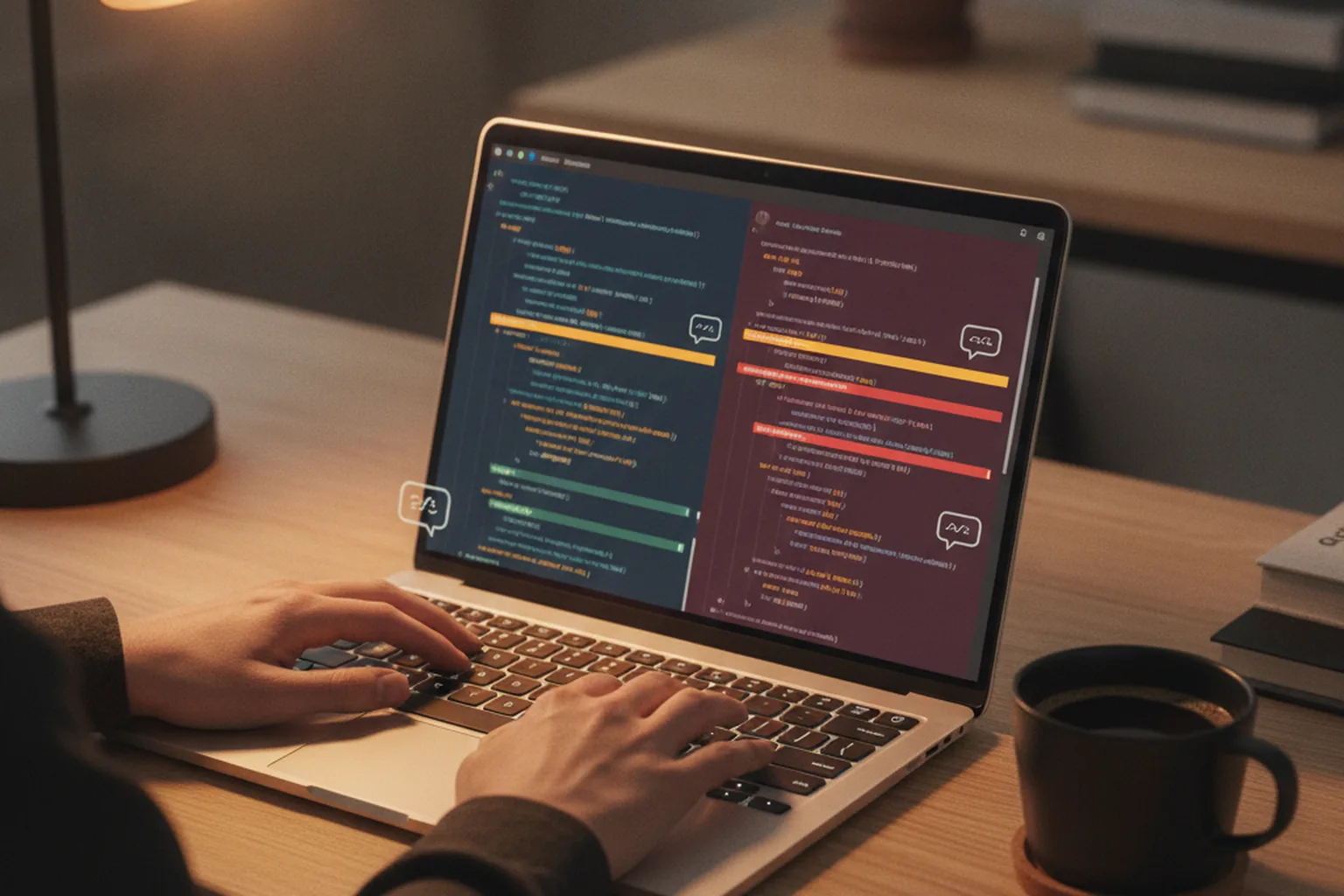
Speed matters as much as thoroughness. In “Modern Code Review: A Case Study at Google” (Sadowski et al., ICSE-SEIP 2018), based on roughly nine million reviewed changes, the median change was only 24 lines, more than 35% of changes touched a single file, the median wait for first feedback was under one hour for small changes (about five hours for very large ones), and the overall median review latency was under four hours. Small changes and fast first feedback go together.
Merging a pull request: merge commit vs squash vs rebase
Merging a pull request means applying its commits to the base branch, and GitHub offers three methods that differ only in how the history looks afterwards. According to GitHub Docs (“About pull request merges”), a merge commit preserves every commit and adds an explicit merge point, squash and merge combines all commits into a single commit, and rebase and merge replays the commits individually to keep a linear history.
| Method | What it does | History result | When to use |
|---|---|---|---|
| Merge commit | Keeps all branch commits and adds a merge commit | Full, non-linear history with explicit merge points | Long-lived branches, release branches, when commit-level history matters |
| Squash and merge | Combines all PR commits into one commit on the base branch | One clean commit per PR | Feature PRs with noisy “fix typo” commits; easiest to revert |
| Rebase and merge | Replays each commit on top of the base branch without a merge commit | Linear history, individual commits preserved | Teams that write clean, atomic commits and want a straight log |
Before any of these buttons work, branch protection rules decide whether merging is allowed at all: required approving reviews, required status checks, resolved conversations and, optionally, a merge queue that tests each PR against the latest base branch before merging it, so two individually green PRs cannot break main together.
A merge conflict happens when the base branch changed the same lines your PR touches. Fix it by updating your branch (git fetch then git rebase origin/main or git merge origin/main), resolving the conflicting hunks, re-running tests and pushing. Small, short-lived PRs rarely conflict; week-old ones almost always do.
Pull request workflows teams use
Pull request workflows define how branches are created, how long they live and where they merge. Most teams use one of five, and IBM’s pull request guide lists the first four as the common patterns.
Feature branch workflow
In the feature branch workflow, every change gets its own branch from main and returns through a pull request. It is the default on most product teams: simple to explain, easy to protect with branch rules, and well supported by every platform.
Forking workflow
In the forking workflow, contributors copy the whole repository into their own account, push to the fork and open a pull request back to the original project. Open-source projects rely on it because outside contributors never need write access to the main repository.
Git-flow
Git-flow uses long-lived main and develop branches plus feature, release and hotfix branches, each merged through PRs. It suits products with scheduled, versioned releases — mobile apps, on-premise software — but adds overhead for teams that deploy continuously.
Trunk-based development with short-lived PRs
In trunk-based development, engineers merge small PRs into main at least daily, and unfinished features stay hidden behind feature flags. Branches live hours, not weeks, which keeps conflicts rare and supports continuous delivery.
Stacked pull requests
Stacked pull requests split a large feature into a chain of small dependent PRs, each based on the previous one. Reviewers get small diffs, the author keeps moving without waiting for each review, and the stack merges in order.
Why pull requests matter: benefits for code quality and teams
Pull requests matter because they put a single, recorded checkpoint between a developer’s idea and production. The main benefits:
- Quality gate. Bugs, missing tests and design problems are caught while the change is still cheap to fix.
- Knowledge sharing. At least two people understand every change, which reduces bus-factor risk.
- Traceability and audit trail. Who changed what, who approved it and why is recorded — evidence auditors expect for SOC 2 and ISO 27001 change management.
- Faster onboarding. New engineers learn the codebase and team conventions by reading and reviewing PRs.
- Shift-left security. Dependency checks, secret scanning and static analysis run on every PR, not once before release.
- CI integration. The PR is the natural trigger for builds, tests and preview environments, and these checks form the core of quality assurance in software development.
Pull request metrics and 2026 benchmarks
Five pull request metrics show whether your review process helps or hurts delivery: pickup time, review time, cycle time, PR size and acceptance (merge) rate. They connect directly to software development KPIs and DORA metrics such as lead time for changes.
- Pickup time — from opening the PR (or marking it ready) to the first review activity.
- Review time — from first review to approval or merge.
- Cycle time — from first commit to merge or deploy; pickup and review are often its biggest components.
- PR size — lines changed; the strongest predictor of how long a review will take.
- Acceptance rate — the share of opened PRs that are merged within a set window.
The LinearB 2026 Software Engineering Benchmarks Report, built on 8.1 million pull requests from 4,800 teams and 163,820 contributors in 42 countries, splits these metrics by how the code was written. Figures are 75th-percentile values; acceptance is the 30-day merge rate:
| Metric (LinearB 2026) | Unassisted PRs | AI-assisted PRs | Agentic AI PRs |
|---|---|---|---|
| Pickup time | 3.4 h | 8.3 h | 17.6 h |
| Review time | 4.2 h | 3.2 h | 6.4 h |
| PR size | 157 lines | 408 lines | 293 lines |
| 30-day acceptance rate | 84.4% | 32.7% (AI-generated PRs overall) | |
Use these numbers as a reference point, not a target. Track your own medians weekly, watch the trend, and look at pickup time first: it is usually the easiest delay to remove because it is pure waiting.
AI-generated pull requests in 2026: what changes for reviewers
AI-generated pull requests are larger, wait longer for review and merge far less often than human-written ones, so they need stricter rules, not looser ones. The LinearB 2026 benchmarks show AI-assisted PRs at 408 lines versus 157 for unassisted ones (75th percentile), pickup times of 8.3 hours for AI-assisted and 17.6 hours for agentic PRs versus 3.4 hours for unassisted, and a 30-day acceptance rate of 32.7% for AI PRs versus 84.4% for manual ones. Even in the elite tier, manual PRs are accepted more than 95% of the time and AI PRs just above 71%.
The pattern is easy to explain. Reviewers hesitate to pick up a large diff nobody on the team fully wrote, and they reject it when intent is unclear. The fixes we apply in our teams:
- Cap the size. The same size guideline applies to AI and human PRs; an agent that produces 1,000 lines should split its work into a stack.
- Require tests with every AI PR. No new behaviour without tests that fail on the old code.
- Assign a human owner. Every AI-generated PR has a named engineer who answers review questions and is accountable for the merge.
- Use AI review bots as a first pass. Automated reviewers are good at catching style issues, obvious bugs and missing null checks, but the final approval stays with a person who understands the system.
- Describe intent, not just output. The PR description must explain the problem and the chosen approach, whether a human or an agent wrote the code.
Pull request best practices
The most effective pull request best practice is to keep PRs small and focused; most other practices exist to make small PRs easy to review and merge quickly. Seven rules that hold up across teams and stacks, and that sit alongside broader software development best practices:
- Keep PRs small. A team guideline of roughly 200–400 changed lines works well; Google’s median change of 24 lines (2018) and LinearB’s 157-line unassisted p75 (2026) show how small healthy PRs usually are.
- One purpose per PR. Do not mix a refactor, a dependency bump and a feature in one diff.
- Write a clear description. Use a PR template with what, why, how to test and risks.
- Open drafts early. Get feedback on direction before investing in polish.
- Automate every check you can. Formatting, linting, tests, type checks and security scans should run on every push, so reviewers focus on logic and design.
- Set a review SLA. For example, first response within four working hours and a decision within one business day.
- Resolve all conversations before merging. Turn the rule on in branch protection so nothing is merged with open questions.
Common pull request problems and how to fix them
Most pull request problems come from size and waiting: big PRs wait longer, conflict more and get weaker reviews. Five problems we see most often, with the fix for each:
- Oversized PRs. Reviewers skim or postpone them. Fix: split by layer or use stacked PRs, and add a size warning in CI.
- Review bottlenecks. One senior engineer reviews everything. Fix: spread ownership with CODEOWNERS, rotate reviewers and track pickup time.
- Merge conflicts. Long-lived branches drift from
main. Fix: merge daily, rebase often and use feature flags instead of long branches. - Rubber-stamp approvals. “LGTM” within seconds on a 900-line diff. Fix: smaller PRs, a review checklist and required approval from a code owner.
- Stale PRs. Abandoned branches clutter the queue. Fix: auto-label PRs inactive for seven days and close or revive them in a weekly triage.
FAQ
What is a pull request in software development?
A pull request in software development is a request to merge a set of code changes from one branch, usually a feature branch, into another branch, usually main. It bundles the diff, a description of what changed and why, and the results of automated checks, so teammates can review, discuss and approve the change before it is merged. Pull requests are the standard quality gate on GitHub, Bitbucket and Azure DevOps; GitLab calls the same thing a merge request.
What does PR mean in software development?
In software development, PR means pull request: a proposal to merge code changes from one branch into another after review. The term has nothing to do with public relations. It is called a pull request because the author asks the maintainers of the target branch to pull the changes in. Developers use PR as a noun (open a PR), a stage in the workflow (it is in PR) and a unit of work (two PRs this week).
What is the difference between a pull request and a merge request?
There is no functional difference. A pull request and a merge request are the same thing: a reviewed proposal to merge one branch into another. GitHub, Bitbucket and Azure DevOps call it a pull request; GitLab calls it a merge request, because the final action is a merge. The workflow is identical on every platform: create a branch, push commits, open the request, run CI checks, get approvals and merge.
How big should a pull request be?
A pull request should be as small as possible while still being one complete, reviewable change. Google's 2018 code review study found a median change of just 24 lines, and the LinearB 2026 benchmarks put the 75th-percentile unassisted PR at 157 lines. Many teams use a guideline of under 200 to 400 changed lines per PR, because small pull requests are reviewed faster, merged more often and are easier to roll back.
How long should a pull request review take?
Most healthy teams aim to give first feedback on a pull request within a few hours and to finish review within one business day. At Google, the 2018 code review study measured median first feedback under one hour for small changes and an overall median review latency under four hours. LinearB's 2026 benchmarks put 75th-percentile pickup time at 3.4 hours for unassisted pull requests.
Can you merge a pull request without approval?
Technically yes, unless the repository blocks it. Without branch protection rules, anyone with write access can merge their own pull request. Most professional teams therefore protect the main branch: they require at least one approving review, passing status checks and resolved conversations before the merge button is enabled. Regulated teams often require two approvals and code owner review to keep an audit trail for SOC 2 or ISO 27001 change management.
What is a draft pull request?
A draft pull request is a PR marked as work in progress. It shows the diff and runs CI checks, but it cannot be merged and usually does not request formal reviews until the author marks it ready for review. Teams use draft PRs to share direction early, get feedback on an approach before polishing it, and let CI validate the branch while work continues. GitLab offers the same feature as draft merge requests.
Published 7 October 2026. Sources: IBM Think, “What is a pull request?”; GitHub Docs, “About pull request merges”; GitHub Octoverse 2025; LinearB 2026 Software Engineering Benchmarks Report; Sadowski et al., “Modern Code Review: A Case Study at Google”, ICSE-SEIP 2018; GitLab Docs, “Merge requests”. Benchmarks are reference points; validate them against your own team’s data.