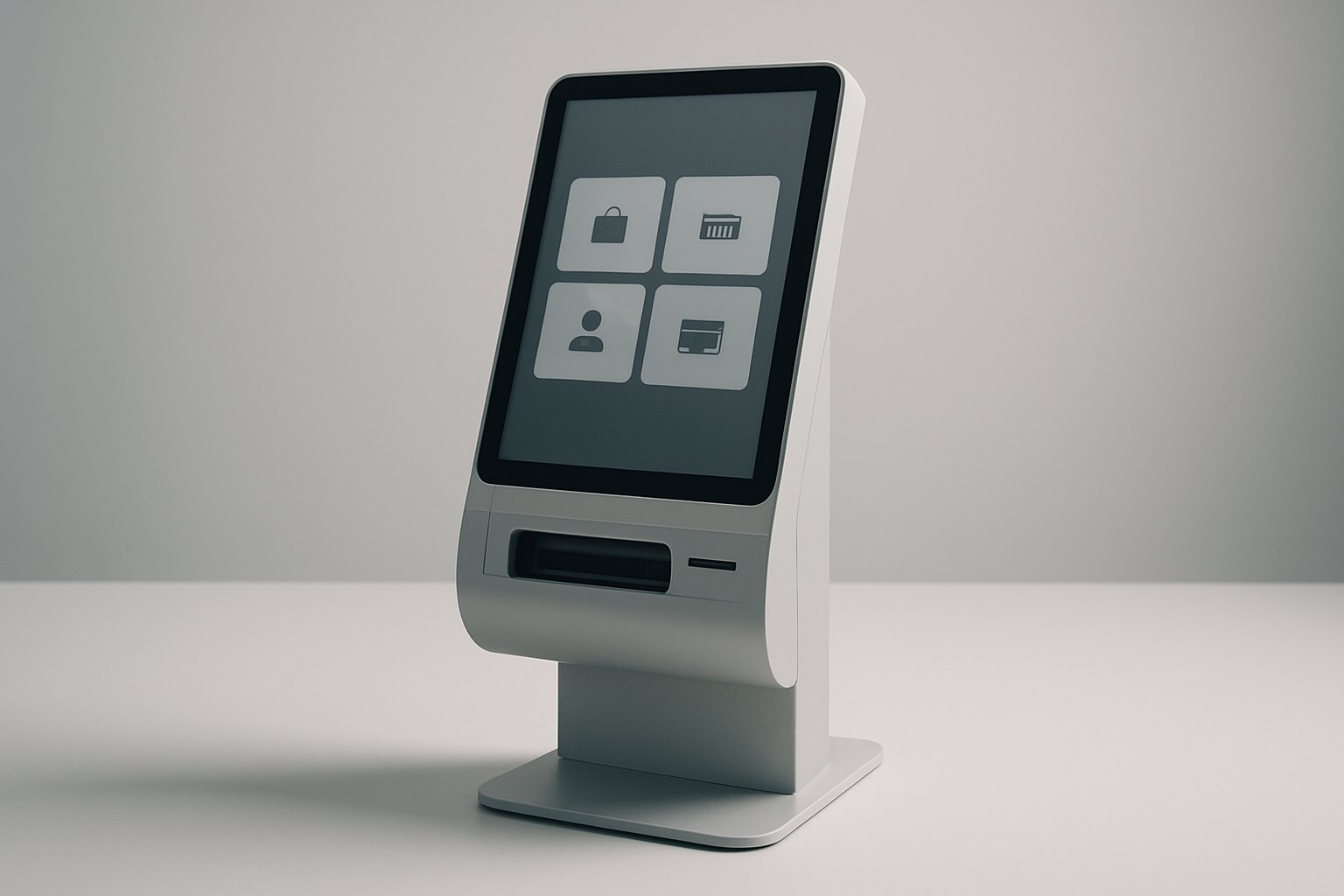

Kiosk software development is the design and engineering of applications that run on dedicated self-service or interactive devices. The work includes the customer interface, operating-system lockdown, peripheral control, backend integrations, offline behavior, payments, security, remote monitoring, updates, and field-support tools. A production kiosk is not merely a website in full-screen mode; it is an unattended service endpoint that must recover safely from user, network, software, and hardware failures. Most organizations reach this level of reliability through a custom software development partner rather than a stock template.
Key takeaways
- Design the complete service, not only the touchscreen. Enclosure, placement, peripherals, connectivity, backend systems, fleet tools, consumables, cleaning, and field support all affect completion rate.
- Use a packaged platform when the workflow is standard; build custom software where the transaction, hardware, integration, brand experience, or operating model creates a real fit gap.
- Kiosk mode restricts the user interface but does not secure the device by itself. Security also requires least privilege, hardened ports, protected secrets, signed updates, network controls, audit, and physical tamper planning.
- Offline behavior must be defined per action. Browsing cached content is different from taking a payment, changing an appointment, issuing a ticket, or creating a duplicate order.
- Accessibility includes the physical machine and the digital flow. Touch targets and contrast cannot compensate for unreachable controls, missing speech output, inadequate privacy, or no alternative path.
- A successful pilot measures completed customer journeys, device reliability, support workload, reconciliation, and business impact—not just application uptime.
What is kiosk software?
Kiosk software restricts a computer or tablet to approved workflows and provides a purpose-built interface for a public, customer, visitor, patient, traveler, employee, or operator. It usually connects to hardware devices and a backend service while exposing a management channel for the organization running the fleet.
The category keeps expanding: the global self-service kiosk market was valued at roughly $16.24 billion in 2026 and is projected to reach $28.41 billion by 2031, an 11.84% CAGR, according to Mordor Intelligence. A larger fleet magnifies the cost of getting the packaged-versus-custom decision below wrong, since design and security mistakes get replicated across every device.
The word “kiosk” can describe very different products:
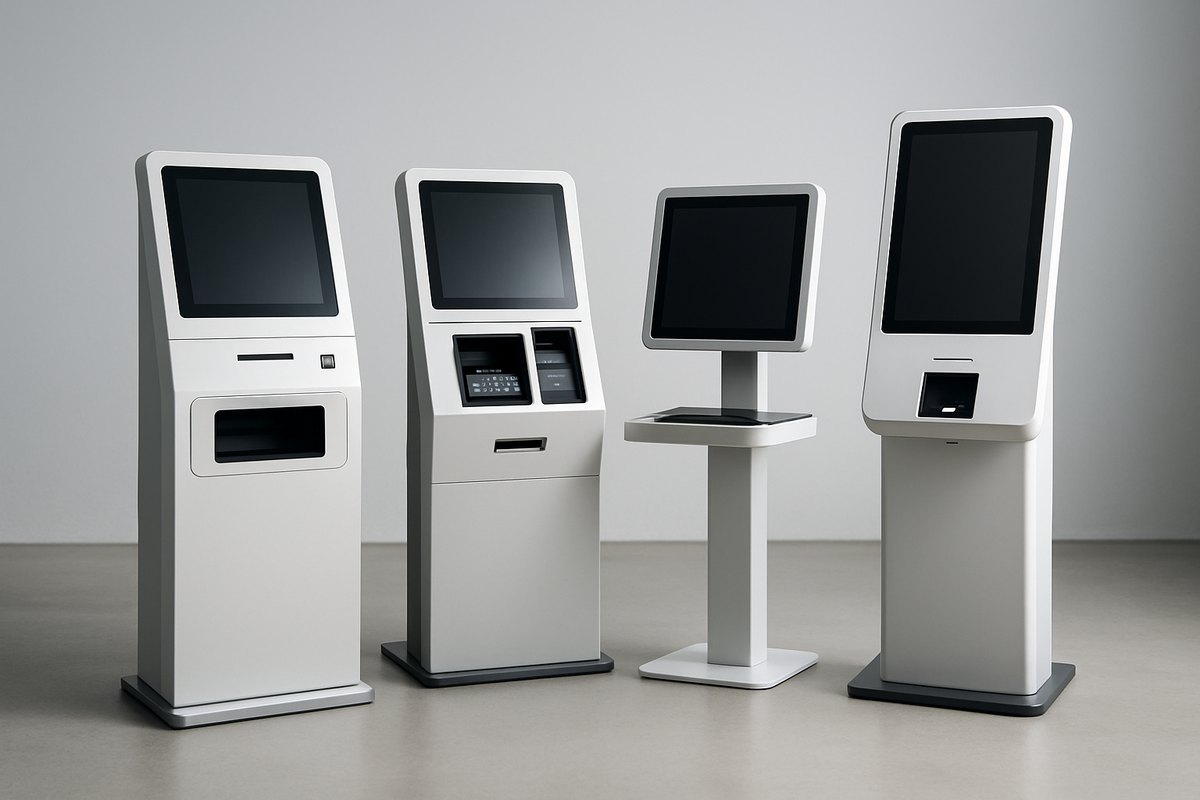
| Kiosk type | Typical workflow | Common peripherals | Highest-risk concerns |
|---|---|---|---|
| Information and wayfinding | Search, maps, directories, schedules | Touchscreen, speakers, printer | Accessibility, content freshness, public-session reset |
| Self-order and retail | Browse, customize, order, pay, receipt | Scanner, payment terminal, printer | Queueing, price/inventory sync, payments, duplicate orders |
| Check-in | Identify, verify, update details, issue badge/tag | Scanner, camera, printer, NFC | Identity, privacy, upstream availability, consumables |
| Ticketing | Search inventory, select, pay, issue ticket | Payment, QR/barcode, ticket printer | Real-time inventory, payment reversal, printer failure |
| Healthcare | Patient check-in, forms, wayfinding, payments | Scanner, camera, signature, printer | Privacy, accessibility, identity, infection-control workflow |
| Banking and bill payment | Authenticate, transact, pay, print proof | PIN pad, cash/coin, scanner, printer | Financial controls, tamper, reconciliation, physical security |
| Visitor management | Register, verify, notify host, print badge | ID scanner, camera, badge printer | Data minimization, watchlist logic, visitor privacy |
| Employee or industrial station | Instructions, reporting, time, inventory | Badge reader, scanner, industrial I/O | Gloves, dust, intermittent network, role control |
| Digital signage with interaction | Campaign, product discovery, lead capture | Camera, NFC, sensors | Content security, consent, remote operation |
The same kiosk can include several journeys, but public devices should avoid becoming unrestricted general-purpose computers. Every additional feature expands the attack surface, support burden, and number of failure states.
Custom, packaged, or web-based kiosk software?
“Custom” can mean a new application, a vertical product configured for one business, or a tailored integration layer around a kiosk management platform. Select at the capability level rather than making one decision for the whole system.
| Approach | Best when | Advantages | Main risks |
|---|---|---|---|
| Turnkey vertical product | The workflow is common, such as check-in, ticketing, or self-order | Fast deployment, proven peripherals, established support | Limited differentiation and integration flexibility |
| Configured kiosk platform | Device management and lockdown are standard but the workflow needs tailoring | Reuses fleet controls, remote support, and hardware adapters | Platform licensing, roadmap dependency, customization limits |
| Custom native application | Deep hardware control, offline behavior, performance, or unique workflow matters | Exact control over UX, peripherals, local state, and recovery | Higher engineering and maintenance responsibility |
| Web application in managed shell | Content and forms change frequently and hardware needs are modest | Shared web skills, rapid content releases, central logic | Browser escape, weaker peripheral integration, cache/offline complexity |
| Tablet dedicated-device mobile app | Mobility, compact installation, and standard sensors are sufficient | Lower hardware cost and faster deployment | Consumer hardware lifecycle, theft, battery, thermal and mounting constraints |
When is a website enough?
A managed browser can work for informational content, directories, surveys, simple check-in, or catalog browsing. It still needs a kiosk shell, session reset, cache strategy, allowlisted navigation, download and print controls, recovery, remote management, and hardware testing.
A normal responsive website is usually insufficient when the solution requires multiple peripherals, deterministic offline transactions, device health, receipt or label workflows, local service control, payment-terminal coordination, or reliable recovery after the browser or OS fails.
A build-versus-buy test
Ask:
- Does a product support the full transaction and exception flow, not only the happy path?
- Are the required devices certified and supported on the chosen platform?
- Can the software work with current POS, EHR, ERP, CRM, identity, inventory, or ticketing systems?
- Can the organization export its data and replace the vendor without rebuilding the fleet?
- Are remote monitoring, updates, support access, and audit sufficient at the expected scale?
- Will per-device licensing cost less than owning the missing capability over the fleet lifetime?
Buy commodity lockdown and management where they fit. Build the differentiated workflow and integrations when that creates measurable value.
Hardware and operating-system selection
Software choices depend on the physical environment and service goal. Freeze hardware too early and the application inherits avoidable constraints. Delay hardware too long and development proceeds against fictional drivers, screen geometry, thermal behavior, and port availability.

Hardware checklist
- indoor, outdoor, temperature, humidity, dust, liquid, sunlight, vibration, and vandal exposure;
- screen size, orientation, brightness, viewing angle, touch technology, and glove support;
- mounting height, reach, clear floor space, privacy, cable routing, ventilation, and service access;
- processor, memory, storage, graphics, secure element or TPM, and expected lifecycle;
- Ethernet, Wi-Fi, cellular, Bluetooth, and local network restrictions;
- scanners, cameras, payment devices, printers, dispensers, readers, speakers, microphones, and sensors;
- power quality, UPS, clean shutdown, automatic boot, and wake behavior;
- spare parts, vendor lead time, warranty, repairability, and end-of-sale notification.
Prototype with production-candidate hardware early. A peripheral “supported by Windows” may still have driver, SDK, firmware, architecture, or licensing constraints.
Platform comparison
| Platform | Strengths | Watchouts | Good fit |
|---|---|---|---|
| Windows | Broad peripheral and enterprise support; mature management ecosystem | Patching, licensing, desktop escape paths, larger attack surface | Complex peripherals, legacy drivers, enterprise environments |
| Android | Dedicated-device APIs, touch-first UX, broad hardware range | OEM update policies, device fragmentation, custom firmware quality | Tablets, compact kiosks, standardized touch workflows |
| Linux | Control, small footprint, long-lived custom images | Driver availability, specialized support, distribution maintenance | Embedded appliances and controlled hardware BOMs |
| iPadOS | Consistent hardware and strong consumer-grade UX | Limited low-level peripheral/background control; managed-device constraints | Assisted or light-duty tablet kiosks |
| Browser/PWA shell | Central updates and web reuse | Offline and peripheral complexity; browser/OS compatibility | Content-heavy or form-led workflows |
Windows Assigned Access can create a single-app or restricted multi-app kiosk experience. Android’s lock task mode restricts dedicated devices to an allowlisted app set. Both are platform controls, not a complete security or fleet-management strategy.
Reference architecture for kiosk software

1. Kiosk application
The local application owns the public-session interface, device state, transaction orchestration, local cache, and user-safe recovery. It should never expose system administration to the public session. This is closely related to principles used in embedded software development where the application must be deterministic and failure-tolerant.
2. Device abstraction layer
Wrap every scanner, printer, payment terminal, camera, dispenser, or reader behind a stable application interface. Normalize device states such as ready, busy, low supplies, cover open, jammed, disconnected, unauthorized, and faulted. Hardware-specific SDKs stay behind the adapter.
This boundary reduces vendor lock-in and makes simulators possible. It does not pretend two printers have identical capabilities; the interface should preserve meaningful differences.
3. Local service and durable state
A local background service can supervise the UI, control devices, manage logs, store queued work, restart failed components, and communicate with fleet management. Durable state should be encrypted and minimal. A power loss must not turn an in-progress transaction into an unknowable duplicate.
4. Backend-for-kiosk API
Do not let a public terminal call many internal systems directly. A dedicated backend API can aggregate product, booking, patient, visitor, inventory, pricing, or order functions and enforce channel-specific authorization, validation, rate limits, and idempotency.
5. Enterprise integrations
Integrations may include POS, ERP, CRM, EHR, identity, inventory, ticketing, loyalty, scheduling, content, payment, notification, and analytics services. Define the owner, timeout, retry policy, fallback, reconciliation, and support contact for each.
6. Fleet management control plane
The control plane maintains device identity, configuration, software and content versions, health, alerts, remote actions, update campaigns, support sessions, and audit. Separate fleet administration from customer transaction data where possible.
7. Observability and analytics
Technical telemetry explains device behavior; journey analytics explains customer outcomes. Correlate sessions and transactions without collecting unnecessary personal data. Operators need both: “printer unavailable” and “receipt step caused 18% abandonment” answer different questions.
Kiosk UI and public-session design
A kiosk user may be hurried, unfamiliar with the service, standing, carrying bags, wearing gloves, facing glare, using assistive technology, or worried about privacy. Design for completion under those conditions.
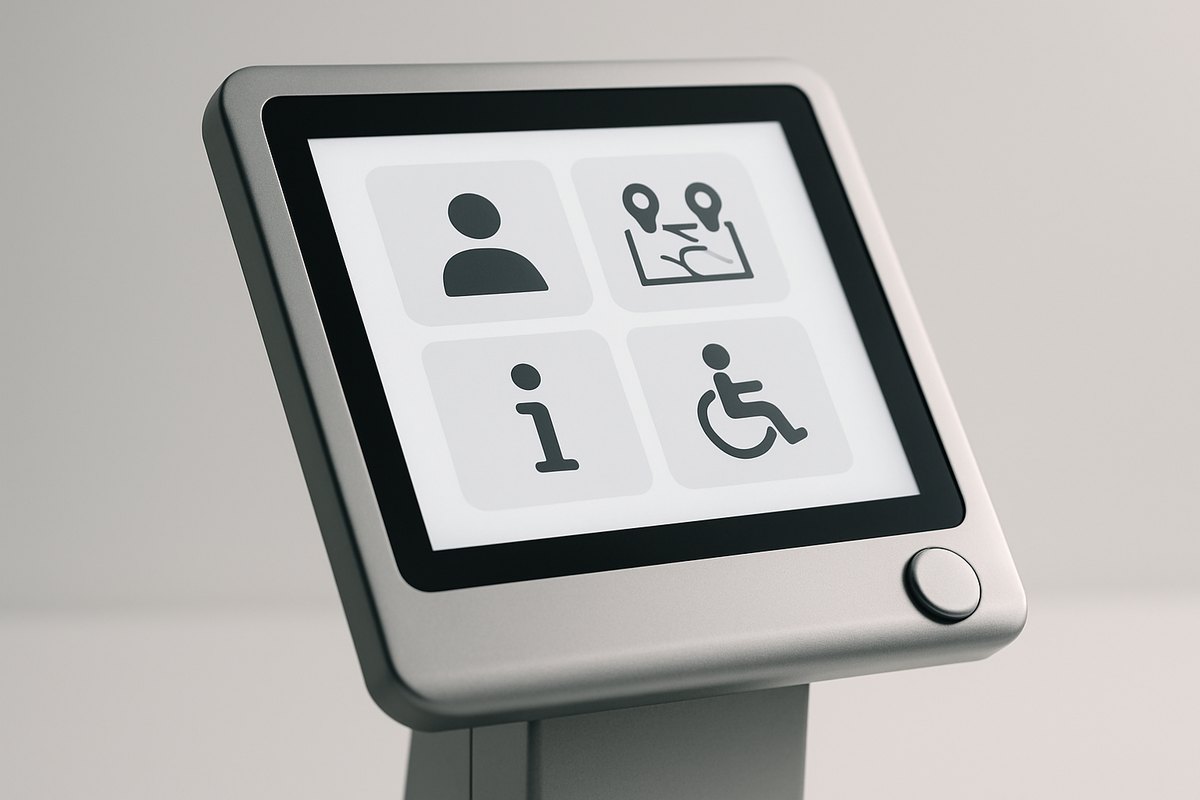
Principles for kiosk UX
- state the service and expected outcome on the first screen;
- use one primary action per step and large, forgiving targets;
- keep language short and avoid internal terminology;
- show progress for multi-step tasks;
- explain why data or permission is needed before asking;
- put cancel, back, help, and language controls in predictable locations;
- preserve user input through recoverable errors where safe;
- show what happened after a payment or submission;
- provide a receipt, reference, or status path;
- reset completely between users.
Session lifecycle
A public session needs explicit states: idle, active, warning, expiring, completed, cancelled, failed, and reset. Inactivity handling should warn before timeout and avoid displaying the previous user’s data. Completion and cancellation must clear forms, documents, browser storage, temporary files, peripherals, and accessibility settings that should not persist.
Do not reset while a payment, print, upload, or backend commit is unresolved. Transition to a protected recovery state and let the next customer start separately while operations can reconcile the prior transaction.
Errors and assisted handoff
Errors should tell the user what is known and what to do. “Something went wrong” is not adequate after a card authorization. Distinguish no charge, charge reversed, order confirmed, order pending, and status unknown.
Provide an assisted path: call button, video support, QR handoff to mobile, printed reference, staff alert, or nearby service point. Assistance must not expose an administrator desktop or the previous customer’s details.
Accessibility for self-service kiosks
Accessibility is a combined hardware, placement, software, content, and operating requirement. The U.S. Access Board notes that ADA and ABA standards address ATMs and fare vending machines through requirements such as clear floor space, reach range, operable parts, privacy, speech output, braille, and displays. Other self-service transaction machines can have different legal coverage, so determine the applicable rules with qualified counsel and accessibility specialists.
Accessibility design checklist
- reachable screen, card reader, scanner, keypad, printer output, and help control;
- adequate clear floor space and approach;
- high contrast, text scaling, visible focus, and non-color cues;
- large targets with sufficient spacing;
- speech output and a private audio option where required or appropriate;
- captions and visual equivalents for audio;
- tactile or physical controls where needed;
- enough time, with the ability to extend it;
- plain language and consistent navigation;
- support for users with low vision, blindness, limited dexterity, hearing loss, cognitive disabilities, or short stature;
- equivalent assistance when the machine cannot independently serve a user.
Test on the installed enclosure with people using different access methods. A browser accessibility scan cannot validate reach, glare, audio privacy, receipt retrieval, physical clearance, or staff response.
Offline-first kiosk transactions
“Works offline” is not a single feature. Classify each action:
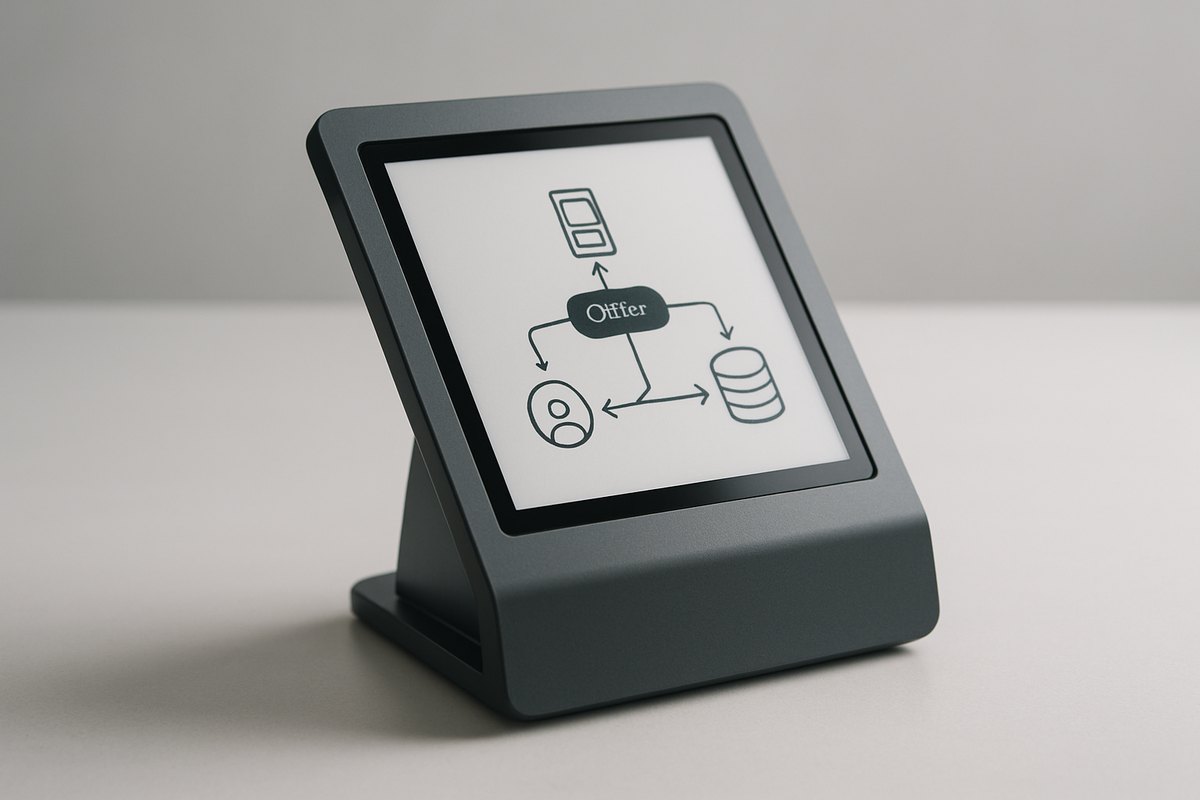
| Action | Possible offline behavior | Key control |
|---|---|---|
| Browse content or map | Serve last approved cached content | Show freshness when it matters |
| Capture a form | Store encrypted draft or queued submission | Consent, retention, eventual delivery, duplicate prevention |
| Create an order | Queue only if inventory/pricing rules allow | Stable transaction ID and reconciliation |
| Book a limited resource | Usually prevent final confirmation without authority | Avoid double booking |
| Take a card payment | Follow payment provider and compliance constraints | Never invent an unsafe store-and-forward flow |
| Print a ticket or badge | Print only from confirmed or locally authorized state | Prevent unauthorized issuance |
| Remote identity verification | Offer alternative or assisted path | Do not silently reduce assurance |
Transaction state machine
For every transactional journey, model at least:
- local session started;
- request prepared with a unique idempotency key;
- submitted;
- accepted or rejected by the authoritative service;
- downstream action pending, such as payment or printing;
- completed;
- reversal or compensation required;
- status unknown and queued for reconciliation.
Retries must reuse the same business identifier. Otherwise, a timeout followed by an automatic retry can create two orders or charges. The backend should return the prior result for a repeated idempotent command.
Synchronization and conflict
Cache only what the terminal needs, apply expiry, encrypt local data, and version schemas. When connectivity returns, sync in a controlled order and retain evidence of acceptance. Define conflict ownership: the kiosk should not overwrite a booking, customer, inventory, or policy record merely because its cached copy is older.
Peripheral integration and recovery
Peripherals fail in more ways than connected or disconnected. Software needs operational states and user-safe responses.
Printers
Monitor paper level, jam, cover, cutter, head temperature, and job completion where supported. A successful API call may only mean “accepted by spooler.” Decide whether a receipt is optional, can be sent digitally, can be reprinted securely, or must block the service.
Barcode, QR, ID, and document scanners
Control focus, illumination, supported formats, image quality, duplicate reads, and retention. Validate scanned data as untrusted input. For identity documents, minimize stored images and prevent a public user from browsing prior captures.
Cameras and biometrics
Provide notice and consent where required, define purpose and retention, protect templates and images, and offer an alternative flow. Account for lighting, height, background, occlusion, spoofing, and failure-to-enroll rates.
Dispensers and physical inventory
Cards, keys, tickets, cash, or products require sensors, inventory counts, jam recovery, door events, reconciliation, and service procedures. A digital “success” must match the physical outcome.
Device simulator
Build software simulators for normal and failure states so developers and automated tests can exercise peripherals without occupying a physical kiosk. Maintain a representative hardware lab because simulation cannot replace driver, firmware, timing, power, and mechanical behavior.
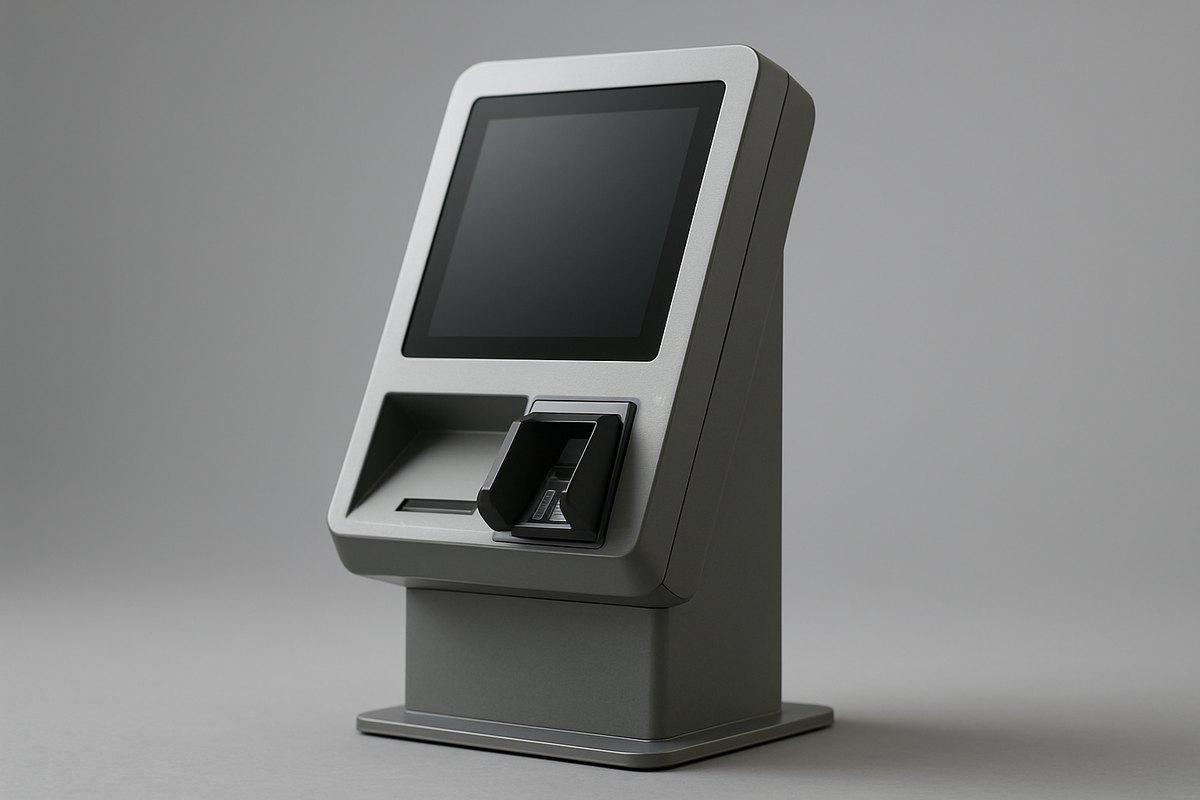
Payment kiosk software
Payment changes architecture, hardware selection, operations, and compliance. The PCI Security Standards Council states that entities storing, processing, or transmitting cardholder data must maintain payment security and publishes standards for organizations, software, and devices involved in payment transactions. A robust payment gateway integration strategy is essential before writing a single line of payment code.
Reduce payment scope
Prefer validated payment devices and provider-supported integrations that keep sensitive card data out of the kiosk application and backend. Do not log cardholder data, PINs, track data, or sensitive authentication values. Separate merchant application messages from payment-device control and use tokenized references where possible.
Payment transaction design
Model initiated, presented, authorized, declined, cancelled, timed out, reversed, captured, and reconciled states. Link the payment and order with stable identifiers. Handle cases where:
- payment succeeds but the order service times out;
- the order succeeds but receipt printing fails;
- the user walks away during authorization;
- the terminal loses network after authorization;
- the kiosk reboots before displaying the result;
- a payment is reversed later;
- settlement totals differ from kiosk transactions.
The customer-facing message must be based on authoritative status, not a UI timeout. Operations need a reconciliation queue and a defined refund or recovery owner.
Physical payment security
Inspect terminals for substitution and tamper, control device inventory and serial numbers, restrict ports and service access, and train field staff. Remote software security cannot compensate for an unattended payment device replaced by an attacker.
AI integration in kiosk software
Modern kiosk hardware increasingly ships with sufficient compute for on-device inference, and the self-service sector is adopting AI components that improve transaction completion and reduce support incidents. AI-equipped kiosks can reduce average transaction time by 30–40% and increase average order value when personalization models are well-calibrated—but both outcomes are deployment-specific and should be validated in a controlled pilot rather than assumed from vendor benchmarks.
Vision-based interaction
Computer vision enables gesture navigation for touchless workflows, age estimation for regulated purchases, queue-depth sensing to redirect traffic, abandoned-item detection at self-checkout, and cashierless-checkout flows when accuracy and shrinkage tolerance are confirmed with real operational data. Vision models that process faces or body metrics constitute biometric data processing in most regulatory frameworks. Consent notices, data minimization, defined retention, and documented legal basis are required before deployment; a WCAG screen audit does not establish biometric privacy compliance.
Conversational and NLP interfaces
Large language model integrations support natural-language search, step-by-step ordering assistance, multilingual interaction without separate language builds, and voice navigation as an accessibility path. Design these flows with structured fallback menus: a hallucinated product name, incorrect price, or invented policy on an unattended payment device creates a support incident with financial and legal exposure. Route ambiguous queries to a known-safe state rather than allowing the model to improvise order details or policy answers mid-transaction.
Personalization and recommendation engines
Loyalty-linked kiosks can use collaborative filtering and contextual signals—time of day, location, weather, prior session—to surface relevant products. A/B test the recommendation layer against a holdout group before attributing revenue lift to the model. Privacy-safe identifiers, explicit consent for cross-session data use, and defined deletion paths are necessary when personalization ties behaviour to identified individuals.
Predictive maintenance
Device sensor streams—temperature, vibration, print-head resistance, paper-draw force, transaction latency—can train anomaly models that signal peripheral degradation days before a customer-facing failure. Frame the output as an actionable alert with lead time and replacement priority, not a raw anomaly score. Measure cost per prevented field dispatch, not model accuracy alone, to validate whether the ML infrastructure investment recovers more than it costs to operate.
AI compliance and governance
AI components in retail, healthcare, financial, or public-sector kiosks intersect existing regulatory frameworks for automated decision-making, biometrics, payment, and data processing. The EU AI Act classifies certain uses—biometric identification at scale, emotion inference, social scoring—as prohibited or high-risk applications requiring conformity assessment, explainability documentation, and human-oversight provisions. US federal and state laws on biometrics and automated decisions are evolving rapidly. Assess the regulatory scope with qualified counsel before deploying inference models that affect access, pricing, identity, or physical output.
Kiosk security and privacy
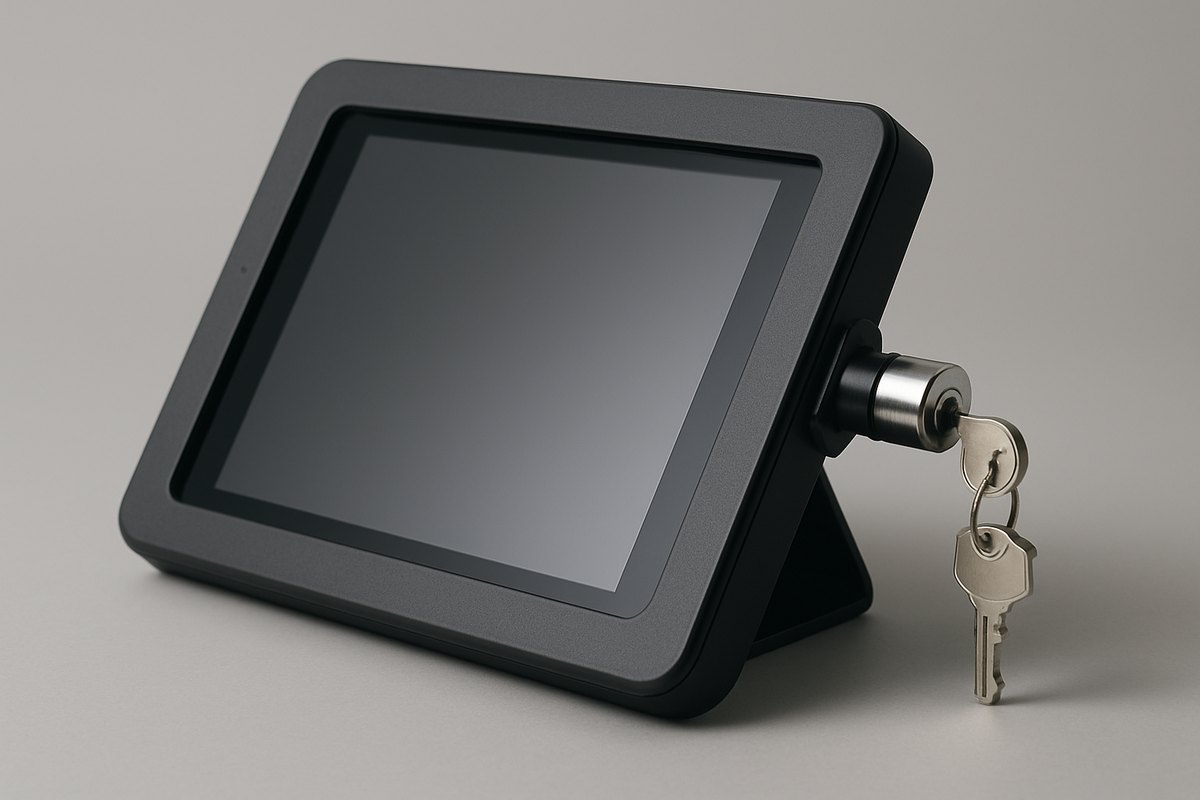
Lockdown is one layer
Kiosk mode should prevent access to the desktop, settings, notifications, task switching, arbitrary URLs, downloads, file pickers, developer tools, and unauthorized apps. Also:
- use a non-administrator public account;
- allowlist applications, domains, protocols, and device functions;
- disable or physically block unused ports;
- secure boot and encrypt storage where supported;
- protect BIOS/UEFI and recovery paths;
- store secrets in platform-protected storage, not configuration files;
- authenticate every kiosk and rotate credentials;
- segment kiosk networks from corporate systems;
- verify server certificates and signed updates;
- patch OS, browser, runtime, application, drivers, and firmware;
- log security-relevant changes and remote actions;
- define tamper detection and physical inspection.
Public-input threats
Treat barcode, QR, NFC, USB, camera, keyboard, touchscreen, uploaded document, and API content as hostile. Apply length and format limits, schema validation, output encoding, file-type verification, malware controls where appropriate, and command allowlists. Hidden maintenance gestures should not be the only protection for administrator access.
Privacy by design
Minimize customer data on the terminal. Mask sensitive fields from shoulder surfing, position the device for privacy, clear data after the session, control screenshots and diagnostic logs, and restrict remote-support visibility. Define retention for queued offline records and purge them after confirmed delivery.
Healthcare, government, education, financial, and biometric deployments require domain-specific analysis. Do not place “HIPAA,” “ADA,” “PCI,” or another compliance label on the product without defining the entity, data flow, scope, controls, and evidence.
Remote kiosk fleet management
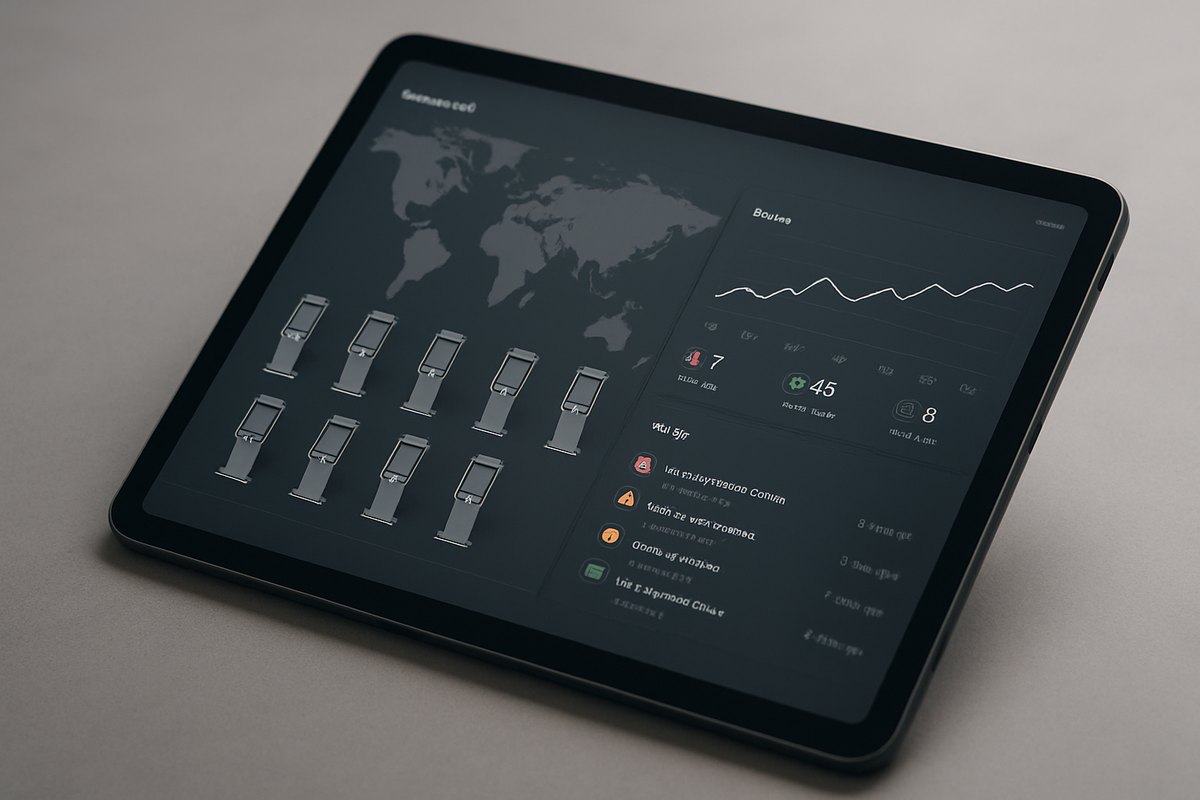
A fleet platform should answer three questions: What should this kiosk be running? What is it actually running? Can customers complete the service now?
Device identity and inventory
Track hardware model, serial, site, enclosure, peripherals, OS, firmware, app, content, configuration, certificates, network, owner, warranty, and service history. Record component replacement; a kiosk identifier should not hide that its payment terminal or controller changed.
Health model
Useful signals include:
- online status and last contact;
- application heartbeat and crash loop;
- CPU, memory, disk, temperature, and power events;
- network quality and data usage;
- peripheral state and consumable levels;
- transaction success and latency;
- software/configuration compliance;
- certificate and license expiry;
- door, cabinet, and tamper events where available.
Avoid alert storms. Suppress dependent alerts, group by site or release, set severity by customer impact, and route to the team able to act.
Remote actions
Restart an app or device, collect approved diagnostics, update configuration, rotate credentials, change content, open a controlled support session, or disable a compromised kiosk. High-risk actions need strong authentication, authorization, justification, time limits, customer privacy safeguards, and audit.
Updates
Sign artifacts, verify compatibility and available space, stage rollout by lab, internal, pilot, and production rings, and define rollback or recovery. Avoid updating every kiosk before a peak period. Track download, install, activation, health, and business metrics separately.
Kiosk software development process
1. Define the service outcome
Choose a specific journey and baseline its current completion time, queue, labor, error, abandonment, and accessibility. Identify who owns the business process and what happens when self-service fails.
Output: journey, baseline, target, guardrails, assisted alternative.
2. Study users and sites
Observe the real environment: lighting, noise, traffic, connectivity, cleaning, staff, floor space, privacy, vandalism, and accessibility. Map primary and exceptional users, including people who cannot or do not want to use the kiosk.
Output: service blueprint, site classes, accessibility and environmental requirements.
3. Prototype the hardest interaction
Use the intended screen size, height, input devices, and peripherals. Test the payment, scan, print, accessibility, language, and recovery paths—not only the visual happy path.
Output: validated interaction model and hardware findings.
4. Select platform and architecture
Compare packaged, configured, custom native, and web-shell options. Define device abstraction, local state, backend API, integrations, fleet control, security, and data flows.
Output: architecture decisions, hardware shortlist, threat model, cost model.
5. Build a thin end-to-end transaction
Complete one real journey from idle screen through authoritative backend and physical output. Include unique transaction IDs, logging, error handling, session reset, device states, and basic fleet visibility.
Output: production-shaped vertical slice and updated estimate.
6. Harden and integrate
Add offline behavior, accessibility, security, performance, localization, remote updates, observability, reconciliation, and support tools. Validate payment and domain controls with appropriate specialists.
Output: release candidate, test evidence, runbooks, deployment package.
7. Pilot in representative sites
Deploy a small but diverse fleet. Include high and low traffic, weak connectivity, different staff coverage, and target user groups. Staff the pilot to capture problems without hiding them through manual rescue.
Output: journey and device scorecard, issue trends, rollout decision.
8. Scale and operate
Roll out in waves, maintain site readiness and inventory, monitor outcomes, tune alerts, manage spares and releases, and retire unsupported configurations.
Output: fleet operating model, SLA, release calendar, lifecycle plan.
Testing kiosk software
| Test area | What to verify |
|---|---|
| Journey and session | Completion, cancel, timeout, privacy reset, assisted handoff, repeat use |
| Peripheral | Normal, empty, jammed, open, disconnected, slow, duplicate, replaced, wrong firmware |
| Transaction | Retry, idempotency, partial completion, reversal, reconciliation, power loss |
| Network | Offline start, intermittent connection, high latency, captive portal, DNS/TLS failure |
| Security | Lockdown escape, privilege, ports, malicious input, admin access, update integrity |
| Accessibility | Reach, clear floor space, keyboard/tactile use, speech, captions, time, privacy |
| Performance | Boot, wake, screen response, peak backend load, printer/scanner latency |
| Reliability | Multi-day soak, memory/storage growth, crash recovery, watchdog, reboot |
| Environment | Glare, temperature, dust, vibration, cleaning, gloves, noise, connectivity |
| Fleet operations | Enrollment, config drift, staged update, rollback, certificate rotation, remote support |
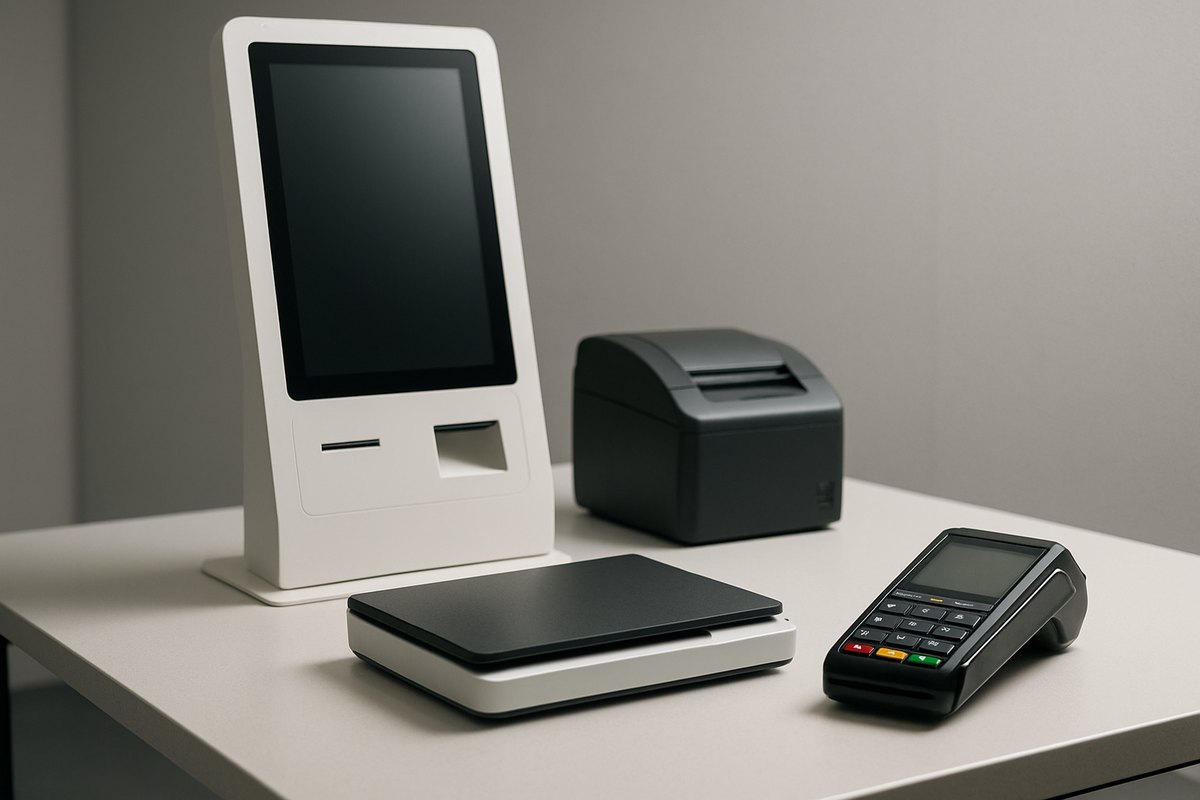
Test the assembled unit, not only a developer PC. Include repeated mechanical cycles and depleted consumables. A kiosk may run perfectly for an hour and fail after thousands of prints, a week of logs, or a network outage during an update.
Pilot, deployment, and field operations
Site readiness
Confirm power, network, cellular signal, firewall rules, mounting, floor loading, ADA/accessibility review, permits, physical security, signage, customer flow, waste, consumables, cleaning, and staff escalation. Record photos and acceptance evidence.
Provisioning
Use a repeatable zero-touch or controlled enrollment process. Assign device identity, site, software channel, configuration, certificates, and inventory. Do not ship a shared administrator password or permanent vendor remote-access credential.
Field service model
Define level 1 remote triage, level 2 application/platform support, and level 3 hardware or site dispatch. Maintain replaceable-unit instructions, spares, service access, diagnostic codes, and return logistics. Show field technicians only the customer data they need.
Service levels
Set SLA by customer impact and site coverage. “99.9% platform uptime” is weak if half the fleet cannot print or accept payment. Measure service availability at the journey level and state exclusions transparently.
End of life
Plan OS support, certificate rotation, payment-device lifecycle, peripheral availability, app compatibility, data deletion, secure decommissioning, and hardware recycling. A low-cost device with two years of updates may cost more than an industrial platform supported for seven years.
How long does kiosk software development take?
| Scope | Typical elapsed time | What may fit |
|---|---|---|
| Discovery and hardware prototype | 4–8 weeks | Journey, site study, hardware trial, architecture, estimate |
| Informational or wayfinding MVP | 3–5 months | Content, search/maps, basic integration, lockdown, fleet monitoring |
| Transactional kiosk MVP | 5–8 months | Identity/order/booking, peripherals, offline states, backend, pilot |
| Payment or regulated kiosk | 7–12+ months | Validated payment path, domain controls, reconciliation, accessibility, field pilot |
| Multi-workflow fleet platform | 10–18+ months | Several device types, enterprise integrations, mature control plane, staged rollout |
Hardware lead time, payment onboarding, site approvals, integration access, accessibility remediation, and pilot learning can govern the schedule more than coding.
How much does kiosk software development cost?
Illustrative US-facing planning ranges:
| Scope | Software and integration planning range |
|---|---|
| Discovery and functional hardware prototype | $25,000–$75,000 |
| Informational/wayfinding product | $100,000–$250,000 |
| Transactional kiosk MVP | $200,000–$500,000 |
| Payment or regulated workflow | $350,000–$900,000+ |
| Multi-device fleet platform | $700,000–$2 million+ across releases |
Hardware, enclosure engineering, certification, manufacturing tooling, devices, freight, site work, connectivity, payment fees, installation, spares, field service, and support may be separate. Total cost of ownership should include all of them over the expected fleet life.
Main cost drivers
- number and maturity of peripherals and drivers;
- custom enclosure or electrical/mechanical engineering;
- payment, identity, healthcare, government, or biometric requirements;
- offline transaction and reconciliation complexity;
- backend and legacy integrations;
- accessibility hardware and software;
- device models, sites, countries, languages, and network conditions;
- remote management, observability, and support tooling;
- fleet size, deployment waves, spare strategy, and SLA;
- OS, runtime, and hardware lifecycle.
Estimate the application, integrations, control plane, hardware, pilot, deployment, and operations as separate workstreams with assumptions and contingency.
Team structure
A kiosk project may need:
- product manager and business-process owner;
- service designer and kiosk UX specialist;
- accessibility specialist;
- solution/backend architect;
- Windows, Android, Linux, web, or native application engineers;
- hardware, electrical, mechanical, and industrial-design partners;
- device integration and embedded engineers;
- backend and enterprise integration engineers;
- payment or domain specialists;
- security and privacy engineering;
- QA automation and hardware-lab testing;
- DevOps, device management, and SRE/operations;
- manufacturing, installation, field service, training, and support.
Create one owner for the complete customer journey. Otherwise the app, hardware, payment, backend, network, and field vendors can each meet their contract while the kiosk still fails the customer.
Technology stack for kiosk software
Stack choices directly affect peripheral compatibility, offline behavior, update tooling, and long-term maintenance cost. There is no universal best choice; the right selection depends on the target OS, peripheral types, team skills, and fleet management approach.
| Layer | Common options | Best-fit scenario |
|---|---|---|
| Windows application | .NET WPF/MAUI, Electron, Qt | Complex peripherals, legacy drivers, enterprise MDM, LTSC lifecycle |
| Android application | Kotlin/Java (Android Enterprise), React Native | Dedicated-device tablets, Samsung Knox, Zebra DNA, AMAPI managed fleet |
| Linux embedded | Qt, GTK+, Chromium kiosk shell | Controlled hardware BOM, long lifecycle, custom appliance image |
| Web/PWA in managed browser | React, Vue, Angular in Chromium kiosk mode | Content-heavy workflows, frequent updates, modest peripheral needs |
| Device management (MDM) | SOTI MobiControl, 42Gears SureMDM, Microsoft Intune, Jamf, Zebra DNA | Fleet enrollment, remote support, policy enforcement, staged updates |
| Payment SDK | Stripe Terminal, Adyen Terminal API, Worldline/Ingenico | Validated payment flow, P2PE scope reduction, unattended reader support |
| Local data and offline state | SQLite / SQLCipher, LevelDB, LMDB | Transaction queuing, encrypted local state, low-latency reads |
| Backend / API layer | REST or gRPC BFF, RabbitMQ / AWS SQS / Azure Service Bus | Aggregated API surface, offline replay, idempotency enforcement |
| Observability | OpenTelemetry, Prometheus/Grafana, Datadog | Fleet-wide traces, device health dashboards, journey analytics |
Electron on Windows and Linux
Electron bundles Chromium and Node.js, allowing web engineering skills to transfer directly while peripheral SDKs remain accessible via native Node addons. The trade-off is higher memory consumption and a larger update artifact. Harden the session by enabling contextIsolation, disabling Node integration in renderer processes, and configuring a signed auto-updater before any kiosk deployment. An Electron app shipped with DevTools accessible or a non-sandboxed renderer process is a security gap, not a development convenience.
Android dedicated-device stack
Android Enterprise with the Android Management API (AMAPI) or an EMM-enrolled fleet lets operations teams provision, configure, and update kiosks at scale without user interaction. Lock task mode restricts the device to the approved application set. For hardware running custom ROMs or manufacturer extensions such as Samsung Knox or Zebra Device DNA, test EMM compatibility and update behaviour on the specific SKU before committing to a fleet purchase. OEM firmware end-of-life dates govern the security patch horizon for the deployed fleet—a device discontinued from updates is a liability, not a maintenance deferral.
Stack decisions that drive cost
Native development per platform delivers the best peripheral performance and OS integration but requires platform-specific engineering skills. Cross-platform frameworks such as Qt (C++ or Python bindings) and React Native reduce duplication but introduce their own peripheral-access constraints. Reusing an existing web application in a browser shell minimises initial cost but carries the highest risk for offline, peripheral, and security requirements—hidden costs emerge when those gaps need to be closed after the enclosure design is frozen. Estimate the platform-layer work separately from the application-layer work in any cost model.
Choosing a kiosk software development company
Vendor scorecard
| Criterion | Suggested weight | Evidence to request |
|---|---|---|
| Similar transaction and industry experience | 15% | Production workflow, exception handling, reference discussion |
| Hardware and peripheral integration | 15% | Supported devices, adapters, simulators, lab and field evidence |
| Offline and transaction reliability | 15% | State model, idempotency, recovery, reconciliation examples |
| Security, payment, privacy, accessibility | 15% | Threat model, scope method, test evidence, specialist roles |
| Fleet management and operations | 15% | Health model, updates, remote support, alerting, lifecycle process |
| Architecture and enterprise integration | 10% | API boundaries, failure handling, legacy integration evidence |
| Team and delivery approach | 10% | Named leads, prototype plan, hardware timing, risk register |
| Commercial terms and exit | 5% | IP, code, accounts, data export, licenses, transition support |
Red flags
- proposing a responsive website before studying hardware and sites;
- no explanation of unknown payment or transaction status;
- “offline” promised without listing which actions remain safe;
- kiosk mode presented as the full security strategy;
- accessibility limited to WCAG scanning of the screen;
- no hardware lab or real-device test plan;
- no remote fleet, update, support, or decommissioning design;
- shared admin accounts or uncontrolled remote desktop tools;
- price excludes peripherals, integration, pilot, and field support but is presented as total cost;
- success defined by app uptime rather than completed service.
KPIs for a kiosk program
Customer journey
- session-to-completion rate;
- abandonment by step;
- median and 95th-percentile completion time;
- assisted handoff and staff intervention;
- accessibility-related failure and feedback;
- repeat attempts and uncertain outcomes.
Transaction and business
- orders, check-ins, tickets, or payments per device/hour;
- authorization, reversal, refund, and reconciliation rate;
- average order value or conversion where relevant;
- queue and staff workload change;
- error and rework cost;
- channel shift without service exclusion.
Device and operations
- journey availability by site and peripheral;
- crash-free sessions and watchdog restarts;
- printer/scanner/payment-terminal fault rate;
- consumable stockout time;
- mean time to detect and restore;
- remote resolution versus dispatch;
- update success and configuration compliance;
- support cost per device and completed transaction.
Measure a baseline before installation. A kiosk that handles transactions may still fail its business case if it creates more staff rescue, maintenance, refunds, or customer exclusion.
Common kiosk project failures
- Building the screen before the service. The physical environment, exceptions, staff, and field process appear too late.
- Treating the web happy path as the product. Lockdown, sessions, offline state, peripherals, and recovery remain undefined.
- Using consumer hardware without lifecycle planning. Devices overheat, disappear from sale, or stop receiving updates.
- Ignoring uncertain transactions. Timeouts create duplicate orders, charges, tickets, or manual reconciliation.
- Testing peripherals only when connected and stocked. Empty, jammed, replaced, slow, and wrong-firmware states reach production.
- Adding accessibility after enclosure purchase. Controls and outputs cannot be reached or used privately.
- Monitoring ping instead of service. A kiosk appears online while the application or critical peripheral is unusable.
- Using one rollout wave. A software or configuration defect affects the entire fleet.
- No assisted alternative. Users are trapped when identity, accessibility, payment, or hardware fails.
- No end-of-life plan. Unsupported OS, payment hardware, certificates, and parts become emergency projects.
First 90 days
Days 1–30: define and observe
- select one measurable self-service journey;
- observe users, staff, sites, and exceptions;
- classify transactions, data, payments, and accessibility obligations;
- inventory enterprise systems and peripheral candidates;
- baseline queue, time, error, labor, and abandonment;
- define the assisted path.
Days 31–60: prove the risky parts
- prototype at target height, screen, and environment;
- integrate the hardest peripheral on production-candidate hardware;
- test network loss, power loss, timeout, and duplicate prevention;
- compare packaged, platform, native, and web-shell options;
- draft architecture, threat model, fleet health, and support model;
- test with users who have different access needs.
Days 61–90: create a pilot baseline
- build a thin end-to-end transaction with authoritative status;
- establish enrollment, monitoring, signed updates, and remote diagnostics;
- define pilot sites and success/stop criteria;
- prepare payment/domain review, reconciliation, and field runbooks;
- estimate software, hardware, deployment, and operations separately;
- approve the next phase using evidence from the assembled unit.
Frequently asked questions
What is kiosk software development?
Kiosk software development is the creation of dedicated-device applications and supporting systems for self-service or interactive terminals. It includes the UI, operating-system lockdown, peripheral integration, backend APIs, offline behavior, payments, security, fleet monitoring, remote updates, analytics, and field-support capabilities.
Can a website be used as kiosk software?
Yes, for content-heavy or form-based workflows when it runs inside a managed kiosk shell. The solution still needs allowlisted navigation, session reset, offline/cache rules, device integration, monitoring, updates, and recovery. Complex payments, peripherals, or durable offline transactions may justify a native or hybrid application.
Which operating system is best for a kiosk?
There is no universal best choice. Windows fits broad enterprise peripheral support; Android fits touch-first dedicated devices; Linux provides control for a stable hardware bill of materials; iPadOS works for lighter tablet deployments; a browser shell helps reuse web software. Select based on peripherals, lifecycle, lockdown, management, offline needs, and team capability.
How does kiosk software work offline?
The application stores approved content and limited encrypted state locally, then synchronizes when connectivity returns. Every action needs its own rule. Browsing may continue from cache, while real-time booking or payment may require an assisted alternative. Transactions use stable IDs, explicit states, and reconciliation to prevent duplicates.
How is kiosk software secured?
Use dedicated-device lockdown, a non-admin public account, application and network allowlists, encrypted storage, protected secrets, device identity, signed updates, patching, port controls, remote-action audit, session data clearing, physical tamper planning, and secure backend authorization. Lockdown alone is not sufficient.
How long does kiosk application development take?
An informational MVP may take three to five months. A transactional kiosk commonly takes five to eight months. Payment or regulated workflows may take seven to twelve months or more. Hardware lead time, integrations, payment onboarding, site readiness, accessibility, and pilot learning influence the schedule.
How much does custom kiosk software cost?
An informational product may cost roughly $100,000–$250,000, while a transactional MVP may range from $200,000–$500,000. Payment, regulated, or multi-device fleet platforms can range from $350,000 to more than $1 million. Hardware, manufacturing, installation, connectivity, field service, and support are often additional.
What should a kiosk MVP include?
A kiosk MVP should complete one real journey on production-candidate hardware. It needs the critical peripheral and backend integrations, session reset, lockdown, transaction recovery, basic accessibility, monitoring, remote update, support path, and a bounded field pilot. A touchscreen prototype alone is not a kiosk MVP.
How do you manage a large kiosk fleet?
Use a control plane that tracks device identity, hardware, site, software, content, configuration, certificates, connectivity, peripherals, consumables, and customer-journey health. Support staged updates, role-controlled remote actions, diagnostics, alerts, inventory, service history, and secure decommissioning.
What AI features are practical for kiosk software today?
Vision-based age verification or queue sensing, natural language ordering assistance, personalized recommendations tied to loyalty programs, and predictive maintenance from device sensor data are in production use. Design each with defined fallback paths: a kiosk that depends on model availability cannot present an unresolvable error to a customer mid-transaction. Biometric inference requires legal basis, consent, and data minimization in most jurisdictions; assess regulatory scope before deployment.
What technology stack is typically used for kiosk software development?
The stack depends on OS and peripheral requirements. Windows kiosks commonly use .NET WPF/MAUI, Electron, or Qt. Android kiosks use Kotlin or Java with Android Enterprise and a device management platform such as SOTI or 42Gears. Linux embedded deployments often use Qt or a Chromium shell. Payment SDKs such as Stripe Terminal or Adyen Terminal API handle the payment layer. Local state uses SQLite or SQLCipher for encrypted offline data. Backend services expose a REST or gRPC layer that aggregates upstream APIs and enforces idempotency for offline transaction replay.
Build an unattended service, not only an application
The best kiosk programs start with a customer journey and operating model. They prove hardware and accessibility early, make every transaction recoverable, isolate public access, expose true device health, and pilot the complete service before scaling. That work prevents a visually polished interface from becoming an expensive fleet of support incidents.
Yusmp Group can help organizations design and develop custom software development for kiosk applications, backend services, enterprise integrations, offline transaction flows, device management, and mobile handoff experiences. A useful discovery begins with the target journey, sites, hardware, peripherals, systems, data, compliance scope, fleet size, and service-level goal.
Last updated 5 September 2026. Timeline and cost figures are illustrative planning ranges only; actual scope, hardware, integrations, and team structure drive real project costs. Platform documentation, accessibility rules, and payment requirements should be reviewed directly before substantive implementation decisions.