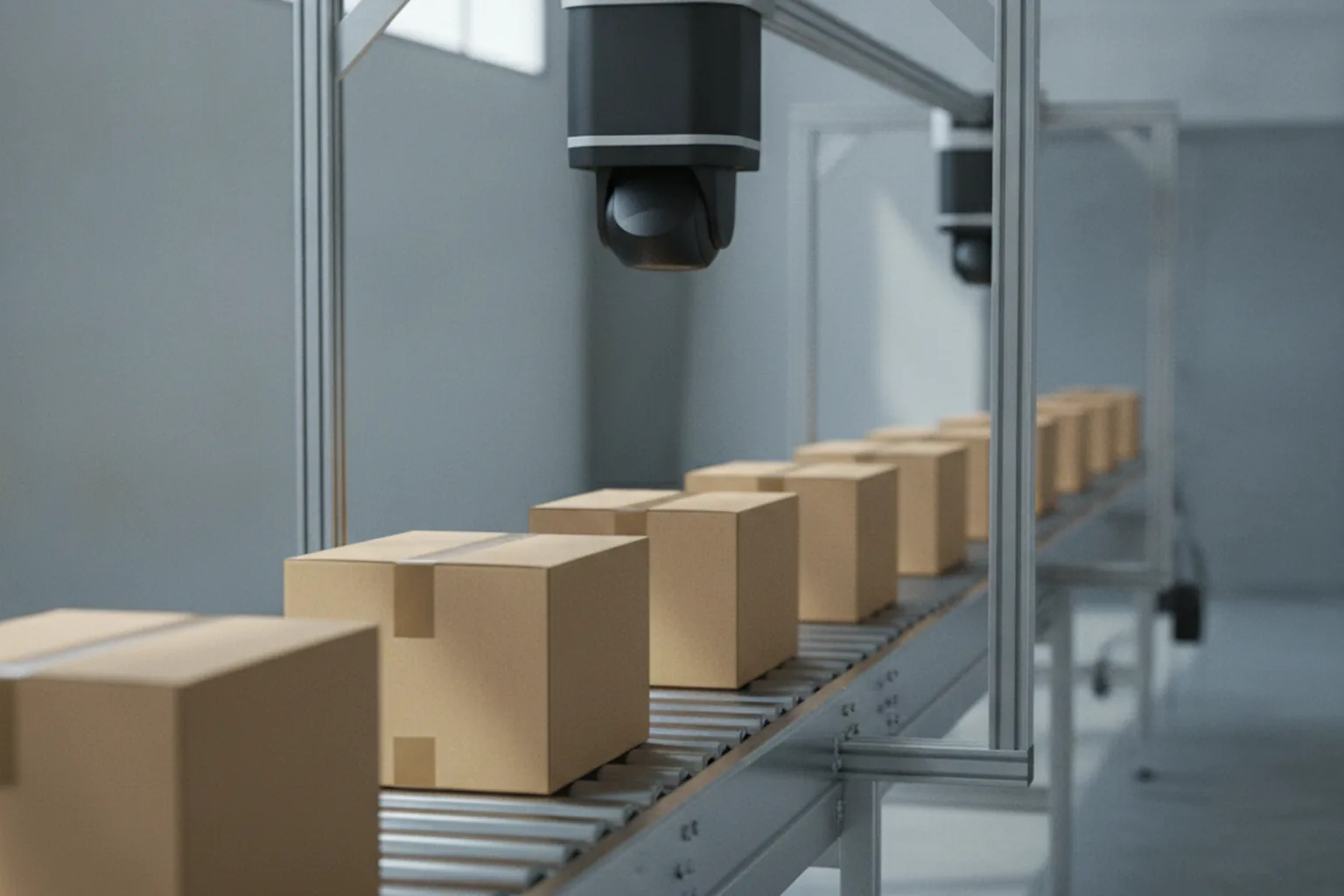

Image recognition software development is the work of building software that looks at a photo or a camera frame, decides what is in it — a product, a defect, a damaged panel, a document field — and passes that answer to the system that acts on it. For most companies the starting point is a manual visual check that no longer scales: people sorting returns, inspecting parts, reading labels or comparing claim photos, with mistakes that turn into refunds, defect escapes and slow service. Our computer vision development services team builds exactly these systems, and this guide shares what we have learned about doing it well.
A recognition model on its own produces only a label and a confidence score. It becomes valuable when the result reaches the ERP, the warehouse management system, the claims platform or the mobile app where someone makes a decision. That is why we treat image recognition as part of AI model integration services rather than as a standalone data science experiment: capture, model, business rules, human review and feedback have to work as one product.
The sections below are written for CTOs, product owners and operations leaders. They cover the recognition tasks you can build, how the pipeline works, when a managed API such as Google Cloud Vision or Amazon Rekognition is enough, how much labeled data you need, which accuracy metrics matter, where the model should run, the 2026 technology stack, cost and timeline ranges, the team, the legal rules and the questions to ask a vendor. For video streams, robotics and the wider field, see our computer vision software development guide.
What is image recognition software development?
Image recognition software development is the process of designing, training, integrating and operating a system that identifies objects, attributes or text in still images and returns a structured result your software can use. It combines machine learning, usually a deep neural network, with ordinary engineering: data pipelines, APIs, user interfaces, security and monitoring.
The input is an image: a smartphone photo, a scan, a frame from an industrial camera, a satellite tile or a product photo uploaded by a customer. The output depends on the task. A recognition model can return one or more of the following:
- A label — “scratch”, “ripe”, “SKU 4471” — with a confidence score between 0 and 1.
- A bounding box around each object it finds, with a label for every box.
- A pixel mask that outlines the exact shape of an object or region, such as a dent or a lesion.
- Text read from the image by optical character recognition (OCR), often with its position on the page.
- An embedding — a vector of numbers that describes the image and lets you find visually similar images.
In a product, the model sits between capture and decision. A mobile app, a camera or an upload form sends the image to the model; the model’s output goes through business rules (for example, “reject if the defect probability is above 0.9”), sometimes to a human reviewer, and then into the system that records the decision. Most of the engineering effort lies around the model, not inside it.
Image recognition vs computer vision: what is the difference?
Image recognition is a subset of computer vision: it answers the question “what is in this image?”, while computer vision covers every way software can interpret visual data, including video tracking, 3D reconstruction, motion analysis and robot guidance. In practice, most business projects that start as “computer vision” are image recognition projects on still images.
| Aspect | Image recognition | Computer vision (broader field) |
|---|---|---|
| Scope | Identify objects, attributes or text in a single image | Any visual understanding: images, video, depth, motion, 3D |
| Typical outputs | Labels, boxes, masks, text, similarity scores | Plus tracks over time, poses, 3D maps, camera calibration |
| Examples | Defect classification, shelf product recognition, ID document reading, damage photos | People counting in video, autonomous driving, robot picking, AR |
| Data | Labeled still images | Images, video clips, depth and sensor data |
| Typical project | One model or a small set of models behind an API, integrated into a workflow | Multi-sensor systems with real-time pipelines and specialised hardware |
If your images arrive as continuous video streams from many cameras, the problem changes: you need frame sampling, tracking, stream processing and different hardware. Our article on AI video analytics covers that case. For a broad view of the field, from robotics to medical imaging, read the computer vision software development guide. The rest of this article stays with still-image recognition.
What types of image recognition can you build?
There are six main types of image recognition, and choosing the right one is the first design decision because it sets the labeling effort, the model family and the cost. Many products combine two or three of them, for example detection followed by classification of each detected object.
Image classification (single-label and multi-label)
Image classification assigns one or more labels to the whole image. Single-label classification answers “which one?” — good part or bad part, cat or dog, product category A, B or C. Multi-label classification allows several labels at once, such as “outdoor”, “night” and “vehicle”. Classification is the cheapest task to label, because annotators only tag the image, and it is the right choice when the object fills most of the frame.
Object detection
Object detection finds every instance of each object in an image and draws a bounding box around it. Use it when an image contains several items, when you need to count them or when position matters, as in shelf audits, parcel counting or locating defects on a large panel. Detection models such as the YOLO family run fast enough for real-time use on modest hardware.
Segmentation (semantic and instance)
Segmentation labels individual pixels instead of the whole image or a box. Semantic segmentation tells you which pixels belong to each class (road, crop, background); instance segmentation also separates individual objects of the same class. Choose segmentation when the exact shape or area matters — measuring the size of a corrosion patch, the area of crop disease or the outline of damage on a car door. It is the most expensive task to label.
OCR and document recognition
OCR reads printed or handwritten text in images, and document recognition goes further by finding specific fields such as names, dates, totals or serial numbers and returning them as structured data. Typical uses are invoices, shipping labels, meter readings, ID documents and product nameplates. Modern pipelines combine a text detector, a text recogniser and a layout or language model that maps text to fields.
Face recognition and verification
Face verification checks whether two face images belong to the same person (for example, a selfie against an ID photo), while face identification searches a database for a match. These are technically mature, but they carry the highest legal risk of any recognition task, because facial templates are biometric data in the EU and in several US states. Plan a legal review before you design the feature, as described in the compliance section below.
Visual similarity search with embeddings
Visual search converts each image into an embedding vector and finds the nearest vectors in a database, so users can search by photo instead of by keyword. It powers “find similar products”, duplicate detection, spare-part lookup from a phone photo and catalogue matching. Because it needs no fixed list of classes, new items can be added by indexing their images, without retraining the model.
| Task | Output | Business example | Typical model family | Labeling effort |
|---|---|---|---|---|
| Classification | Label(s) per image | Good/defective part, product category | CNN (ResNet, EfficientNet), vision transformer (ViT) | Low — one tag per image |
| Object detection | Boxes + labels | Shelf audit, parcel counting | YOLO, DETR-style detectors | Medium — draw boxes |
| Segmentation | Pixel masks | Damage area, crop disease area | U-Net, Mask R-CNN, SAM-assisted models | High — polygons or masks |
| OCR / document recognition | Text + fields | Invoices, labels, ID documents | Text detector + recogniser, layout models | Medium — text and field tags |
| Face verification | Match score | Selfie-to-ID check | Face embedding networks | Medium, plus consent and legal work |
| Visual search | Similar images ranked | “Find similar”, part lookup | Embedding models (CLIP-style, ViT) | Low to medium — pairs or catalogue metadata |
How does image recognition software work?
Image recognition software works as a six-step pipeline: it captures an image, prepares it, runs the model, cleans up the model’s raw output, applies business rules or human review and finally feeds the outcome back into training. Each step can fail independently, so good systems log and monitor all six, not only the model.
- Capture. A camera, phone or upload form produces the image. Lighting, angle, resolution and background are fixed here, and they matter as much as the model: a controlled capture station often gains more accuracy than a bigger network.
- Preprocessing. The image is resized, normalised, cropped to the region of interest and sometimes corrected for colour or perspective. Personal data such as faces or licence plates can be blurred at this stage if it is not needed.
- Model inference. A trained neural network — for example a convolutional neural network (CNN) or a vision transformer (ViT) — turns pixels into predictions: class probabilities, boxes, masks or an embedding.
- Post-processing. Raw predictions are filtered by confidence thresholds, overlapping boxes are merged with non-maximum suppression (NMS), and results are mapped to your business vocabulary (“class 7” becomes “hairline crack”).
- Business rule or human review. High-confidence results trigger an action automatically; uncertain results go to a reviewer’s queue; the final decision is written to the ERP, WMS, claims system or app.
- Feedback loop. Reviewer corrections and newly captured edge cases are stored, labeled and used to retrain the model, so accuracy improves and the model keeps up with changes in products, cameras or seasons.
Under the hood, modern recognition models learn visual features in layers: early layers detect edges and textures, later layers combine them into parts and objects. Almost no business project trains a network from scratch. Instead, teams start from a model pre-trained on millions of public images and fine-tune it on their own labeled images — a technique called transfer learning that cuts data needs and training time dramatically.
Where does image recognition pay off? Use cases by industry
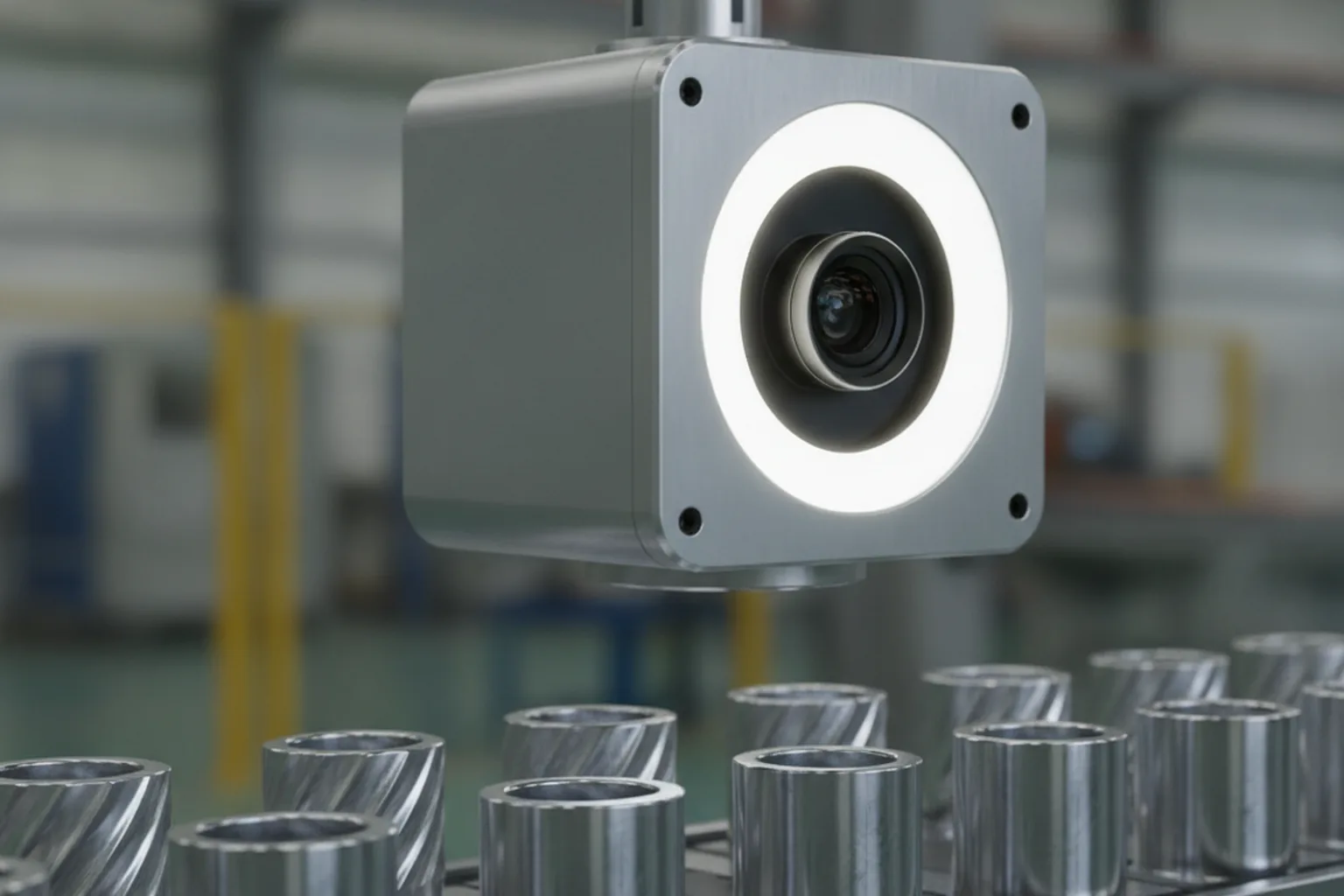
Image recognition pays off where people repeatedly look at images to make the same kind of decision, where errors are expensive, or where volume makes manual checks impossible. The table shows typical use cases by industry and how to measure the result; the actual gain depends on your baseline, so measure it before the project starts.
| Industry | Problem | What the model does | How to measure the outcome |
|---|---|---|---|
| Manufacturing | Defects slip past manual inspection; inspectors tire | Classifies or segments scratches, cracks, missing parts on the line | Defect escape rate, false reject rate, inspection time per part |
| Retail and e-commerce | Shelf gaps, wrong facings, slow catalogue tagging | Detects products on shelves; tags product photos; powers visual search | Out-of-stock detection time, tagging hours, search conversion |
| Logistics | Unreadable or mis-sorted labels, damaged parcels | Reads labels with OCR, detects damage, verifies parcel counts | Mis-sort rate, manual keying hours, damage claims |
| Insurance | Slow, inconsistent damage assessment from photos | Detects and segments damaged parts, estimates severity for triage | Claim cycle time, share of claims auto-triaged, adjuster hours |
| Healthcare | Large volumes of images to pre-screen | Flags findings for clinician review (decision support, not diagnosis) | Time to read, prioritisation accuracy, reviewer workload |
| Agriculture | Disease and pests found too late | Classifies plant disease from field or drone images | Detection lead time, treated area, yield loss |
| Fintech | Fraudulent or low-quality ID documents at onboarding | Reads ID fields, checks document quality and matches selfie to ID | Onboarding completion, manual review share, fraud losses |
Factories usually see the fastest payback because the error cost is concrete and the capture conditions are controllable; our overview of manufacturing software development shows where inspection fits into MES and quality systems. Retailers combine shelf recognition with visual search, as described in our guide to retail software development. Medical imaging brings its own data formats and regulation; read medical image analysis software development before you plan a healthcare project.
Pre-built API, custom model or hybrid: which should you choose?
Choose a pre-built API when your labels are generic and volumes are moderate, a custom model when you need domain-specific classes, higher accuracy or full data control, and a hybrid when an API can handle the common cases and a small custom model can handle the rest. Most projects should start by testing an API on their own images, because that baseline costs days, not months.
| Criterion | Managed API (e.g. Google Cloud Vision, Amazon Rekognition) | Custom model | Hybrid |
|---|---|---|---|
| Time to first result | Hours to days | 4–8 weeks for a PoC | 2–6 weeks |
| Accuracy on niche classes | Low to medium — generic labels only | High, if trained on representative data | High on the classes that matter |
| Data needed | None (or a small set for custom-label services) | Hundreds to thousands of labeled images per class | Labeled data only for the custom part |
| Cost profile | Pay per image; grows linearly with volume | Upfront build plus fixed hosting; low marginal cost | Mixed |
| Data control | Images processed by the provider | Can stay in your cloud, on-premises or on device | Sensitive images can stay with the custom part |
| Lock-in | High — label sets and APIs are provider-specific | Low — you own weights and code | Medium |
What managed image recognition APIs cost in 2026
Managed APIs charge per image or per feature, and the list prices in October 2026 are low enough that a pilot costs almost nothing. According to Google’s Cloud Vision API pricing page, the first 1,000 units per month are free; label detection, OCR and face detection then cost $1.50 per 1,000 units up to 5 million units a month, and object localisation costs $2.25 per 1,000. Above 5 million units, label detection drops to $1.00 per 1,000. Amazon’s Rekognition pricing starts at $0.001 per image for its standard image APIs in US East, with lower per-image rates at higher volumes. For your own classes, Rekognition Custom Labels charges $1 per training hour and $4 per inference hour while a model is running.
Worked example: when does a custom model become cheaper?
The crossover between API and custom model depends on volume, and the arithmetic is simple enough to do before you talk to any vendor. The figures below are an illustrative YuSMP estimate based on list prices, not a quote.
- 2 million images a month on Cloud Vision label detection: about 1,999 billable thousands × $1.50 ≈ $3,000 a month, or roughly $36,000 a year.
- The same volume on a self-hosted fine-tuned classifier: 2 million images a month is less than one image per second on average. One or two cloud GPU instances of the entry class typically cost about $400–$1,200 a month on demand, so hosting is roughly $1,000 a month including storage and monitoring.
- Saving at 2 million images: about $2,000 a month. Against a custom build of $60,000–$120,000, inference savings alone would take several years to pay back.
- At 20 million images a month: Cloud Vision label detection costs about $7,500 for the first 5 million units plus $15,000 for the next 15 million, roughly $22,500 a month. Self-hosting several GPU instances might cost $2,000–$4,000, saving close to $20,000 a month — enough to repay a $100,000 build in about six months.
- Custom Labels running around the clock: one inference unit at $4 per hour for about 730 hours a month is about $2,900 a month, before training costs. That makes it a good tool for pilots and for models that only need to run during batch windows.
The lesson: at moderate volume, cost rarely justifies a custom model on its own; accuracy, data control or offline operation usually do. At high volume, the per-image price becomes the main argument. Rerun this calculation with your own volume, growth forecast and required accuracy before you decide.
When is custom image recognition software development worth it?
Custom image recognition software development is worth it when a generic API cannot recognise what matters to your business, cannot reach the accuracy you need, or cannot legally or technically see your images. If none of the triggers below applies, start with a managed API and revisit the decision when volume grows.
- Domain-specific classes. You need to tell apart your own product variants, defect types, part numbers or plant diseases, which no public label set contains.
- Accuracy above the API baseline. Tests on your images show that the API misses too many cases, and each miss has a real cost — a defective part shipped, a fraudulent document accepted.
- Sensitive or proprietary images. Medical images, IDs, faces or confidential product designs must stay in your environment for GDPR, HIPAA or contractual reasons.
- Edge or offline operation. The camera is on a production line, a vehicle or a phone in a warehouse without reliable connectivity, or latency must stay under a few dozen milliseconds.
- Per-call cost at scale. You process tens of millions of images a month, and the worked example above shows a short payback.
- Explainability and audit. You must document how the model was trained and tested, set thresholds per class and prove why an automated decision was taken.
A useful middle path is to fine-tune an open pre-trained model on your data. You get most of the accuracy of custom image recognition software development at a fraction of the cost of designing a network from scratch, and you keep the weights.
How to build image recognition software: a step-by-step process
Building image recognition software takes ten steps, from defining the decision the model supports to retraining it in production. Each step ends with a concrete deliverable, so you can stop or change direction before spending the full budget.
1. Define the decision and the cost of each error
Write down which decision the model will support, who acts on it and what a wrong answer costs. A missed defect (false negative) and a good part rejected (false positive) usually have very different prices. Deliverable: a one-page problem statement with the target metric and error costs.
2. Audit the data you already have
Collect a sample of real images from the actual cameras or users, check resolution, lighting, angles and how many examples exist per class, and confirm that you have the right to use them. Deliverable: a data audit with gaps and a collection plan.
3. Plan the labeling
Choose the annotation type (tags, boxes or polygons), write labeling guidelines with visual examples for every class and edge case, and decide who labels: internal experts, a vendor team or both. Deliverable: a labeling guide and a labeled pilot set.
4. Set a baseline with an API or a pre-trained model
Run a managed API or an off-the-shelf pre-trained model on the pilot set. This baseline tells you how hard the problem is and whether custom work is needed at all. Deliverable: baseline metrics per class.
5. Select the model and apply transfer learning
Pick a model family that fits the task and the deployment target — a compact CNN for a phone, a YOLO detector for real-time counting, a ViT for fine-grained classification — and start from pre-trained weights. Deliverable: a model choice with a written rationale.
6. Train with augmentation
Fine-tune on your labeled data, using augmentation (rotations, crops, brightness and blur changes) to simulate real-world variation, and track every experiment so results are reproducible. Deliverable: trained candidate models with experiment logs.
7. Evaluate on a held-out real-world test set
Test only on images the model has never seen, captured in field conditions, and report precision, recall and F1 per class plus a confusion matrix. Set confidence thresholds from the error costs defined in step 1. Deliverable: an evaluation report and agreed thresholds.
8. Integrate the model into your systems
Wrap the model in an API or SDK, connect it to the ERP, WMS, claims or mobile app, build the human review screen and log every prediction. Deliverable: an integrated workflow tested end to end.
9. Deploy to cloud or edge
Package the model for its target — a GPU service in the cloud, an edge box next to the camera or an on-device format — with versioning and rollback. Deliverable: production deployment with a rollback plan.
10. Monitor drift and retrain
Track the share of low-confidence predictions, reviewer overrides and accuracy on fresh labeled samples; when a new product, camera or season shifts the data, retrain and redeploy. Our guide to machine learning software development describes the MLOps practices behind this loop. Deliverable: monitoring dashboards and a retraining schedule.
How much training data do you need, and how should it be labeled?
With transfer learning, a proof of concept often works with a few hundred labeled images per class, while a production model usually needs thousands of images per class plus deliberately collected edge cases. Treat these numbers as rules of thumb, not guarantees: classes that look alike, small defects and variable lighting all raise the requirement.

In YuSMP projects, data collection, cleaning and labeling usually take 30–50% of the total effort — more than model training. Plan for it from the first week, because a model can never be better than the examples it learned from.
Annotation types and effort
The annotation type follows the recognition task and drives labeling cost. Image-level tags for classification are quick — often a few seconds per image. Bounding boxes for detection take longer because every object must be drawn. Polygons or pixel masks for segmentation take the longest per image. Tools such as Label Studio and CVAT support all three, and model-assisted labeling, where a draft model or a vision-language model proposes labels for people to correct, can cut the time considerably.
Class imbalance and rare defects
Class imbalance is the normal case in business data: a production line may produce thousands of good parts for every defective one. A model trained on such data can score high “accuracy” by predicting “good” every time. Counter it by collecting rare cases deliberately, oversampling them during training, weighting the loss function and, most importantly, measuring per-class recall instead of overall accuracy.
Synthetic data and augmentation
Augmentation creates variations of existing images — flips, rotations, crops, colour shifts, noise — and is standard in every training run. Synthetic data goes further by rendering or generating new images, for example 3D renders of rare defects or generated backgrounds for products. It helps when real examples are scarce, but always validate on real images, because models can learn artefacts of the generator.
Label quality assurance
Inconsistent labels hurt accuracy as much as too few labels. Write clear guidelines with borderline examples, have a second annotator label a sample of images, measure inter-annotator agreement and review disagreements with a domain expert. If two experts cannot agree on a label, the model will not learn it reliably either — and that is a finding about the process, not only about the data.
How accurate does image recognition need to be? Metrics and thresholds
Image recognition needs to be accurate enough that the cost of its remaining errors is lower than the cost of the current process, and that target should be set per class using precision and recall, not a single “accuracy” number. A model with 99% accuracy can still be useless if it misses the 1% of cases that matter.
| Metric | What it tells you | When it matters most |
|---|---|---|
| Precision | Of everything the model flagged, how much was correct | When false alarms are expensive (good parts scrapped, customers blocked) |
| Recall | Of everything that should have been flagged, how much the model found | When misses are expensive (defects shipped, fraud accepted) |
| F1 score | The balance of precision and recall in one number | Comparing models when both error types matter |
| mAP (mean average precision) | Detection quality across classes and confidence levels | Object detection benchmarks |
| IoU (intersection over union) | How well a predicted box or mask overlaps the true one | Detection and segmentation, when position or size matters |
| Confusion matrix | Which classes the model mixes up | Finding similar-looking classes that need more data |
Confidence thresholds and human-in-the-loop review
Every prediction comes with a confidence score, and the thresholds you set on that score decide how the system behaves. A common design uses three bands:
- Auto-accept above a high threshold, where the model is reliably right.
- Human review in the middle band, where the model is uncertain; a reviewer sees the image, the prediction and one-click options.
- Auto-reject or re-capture below a low threshold, for example asking the user to retake a blurry photo.
Set the bands from error costs, not from intuition. Suppose a missed defect costs $400 in warranty and handling, a false reject costs $8 in re-inspection and a human review costs $0.50. Then it is rational to send far more borderline cases to review — or even to reject them — than if both errors cost the same. Recalculate the thresholds whenever error costs or the model change, and use reviewer decisions as new training labels: human-in-the-loop review is both a safety net and the cheapest source of high-value data.
Cloud, edge or on-device: where should the model run?
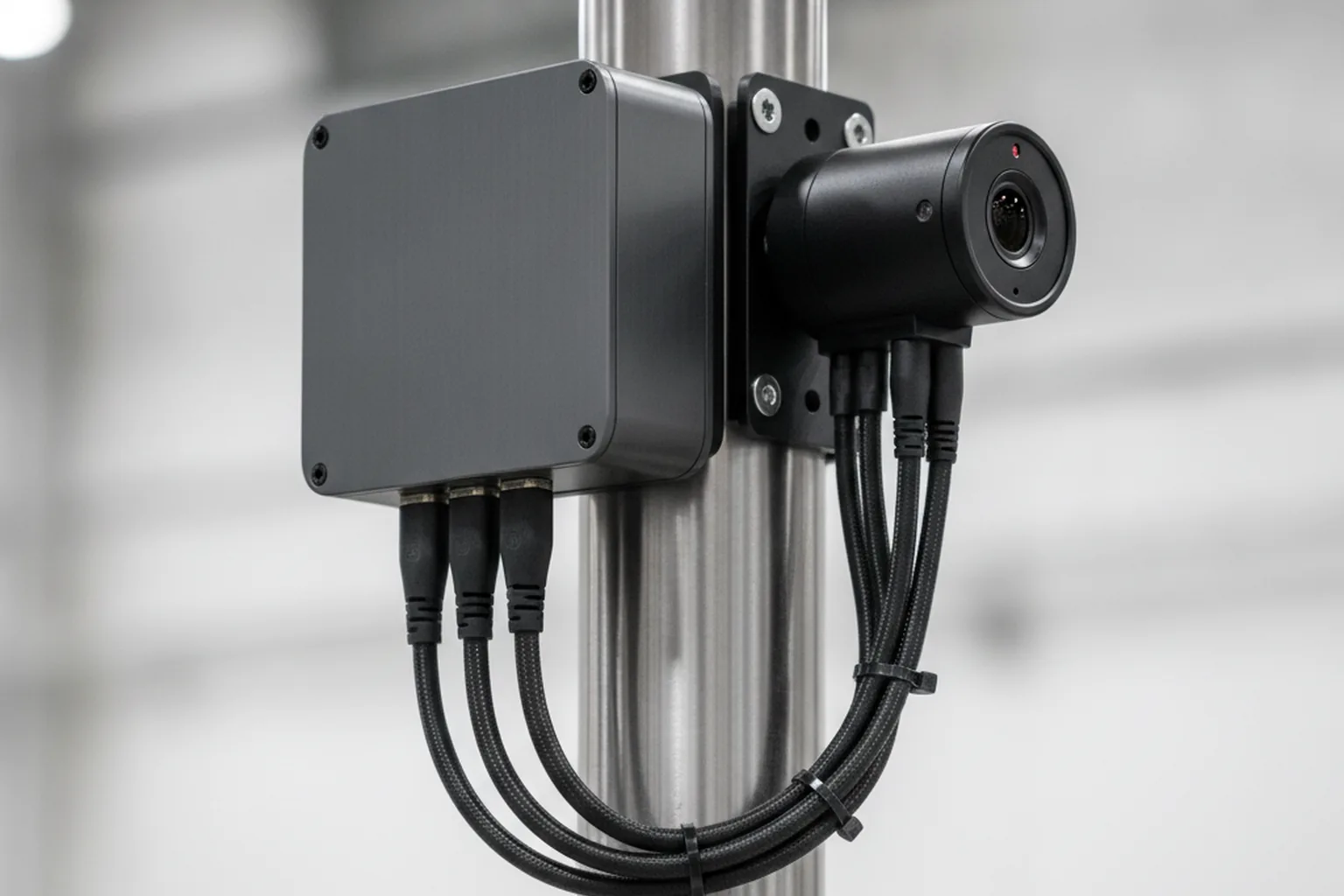
Run the model in the cloud when images already arrive online and latency of a second is acceptable; on an edge device next to the camera when you need real-time decisions or have unreliable connectivity; and on the user’s phone when privacy, offline use or per-image cost matter most. Many systems combine them: a small model on the device and a larger one in the cloud for hard cases.
| Factor | Cloud | Edge device | On-device (phone, tablet) |
|---|---|---|---|
| Latency | Hundreds of ms to seconds, network-dependent | Milliseconds to tens of ms | Milliseconds to tens of ms |
| Cost | Per call or per GPU hour | Hardware per site plus maintenance | No inference fee; app size and battery budget |
| Privacy | Images leave the site | Images can stay on site | Images can stay on the device |
| Connectivity | Required | Works offline, syncs results | Works offline |
| Hardware and model size | Any size of model | Limited by the edge GPU or accelerator | Compact, quantised models only |
For edge and device deployment, models are exported to optimised runtimes: ONNX Runtime and NVIDIA TensorRT for edge computers, Core ML for iPhone and iPad, and TensorFlow Lite — now called LiteRT — for Android and embedded devices. Quantisation to 8-bit integers usually shrinks the model by about four times with a small accuracy loss that you should measure on your test set. Our article on on-device AI in mobile apps explains the mobile side in more detail.
Image recognition tech stack in 2026
The 2026 image recognition stack is mostly open source: PyTorch-based training, labeling tools such as Label Studio or CVAT, optimised runtimes such as ONNX Runtime for serving, and MLOps tools for tracking data and models. Managed cloud services complement it for baselines and pilots.
| Layer | Common tools in 2026 | Notes |
|---|---|---|
| Data and labeling | Label Studio, CVAT | Support tags, boxes, polygons and model-assisted pre-labeling |
| Training | PyTorch, TensorFlow/Keras, Ultralytics YOLO, timm and Hugging Face model hubs | Pre-trained weights for transfer learning |
| Classic computer vision | OpenCV | Preprocessing, geometry, rule-based checks |
| Serving | ONNX Runtime, NVIDIA Triton Inference Server, TorchServe, FastAPI services | Batching, GPU sharing, versioned endpoints |
| Edge and mobile | TensorRT, Core ML, TensorFlow Lite / LiteRT | Quantised, hardware-specific builds |
| Storage | Object storage for images; vector databases for embeddings | Vector search powers visual similarity features |
| MLOps | MLflow, DVC | Experiment tracking, dataset and model versioning |
| Managed services | Google Cloud Vision, Amazon Rekognition, Azure AI Vision | Baselines, generic labels, OCR, pilots |
Vision-language models (VLMs), which understand images and text together, are now a practical part of the stack. They are rarely the cheapest option for high-volume production inference, but they are very useful for zero-shot labeling, pre-annotating datasets, handling rare classes and explaining what a model sees. Our overview of generative AI software development covers how these models are integrated into products.
How much does image recognition software development cost in 2026?
Image recognition software development costs about $15,000–$40,000 for an API-based proof of concept, $60,000–$120,000 for a custom MVP and $120,000–$250,000 for a production system with integrations in 2026, according to YuSMP Group estimates based on blended US and EU rates. Enterprise programmes with several models or an edge device fleet go beyond $250,000.
| Scope | Budget (YuSMP estimate, 2026) | Typical duration | What you get |
|---|---|---|---|
| API-based proof of concept | $15,000–$40,000 | 4–6 weeks | Baseline on your images, error-cost analysis, go/no-go and build plan |
| Custom MVP | $60,000–$120,000 | 10–16 weeks | Fine-tuned model for core classes, API, review screen, one integration |
| Production system with integrations | $120,000–$250,000 | 4–9 months in total | Hardened models, several integrations, monitoring, retraining pipeline, security review |
| Enterprise, multi-model or edge fleet | $250,000+ | 9 months and longer | Several recognition tasks, edge deployment at many sites, governance and audit |
For context, published market guides quote a similar spread: one 2026 guide by Biz4Group puts AI image recognition apps at roughly $30,000–$180,000 and more, depending on complexity. Differences between estimates usually come from what is included — data labeling, integrations and edge hardware are often left out of the headline number.
Cost drivers
- Data and labeling. Whether labeled images exist, how many classes need them and how complex the annotation is (tags vs polygons).
- Number of classes and their similarity. Ten clearly different classes are cheaper than two hundred look-alike variants.
- Accuracy target. Each step closer to automation without human review requires more data, testing and edge-case work.
- Deployment target. Edge hardware, multiple sites and offline sync add engineering and devices.
- Integrations. Every ERP, WMS, claims or mobile system the result must reach adds weeks.
- Compliance. Biometric data, medical images or regulated decisions add consent flows, documentation, audits and security work.
Ongoing costs after launch
Plan for running costs from day one: inference (API fees or GPU hosting), storage of images and predictions, labeling of new samples, periodic retraining, monitoring and support. As a YuSMP estimate, these typically add 15–25% of the build cost per year, more if volumes grow quickly or products change often. For a broader view of how software budgets are put together, see our custom software development cost guide.
How long does it take to build image recognition software?
A proof of concept takes four to eight weeks, a custom MVP ten to sixteen weeks and a production system with integrations four to nine months in total. The single biggest variable is data: if images still need to be collected and labeled, add that time before training can start.
| Phase | Typical duration | Main output |
|---|---|---|
| Discovery and data audit | 1–3 weeks | Problem statement, error costs, data gaps, labeling plan |
| Proof of concept | 4–8 weeks | Baseline vs custom results on your images, go/no-go |
| MVP | 10–16 weeks | Model in a real workflow with review screen and one integration |
| Production hardening | 4–9 months in total from start | Integrations, monitoring, retraining loop, security and compliance |
| Operation | Ongoing | Drift monitoring, new classes, periodic retraining |
You can shorten the path by running labeling in parallel with the API baseline, by fixing capture conditions early and by limiting the first release to the classes that carry most of the value.
Team: who do you need to build image recognition software?
An image recognition project needs machine learning skills, data skills and ordinary product engineering, plus someone who understands the domain well enough to define classes and judge edge cases. A small pilot team can be three or four people; a production programme usually needs seven or more roles.
- ML / computer vision engineer — selects and trains models, runs evaluation, sets thresholds.
- Data engineer — builds image ingestion, storage, versioning and pipelines.
- Annotation lead and annotators — write labeling guidelines, label and check quality.
- Backend engineer — builds the API, review screen and integrations with business systems.
- MLOps / DevOps engineer — deploys to cloud or edge, monitors and automates retraining.
- QA engineer — tests the whole workflow, including bad photos and failure paths.
- Product owner and domain expert — define the decision, error costs and the meaning of every class.
For a proof of concept, one ML engineer, one backend engineer, a part-time product owner and your domain expert are often enough. For production, add data engineering, MLOps and QA, and make sure the domain expert stays involved: label definitions drift when nobody owns them.
Privacy, security and compliance for image recognition
Image recognition is regulated mainly through the images it processes: photos of identifiable people are personal data, and facial templates are biometric data, which brings strict rules in the EU and several US states. Design for privacy from the first sprint, because retrofitting consent flows and data deletion is expensive. This section is a summary, not legal advice.
GDPR in the EU
Under GDPR, any image that shows an identifiable person is personal data, so you need a legal basis, a retention period and data subject rights. Biometric data processed to uniquely identify a person, such as facial templates, is special-category data under Article 9 and is generally prohibited unless an exception applies, typically explicit consent. If people are not needed for the task, blur or crop them out during preprocessing.
Illinois BIPA and other US biometric laws
The Illinois Biometric Information Privacy Act requires informed written consent before collecting face geometry or other biometric identifiers, a public retention and destruction policy and a ban on selling the data. People can sue directly, with liquidated damages of $1,000 per negligent and $5,000 per intentional or reckless violation; a 2024 amendment limits recovery to one per person per collection method. Texas and Washington have biometric laws too, so check every state where your users are.
The EU AI Act
The EU AI Act already bans certain image-based practices under Article 5, in force since 2 February 2025: building facial recognition databases by untargeted scraping of facial images from the internet or CCTV, emotion recognition in workplaces and schools, and biometric categorisation that infers sensitive traits such as race, political opinions or sexual orientation. Real-time remote biometric identification in public spaces for law enforcement is allowed only in narrow cases. Obligations for high-risk systems listed in Annex III, which include many biometric uses, now apply from 2 December 2027 after the Digital Omnibus amendments that entered into force on 27 July 2026; transparency duties under Article 50 are unchanged. Our EU AI Act compliance checklist lists what to prepare.
Practical controls
- Encrypt images in transit and at rest, and keep production data in your own cloud account.
- Set and enforce retention periods; delete raw images you no longer need for training or audit.
- Blur or crop faces, licence plates and screens that the task does not require.
- Restrict and log access to images, labels and models.
- Keep a model card for each model: training data, intended use, metrics per class, known limitations.
- Record consent where biometric data is involved, and make deletion requests flow through to training datasets.
Common mistakes in image recognition projects
Most image recognition projects that disappoint fail on data and process rather than on the model. The seven mistakes below are the ones we see most often, and each has a simple countermeasure.
- Training on lab images and deploying on field images. Clean studio photos do not represent dusty lenses, glare and odd angles. Collect training data from the real capture setup.
- No held-out real-world test set. Testing on images similar to the training set inflates results. Keep a separate, untouched set from field conditions.
- Chasing accuracy without error costs. A single accuracy figure hides the trade-off between misses and false alarms. Price both and set thresholds accordingly.
- Ignoring edge cases. Occlusion, lighting changes, new packaging and rare defects break models in production. Collect them deliberately.
- No retraining loop. Products, cameras and seasons change. Without monitoring and retraining, accuracy slowly decays.
- Face features without legal review. Biometric features designed without consent and retention rules can block a launch or create liability.
- API lock-in without an exit plan. Building the whole workflow on one provider’s label set makes switching costly. Keep your own labeled data and an abstraction layer.
How to choose a partner for custom image recognition software development services
Choose a partner for custom image recognition software development services by testing how they handle your data, your error costs and your deployment target, not by the demos they show. Ask these seven questions and expect concrete, written answers:
- Who owns the data, labels, model weights and code? You should own all of them, and your images should not train anyone else’s models.
- Will you evaluate on our images before we scale the contract? A good partner proposes a paid proof of concept on your data with a held-out test set.
- What are the success criteria of the proof of concept? Expect per-class precision and recall targets tied to your error costs, agreed before work starts.
- Have you deployed to our target before? Cloud, edge box, iOS or Android each bring different constraints; ask for an example.
- What is the MLOps and retraining plan? Monitoring, drift detection, labeling of new data and retraining frequency should be part of the proposal.
- How do you handle privacy and compliance? Ask about GDPR, BIPA, the EU AI Act, data residency and how faces or IDs are handled.
- Can we speak to a client in a similar domain? References in manufacturing, retail, logistics or insurance carry more weight than generic AI projects.
At YuSMP Group, we start most recognition projects with exactly this kind of short, measurable pilot on the client’s own images, so the decision to build is based on numbers rather than a demo.
Image recognition trends in 2026
The main image recognition trends in 2026 are vision-language models, smaller edge models, synthetic data, multimodal search and privacy-by-design driven by regulation. Analysts expect continued growth: The Business Research Company estimates the AI image recognition market at $3.87 billion in 2026, up from $3.27 billion in 2025, although market estimates vary widely with scope.
- Vision-language models for zero-shot recognition and pre-labeling. VLMs recognise new classes from a text description and draft labels for annotators, which shortens the data phase.
- Smaller, faster edge models. Quantised detectors and classifiers now run in real time on phones and low-power accelerators, moving more recognition to the device.
- Synthetic data. Rendered and generated images fill gaps for rare defects and new products, validated against real samples.
- Multimodal search and embeddings. Shared image-text embeddings let users search catalogues by photo, by text or both.
- Privacy-by-design. Regulation pushes teams toward on-device processing, automatic redaction and documented models.
FAQ
What is image recognition software development?
Image recognition software development is the process of building software that identifies what is in an image, such as a product, a defect, a document field or a damaged car part, and passes that result to a business system. It covers data collection and labeling, choosing or training a model, integrating it with apps and back-office systems, deploying it to the cloud or an edge device and monitoring its accuracy after launch.
How much does custom image recognition software development cost?
In 2026, YuSMP Group estimates about $15,000 to $40,000 for an API-based proof of concept, $60,000 to $120,000 for a custom MVP and $120,000 to $250,000 for a production system with integrations. Enterprise programs with several models or an edge device fleet go above $250,000. Budget another 15 to 25 percent of the build cost per year for inference, retraining, labeling and monitoring.
How many images do I need to train an image recognition model?
With transfer learning from a pre-trained model, a proof of concept often works with a few hundred labeled images per class. A production model usually needs thousands of images per class plus deliberate examples of edge cases such as poor lighting, occlusion and rare defects. These are rules of thumb: the real number depends on how similar the classes look and on the accuracy target, so test on a held-out set of real field images.
Should I use Google Cloud Vision or Amazon Rekognition instead of building a custom model?
Use a managed API when your labels are generic, such as common objects, text or faces, volumes are moderate and the images may leave your environment. In 2026, Google Cloud Vision charges $1.50 per 1,000 label detections and Amazon Rekognition about $0.001 per image in its first tier. Build a custom model when you need domain-specific classes, higher accuracy, on-premises or offline processing, or lower cost at very high volume.
How long does it take to develop image recognition software?
Discovery and a data audit take one to three weeks, a proof of concept four to eight weeks and a custom MVP ten to sixteen weeks. A production system with integrations, monitoring and a retraining loop typically takes four to nine months in total. The biggest variable is data: if images must still be collected and labeled, add several weeks before model training can start.
How accurate is image recognition in 2026?
Accuracy depends on the task, not on the technology alone. Generic object labels from managed APIs are reliable for clear photos, while niche classes such as specific defects or product variants need a custom model trained on your images. Measure precision, recall and F1 per class on real field images, set confidence thresholds based on the cost of each error type and route uncertain results to human review.
Can image recognition run on a mobile phone or edge device without the cloud?
Yes. Compact models converted to Core ML for iOS, TensorFlow Lite or LiteRT for Android, or ONNX Runtime and TensorRT for edge computers can classify and detect objects in real time without a network connection. On-device inference lowers latency and per-image cost and keeps images local, but it limits model size and requires a process for updating models across all devices.
Is facial recognition legal in the EU and the US?
Facial recognition is legal in many cases but heavily regulated. In the EU, facial templates are special-category biometric data under GDPR, and the AI Act has banned untargeted scraping of facial images and emotion recognition at work or school since 2 February 2025. In the US, Illinois BIPA requires written consent and a retention policy, with damages of $1,000 to $5,000 per violation. Get legal review before building face features.
Published 21 October 2026. Sources: Google Cloud Vision API pricing and Amazon Rekognition pricing (both checked October 2026); EU AI Act, Article 5 and Regulation (EU) 2024/1689; Gibson Dunn and Orrick on the Digital Omnibus on AI (July 2026); Illinois Biometric Information Privacy Act (740 ILCS 14); The Business Research Company, AI image recognition global market report; Biz4Group guide to AI image recognition app development (2026). Project cost, timeline, data-effort and running-cost ranges, the API crossover example and the threshold example are YuSMP Group estimates. This article is not legal advice.