Apex + LWC engineering
Custom Lightning Web Components, Apex services and triggers organized with a Domain/Service/Selector pattern, Lightning App Builder pages, and Experience Cloud sites — all in Salesforce DX with unlocked packages.

Services
Senior Apex, Lightning Web Components, and Flow engineering for Sales Cloud, Service Cloud, Experience Cloud, and Marketing Cloud orgs that have outgrown clicks-not-code. We design and ship two-way integrations to SAP S/4HANA, NetSuite, Snowflake, Stripe, and the rest of your stack — bulkified Apex, Platform Events, Salesforce DX pipelines, 85%+ test coverage. Fixed-scope and all-in USD, tiered by connection surface: a single point integration from $700, several systems from $2,100, a reusable integration bus from $5,200, and a full enterprise contour up to $10,400. You see the line-item budget at the end of discovery and sign off before any code is written.

Platform Developer II and Application Architect engineers who write the Apex, not just click the Flow builder · GDPR-aligned · ISO 27001 ready · SOC 2 Type II in progress · Hyperforce EU for data residency · CET workday with 9 AM–1 PM ET overlap
Most Salesforce orgs reach a point where the admin console runs out. Flows that started as five steps now branch fifty ways; Process Builder accumulates over years; Apex written by three different freelancers fails the next governor-limit test; ERP and warehouse sync runs nightly through brittle CSV exports. We replace that with engineered Salesforce: source-controlled metadata in Salesforce DX, unlocked packages, modular LWC, bulkified Apex, Platform Events for real-time sync, and integration pipelines through MuleSoft or direct REST with idempotency and dead-letter queues. The result is an org that scales with your revenue, passes SOC 2, and is no longer a hostage situation for a single admin. When the work reaches beyond the CRM, the same senior team delivers enterprise software development, cloud & DevOps and HubSpot development under one contract, so the integration and the systems on either side of it stay owned by one engineering partner.
Custom Lightning Web Components, Apex services and triggers organized with a Domain/Service/Selector pattern, Lightning App Builder pages, and Experience Cloud sites — all in Salesforce DX with unlocked packages.
Screen flows, record-triggered flows, scheduled flows, and Flow orchestrations that replace legacy Process Builder and Workflow Rules. Reactive screens, sub-flows, and proper error handling on every path.
Two-way sync with SAP S/4HANA, Oracle NetSuite, Microsoft Dynamics 365, QuickBooks via MuleSoft, Boomi or direct REST — Platform Events, Change Data Capture, Salesforce Connect (OData) where appropriate.
Marketing Cloud Engagement, Account Engagement (Pardot), Data Cloud activations, journey builder integration with Sales/Service Cloud, and CDP-grade audience sync to Braze, Iterable, or Customer.io.
Platform Encryption (deterministic for filter-needed fields), Event Monitoring, Field Audit Trail, Real-Time Event Monitoring with Transaction Security Policies — configured to GDPR and SOC 2 expectations.
Salesforce DX, GitHub, Copado or Gearset CI/CD into Dev → UAT (Partial Copy) → Staging (Full) → Production with PMD, Salesforce Code Analyzer, and 85%+ Apex test coverage enforced on every PR.
Two-week audit: metadata inventory via SFDX Hardis, Apex technical debt, Flow/Process duplication, integration topology, governor-limit exposure, security health check. Output: a prioritized risk register.
Target architecture for objects, sharing model, integration patterns (sync vs async, polling vs events), and DevOps pipeline. Signed off by your team and any solution architect on retainer before code lands.
Two-week sprints, scratch orgs per feature, unlocked packages for modular delivery. Every endpoint has idempotency, retry, dead-letter handling, and an Event Monitoring dashboard before it ships.
Full Copy sandbox dress-rehearsal with production data, cutover plan with rollback, then 30 days of hypercare with daily standup and an on-call engineer for integration endpoints.
The harder the data model — multi-entity, real-time ERP sync, compliance-bound — the more the CRM has to be engineered rather than configured. These are the integration profiles we know at code level; the ERP-sync and data-model discipline carries over even where the earlier build ran on another platform (1C, Bitrix24, custom REST) rather than Salesforce.
Lead-to-deal pipelines where every enquiry lands in one tracked queue with real-time CRM routing, and where the data model outgrows stock objects fast. We built exactly that discipline — a single tracked lead queue with two-way CRM sync — for the dealer platform in our AutoFinance case, and bring it to Salesforce as custom objects, assignment rules and Platform-Event forecast sync.
See the dealer-platform build →Catalogues and orders where prices shift hourly and ERP is the source of truth, so the CRM and storefront have to stay in lock-step. Our AutoParts build ran a bidirectional real-time 1C integration behind a clean storefront — on Salesforce that becomes MuleSoft or Salesforce Connect pipelines, Change Data Capture and idempotent ERP endpoints.
See the ERP-sync build →Store-floor and back-office systems that need one real-time view of stock and customers across locations. Our SuperStep build wired native apps to a real-time 1C inventory feed for US & EU retail — on Salesforce that maps to Service Cloud, Data Cloud activations and Platform Events feeding a single customer record.
See the retail build →Salesforce Health Cloud integrations where HIPAA, SOC 2, and clinical data models collide. Patient journey automation from referral to discharge, EHR sync (Epic, Cerner via FHIR APIs), and payer contract objects that non-health implementations don't know exist. We configure Shield encryption on PHI fields, audit trails to HIPAA retention, and Hyperforce US-East for data residency before a single record flows.
See the HealthTech practice →Revenue Cloud, CPQ, and professional-services automation (PSA) orgs where project margin lives in the CRM. We wire Salesforce PSA (FinancialForce / Certinia) to NetSuite or Dynamics for actuals-vs-budget sync, build custom resource-capacity objects, and implement revenue recognition aligned to ASC 606 and IFRS 15 in Salesforce Billing. Conflict-of-interest screening and matter management for legal and consulting verticals are built into the data model from kickoff.
See enterprise services →Managed packages and AppExchange-listed products where the integration surface is an API contract, not just a config. We build multi-tenant LWC components with namespace isolation, subscriber org push upgrades, and packaging-compliant Apex (no hardcoded IDs, no org-specific metadata). For SaaS companies embedding Salesforce as a CRM layer we wire the product database, billing (Stripe, Chargebee), and telemetry into a unified Customer 360 — trial-to-paid conversion objects, churn signals from product usage, and usage-based billing triggers.
See SaaS development →Fixed-scope, all-in USD pricing, tiered by how much of your stack the work has to touch. IP is assigned on day one, with no recruitment markup and no tool surcharges. You see the line-item budget at the end of discovery and sign off before any code is written; cloud fees run on your own accounts, so you keep the cost lever.
Point integration
from $700
1–2 weeks · one connection
A single bounded endpoint wired to Salesforce — a webhook feed, one ERP object sync, or an LWC that reads an external API — with idempotency, retry, and a dead-letter queue.
Several systems
from $2,100
2–4 weeks · 2–3 systems
Two or three systems wired to Salesforce with two-way field mapping and conflict rules — NetSuite or Dynamics sync, a marketing platform, and a warehouse feed under one delivery.
Integration bus
from $5,200
4–8 weeks · event backbone
A reusable event backbone — Platform Events and Change Data Capture through MuleSoft or a direct REST bus — so new endpoints plug into a governed contract instead of a fresh point-to-point script each time.
Enterprise contour
from $10,400
8–12 weeks · full org
A full integration contour across the org — ERP, warehouse, marketing, and billing wired two-way with monitoring, Salesforce DX pipelines, 85%+ test coverage, and a documented topology your SRE can reason about.
What moves the number: the number of systems and endpoints in scope; the sync pattern (a one-off point integration vs. a reusable event bus); data volume and latency (real-time Platform Events vs. batched sync); and the compliance surface (GDPR, EU residency on Hyperforce, Shield encryption). NDA, DPA, and IP assignment are signed before kickoff. Prices are indicative and fixed in a written quote for your specific scope.
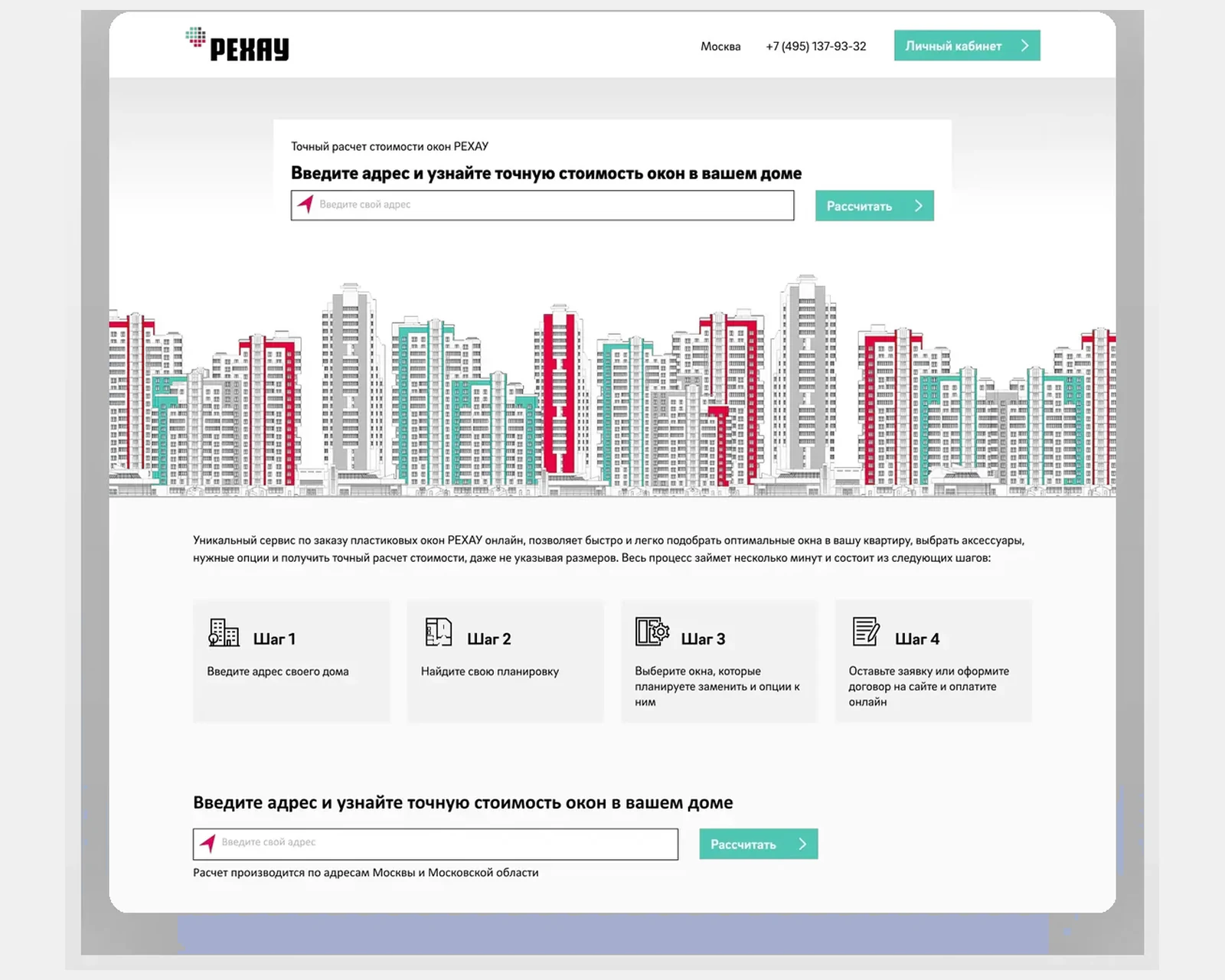
B2B e-commerce and product configurator for a global polymer manufacturer with multi-region pricing, stock and dealer workflows.
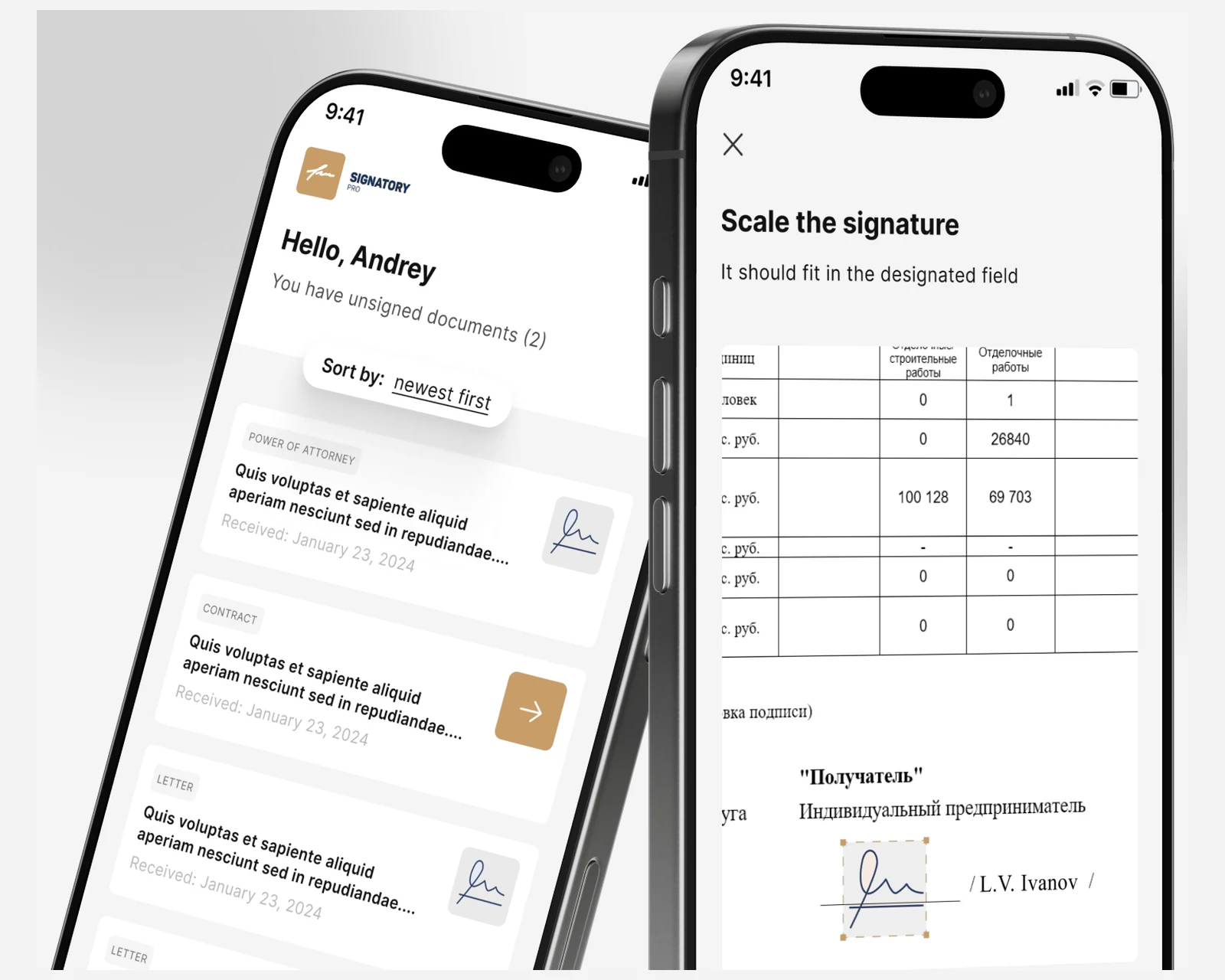
Native iOS and Android e-signature clients with a Symfony + React CRM for a cross-border law firm — KYC onboarding and a defensible evidence trail for US & EU matters.
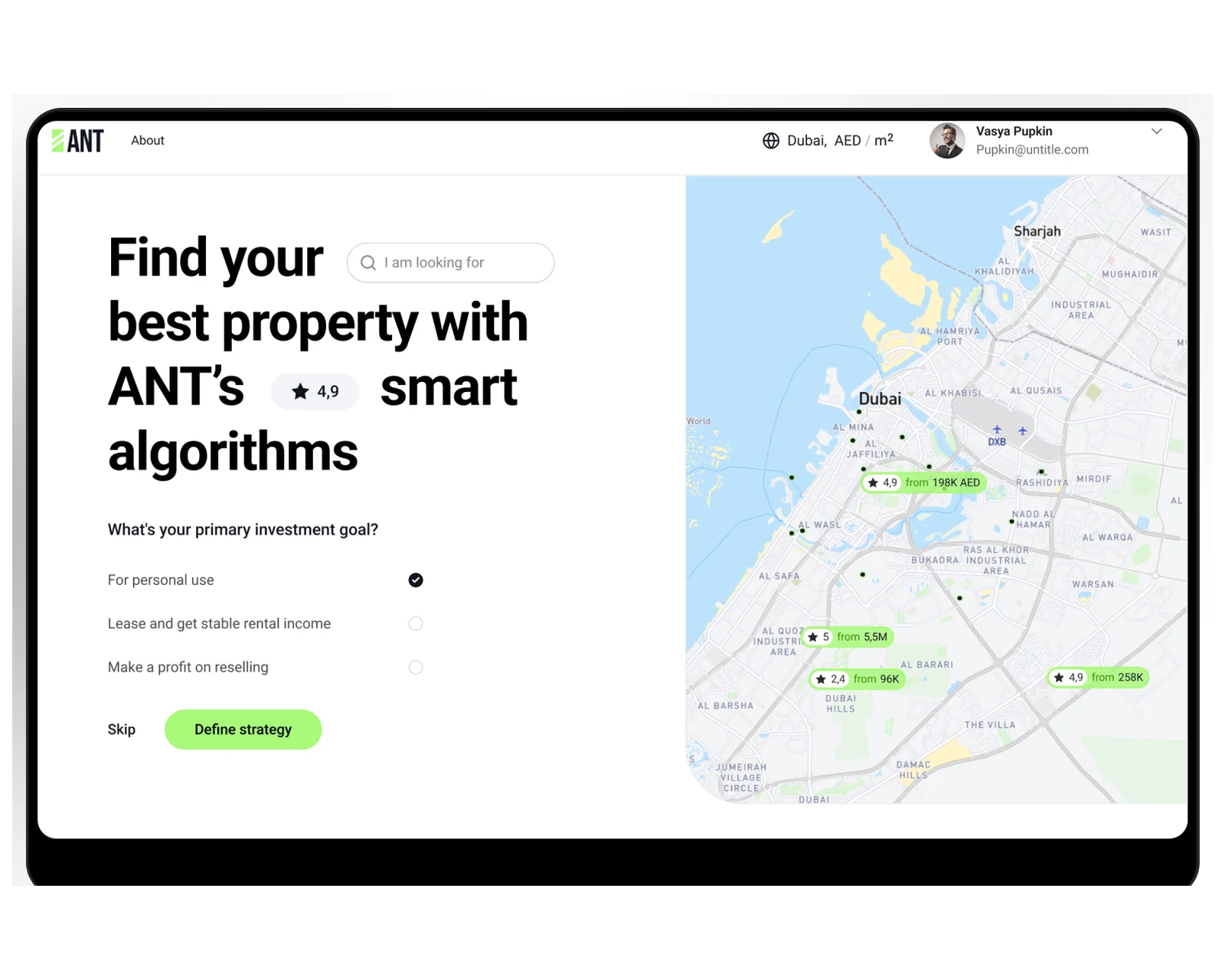
Property marketplace web platform with listing CMS, search and B2B admin console for US and EU operators.
GDPR-aligned · ISO 27001 ready · SOC 2 Type II in progress · HIPAA-capable · CCPA-acknowledged
We think in idempotency keys, retry budgets, and dead-letter queues. Every integration endpoint we ship can be replayed, audited, and reasoned about by an SRE who joined yesterday.
Platform Developer II and Application Architect engineers who have shipped multi-org production code. We refuse to put a junior on Apex that touches your finance system, regardless of rate pressure.
GDPR, SOC 2, HIPAA, ISO 27001 — we deploy to Hyperforce EU when EU residency is required, configure Shield correctly, and sit between you and the auditor when the questions get specific.
For Salesforce engagements that touch financial reporting (CPQ, Billing, Revenue Cloud) we work directly with your audit firm and prepare evidence to the standard the audit expects — not the standard a generalist consultant assumes.
Our consultants were losing 15 minutes per customer on manual inventory checks. YuSMP built native apps backed by ElasticSearch, wired to our 1C system in real time. Time-per-customer dropped 40% across all locations within a week of launch.
Real-time ERP sync for an auto-parts catalog is harder than it looks — prices shift hourly and the catalog changes constantly. YuSMP built a bidirectional 1C integration that just works, with a clean storefront customers navigate without friction.
We build new work on Lightning Experience using Lightning Web Components (LWC), Apex, and Flow Builder. For clients still on Classic we run a discovery to map Visualforce pages, S-Controls, JavaScript buttons, and Process Builder flows to LWC and Flow equivalents, then migrate incrementally behind a permission set. We do not write new Aura components except when extending a legacy package, and we never write new Process Builder flows — Flow Builder with Auto-Layout is the standard.
Every integration is bulkified by default: SOQL inside loops is a code-review failure, and we use Database.Stateful with Queueable Apex or Batch Apex for any payload over 200 records. For external sync we prefer Platform Events and Change Data Capture over polling, with Salesforce Connect (OData) for read-through to ERP when total record count exceeds 5M and storage cost matters more than latency. We monitor with Event Monitoring + Splunk and alert on Apex CPU time and SOQL row limits before they breach.
Yes. The pattern depends on volume and latency requirements. For SAP S/4HANA, Oracle NetSuite, and Microsoft Dynamics 365 we use MuleSoft Anypoint with the SAP and NetSuite connectors, or Boomi for lighter integrations. For data warehouses (Snowflake, BigQuery, Redshift) we use Salesforce Data Cloud or a CDC pipeline through Fivetran/Hightouch. For marketing we integrate Marketing Cloud, Pardot/Account Engagement, Braze, and HubSpot via documented APIs with idempotency keys and dead-letter queues on every endpoint.
Salesforce DX with source-driven development on GitHub. Unlocked packages for modular metadata, scratch orgs for feature branches, Copado or Gearset for promotion pipelines into Dev → Integration → UAT (Partial Copy) → Staging (Full sandbox) → Production. We enforce 85%+ Apex test coverage (not the 75% minimum), run PMD and Salesforce Code Analyzer on every PR, and use SFDX Hardis for technical debt audits. Releases ship on a two-week cadence with feature flags gated by Custom Permissions.
We are GDPR-aligned · ISO 27001 ready · SOC 2 Type II in progress, sign DPAs and the Salesforce-aligned subprocessor language, and work inside Salesforce Shield where required: Platform Encryption with deterministic encryption for filtered fields, Event Monitoring for audit, and Field Audit Trail for retention of up to 10 years. For EU clients we deploy to the Salesforce Hyperforce EU region, with data residency confirmed in the org's instance settings before kickoff.
Integrations are fixed-scope and all-in, quoted in USD and tiered by how much of your stack the work touches. A single point integration runs from $700 (1–2 weeks); several systems wired together from $2,100 (2–4 weeks); a reusable integration bus from $5,200 (4–8 weeks); a full enterprise integration contour from $10,400 (8–12 weeks). What moves the number is the number of systems, the sync pattern (a one-off point integration vs. a reusable event bus), data volume and latency, and the compliance surface. You see the line-item budget at the end of discovery and sign off before any code is written — no recruitment markup, no tool surcharges, and cloud runs on your own accounts. Every engagement includes an SFDX repo, CI pipeline, technical documentation, and a 30-day post-launch warranty on integration endpoints.
Yes, and it is almost always phased rather than big-bang. We start with a readiness assessment: SFDX Hardis inventories your Visualforce pages, S-Controls, Aura components, JavaScript buttons, and Process Builder flows, then scores migration complexity and estimates effort per component. The migration plan gates behind permission sets, so users move to Lightning incrementally while Classic stays live for teams that aren't ready. Visualforce pages are either wrapped in Lightning App Builder or re-implemented as LWC; Process Builder and Workflow Rules become Flows; JavaScript buttons become Quick Actions with Apex or Flow. We don't declare a migration finished until Lightning adoption is above 95% and the Salesforce Lightning Usage App shows no Classic-session spikes. Typical elapsed time is 8–16 weeks depending on the number of custom pages and automations; disruption is isolated to sandbox testing cycles, not production cutover.
Yes. Multi-org architectures appear most often when a company acquires another Salesforce customer, when a parent company runs separate brand orgs, or when an ISV ships a managed package into subscriber orgs. We design the cross-org data model first: which objects live in which org, what syncs bidirectionally vs. read-only, and how identity management (SSO, connected apps, Named Credentials) spans orgs. For two-org sync we typically use Platform Events with cross-org subscriptions, Heroku Connect as a data relay, or MuleSoft when governance already lives there. For ISV multi-tenant architecture we use protected Apex and namespace isolation so subscriber customization doesn't collide with package upgrades. We also scope the Salesforce org merge path for acquisition scenarios where the end state is a single org.
Yes. Revenue Cloud (formerly CPQ & Billing) and its integration with recognition systems is a distinct specialty. For CPQ we configure product rules, price rules, guided selling, and approval chains aligned to your quoting process; for Billing we wire subscription amendments, usage-based charges, and invoicing to your GL (NetSuite or Sage Intacct). For revenue recognition under ASC 606 and IFRS 15 we either use Revenue Cloud's native SSP allocation or build a custom recognition schedule object depending on your contract complexity. For Stripe or Chargebee as the billing source of truth we sync subscription events into Salesforce via webhook-to-Platform-Event pipelines, mapping invoice line items to Opportunity Products so renewal ARR and churn MRR land in CRM without manual reconciliation. CPQ-to-ERP integration typically involves Salesforce’s Order object as the handoff point, with ERP sync triggered on order activation.
The decision comes down to three factors: the number of endpoints, whether the integration needs a reusable contract, and what the client already owns. Direct REST (Apex callouts, Platform Events, Named Credentials) is the right choice for a bounded single-endpoint integration where you control both sides, volume is under 50k records/day, and there is no iPaaS license already in place — it is the fastest to build and cheapest to run. MuleSoft Anypoint is the right choice when the org connects five or more systems and the business needs a governed API contract layer with reusable connectors (SAP, NetSuite, Workday) — MuleSoft's SAP connector alone saves weeks compared to hand-rolling RFC or BAPI calls. Boomi is a cost-effective middle tier: lower per-connection price than MuleSoft and better for organizations that need visual low-code integration without the Salesforce-native depth. We recommend Boomi when the integration portfolio is broad but the systems involved have well-documented APIs and the org doesn't need MuleSoft's governance or runtime metrics. We never recommend iPaaS when a direct Platform Event or Named Credential solves the problem — paying for middleware to proxy a two-system sync is engineering overhead without benefit.
Practical guides on Salesforce integration, CRM strategy, and enterprise SaaS.
Share a few details and a senior consultant will reply within one business day.