

What is a software development kit (SDK)?
A software development kit (SDK) is a ready-made bundle of tools, libraries, documentation and code samples that lets developers build software for a specific platform or add a specific feature without writing everything from scratch. In short, an SDK is a toolbox: you drop it into your project and call its prewritten code instead of reinventing payments, maps, analytics or a whole app runtime yourself.
A software development kit (SDK) is a collection of software tools packaged together so developers can build applications for a particular platform, operating system, device or service. That is the core software development kit definition, and the everyday way to picture it is a toolbox: rather than hand-building every feature, a developer adds an SDK to a project and uses its prewritten components to move faster. The term "SDK" and "software development kit" mean exactly the same thing — the abbreviation is just shorthand.
SDKs are the quiet backbone of almost everything you use. When an app shows a map, accepts a card payment, sends a push notification or reports a crash, it is almost never doing that from first principles — it is calling code that shipped inside an SDK. This is especially true in mobile app development, where a single app routinely bundles the platform's own SDK plus a dozen third-party SDKs for analytics, payments, authentication and more. It is what lets a small team ship a feature-rich app in months rather than years.
This guide answers what a software development kit is in plain terms, then goes deeper: what is inside an SDK, how an SDK differs from an API, how developers use one, the main types of SDK, concrete mobile examples, the benefits and the real trade-offs, and a short checklist for choosing one well.
What is inside an SDK?
An SDK contains everything a developer needs to start building for a platform or feature, and four things show up in almost every one: libraries, APIs, documentation and tools. The exact contents vary — a mobile platform SDK is huge, a single-feature analytics SDK is tiny — but the building blocks are consistent.

- Libraries. Packaged, reusable code you call from your app — the actual working parts of the kit. This is where most of an SDK's value lives: functions that already do the hard thing.
- APIs. One or more application programming interfaces that expose the platform's or service's capabilities, defining the calls you can make and the data you get back.
- Documentation and code samples. Install steps, reference docs and working examples that show how to wire the SDK in — often the difference between a one-hour and a one-week integration.
- Developer tools. Utilities such as a compiler, debugger, emulator or command-line tools. Platform SDKs bundle heavy ones (device emulators, build systems); feature SDKs may ship almost none.
- A sample app (often). A runnable example project that demonstrates the SDK end to end, so you can see it work before touching your own codebase.
Because an SDK usually contains one or more APIs plus libraries, tools and docs, it is a superset of an API rather than a competing thing. That relationship is the single most useful idea for understanding SDKs — and the next section unpacks it.
SDK vs API: what's the difference?
The difference is scope: an API is the interface for talking to a piece of software, while an SDK is a full toolkit for building software that usually includes one or more APIs. An API tells you how to make a request and what you get back; an SDK gives you ready-made code that makes those requests for you, plus the libraries, documentation and tools to integrate the feature properly. You can use an API by itself, but most platform and third-party capabilities are delivered as an SDK because it removes friction.
| Aspect | API | SDK |
|---|---|---|
| What it is | An interface: a set of rules for two programs to communicate | A toolkit for building software, usually containing APIs plus more |
| Contains | Endpoints, methods, data formats | Libraries, one or more APIs, docs, samples, tools |
| Scope | One capability or service | Everything needed to build for a platform or feature |
| Effort to use | You write the code that calls it | Prewritten code calls the API for you |
| Analogy | The power socket | The appliance, plug and manual |
In practice the two are complementary, not either-or. When you integrate a payments provider you use its SDK, and that SDK talks to the provider's API under the hood. If you want the mechanics of the interface side specifically, our guide to payment gateway integration shows how those API calls and PCI scope play out in a real feature.
How does an SDK work?
An SDK works by giving your app prewritten code that you install, configure and then call — so the provider's engineers solve the hard problem once and every app reuses it. The developer never sees the internal complexity; they see a small set of functions and follow the documentation. The flow is almost always the same five steps.
- Install. Add the SDK to your project through a package manager (such as CocoaPods or Swift Package Manager on iOS, Gradle on Android, npm on the web) or by dropping in a downloaded library.
- Configure. Initialise the SDK with your keys or settings — an API key, project ID or credentials that tell the service which account the calls belong to.
- Call its functions. Use the SDK's methods in your code — for example, "start a payment", "log this event" or "show a map here" — instead of implementing any of that yourself.
- Handle responses. React to what the SDK returns: a success, an error, a callback or an event you can respond to in your app's UI or logic.
- Test and ship. Verify the integration works across the devices and OS versions you support, then release. Keep the SDK updated as the provider fixes bugs and closes security gaps.
That predictable shape is why SDK software development is fast: once you have integrated one well-built SDK, the next feels familiar. The work is less about clever code and more about reading the docs, wiring the calls and testing the edges.
The main types of SDK
SDKs come in a few clear families, and knowing which is which helps you reason about size, cost and lock-in. Most real apps use several types at once — one platform SDK to build on, and many third-party SDKs bolted on for features.
| Type of SDK | What it's for | Examples |
|---|---|---|
| Platform SDK | Building apps for an operating system | iOS SDK, Android SDK, Windows SDK |
| Third-party feature SDK | Dropping a ready-made feature into an app | Payments, analytics, maps, auth, ads |
| Hardware SDK | Programming a device, sensor or wearable | Camera, IoT, AR/VR headset SDKs |
| Cloud / service SDK | Client libraries for a provider's cloud APIs | AWS, Google Cloud, Firebase SDKs |
| Language SDK | Tools to build in a specific language | Java Development Kit (JDK), .NET SDK |
The line between "platform SDK" and "third-party SDK" is the one that matters most day to day. You build on the platform SDK — it is the foundation and you cannot avoid it — but you choose each third-party SDK, and every one is a decision with cost, performance and privacy consequences. Choosing whether to build natively on each platform SDK or with a cross-platform toolkit is a related call we cover in native vs cross-platform app development.
SDK examples in mobile apps
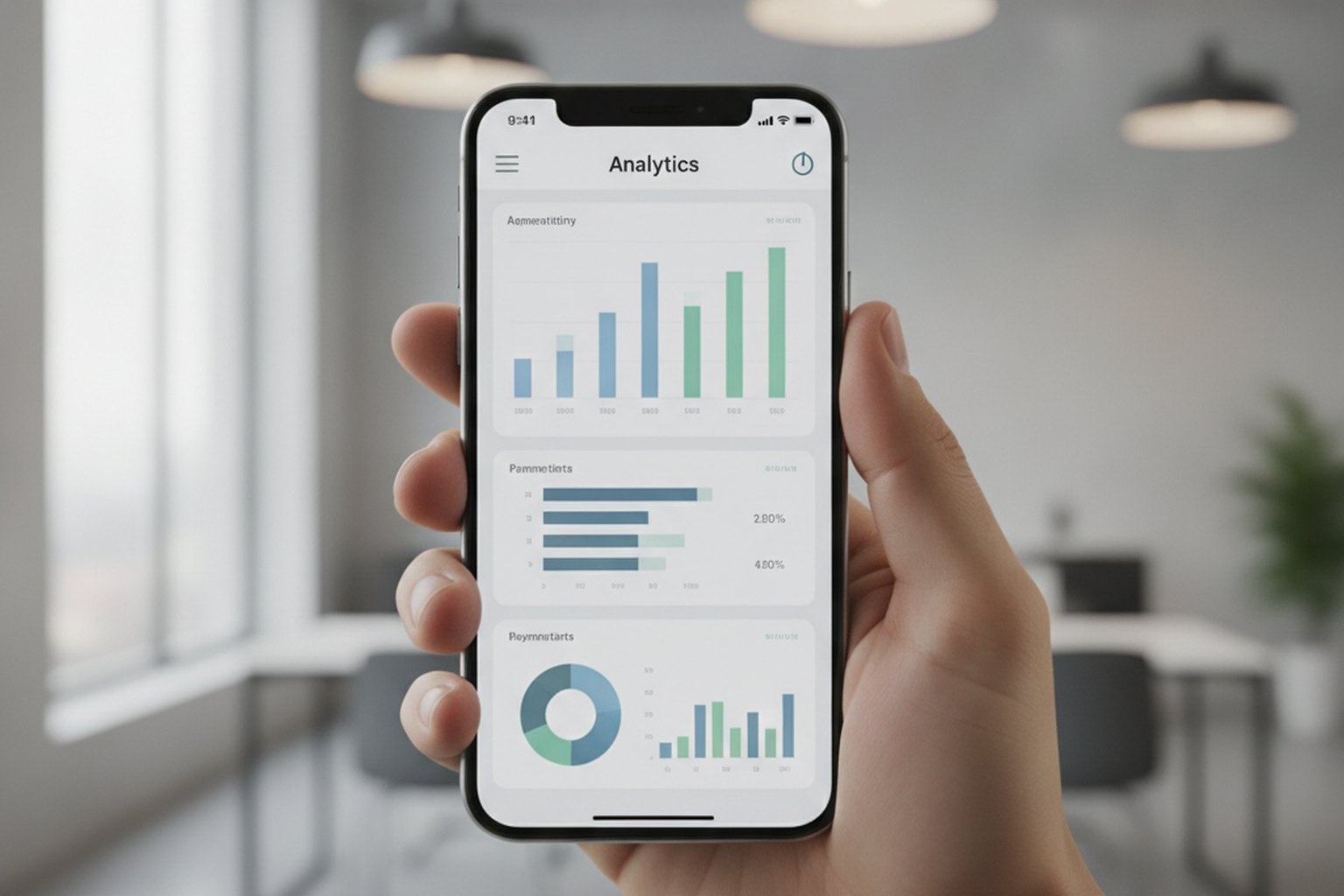
The clearest way to understand SDKs is to look at the third-party ones a typical mobile app bundles, because each replaces weeks of custom work with a documented integration. A single consumer app in 2026 commonly ships four or five of these categories at once.
- Payments. Stripe, Square and PayPal SDKs let an app accept cards and wallets without ever handling raw card data itself, which also shrinks PCI scope.
- Analytics and product data. Firebase, Amplitude and Mixpanel SDKs record screen views, taps and funnels so teams can see how the app is actually used.
- Authentication. Sign-in SDKs (Firebase Auth, Auth0, Apple and Google sign-in) add secure login and social auth in hours rather than building identity from scratch.
- Maps and location. Google Maps and Mapbox SDKs render maps, geocode addresses and draw routes inside the app.
- Attribution and messaging. AppsFlyer and Adjust measure which campaigns drove installs, while push and in-app messaging SDKs handle notifications.
Notice the pattern: none of these are the app's core product, yet all are expected features. SDKs let a team spend its scarce engineering time on what makes the app different, and reuse proven code for what does not. That trade — build what is unique, integrate what is standard — is the heart of good mobile software development.
Benefits and trade-offs of using an SDK
SDKs give you speed, reliability and features you could not economically build yourself — but every one you add is third-party code running inside your app, with real costs. The honest position is that SDKs are almost always worth it when chosen deliberately and a liability when added on autopilot.
The benefits are substantial:
- Faster delivery. A documented SDK turns weeks of work into a day, which is the single biggest reason they exist.
- Battle-tested reliability. A widely used payments or maps SDK has been hardened by millions of installs — far more testing than any one team could do.
- Access to hard features. Some things (secure payments, precise mapping, fraud scoring) are impractical to build in-house at all.
- Maintenance shared. The provider fixes bugs, follows OS changes and patches security so you do not have to.
The trade-offs are just as real:
- App bloat. Each SDK adds to binary size and can add startup time and background work; a stack of heavy SDKs slows the whole app.
- Privacy and security surface. A third-party SDK is code you do not control that may collect data — which you must disclose in app-store privacy labels and account for under GDPR and CCPA.
- Dependency and lock-in. You inherit the provider's bugs, outages, pricing changes and roadmap, and swapping an SDK later is real work.
- Cost at scale. The SDK may be free while the service behind it bills per event, transaction or seat as you grow.
The rule of thumb: add an SDK when it clearly beats building the feature yourself, remove ones you have stopped using, and audit what each collects at least once a release. Used that way, SDKs are one of the highest-leverage tools in software.
How to choose an SDK: a checklist
Choose an SDK the way you would hire a dependency you cannot easily fire: judge its maintenance, size, licence, privacy and cost before you commit, not after. Because an SDK becomes part of your app, a bad choice is expensive to undo. Run each candidate through this short checklist.
- Is it actively maintained? Check recent releases, support for current OS versions, and how fast issues are addressed. An abandoned SDK becomes your problem.
- How big and heavy is it? Look at binary-size impact and startup cost. A lighter SDK that does 90% of what you need often beats a heavyweight that does 100%.
- What is the licence? Confirm the SDK's licence permits your use (commercial, redistribution) and that it fits your legal requirements.
- What data does it collect? Read its privacy documentation. You are responsible for disclosing and lawfully handling anything it gathers about your users.
- Is it secure and actively vetted? Check for a public vulnerability-disclosure or bug-bounty process, a changelog that documents CVE fixes promptly, and code or package signing. For larger platform SDKs, look for a published software bill of materials (SBOM). An SDK with no visible security process or unpatched advisories is a risk in itself, regardless of the feature it adds.
- What does the service cost at scale? Model the pricing of the underlying service at 10x your current usage, not today's.
- How good are the docs and community? Clear documentation, samples and an active community are the best predictors of a smooth integration.
- How hard is it to remove? Prefer SDKs you can swap out behind your own abstraction, so switching later is a contained change, not a rewrite.
A quick scan against these seven points takes minutes and prevents the most common regret — discovering after launch that a convenient SDK is unmaintained, heavyweight, or quietly expensive. When several features are in play at once, sequencing which SDKs go in first is part of scoping the build, the same discipline behind a sound application tech-stack decision.
FAQ
What is a software development kit (SDK)?
A software development kit (SDK) is a bundle of tools, libraries, documentation and code samples that lets developers build software for a specific platform, device or service without writing every piece from scratch. Think of it as a ready-made toolbox: instead of implementing in-app payments or push notifications yourself, you add the provider's SDK to your project and call its prewritten functions. An SDK usually contains one or more libraries of reusable code, APIs that expose the platform's features, documentation and examples, and often debugging or build tools. SDKs exist for operating systems, hardware, cloud services and thousands of third-party features such as analytics, maps and authentication.
What is the difference between an SDK and an API?
An API is a set of rules for how two pieces of software talk to each other; an SDK is a complete toolkit for building software that usually contains one or more APIs plus libraries, documentation, samples and tools. Put simply, an API is the interface and an SDK is the workshop around it. An API defines the requests you can make and the responses you get back; an SDK gives you ready-made code that calls those APIs for you, along with everything else you need to integrate the feature. You can use an API on its own, but most platform and third-party features ship as an SDK because it makes integration faster and less error-prone.
What is inside a software development kit?
A typical software development kit contains four core things: libraries (packaged, reusable code you call from your app), one or more APIs (the interfaces that expose the platform or service), documentation and code samples (how to install and use it), and tools such as a compiler, debugger, emulator or command-line utilities. Many SDKs also include a sample application you can run, and some bundle an integrated development environment (IDE) or plug into an existing one. The exact mix depends on the SDK: a mobile platform SDK is large and includes emulators and build tools, while a third-party analytics SDK might be a single lightweight library plus its documentation.
What are the main types of SDK?
The main types of SDK are platform SDKs (for building on an operating system, such as the iOS SDK or Android SDK), third-party feature SDKs (drop-in features like payments, analytics, maps, authentication or ads), hardware SDKs (for programming a device, sensor or wearable), and cloud or service SDKs (client libraries for a provider's cloud APIs). Some people also separate out language SDKs, which package the tools to build in a given language. In mobile apps the most common are the platform SDK you build on and the many third-party SDKs you integrate for specific features.
Are SDKs free to use?
Platform SDKs such as the iOS and Android SDKs are free to download and use, and many third-party SDKs offer a free tier. However, the service behind a third-party SDK is often what you pay for — usage-based fees for payments, analytics events, maps requests or authentication seats, for example. So the SDK itself may cost nothing while the service it connects to has a pricing model. Always check both the SDK's licence and the pricing of the underlying service before committing, because costs can scale with your usage.
Do too many SDKs slow down or bloat an app?
Yes — every SDK you add increases your app's binary size, can add startup time and background work, and expands both your security surface and your privacy obligations. Each third-party SDK is code you do not control running inside your app, so a handful of heavy or poorly maintained SDKs can noticeably degrade performance and complicate app-store privacy disclosures. The fix is discipline, not avoidance: add an SDK only when it clearly beats building the feature yourself, remove ones you no longer use, and audit what data each one collects. Used deliberately, SDKs speed you up far more than they cost you.
How do I know if an SDK is secure to add to my app?
Look for evidence the vendor treats security as a discipline, not an afterthought: a public vulnerability-disclosure or bug-bounty program, a changelog that documents CVE fixes promptly, code or package signing, and — for larger platform SDKs — a published software bill of materials (SBOM) listing its own dependencies. Cross-check the SDK's name against public vulnerability databases before you integrate it, and get in the habit of reviewing changelogs when you upgrade. An SDK with no visible security process, an abandoned repository, or unpatched dependencies should be treated as a risk on its own, independent of what feature it adds.
Last updated 27 September 2026. Product and SDK names are mentioned as widely used industry examples for illustration only, not endorsements — evaluate each against your own requirements. SDK contents, pricing and data practices change over time, so always confirm against the provider's current documentation.