
TL;DR: Build a wearable app only when you need passive body data, an action under 5 seconds, hands-free operation, or value in continuity. The three markets — consumer, clinical, industrial — differ on buyer, success metric, accuracy standard, regulation, and main risk. Key platforms: watchOS (Swift/HealthKit), Wear OS (Kotlin/Health Services), cross-platform companion via Flutter. 2026 shift: on-device AI (Foundation Models on watchOS, ML Kit on Wear OS) is moving intelligence off the cloud. Cost ranges: companion extension $40k–$80k (6–10 weeks); standalone consumer $120k–$250k (4–6 months); clinical/regulated $250k+ (6–12 months); industrial $150k–$350k (4–8 months).
Do you actually need a wearable app?
Start here, because the answer is often no.
A wearable app earns its cost when at least one of these is true:
- You need passive data from the body or its context — heart rate, movement, sleep, location, temperature — that a user will not enter manually.
- The action must happen in under five seconds, with the phone out of reach or hands occupied.
- Hands are genuinely unavailable — driving, lifting, scrubbed in, wearing gloves.
- The value is in continuity, not in a session: something monitored constantly rather than checked occasionally.
If none of these apply, what you actually want is a good notification on the phone. Building a watch app for the sake of having one produces a shortcut that a handful of users try once, at the cost of maintaining an additional platform indefinitely. Our mobile app development team regularly advises clients to start phone-only and instrument wearable adoption before committing to the build.
Three markets, three different products
Consumer, clinical, and industrial wearables look similar from the outside — all run on a chip in a wristband or glasses frame — but they are profoundly different products with different buyers, different accuracy requirements, and different definitions of success.
The category is growing fast enough that the distinction matters commercially: the global wearable technology market is projected to grow from roughly $103 billion in 2026 to $230 billion by 2033, according to Grand View Research. But that growth is not evenly split — clinical and industrial adoption is compounding faster than consumer fitness, which is the segment most generalist guides write about almost exclusively.
| Dimension | Consumer | Clinical | Industrial |
|---|---|---|---|
| Buyer | Individual | Health system or payer | Operations director |
| Device | User's own watch or ring | Prescribed or supplied device | Company-issued, often ruggedised |
| Success metric | Retention and subscription | Outcome and adherence | Task time, error rate, safety incidents |
| Data accuracy needs | Directional | Clinical-grade where decisions depend on it | Operational precision |
| Regulation | Consumer data rules | Medical device and health data rules | Workplace safety, worker data |
| Distribution | Public app stores | Store plus provisioning workflow | Device management, often no public store |
| Main risk | Nobody opens it after week two | Regulatory scope creep | Workers route around it |
These are different products with different economics. The industrial case is the one most consistently overlooked and often the easiest to justify commercially, because the return is measurable in operational terms rather than in engagement metrics.
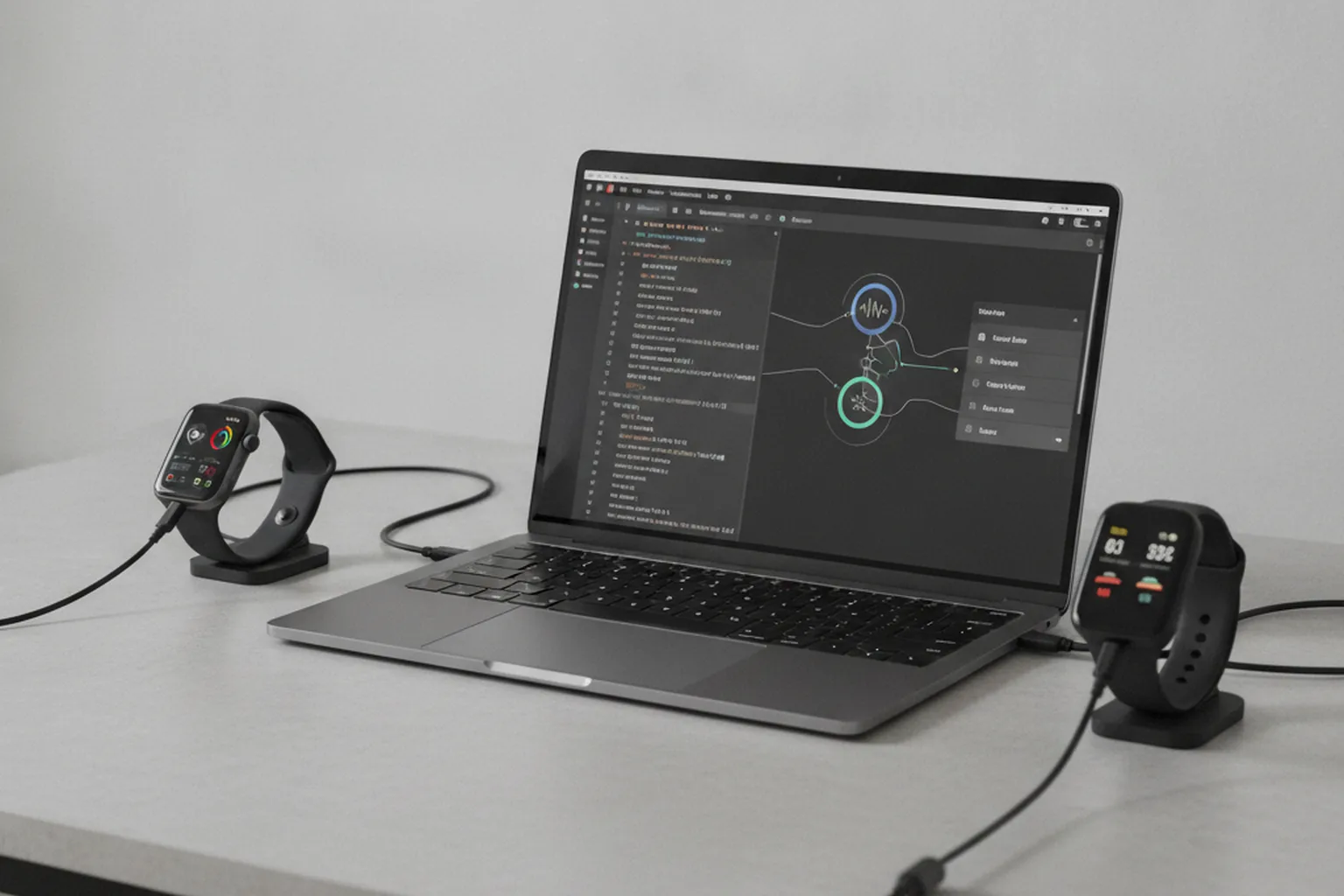
Standalone or companion
Every wearable project has to answer one question early: does the watch run independently, or does it need a phone nearby to function?
| Dimension | Companion | Standalone |
|---|---|---|
| Phone required | Yes, for most functions | No |
| Wearable role | Display and quick input | Full application |
| Complexity | Lower | Higher |
| Battery impact | Lower | Significant |
| Right when | The phone is always nearby and does the processing | Hands-free work, sport, or contexts where a phone is impractical |
Changing this decision mid-build is expensive, because it determines where data lives, where processing happens and how synchronisation works. Decide it in discovery.
Most products start as companions and become more independent over time. That is a reasonable path, provided the architecture anticipates it rather than assuming the phone will always be there. Our mobile app development team scopes this decision as the first architectural milestone on every wearable engagement.
The four layers of a wearable product
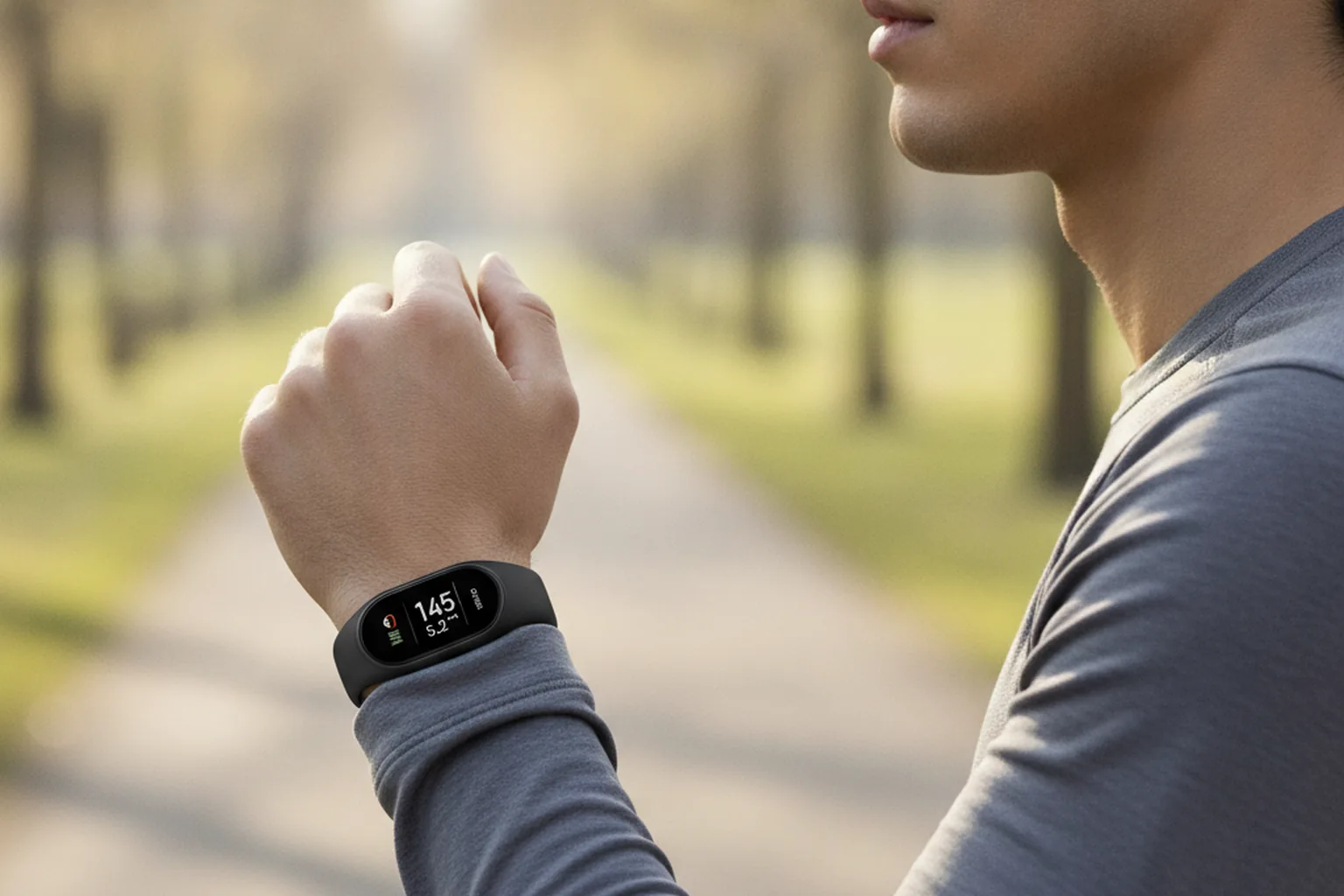
The watch app is the smallest part of the work. A production wearable product has four distinct engineering layers, each with its own failure modes:
- Device layer — captures signals and displays glanceable information. Constrained by screen, battery and processing. Built with WatchKit (watchOS), Wear OS Jetpack Compose tiles and complications, Samsung Health SDK, or custom firmware for specialist hardware.
- Companion app layer — does the heavy lifting: detailed views, configuration, history, account management. Built with iOS development or Android development stacks, or cross-platform via Flutter development.
- Backend layer — ingests sensor streams, stores them, runs analysis and serves other systems. This is usually the largest component by effort. Carries the most regulatory surface area for health applications.
- Operational layer — everything a business needs to run the product: admin tools, support access, provisioning, monitoring and reporting. Consistently underestimated, and the reason otherwise good wearable pilots fail to scale.
Projects that scope only the device layer arrive at launch unprepared for backend data volumes, MDM complexity, and the operational burden of managing a deployed device fleet.
Technology stack
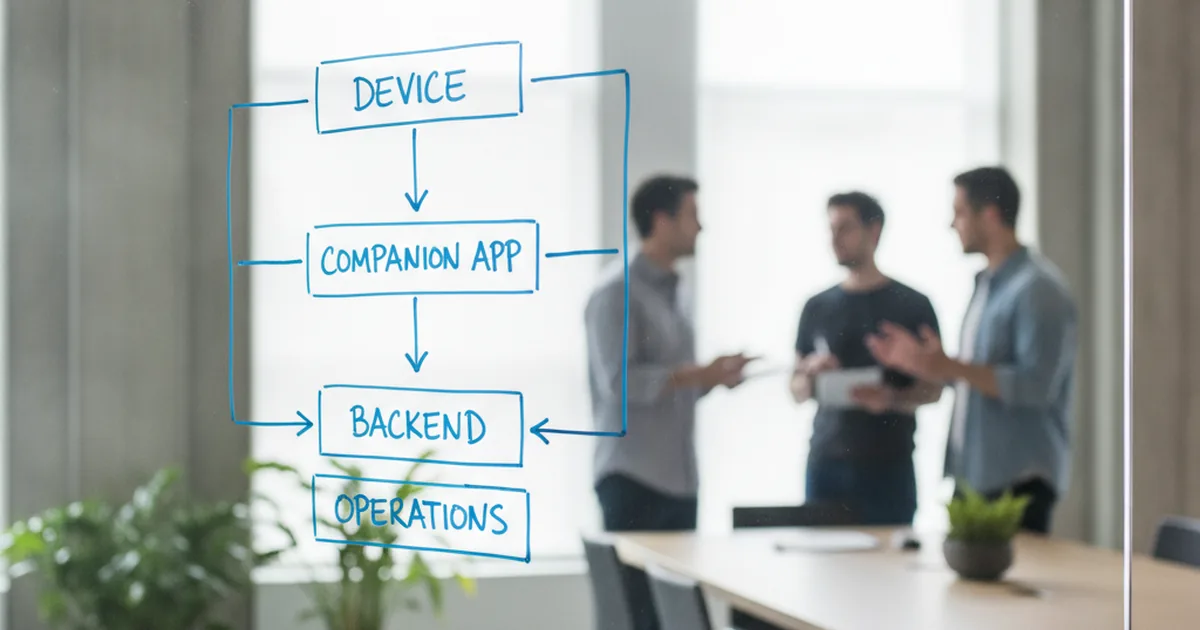
Platform choice determines language, SDK access, and which health APIs you can call. The wearable development landscape as of 2026:
| Platform | Language | UI framework | Health / sensor API | IDE |
|---|---|---|---|---|
| watchOS 26 | Swift | SwiftUI (WatchKit legacy) | HealthKit, Core Motion | Xcode |
| Wear OS 6 (Android 16) | Kotlin | Compose for Wear OS, Tiles | Health Services, Health Connect | Android Studio |
| Samsung Galaxy Watch | Kotlin | Compose for Wear OS | Samsung Health SDK | Android Studio |
| Garmin | Monkey C | Connect IQ UI | Garmin Health API | Connect IQ IDE |
| Cross-platform companion | Dart | Flutter | HealthKit / Health Connect | Android Studio + Xcode |
Samsung now runs Wear OS rather than its legacy Tizen OS, which simplifies the Android side considerably — one Wear OS codebase covers standard Android smartwatches and Galaxy Watch in most cases. Garmin addresses a distinct outdoor and sports market with strong brand loyalty; Monkey C and the Connect IQ SDK are the only path to that audience, and the skills do not transfer to other platforms.
On-device intelligence is reshaping backend dependency. Apple's Foundation Models framework (watchOS 26+) runs small language models privately on-chip — readiness scores, anomaly detection and smart summaries without a cloud round-trip. Google's ML Kit and TensorFlow Lite serve the Wear OS equivalent. Our mobile development team tracks platform SDK releases as a standing operational task; teams that respond reactively to API deprecations pay for it in emergency refactors.
watchOS vs Wear OS
Most consumer wearable projects must decide whether to build for one platform first or both simultaneously. This is primarily a market question, not a technical one.
| Factor | watchOS | Wear OS |
|---|---|---|
| Compatible phones | iPhone only | Android; also Samsung Galaxy Watch |
| Health API | HealthKit (Apple-controlled) | Health Services + Health Connect (open) |
| ECG support | Series 4+ (not SE) | Select Samsung and Pixel Watch models |
| On-device AI | Foundation Models (watchOS 26) | ML Kit, TensorFlow Lite |
| Device fragmentation | Lower (tight Apple hardware control) | Higher (many manufacturers) |
| Language | Swift / SwiftUI | Kotlin / Compose for Wear OS |
| Distribution | App Store (watch app bundled with iOS app) | Google Play (can be standalone) |
| Best for | US/EU consumer health, HealthKit integration | Android-first markets, open data model |
Build for watchOS first when your target user owns an iPhone — common in US and Western Europe consumer health products — or when HealthKit integration is central to the product. Build for Wear OS first when your market is Android-dominated, when you need Health Connect's open data model, or when direct standalone distribution matters.
Supporting both platforms simultaneously is not twice the work — it is closer to three times, because codebases, SDKs and testing matrices do not overlap. The decision to launch on both should be driven by evidence that your users are meaningfully split across ecosystems, not by the assumption that more platforms means more reach.
The development process
Wearable projects follow the same broad phases as mobile development, with two differences: hardware dependencies make several phases longer, and the operational layer adds scope that estimates routinely miss.
- Discovery. Define the core use case, choose target platforms and device models, map sensor dependencies, and establish whether the product needs regulatory classification. Output: a scoped architecture brief and device test matrix. A wearable project that begins with implementation questions rather than product questions will answer them expensively mid-build.
- UX design. Wrist-first: one primary action per screen, glanceable layouts, tap targets ≥44pt (≥60pt for gloved environments). Prototype on physical devices as early as possible — Figma representations of watch UIs are unreliable because you cannot feel the interaction scale. Define notification hierarchy and haptic patterns here, not during development.
- Architecture and backend. Decide where data lives, where computation runs, and how synchronisation works between device, companion and backend. For regulated products, embed HIPAA, EU MDR or GDPR Article 88 compliance into the architecture at this stage — retrofitting compliance after features are built is reliably expensive and often requires redesigning the data model.
- Development and integration. Build device layer, companion app and backend on parallel tracks with integration milestones. Platform SDK integration (HealthKit, Health Services), sensor pipelines, and operational tooling — admin access, MDM provisioning, support workflows — belong in the main development timeline, not as post-launch additions.
- Testing on real hardware. Budget this as a separate phase with its own timeline and hardware cost. Simulators cannot reproduce sensor behaviour, battery drain, BLE reconnection or real-world notification timing. A representative device matrix of 6–10 device/OS combinations adds $3k–$15k in hardware and material QA time on top of general testing.
- Launch and operations. Consumer apps go through App Store and Google Play review; enterprise deployments provision through MDM. Establish monitoring, support access and fleet management before launch — the teams that inherit the product need these tools from day one, not six weeks into production.
Essential features
These are the capabilities that distinguish a wearable product that sustains use from one that gets uninstalled. Not all apply to every product; the compliance items apply to any product that collects health or biometric data.
| Feature | Why it matters | Implementation note |
|---|---|---|
| Glanceable UI | Primary interaction lasts ≤5 seconds | One primary action per screen; no scrolling required on first view |
| Real-time data sync | Core value proposition of most wearables | Batch where possible to preserve battery; guaranteed delivery on reconnect |
| Offline capability | BLE and LTE dropouts are routine in real use | Local queue with sync on reconnect; do not block UX on connectivity state |
| Battery optimisation | A watch that needs charging mid-day is not worn | Adaptive sampling rates, batched sync, restricted background processing |
| Granular notification controls | Rising dismissal rate is the signal before uninstallation | Per-category, per-time-of-day settings; not a global on/off toggle |
| Voice commands | Enables hands-free operation — the core enterprise use case | Siri (watchOS), Google Assistant (Wear OS); test with gloves on for industrial |
| Complications and tiles | Persistent presence without requiring the app to be opened | Drive daily active use without triggering a notification |
| Sensor data provenance | Data without context becomes unusable for trend analysis | Store device model, firmware version and conditions with every reading |
| Data encryption | HIPAA/GDPR requirement; user expectation | In transit and at rest; end-to-end for health data |
| Multi-device continuity | Users upgrade devices and may own several simultaneously | Design session continuity across device replacement from the start |
Designing for the wrist
A wrist interaction lasts a few seconds. The design consequences are strict:
- One primary action per screen — the user should never have to choose between two things of equal importance.
- Information legible at a glance, without scrolling — complications and tiles are read in 1.5–2.5 seconds.
- No text entry beyond voice or a single choice — anything requiring keyboard use should redirect to the companion phone app.
- Tap targets sized for a moving hand, not a resting thumb — minimum 44pt on watchOS; 60–80pt for industrial use with gloved hands.
- Content that answers the question the user opened the app for, immediately.
A shrunken phone interface does not survive on a watch. Products that try are uninstalled quietly and quickly. The same applies to accessibility, which matters more here than on a phone: small text, low contrast and tiny targets exclude a substantial portion of the audience — including exactly the older users that many health products are built for.
The notification budget
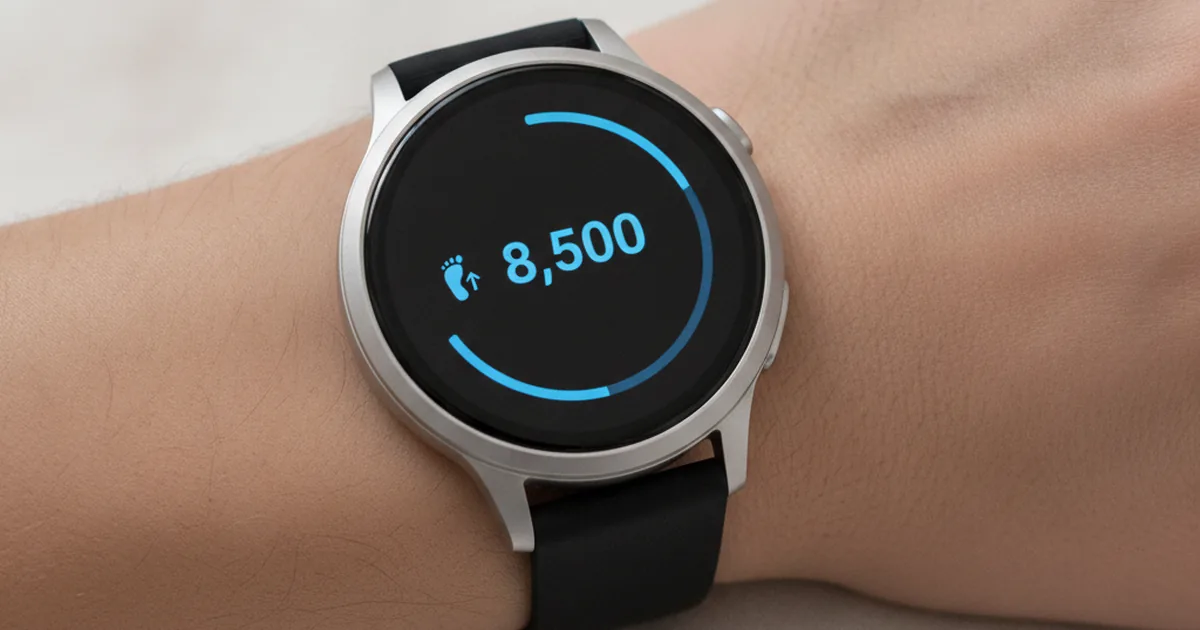
The wrist is the most intrusive channel available to software. A notification that is tolerable on a phone registers as a physical interruption on the body.
This gets underestimated constantly, and it is the most common cause of abandonment in wearable products. Practical discipline:
- Every notification must be worth a tap on the shoulder — if it would not justify physically interrupting someone at work, do not send it.
- Default to silent delivery; reserve haptics for things that require action now.
- Give users granular control and honour it — not "notifications on/off" but per-category, per-time-of-day tuning.
- Track dismissals as a health metric — a rising dismissal rate is the warning before uninstallation. A notification dismissed without action within 2 seconds is a failure.
In clinical products, treat alert thresholds as a safety matter: too many alerts produce fatigue, and fatigued users miss the one that mattered.

Battery is a product constraint, not a technical detail
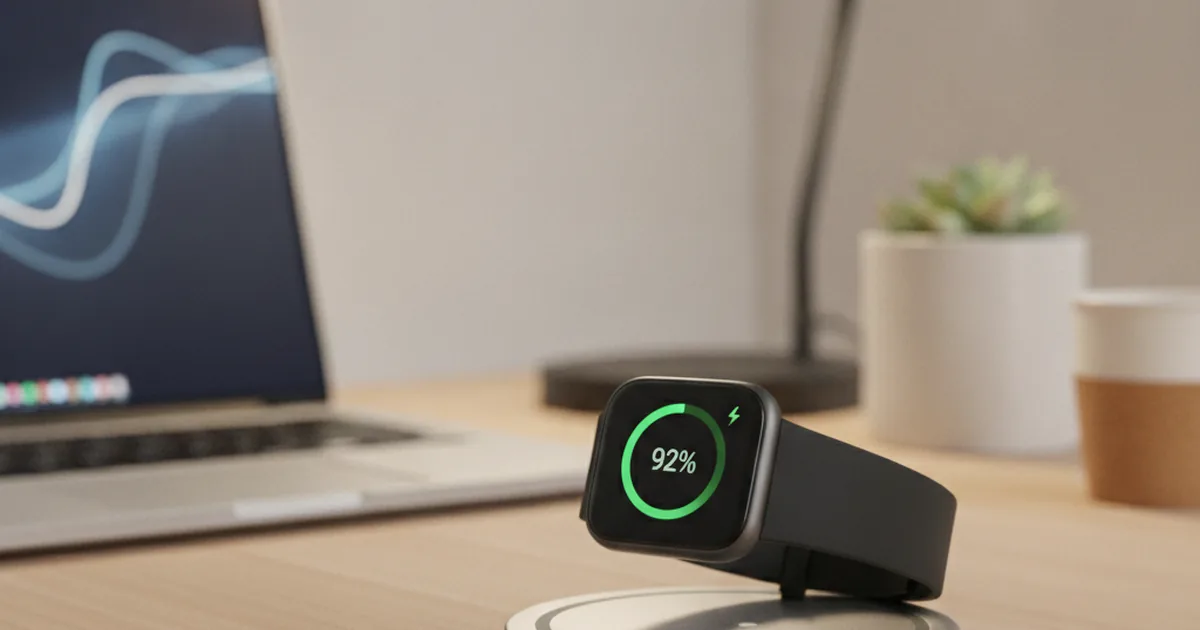
On a phone, poor battery behaviour is an annoyance. On a watch, it is a product failure — a device that does not last the day is not worn.
Design decisions that dominate power use:
- Sensor sampling rate. Continuous high-frequency sampling is the largest single drain. Most use cases tolerate lower rates than teams initially specify. Clinical applications that require high-frequency sampling must budget for daily charging cycles and communicate this clearly.
- Sync frequency. Batching transmissions costs far less than a steady trickle. Every BLE radio event burns a fixed overhead.
- Screen behaviour. Always-on displays and animations are expensive. Every screen-on event triggered by the app should be accounted for in the power budget.
- Background processing. Recent platform versions have tightened what apps may do in the background; assume restriction rather than permission. watchOS and Wear OS both impose strict limits.
- Where computation happens. Processing on the device saves transmission but costs power; the right split is measured, not assumed.
Set a power budget during architecture, expressed as a percentage of battery per hour of active use, and measure against it on real hardware from the first working build.
Sensor accuracy and how to talk about it
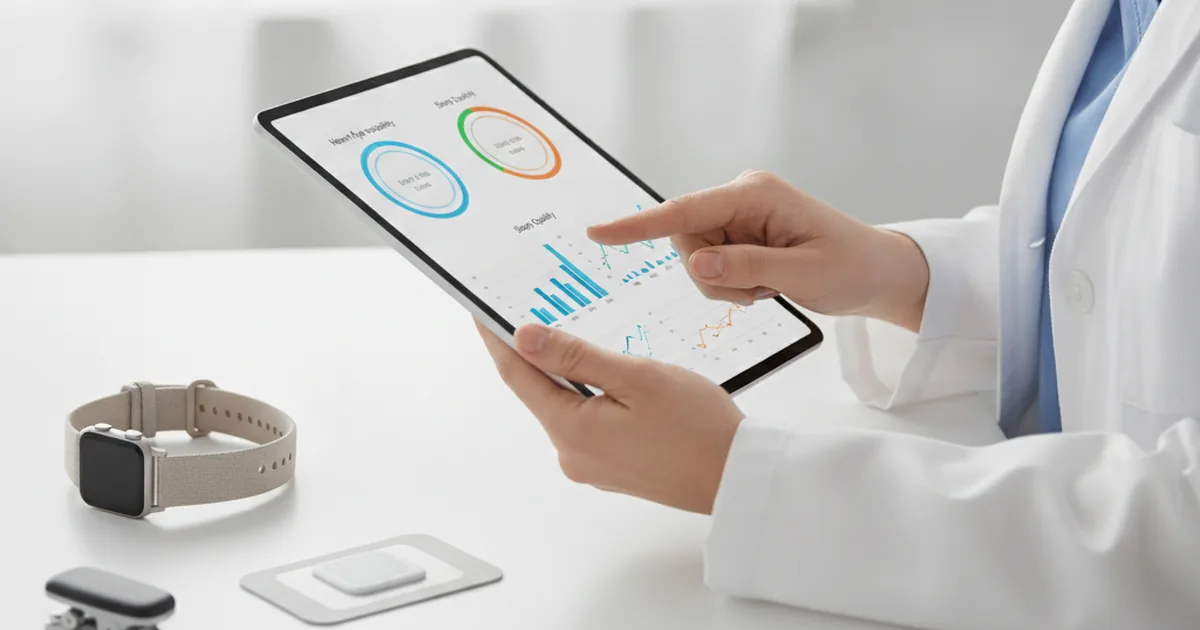
Sensor accuracy is the most misunderstood aspect of wearable app development, and the area where the most damaging over-claims happen — damaging both to users and to regulatory standing.
| Class | Typical use | What you can claim |
|---|---|---|
| Consumer sensor | Fitness, general wellbeing | Trends and relative change |
| Higher-grade consumer with validation | Wellness with some clinical relevance | Trends, with stated limitations |
| Regulated medical device | Clinical decisions | What the clearance covers, nothing beyond |
Three rules follow:
- Store provenance with every reading. Which device, which firmware, which conditions. Without it, you cannot later distinguish a real signal from a sensor artefact.
- Match your claims to your class. A consumer optical sensor produces useful trends and unreliable absolute values, particularly during movement. Presenting one as the other is a product risk and, where medical claims are implied, a regulatory one.
- Show uncertainty honestly. Users act on what your interface implies. A reading displayed to two decimal places suggests precision the sensor does not have. Ranges and trends communicate more truthfully than a single confident number.
Device fragmentation and lifecycle
Wearables fragment more than phones and age faster.
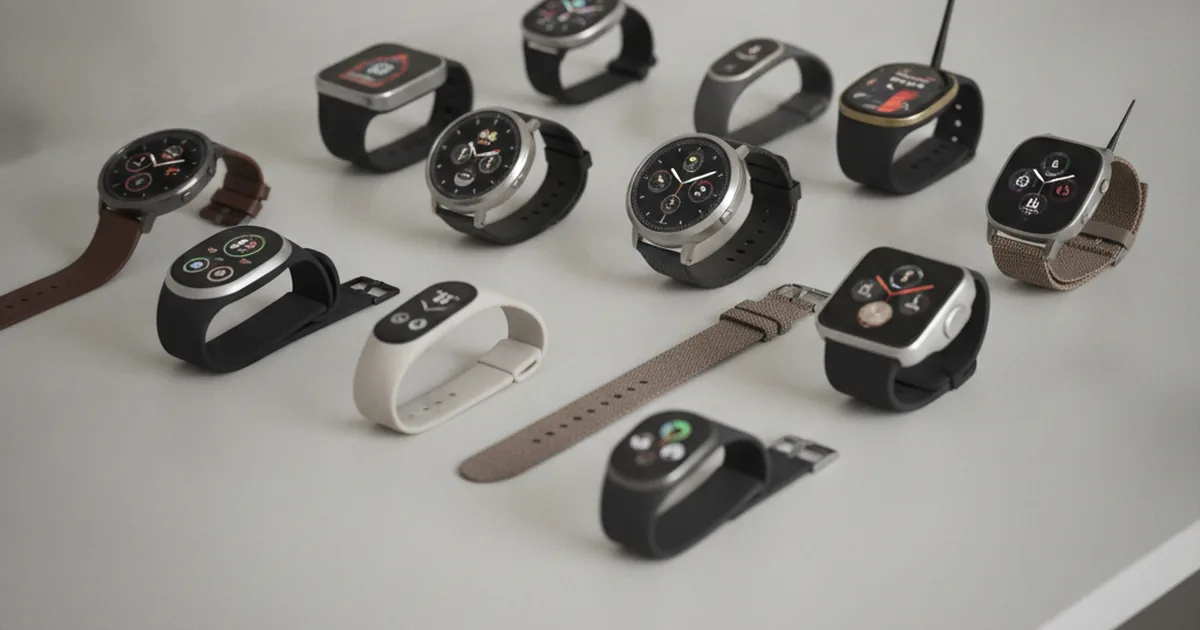
- Sensor availability varies by model. Two watches on the same OS may differ in which sensors they carry and how they expose them. ECG is on Apple Watch Series 4+ but not earlier models or the SE. Feature detection at runtime is mandatory, not defensive coding.
- Support windows are shorter. Devices leave support sooner than phones, and users replace them less predictably. Plan for a shorter product lifecycle.
- Platform migrations arrive with deadlines. Samsung's transition from Tizen to Wear OS, Apple's transition from WatchKit extensions to native watchOS apps — each required significant rework. Track platform release notes as an ongoing task rather than reacting when something breaks.
- Testing requires physical devices. Simulators do not reproduce sensor behaviour, battery drain or Bluetooth reconnection. Budget for a device matrix of at least 6–10 device/OS combinations and for the QA time to work through it — teams routinely underestimate this phase.
Build your device test matrix before committing to a timeline. Hardware acquisition for a representative test matrix adds a fixed cost of $3k–$15k depending on markets and device coverage.
Enterprise wearables
The market the consumer-focused guides skip. Enterprise wearable deployments have a different set of constraints from consumer apps, and they are frequently staffed by mobile teams without enterprise device experience.
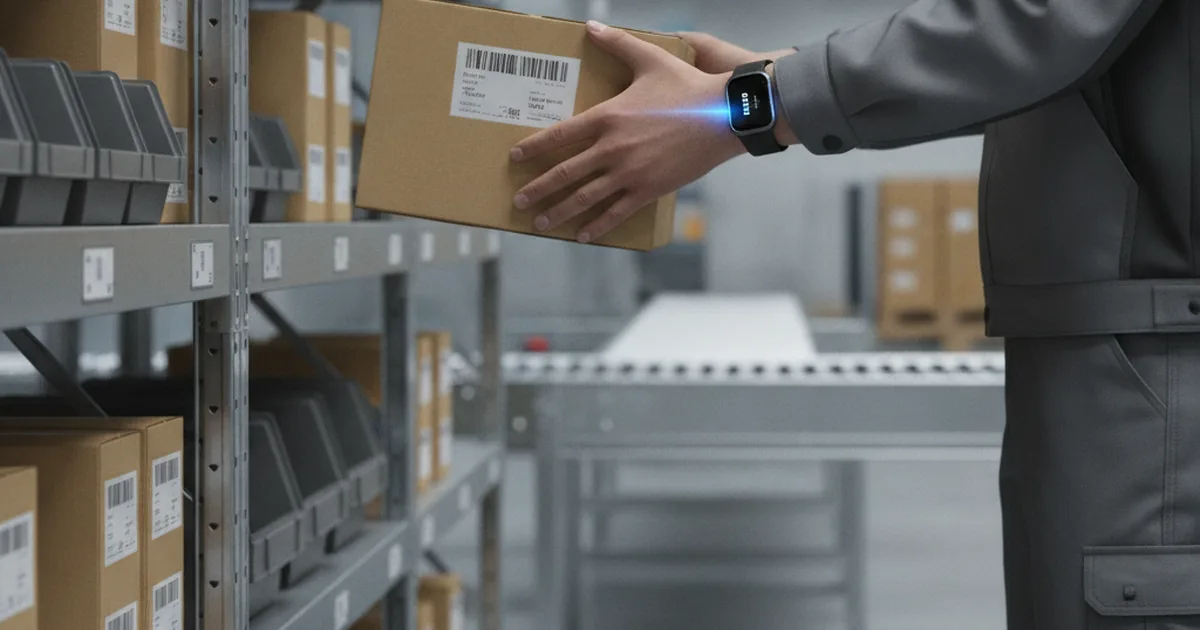
- Warehouse and logistics. Wrist-worn scanners and ring scanners keep both hands free for picking, cutting seconds off each pick — which compounds across thousands per shift. These integrate with warehouse systems rather than living standalone.
- Field service and delivery. Glanceable next-stop information, hands-free confirmation, proof of delivery without unlocking a phone. AR-assisted repair with wearable display or head-mounted unit.
- Safety and lone workers. Fall detection, motion inactivity alerts, panic triggers, environmental exposure monitoring. Often the whole business case.
- Manufacturing. Instructions at the point of work, quality confirmations, machine alerts routed to the responsible person rather than a control room screen.
Three things differ from consumer projects:
- Distribution usually runs through device management rather than public stores, which changes the release process entirely. Enterprise devices are provisioned, locked, and updated via MDM (Jamf, Microsoft Intune, SOTI).
- Devices are shared, so sessions, shift handover and hygiene of personal data need explicit design. Consumer wearables are personal; enterprise wearables may be shared across shifts.
- Worker data is sensitive, and monitoring employees carries obligations that vary considerably between jurisdictions — particularly under GDPR Article 88 in the EU. Legal review of the data model before development — not after — is not optional.
Regulatory compliance
Compliance decisions made after development are expensive. The right time to address regulation is during architecture — before production code is written.
Consumer health data (all markets)
Even a product that makes no medical claims must address how health and biometric data is collected, stored, processed and deleted. GDPR Article 88 applies specifically to employee monitoring in the EU — relevant to any enterprise wearable deployment. CCPA covers California residents. Privacy policy, consent flows, retention policy and the right to deletion are product decisions, not post-launch additions.
HIPAA (United States)
A wearable product becomes subject to HIPAA the moment it handles protected health information on behalf of a US health system, payer or provider. Requirements include end-to-end encryption, audit trails on all data access, breach notification obligations, and Business Associate Agreements with every third-party service that touches the data. Architecture implication: standard analytics SDKs that exfiltrate health data are not permitted; your cloud provider must offer a HIPAA BAA; your backend must log access at the row level.
FDA Software as a Medical Device (United States)
A product that claims to detect, diagnose, treat or monitor a medical condition is likely Software as a Medical Device (SaMD) and requires a regulatory pathway — 510(k) clearance, De Novo or Premarket Approval (PMA). Apple's 2026 app-category declaration requirement formalises this line: apps claiming clinical functionality must declare as Medical. Seek regulatory counsel before writing clinical-facing copy or enabling any feature that crosses the wellness-to-medical line.
EU MDR and CE marking
The EU Medical Device Regulation (MDR 2017/745) applies to software qualifying as a medical device in European markets. The applicable technical standards are IEC 62304 (medical device software lifecycle) and ISO 14971 (risk management). CE marking is required. Compliance documentation for a clinical wearable product typically runs to hundreds of pages and several months of preparation — include it in the project scope from discovery, not as a phase added after clinical features are built.
Wearable app trends 2026
On-device AI
The most significant shift in 2026 is intelligence moving from cloud to device. Apple's Foundation Models framework on watchOS 26 runs small language models privately on-chip — readiness scores, anomaly detection and smart summaries without network access. This reduces cloud infrastructure cost, eliminates round-trip latency and removes a significant privacy surface. Products that require a cloud round-trip for every insight will not compete with products that answer instantly from the wrist.
Standalone, phone-free operation
LTE cellular on Apple Watch and select Wear OS devices enables meaningful phone-free use. Architecturally: plan for standalone capability as a progressively enabled feature rather than an afterthought. Companion-first is still the right starting architecture, but building it with a hard phone-proximity assumption will require expensive refactoring as user expectations for watch independence increase.
Smart rings and continuous passive sensing
Ring-form wearables (Oura, Samsung Galaxy Ring) offer continuous passive sensing with minimal interaction surface and better battery endurance than watches. Adherence is higher — users wear rings without removal, which makes them effective in clinical remote patient monitoring. There is no standardised ring platform equivalent to watchOS or Wear OS; development requires vendor-specific SDKs. Health Connect on Android provides a common data destination across ring and watch devices.
Clinical-grade sensing on consumer hardware
ECG, AFib detection and blood pressure monitoring are clearing regulatory pathways on consumer devices — Apple Watch ECG and AFib detection hold FDA clearance. The gap between wellness monitoring and clinical monitoring is narrowing. Teams building health products should plan their data architecture to accommodate clinical accuracy requirements even if current features remain wellness-only: the regulatory ceiling is rising, and retrofitting clinical data handling is costly.
Enterprise spatial computing
AR glasses and head-mounted displays are in production deployments in manufacturing, field service and logistics — not because of consumer interest, but because of measurable operational return. Microsoft HoloLens, Google Glass Enterprise Edition and RealWear devices are in active use in factories, data centres and field service operations. Development for this form factor is distinct from watch development and requires spatial UI design disciplines, different SDKs, and typically a longer enterprise sales cycle.
Cost and timeline
Cost varies more dramatically in wearable development than in standard mobile app development because the regulatory and hardware complexity spans three orders of magnitude between a simple companion extension and a cleared medical device.
| Scope | What it includes | Timeline | Budget |
|---|---|---|---|
| Companion extension | Watch surface for an existing app: glanceable data, one or two actions | 6–10 weeks | $40,000 – $80,000 |
| Standalone consumer product | Watch app, companion app, backend, sensor pipeline, analytics | 4–6 months | $120,000 – $250,000 |
| Clinical or regulated | The above plus validated data handling, compliance work, integrations | 6–12 months | $250,000+ |
| Industrial deployment | Device app, systems integration, device management, rollout support | 4–8 months | $150,000 – $350,000 |
Cost drivers, in order of impact: the number of platforms supported, the depth of sensor and device integration, whether the data is regulated, and how much operational tooling the business needs around the product. Screen count barely matters.
Add QA on physical hardware as its own line. It is not part of general testing and it takes longer than expected. EU nearshore teams (our primary operating model) run approximately 40% lower on these ranges than US onshore equivalents.
Choosing a wearable app development partner
Wearable projects fail on partner selection at least as often as they fail on code. Teams that have only shipped phone apps consistently underestimate the layers that make a wearable project different. Before signing a statement of work, verify:
- Physical device testing, not just simulators. Ask what device/OS matrix the team maintains and how it budgets QA time on real hardware — a vendor quoting wearable work at the same day rate as a phone screen has probably not done this before.
- Sensor and hardware SDK depth. HealthKit, Health Services/Health Connect, Samsung Health SDK, Garmin Connect IQ — each is a separate skill set. Fluency in one does not transfer automatically to the others.
- Regulatory track record, if the product touches health data. Ask for specifics: which HIPAA-covered products the team has shipped, whether it has prepared IEC 62304 / ISO 14971 documentation for an EU MDR submission, and whether it can explain the wellness-versus-SaMD line clearly.
- Operational-layer experience. Admin tooling, MDM provisioning, fleet monitoring — ask to see how a previous engagement scoped this layer, not just the watch UI.
- A standalone-vs-companion recommendation backed by reasoning. A vendor that defaults to "standalone, it's more impressive" without asking about your users' context has not internalised the architecture trade-off covered earlier in this guide.
- Post-launch support for platform churn. watchOS and Wear OS both ship major versions annually. Ask who owns tracking deprecations and the update cadence after handover.
Our mobile app development team runs discovery calls against this exact checklist before scoping a wearable engagement — it surfaces the standalone/companion decision and the regulatory classification question before either becomes an expensive assumption mid-build.
FAQ
What is wearable app development?
It is building software for body-worn devices — smartwatches, bands, rings, sensor patches, industrial wearables — almost always together with a companion phone app, a backend that ingests sensor data, and the operational tools a business needs to run the product. The device-side app is typically the smallest part of the work.
How much does a wearable app cost?
A companion watch surface extending an existing app runs $40,000–$80,000 over six to ten weeks. A standalone consumer product with its own backend and sensor pipeline lands between $120,000 and $250,000 over four to six months. Regulated clinical products and industrial deployments start higher, driven by compliance and integration rather than by features.
Should the app be standalone or a companion?
Companion apps are simpler, cheaper and use less battery, and suit products where the phone is always nearby. Standalone apps are necessary when users are active without a phone — sport, hands-free work, field environments. The decision determines architecture, so make it during discovery rather than mid-build.
Can a smartwatch app replace a phone app?
Rarely. The wrist is for glanceable information and single actions; anything requiring reading, comparison or input belongs on the phone. The most successful products treat the watch as one surface of a system rather than as a smaller version of the app.
How accurate is wearable sensor data?
It depends on the device class. Consumer optical sensors are reliable for trends and unreliable for absolute values, especially during movement. Regulated medical devices are validated for specific measurements within stated conditions. Store the provenance of each reading, and never present consumer-grade data with a precision it does not have.
Do wearables work for enterprise use, not just fitness?
Yes, and often with a clearer return. Hands-free scanning in warehouses, field service confirmations, lone-worker safety monitoring and shop-floor alerts all have measurable operational value. These projects differ from consumer ones in distribution, shared-device handling and the additional obligations that apply to monitoring employees.
How long does wearable app development take?
Six to ten weeks for a companion surface on an existing product, four to six months for a standalone consumer product with a backend, longer for regulated or industrial deployments. Testing on physical devices adds time that teams routinely omit from plans, because simulators do not reproduce sensor behaviour or battery drain.
Which is better for wearable development: watchOS or Wear OS?
Neither is categorically better — the right choice depends on your users. Build for watchOS first when your target users own iPhones, when HealthKit integration is central, or when you need tight Apple ecosystem integration. Build for Wear OS first when your market is Android-dominated, when Health Connect's open data model matters, or when standalone distribution is required. Supporting both simultaneously is not twice the work — it is closer to three times, because the codebases, SDKs and testing matrices do not overlap. Base the decision on user data, not on the assumption that more platforms means more reach.
What are the most important wearable app trends in 2026?
The most significant shift in 2026 is on-device AI — Apple's Foundation Models framework and Google's ML Kit are moving intelligence from cloud servers to the device chip, reducing latency and privacy surface. Alongside this: LTE standalone operation reducing phone dependency, smart rings gaining adoption in clinical remote monitoring due to higher adherence, FDA-cleared clinical sensing on consumer hardware narrowing the wellness-to-clinical gap, and AR glasses entering production enterprise deployments in manufacturing and field service.
Published 22 August 2026; updated 24 September 2026. Cost ranges based on YuSMP project data and 2026 market benchmarks. Sensor accuracy figures sourced from manufacturer technical specifications and peer-reviewed wearable accuracy literature. Market-size figures sourced from Grand View Research.