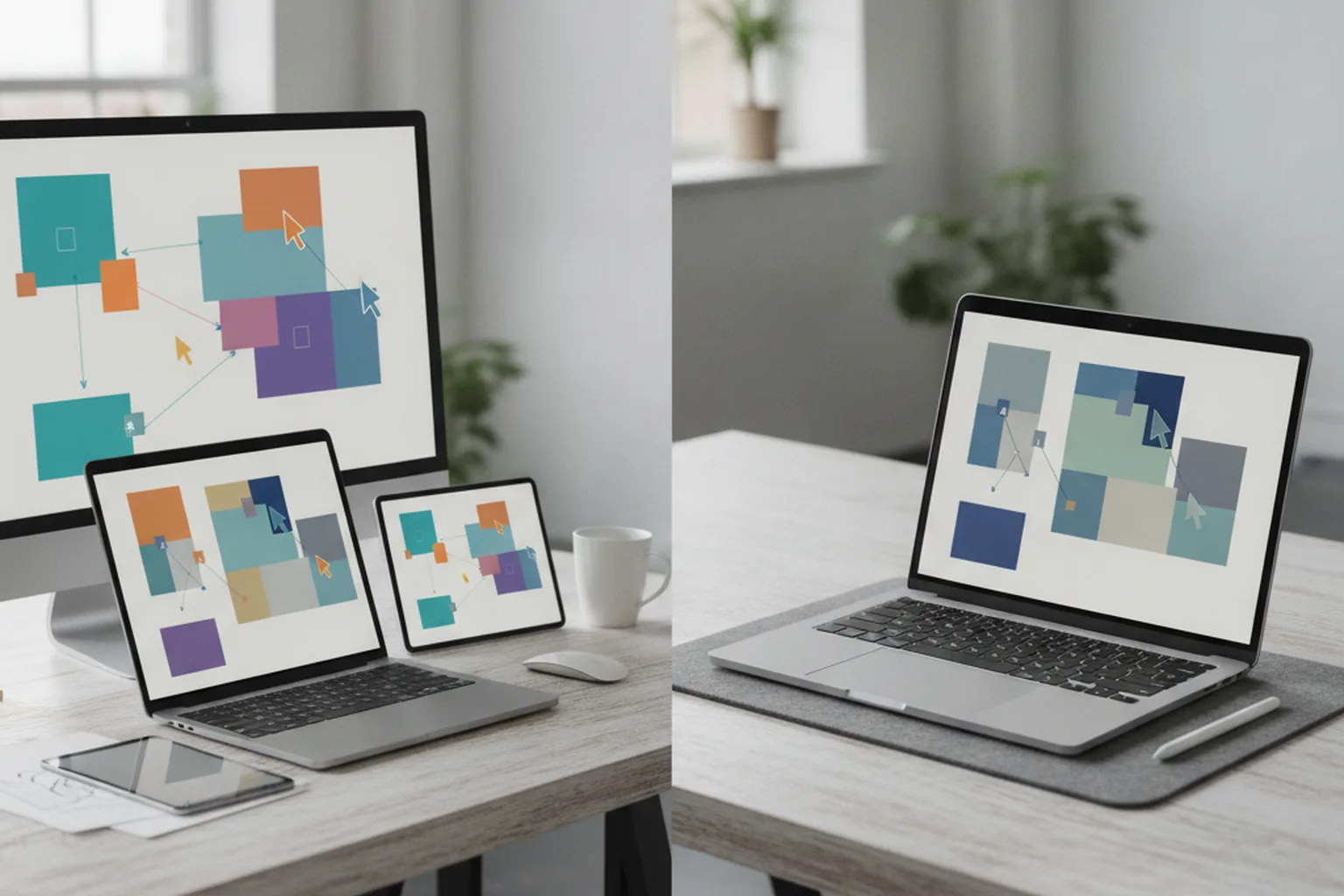

TL;DR: quick answer. Choose Figma when your team works across Windows, Mac and the browser, collaborates in real time with product managers and developers, and wants Dev Mode for handoff. Choose Sketch when your designers are all on Mac, need local or offline files, and prefer predictable per-editor pricing or a one-time Mac license.
Figma vs Sketch is rarely a question about drawing tools. Both can produce excellent interfaces, and a skilled designer will do good work in either. The real differences show up around the designer: who else needs to open the file, which operating systems they use, how developers get specs and assets, how a design system is shared, and what the whole team pays each month.
We see this from the receiving end. Clients bring us files from both tools, and when we start a product design engagement, the tool decides how reviews, handoff and component reuse will work for the next year. Our UI/UX design team sets that workflow up before the first screen is drawn, because changing it later costs far more than choosing well at the start.
This guide is for founders, product managers and design leads choosing a tool for a new product, or deciding whether to stay with the one they have. It covers what each tool is, a head-to-head table, collaboration and developer handoff, design systems, prototyping, honest conditions for picking Sketch in 2026, a worked pricing example for a real team, migration in both directions and the effect on development cost.
What is Figma?
Figma is a browser-first interface design tool where several people can edit the same file at the same time. It launched in 2016 and runs in any modern browser, with desktop apps for macOS and Windows; Linux and ChromeOS users work through the browser. Files live in Figma's cloud, so there is nothing to sync, email or version by hand: a shared link always opens the current state of the design.
Around the core editor, Figma has grown into a suite. FigJam is a whiteboarding space for workshops, user flows and retrospectives. Dev Mode is a separate view for developers, with inspectable measurements, code snippets, asset export and the ability to track which parts of a design are ready for build. Variables let teams store colours, spacing, typography values and modes such as light and dark themes, which map well to design tokens in code. A large Community library offers plugins, widgets, UI kits and templates, and newer AI features run on a credit-based allowance that depends on the plan.
Who uses it: cross-platform product teams, distributed and remote companies, agencies that share files with many clients, and organisations where product managers, marketers and engineers all need to open designs without installing anything. Figma's strength is reach. Anyone with a browser and a link can view, comment or inspect, subject to the seat type you buy for them.
What is Sketch?
Sketch is a native macOS design app, first released in 2010, that helped define modern screen-based UI design before browser tools existed. The editor runs only on Mac. It is fast, focused and designed around the conventions of the operating system, and it can work with local documents and libraries on your own machine as well as with documents stored in Sketch's cloud workspace.
Its core building blocks are Symbols, which are Sketch's reusable components with overrides, and shared Libraries that distribute symbols, colour variables, and text and layer styles across documents. Smart Layout lets components resize around their content, so a button grows with its label and a list grows with its rows. Sketch also uses an open file format, which makes it possible for other tools and scripts to read documents.
Sketch is no longer a single-player app. According to Sketch, its subscription plans include real-time collaboration inside the Mac app, a free web app where clients and collaborators can browse, comment and inspect, browser-based developer handoff for unlimited developers, built-in prototyping and a built-in importer for .fig files. For people who do not want a subscription at all, Sketch also sells a Mac-only license: a one-time payment per seat, with offline work and local documents but without collaboration or web sharing.
Who uses it: Mac-based studios and freelancers, teams with long-standing Sketch libraries, and companies that prefer local files, either for offline work or because they are cautious about keeping everything in a third-party cloud.
Figma vs Sketch: head-to-head comparison
The table below compares the two tools on the points that change daily work and budgets. Prices and plan details are listed as published by each vendor at the time of writing; both change their plans from time to time, so treat the numbers as a snapshot.
| Aspect | Figma | Sketch |
|---|---|---|
| Platform model | Browser-first, cloud files, desktop apps as wrappers | Native Mac app plus a web app for viewing, commenting and inspecting |
| Editor operating systems | macOS, Windows, Linux and ChromeOS (via browser) | macOS only |
| Offline and local files | Cloud-first; designed for online work | Local documents and libraries supported; Mac-only license is fully offline |
| Real-time collaboration | Multiplayer editing in the browser and desktop apps | Real-time collaboration inside the Mac app on subscription plans |
| Viewers and commenters | Collab seat listed at $3 per month on Professional for FigJam, Slides and basic file access | Unlimited free viewers who browse, comment and inspect in the web app |
| Developer handoff | Dev Mode; Dev seat listed at $12 per month on Professional | Browser-based inspect for unlimited developers, free on subscription plans |
| Prototyping | Built in, with interactions, variables and shareable links | Built in, without plugins, shareable through the web app |
| Design systems | Components, variants, variables and modes, team libraries | Symbols with overrides, Smart Layout, shared Libraries, colour variables and styles |
| Plugins and ecosystem | Large Community of plugins, widgets, UI kits and templates | Established plugin ecosystem, smaller than Figma's |
| AI features | Built-in AI features with credit allowances by plan | Not a focus of Sketch's positioning |
| Import and file format | Imports .sketch files | Open file format; built-in .fig importer |
| Entry price for teams | Free Starter plan; Professional Full seat listed at $16 per month | Standard listed at $12 per editor per month, billed yearly; Mac-only license $120 per seat, one-time |
| Enterprise controls | Organization and Enterprise plans with admin and security features | SSO on Professional; SCIM and BYOK encryption on Enterprise |
Which tool is better for collaboration with developers and stakeholders?
Figma is better for teams where many non-designers need to work inside the files, while Sketch is better value when many people only need to view, comment and inspect. Both tools now support real-time co-editing, so the question is less about whether people can collaborate and more about where they do it and how each extra person is licensed.
In Figma, everyone works in the same environment. A product manager, a copywriter and a developer can all open the same file in a browser, follow a designer's cursor, leave comments on a specific frame and see changes the moment they happen. The trade-off is that access is tied to seat types: Full seats for editors, Dev seats for developers who need Dev Mode, and Collab seats for people who mainly use FigJam and Slides with basic file access.
In Sketch, editing happens in the Mac app and everyone else joins through the web app. Sketch says its subscriptions include unlimited free viewers who can browse documents, comment and inspect designs in a browser, on any operating system. For a team with a handful of designers and a long list of developers, testers, clients and executives, this keeps the bill tied to the number of editors only.
Developer handoff in practice
Developers need more than a picture of a screen: they need exact values, exported assets, component names that match the codebase and a clear signal of what is ready to build. Both tools provide measurements, colours, typography, spacing and copyable code values. Figma's Dev Mode adds a dedicated developer workspace, ready-for-dev status on frames, comparison of changes and variables that can mirror design tokens. Sketch's browser handoff lets developers inspect layers, measure distances and copy values or CSS without a paid seat.
From the agency side, the tool matters less than the file discipline. The handoffs that cost us the most time came from files without a component library, with detached instances, inconsistent naming and colours typed by hand instead of taken from variables. A clean Sketch file is far easier to build from than a messy Figma file, and the reverse is equally true. What we ask for, in either tool, is a short list:
- Named components and variants that match the component names developers will use in code.
- Colours, spacing and type defined as variables or styles, never as one-off values on individual layers.
- Every state designed: default, hover, pressed, disabled, loading, error and empty.
- A clear ready-for-build signal, whether that is Dev Mode status, a dedicated page or a version label.
- Exportable assets marked for export at the sizes and formats the platform needs.
Stakeholder reviews and comments
For stakeholder reviews, both tools let people leave comments pinned to a specific part of the design. Figma's advantage is that reviewers see the live file and can watch a design session, which speeds up workshops and quick decisions. Sketch's advantage is that reviewers need only a browser and do not consume a paid seat. If your executives and clients only ever look and comment, Sketch's model is cheaper; if they actively move things around, sketch ideas in FigJam or run workshops inside the design file, Figma's model fits better.
How do Figma and Sketch handle design systems?
Both tools support mature design systems, but Figma offers more structure for tokens and themes, while Sketch keeps a simpler model built on Symbols, styles and Libraries. Either can carry a design system used by several product teams, provided someone owns it and keeps it in sync with code.
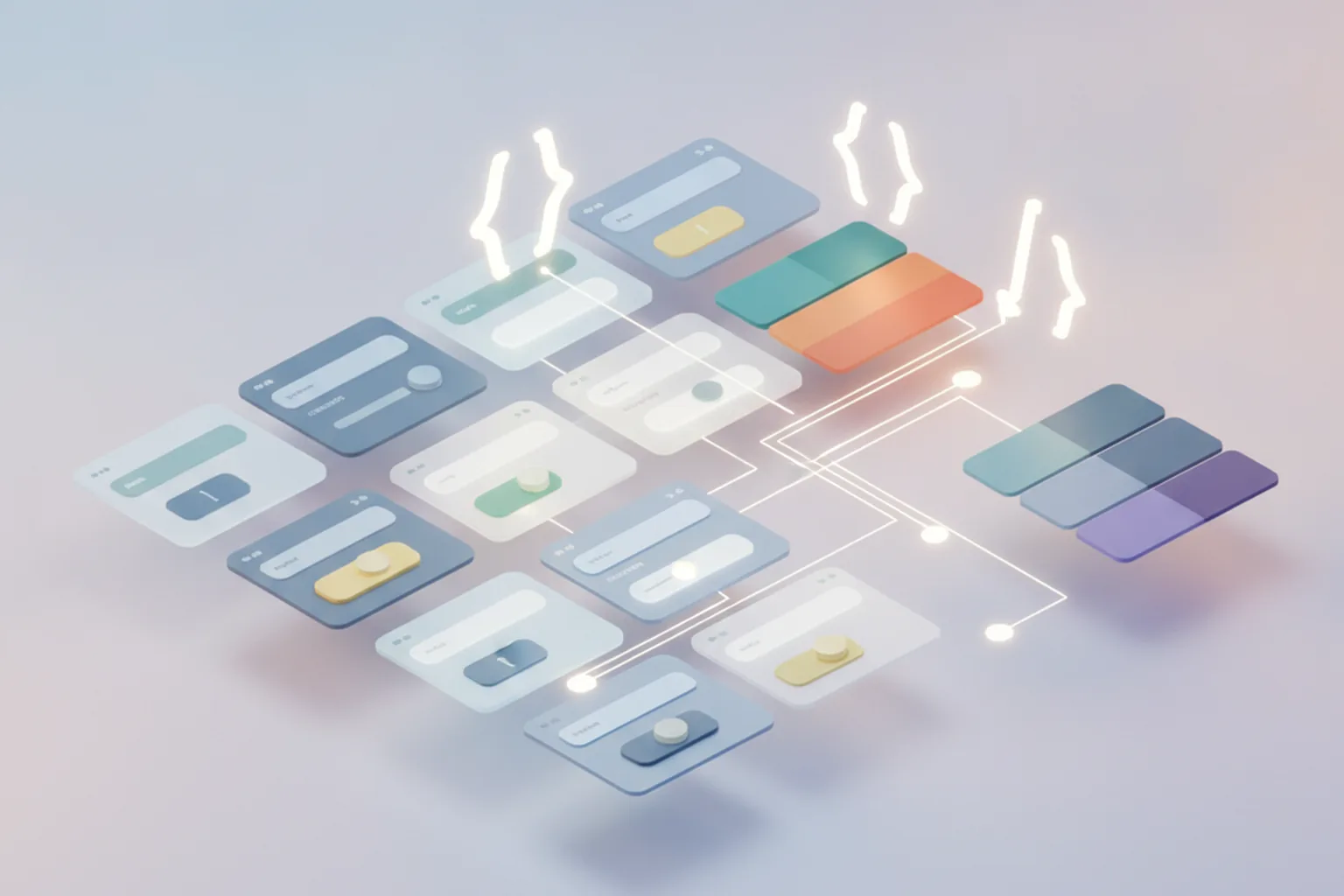
In Figma, a design system usually combines components with variants (for example, one button component with size, style and state properties), variables for colour, spacing, radius and typography, and modes that switch the same variables between light and dark themes or between brands. Libraries are published to the team, and updates flow into every file that uses them. Because variables are named values with collections and modes, they translate naturally into design tokens that front-end and mobile developers can consume.
In Sketch, the equivalent is Symbols with overrides, Smart Layout for components that adapt to their content, colour variables, and text and layer styles, all distributed through shared Libraries. Teams update a Library and accept the changes in each document. The model is easier to learn and very stable, though teams that need several themes or brands may have to build more of the token logic outside the tool.
For products that ship on iOS, Android and the web, the bigger challenge is parity, not the tool. A shared component library has to respect each platform's conventions while keeping names, tokens and behaviour aligned, which is a topic we cover in more depth in our guide to software development design. In our mobile app development projects, a component in the design file and its implementation in code share one name and one set of tokens, whichever tool the client uses.
Prototyping: how far can each tool go?
Both Figma and Sketch include built-in prototyping that covers clickable flows, transitions and shareable links, which is enough for most usability tests and stakeholder demos. Neither replaces a dedicated prototyping tool or a coded prototype when you need complex logic, real data or native gestures.
Figma's prototyping links frames with interactions, supports overlays, scrolling areas, smart animate transitions and component-level interactions, and can use variables and conditions to build more dynamic prototypes, for example a cart counter that changes as items are added. Prototypes are shared by link and viewed in a browser or on a phone through the mobile app.
Sketch's prototyping, according to Sketch, works without plugins: you link artboards, set hotspots and transitions, and share the result through the web app, where viewers can click through on any device. It is well suited to demonstrating flows and running simple tests.
When a prototype needs to answer hard questions, such as whether a complex onboarding works with real accounts or whether gestures feel right on a device, we move beyond design-tool prototypes. Our guide to MVP vs prototype vs proof of concept explains when a clickable prototype is enough and when you need something closer to working software.
Does Sketch still make sense in 2026?
Yes, Sketch still makes sense in 2026 for specific teams: all-Mac design groups, teams that need local or offline files, and organisations that want predictable licensing with free access for everyone who is not editing. It makes less sense for mixed-platform teams or companies that hire many freelancers.
The conditions where Sketch is a strong, deliberate choice:
- Every designer uses a Mac, now and for the foreseeable future, including contractors.
- Files must stay local or work offline, for travel, restricted networks or internal data-handling rules that discourage cloud-only tools.
- The team has a working Sketch design system that developers already build from, so migration would cost time without adding value.
- Many people need to view and inspect but few need to edit, so free viewers and free developer handoff keep costs flat as the company grows.
- A solo designer wants to own the software: the Mac-only license is a one-time $120 per seat with a year of updates included.
The limits are just as real. Windows or Linux teammates cannot edit. Freelancers and new hires are more likely to arrive with Figma experience, and clients more often send Figma files. The plugin ecosystem is smaller, and some integrations that teams take for granted elsewhere may not exist. None of these is a dealbreaker on its own, but together they explain why most new cross-platform products start in Figma.
When to choose Figma
Figma is the better fit when the people who touch your design files are spread across operating systems, roles and locations. These are the situations where we would recommend it without much hesitation:
A cross-platform team
Designers, developers or product managers use Windows, Linux or Chromebooks alongside Macs. Figma runs in the browser and on both desktop systems, so nobody is locked out of editing.
A distributed product team working inside files
Product managers, writers and engineers actively edit, annotate and run workshops in the design files, not only view them. Multiplayer editing and FigJam keep that work in one place.
One design system for several squads
Multiple product teams consume the same component library, with light and dark themes or several brands. Variables, modes and published libraries make that structure easier to maintain.
Heavy developer handoff
Developers rely on ready-for-dev status, change comparison and token-like variables during sprints. Dev Mode is built for that workflow, and Dev seats cost less than Full seats.
Frequent hiring and freelancers
You often onboard contractors or agencies. Most of them already know Figma, and sharing a link is faster than arranging Mac hardware and licences.
When to choose Sketch
Sketch is the better fit when your design work is concentrated on Macs and you value local control and a flat cost structure over maximum reach. These are the situations where it earns its place:
An all-Mac studio
Every designer works on a Mac and prefers a native app that follows macOS conventions. The editor's platform limit simply does not apply to you.
Offline or local-first requirements
Designers travel, work on restricted networks or must keep files on company machines. Local documents and libraries, or the fully offline Mac-only license, cover that need.
Predictable licensing
You want costs tied only to the number of editors. A solo designer can buy the Mac-only license once; a team pays per editor and adds viewers for free.
Existing Sketch libraries that work
A mature Sketch design system already feeds production code. Rebuilding it elsewhere would take weeks without making the product better for users.
Many viewers and developers, few editors
Large groups of developers, testers and clients need to inspect and comment. Sketch says viewers and developer handoff are free on its subscription plans.
Figma vs Sketch pricing: what a real team pays
For a typical product team, Sketch's list price is lower because only editors pay, while Figma charges for developers and collaborators through cheaper seat types. The gap depends on how many non-designers need paid access, so it is worth modelling your own team rather than comparing headline prices.
Listed prices for each plan
Here is what each vendor listed on its pricing page at the time of writing (per seat per month unless noted; check the vendor pages, because prices change):
| Plan | Listed price | Notes |
|---|---|---|
| Figma Starter | Free | Unlimited drafts, UI kits, limited AI credits |
| Figma Professional | Full $16, Dev $12, Collab $3 | Full = all Figma products; Dev = Dev Mode plus view and comment; Collab = FigJam, Slides and basic file access |
| Figma Organization | Full $55, Dev $25, Collab $5 | Billed annually |
| Figma Enterprise | Full $90, Dev $35, Collab $5 | Billed annually |
| Sketch Standard | $12 per editor | Billed yearly; real-time collaboration, unlimited documents, free viewers, version history |
| Sketch Professional | $24 per editor | Adds SSO and project archiving |
| Sketch Enterprise | $44 per editor | Adds SCIM and BYOK encryption |
| Sketch Mac-only license | $120 per seat, one-time | Includes one year of updates; offline and local documents; no collaboration or web sharing |
Worked example: 3 designers, 4 developers, 6 stakeholders
Take a product team with 3 designers, 4 developers and 6 stakeholders (a product manager, a QA lead, marketing and a few executives). On Figma Professional, the designers need Full seats, the developers need Dev seats to use Dev Mode, and we assume the stakeholders take Collab seats. On Sketch Standard, only the three designers pay, and developers and stakeholders use the free web app.
| Seat mix (3 designers, 4 developers, 6 stakeholders) | Figma Professional | Sketch Standard |
|---|---|---|
| Designers | 3 Full × $16 = $48 | 3 editors × $12 = $36 |
| Developers | 4 Dev × $12 = $48 | $0 (free browser handoff) |
| Stakeholders | 6 Collab × $3 = $18 | $0 (free viewers) |
| Total per month | $114 | $36 |
| Per year at that rate | $1,368 | $432 |
List prices only. Billing terms differ (Sketch Standard is billed yearly; check Figma's page for monthly versus annual terms), taxes are excluded, and both vendors change plans, so confirm on the vendor pages before you budget.
What the pricing gap means in practice
The pricing gap is real but small, and three points put it in context. First, the absolute amounts are small next to salaries: even the higher figure is a fraction of one day of a developer's time per month, so price alone should rarely decide the tool. Second, the gap grows with the number of non-designers who need paid access, and shrinks if your developers are happy with view access or your stakeholders do not need seats. Third, at Organization or Enterprise level the Figma figure rises substantially (the same mix at Organization list prices is $295 per month), while Sketch Professional for the same team would be $72 per month. If you need SSO or SCIM, compare those tiers, not the entry plans.
The cost that does matter is the one hidden in workflow: hours lost exporting files for people who cannot open them, developers rebuilding values that were not defined as variables, and designers maintaining two versions of a library. That is where the next sections focus.
How hard is it to switch between Figma and Sketch?
Switching is feasible in both directions because each tool imports the other's files, but static layouts move far more cleanly than prototypes, plugins, comments and token structures. Budget for a test import, a cleanup pass and a period of running both tools before you cut over.
Sketch to Figma
Figma can import .sketch files, which is the usual path for teams moving across. Layers, artboards, text and basic styles generally come through, and symbols are converted into components. Expect to review the result rather than trust it blindly: complex overrides, Smart Layout behaviour, fonts that are not installed, and plugin-generated content can need manual fixes. Comments and version history stay behind in Sketch.
Figma to Sketch
Sketch says it includes a built-in importer for .fig files for teams switching from Figma. The same caution applies in reverse. Auto layout, variables and modes, advanced prototype logic and Figma-specific plugins do not have one-to-one equivalents, so a design system built around Figma variables will need its tokens rebuilt as Sketch colour variables and styles.
A migration checklist we use with clients:
- Inventory what you have: files, libraries, active prototypes, plugins in daily use and the people who need access.
- Run a test import of your largest and most complex file and list what broke before committing to a date.
- Migrate the design system first: rebuild components and tokens cleanly in the new tool instead of relying on imported copies.
- Re-link product files to the new library and fix detached instances and hard-coded values.
- Rebuild only the prototypes you still need; archive the rest as videos or exported flows.
- Agree a cut-over date after which new work happens only in the new tool, and keep the old workspace read-only for reference.
- Tell developers what changed in handoff: where specs live, how readiness is signalled and how assets are exported.
What does the tool choice change for development cost and timeline?
The design tool itself rarely changes how much a product costs to build. What changes development effort is how the design is organised: component discipline, token naming, completeness of states and the quality of handoff. A disciplined file in either tool shortens development; a chaotic file in either tool lengthens it.
When we estimate a build, we look at the design file, not the logo of the tool. These are the factors that move effort up or down:
| Factor | Effect on development effort |
|---|---|
| Component library that mirrors code | Developers build each component once and reuse it; new screens become assembly rather than new work |
| Tokens or variables for colour, spacing and type | Values are mapped once into the codebase; theme changes and rebrands do not require hunting through screens |
| All states designed | Fewer questions mid-sprint and fewer improvised empty, error and loading screens that need redesign later |
| Responsive and platform variants | Clear breakpoints and iOS/Android differences prevent rework when the first build is tested on real devices |
| Clear ready-for-build signal | Developers stop building from drafts that change the next day |
| Two tools in parallel | Duplicated libraries drift apart and developers receive conflicting specs; avoid outside a planned migration |
| Mid-project tool switch | Adds weeks of cleanup and re-review; schedule it between releases, not during a build |
The practical advice for founders is simple: choose the tool that fits your team, then invest in the file. A well-structured design system pays for itself during development, which is why it features heavily in our list of software development tools for 2026. And whatever the tool, it should sit inside a process where design and engineering work together from discovery onward, as we describe in our article on UX vs UI design.
How YuSMP Group approaches design tools in product projects
We work in whichever tool the client's team already uses, and we choose for them only when the product starts from scratch. In most new cross-platform projects that choice is Figma, because client stakeholders, our developers and future hires can all open it. When a client runs an all-Mac design team with established Sketch libraries, we keep Sketch and adapt our handoff to it rather than forcing a migration.
What does not change is how we set up the file. Components are named to match the code, colours, spacing and typography live in variables or styles, every state is designed before development starts, and designers attend sprint reviews to catch drift early. That is the core of our product design services, and it is how design flows into build in our MVP development and product engineering engagements, whether the end result is a mobile app or a web application.
FAQ: Figma vs Sketch
Is Figma better than Sketch?
For most product teams in 2026, Figma is the safer default because it runs in the browser and on both macOS and Windows, keeps everyone in one live file and has the larger plugin and hiring ecosystem. Sketch is not worse at drawing interfaces; it is a different trade-off. It suits Mac-only teams that want a native app, local or offline files, free viewers and developers, and predictable per-editor pricing. The better tool is the one that fits your platforms, team mix and handoff process.
Is Sketch still used in 2026?
Yes. Sketch is still actively developed and sold, with subscription plans for teams and a one-time Mac-only license. It keeps a loyal base among Mac-based studios, freelancers and companies that prefer local files and a native macOS app. Figma has become the more common choice for new cross-platform projects, so you are more likely to receive Figma files from clients and new hires. If your team already has working Sketch libraries, there is no technical reason to migrate in a hurry.
Can I use Sketch on Windows?
Not as an editor. The Sketch design app runs only on macOS. Windows and Linux users can open Sketch's web app in a browser to view documents, leave comments and inspect designs for handoff, and on Sketch's subscription plans viewers are free. Anyone who needs to create or edit designs needs a Mac. If your designers or contractors use Windows, Figma or a browser-based tool such as Penpot is the practical choice.
Is Figma free to use?
Partly. Figma's Starter plan is free and includes unlimited drafts and UI kits with limited AI credits, which is enough for learning, personal projects and small experiments. Teams usually move to paid plans for shared projects, libraries and Dev Mode. At the time of writing Figma lists the Professional plan at $16 per month for a Full seat, $12 for a Dev seat and $3 for a Collab seat. Prices change, so check Figma's pricing page before you budget.
Does Sketch work offline? Does Figma?
Sketch does. It is a native Mac app that can work with local documents and libraries without a connection, and the one-time Mac-only license is built entirely around offline, local work. Figma is cloud-first: files live in Figma's cloud and the tool is designed for working online, with real-time collaboration at its core. If you travel a lot, work on restricted networks or must keep files on your own machines, Sketch's local workflow is a real advantage.
Can Figma open Sketch files, and can Sketch open Figma files?
Yes, in both directions, with limits. Figma can import .sketch files, which is how most teams move existing work across. Sketch, for its part, says it includes a built-in importer for .fig files for teams switching from Figma. Static layouts, layers and basic styles usually come through, but prototypes, plugin-generated content, comments and token or variable structures often need manual rework. Run a test import of your largest file before committing to a migration.
Which tool is better for developer handoff?
Both give developers what they need: measurements, colours, typography, exportable assets and code values. The difference is the commercial model. Figma offers Dev Mode, with a dedicated Dev seat listed at $12 per month on the Professional plan, plus variables that map to design tokens. Sketch says its browser-based handoff is free for unlimited developers on its subscription plans. In practice, handoff quality depends more on how the file is organised than on which tool produced it.
Which is better for beginners and students?
Figma is usually easier to start with. It runs in a browser on any operating system, the free Starter plan is enough to learn the basics, and its large community publishes free files, UI kits and tutorials. Figma skills are also widely requested in product design roles, so learning it first helps with getting hired. Sketch is a good choice for a student who already works on a Mac and wants a focused native app, but there are fewer learning materials around it.
What about Adobe XD or Penpot as alternatives?
Adobe has put XD in maintenance mode, so it is not a sensible choice for a new product design workflow, and teams still using it are gradually moving to other tools. Penpot is an open-source, browser-based design and prototyping tool that can be self-hosted, which appeals to teams with strict data-control requirements or a preference for open standards. It is worth evaluating alongside Figma and Sketch, but check plugin coverage and handoff features against your workflow first.
Verdict: Figma or Sketch?
For most teams building a new cross-platform product in 2026, Figma is the default choice; Sketch remains a strong, deliberate choice for Mac-only teams that value local files and flat licensing. The right answer to Figma vs Sketch comes from your team's platforms, roles and workflow:
- Choose Figma if anyone on the team uses Windows or Linux, non-designers actively work in the files, several squads share one design system with themes, or you onboard freelancers and agencies often.
- Choose Sketch if every designer is on a Mac, files must stay local or work offline, you want costs tied only to editors with free viewers and developers, or a working Sketch library already feeds production code.
- Either works if your team is small, all on Mac and mostly editing together. In that case, pick the one your designers know best and spend the energy on a clean component library instead.
Whichever tool you choose, keep design close to development. The file that developers can build from without guessing is worth more than any feature on either pricing page.
Sources: plan details and prices were checked on 19 November 2026 on the vendors' official pages: Figma pricing, Sketch pricing and Sketch vs Figma (Sketch's own comparison page). Statements attributed to Sketch reflect the vendor's description of its product.