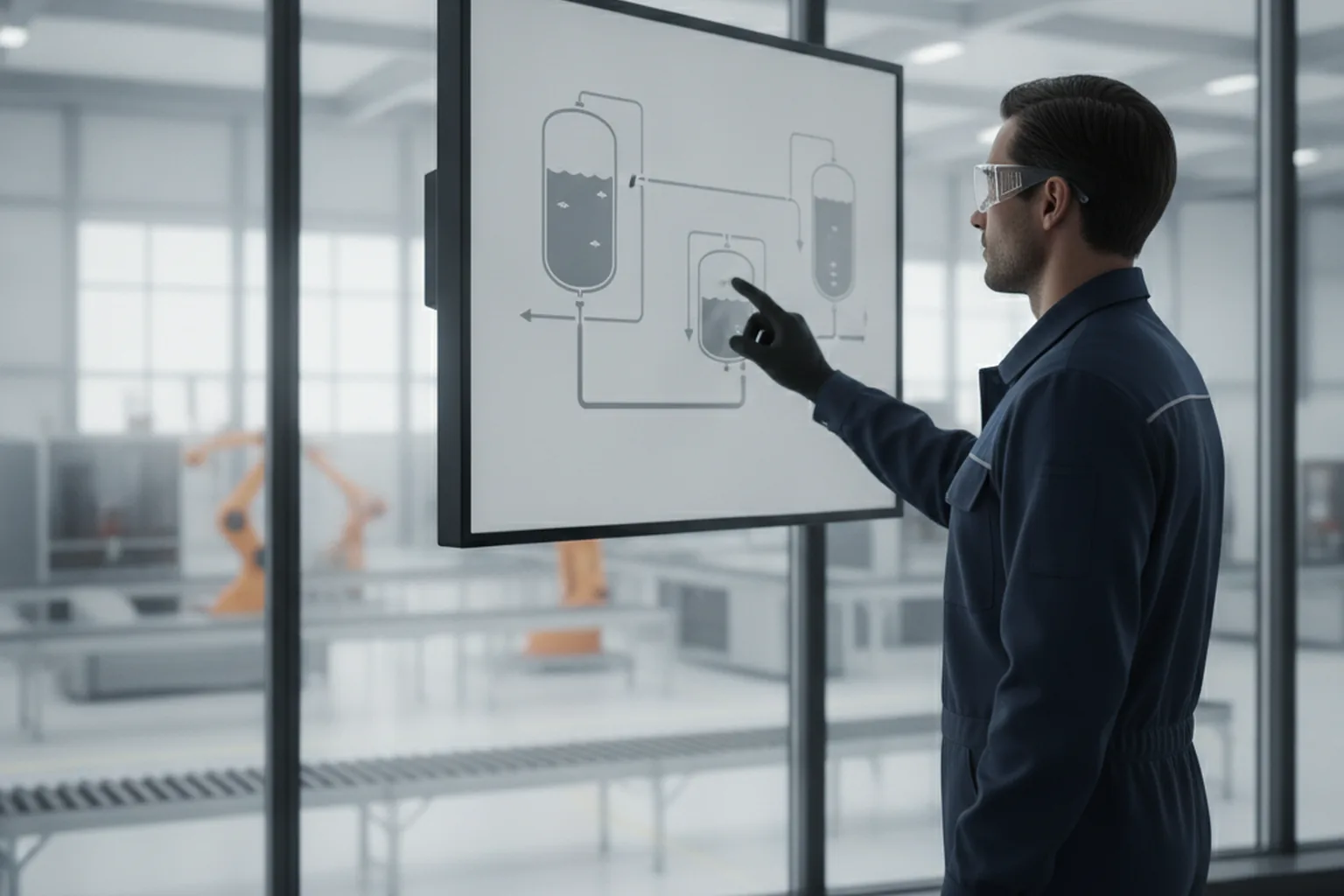

HMI software development is the work of designing and building the human-machine interface: the screens, controls, alarms and logic that let operators see what a machine or process is doing and tell it what to do next. The result can be a seven-inch touch panel on a packaging machine, a display on a medical or lab device, or a set of browser-based screens that supervise a whole plant.
The interface is only the visible part. Behind every screen sits a data connection to controllers, a tag model, alarm handling, user permissions, logging and remote access, and each of them has to work for ten or more years on hardware that rarely gets replaced. That is why HMI projects sit closer to firmware than to web design, and why teams that need embedded firmware and HMI software development usually look for one partner who can handle the device, the controller link and the interface together.
This guide covers the main HMI types and architecture, the features operators expect, when an off-the-shelf platform beats a custom build, the frameworks and protocols in use in 2026, ISA-101 design principles, security and compliance rules, testing, cost and outsourcing. If your HMI is part of a wider plant system, our overview of custom manufacturing software shows how it connects to MES, maintenance and quality tools.
What is HMI software development?
HMI software development is the engineering of the operator-facing layer of a machine, device or industrial process. It turns raw controller values (temperatures, speeds, valve states, fault codes) into screens that people can read in seconds and act on safely.
An HMI application normally includes five building blocks:
- Displays: overview, detail and diagnostic screens with process graphics, values and controls.
- Data connectivity: drivers for PLCs, motion controllers, sensors and higher systems such as SCADA, MES or the cloud.
- Alarms and events: detection, prioritization, acknowledgement and history of abnormal conditions.
- Trends and logging: short-term charts on the screen and a historian or log for later analysis.
- Security and users: logins, roles, audit trails and controlled remote access.
The HMI is different from the PLC program. The PLC runs the control logic and must keep the machine safe even if the HMI crashes. The HMI displays state and sends operator commands, so safety functions should never depend on it.
What are the main types of HMI?
The main HMI types are embedded panel HMIs, PC-based HMIs, web-based HMIs, mobile HMIs and device-integrated user interfaces. The right type depends on where the operator stands, how many machines one screen supervises and how long the hardware must stay in service.
| HMI type | Typical hardware | Best for | Watch out for |
|---|---|---|---|
| Embedded panel HMI | Touch panel with MCU or embedded Linux, mounted on the machine or cabinet | Single machines, OEM equipment, harsh environments | Limited memory and CPU, long hardware lifecycles |
| PC-based HMI | Industrial PC or panel PC running Windows or Linux | Lines and cells with many tags, recipes and trends | OS patching, licensing and hardening |
| Web-based (HTML5) HMI | Server in the plant or edge, any browser as client | Plant overviews, multi-site supervision, thin clients | Network design, browser security, latency |
| Mobile HMI | Tablets and phones over Wi-Fi or VPN | Maintenance rounds, alarm notification, read-mostly views | Write access from mobile devices, session control |
| Device-integrated UI | Display built into a product: lab analyzer, medical device, appliance, vehicle | OEM products sold in volume | Product safety and regulatory rules, unit cost of hardware |
Many real systems mix types. A packaging line can have an embedded panel on each machine, a web-based line overview in the supervisor office and read-only mobile views for maintenance staff, all fed by the same tag model.
How does HMI software work? The architecture
HMI software works as a layered system: it reads values from controllers through communication drivers, maps them into a tag model, evaluates alarms and logging rules, and renders the result on screens that send operator commands back down the same path. Keeping these layers separate is what makes an HMI maintainable over a decade.
| Layer | What it does | Typical technology |
|---|---|---|
| Field and control | Sensors, drives and PLCs that run the process | PLC, motion controller, remote I/O |
| Communication drivers | Read and write controller data on a schedule or on change | OPC UA, Modbus TCP, EtherNet/IP, PROFINET, MQTT |
| Tag and data model | Names, units, scaling, limits and structure of every value | Tag database, OPC UA information model, UDTs |
| Alarm, event and history services | Detect abnormal states, store events and time series | Alarm engine, historian, SQL or time-series database |
| Presentation | Screens, navigation, input validation, localization | Qt, LVGL, HTML5 framework, HMI platform screens |
| Security and integration | Users, roles, audit trail, remote access, links to MES and ERP | Directory integration, certificates, VPN, REST or MQTT APIs |
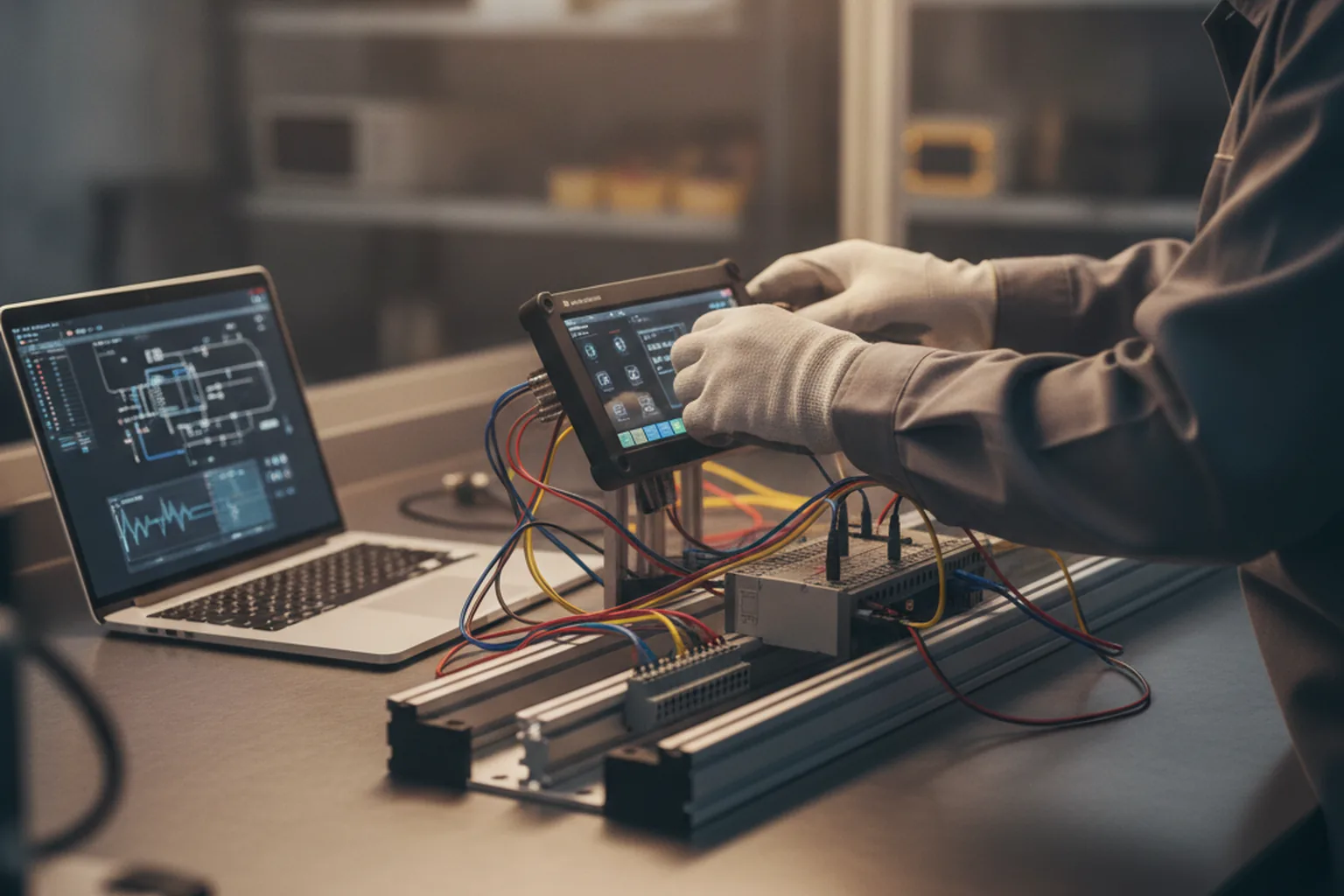
A clean tag model is the single most valuable design decision. When every value has one name, unit and limit set, screens, alarms, trends and integrations all reuse it, and a later move from one HMI platform to another becomes a migration rather than a rewrite.
Which features should HMI software have?
Every production HMI needs clear process displays, a prioritized alarm system, trends, user roles with an audit trail and safe remote access. Recipe management, multi-language support and maintenance diagnostics come next, depending on the machine.
- Process displays with an overview, area screens and detail faceplates for each device.
- Alarm management with priorities, shelving, acknowledgement, first-out indication and an alarm history.
- Trends for live and historical values, with zoom and export for troubleshooting.
- Recipes and parameters so operators can load product settings without editing PLC code.
- Users, roles and audit trail that record who changed what and when.
- Diagnostics for drives, I/O and network status, which shorten maintenance calls.
- Localization and units for machines shipped to several countries.
Machine builders often add a service mode for their own technicians, guided changeover steps and data export to customer systems. These features rarely appear in the first specification, so it pays to ask service and sales teams what they need before the screen list is frozen.
Should you use an HMI platform or build custom HMI software?
Use a commercial HMI or SCADA platform when the screens supervise standard PLC-based equipment in your own plant; build custom HMI software when the interface is part of a product you sell, must run on low-cost embedded hardware or needs a user experience that platform screens cannot deliver.
| Criterion | HMI or SCADA platform | Custom HMI software |
|---|---|---|
| Examples | Ignition, Siemens WinCC Unified, Rockwell FactoryTalk Optix and similar | Qt, LVGL, web frameworks or native code on your own hardware |
| Time to first screens | Fast: drivers, alarms and trends are built in | Slower: these services are designed and built |
| Licensing | Per server, per runtime or per tag, depending on vendor | No runtime fee for your own code; check framework licences |
| Hardware choice | Platform-supported PCs and panels | Any hardware, including low-cost MCUs |
| User experience | Good for standard operator screens | Fully custom, including branded product UIs |
| Best fit | Plant supervision, system integrators, mixed PLC fleets | OEM machines and devices, products sold in volume |
The licensing model matters more than it looks. Inductive Automation, for example, licenses Ignition per server with unlimited clients, tags and connections, while other vendors price by runtime or tag count. For an OEM shipping hundreds of machines a year, per-unit runtime fees can outweigh the one-time cost of custom development within a few years.
What tech stack is used for HMI development in 2026?
The HMI tech stack is chosen by hardware class first: microcontroller panels use lightweight graphics libraries, embedded Linux panels use Qt or a web runtime, and plant-level HMIs use HTML5 platforms or web frameworks. The communication protocol is chosen by what the controllers and higher systems already speak.
| Hardware class | Common frameworks | Notes |
|---|---|---|
| Microcontroller (MCU) panel | LVGL, Qt for MCUs, vendor GUI tools | LVGL is MIT-licensed and needs at least 32 kB RAM and 128 kB flash; Qt for MCUs targets Arm Cortex-M class chips and runs bare-metal or on FreeRTOS |
| Embedded Linux panel | Qt Quick (QML), Flutter on embedded Linux, web runtime in kiosk mode | Richer graphics, GPU acceleration, easier networking and updates |
| Industrial or panel PC | HMI platforms, Qt, .NET, web frontends | Most choice; OS patching and hardening become your responsibility |
| Browser-based plant HMI | Platform HTML5 modules or React, Angular, Vue | FactoryTalk Optix and Ignition Perspective deliver HTML5 clients |
OPC UA is widely used for new vendor-neutral integration because it carries an information model and built-in security. Modbus TCP remains common on simple devices. MQTT with the Sparkplug specification, now published as the international standard ISO/IEC 20237, is a common choice for pushing plant data to edge and cloud systems.
| Protocol | Where it fits | Security notes |
|---|---|---|
| OPC UA | Vendor-neutral link between HMI, PLCs, SCADA and MES | Certificates, signing and encryption built in; must be configured, not left on "None" |
| Modbus TCP | Simple devices, drives, meters, legacy equipment | No authentication; isolate on a separate network segment |
| EtherNet/IP and PROFINET | Native links to Rockwell and Siemens controllers | Rely on network segmentation and controller settings |
| MQTT with Sparkplug | Edge-to-cloud and unified namespace architectures | Use TLS and per-device credentials on the broker |
For a deeper look at compilers, debuggers and RTOS options on the device side, see our list of embedded software development tools.
How do you design a high-performance HMI? ISA-101 principles
A high-performance HMI shows normal operation in calm grays and reserves strong color for abnormal conditions, so an operator spots a problem in seconds. The ANSI/ISA-101.01-2015 standard sets out this approach and covers the whole HMI lifecycle, from philosophy and style guide to maintenance of the displays.
- Write an HMI philosophy and style guide before drawing screens: colors, symbols, fonts, navigation and alarm presentation.
- Build a display hierarchy: a level 1 overview of the whole area, level 2 unit screens, level 3 detail screens and level 4 diagnostics.
- Use gray for normal states and keep red, yellow and other saturated colors for alarms and abnormal values only.
- Show values with context: a number next to its normal range or target tells more than a number alone.
- Keep navigation consistent so any screen is reachable in a few touches and the alarm banner is always visible.
- Design for the real environment: gloves, glare, viewing distance and noise decide button size, contrast and alert style.
ISA-101 principles also suit device UIs outside the plant. A lab analyzer or medical device screen benefits from the same calm default state, clear priority of warnings and predictable navigation. If the operator interface is a product differentiator, a short UI/UX design phase with real users pays for itself before development starts.
What is the HMI software development process?
HMI software development follows seven steps: discovery, HMI philosophy and prototype, architecture, iterative development, integration and testing, factory and site acceptance, and support. A moderately complex HMI typically takes three to six months, while a simple single-machine panel can be done in weeks.
| Step | Main outputs | Typical duration |
|---|---|---|
| 1. Discovery | Operator roles, use cases, tag list, controller and hardware inventory | 1 to 3 weeks |
| 2. Philosophy and prototype | Style guide, display hierarchy, clickable prototype tested with operators | 2 to 4 weeks |
| 3. Architecture | Tag model, protocol choice, security design, update strategy | 1 to 2 weeks |
| 4. Development | Screens, drivers, alarms, trends, recipes in short iterations | 4 to 12 weeks |
| 5. Integration and testing | Simulation, hardware-in-the-loop, performance and security tests | 2 to 6 weeks |
| 6. FAT and SAT | Factory acceptance at the builder, site acceptance on the line | 1 to 3 weeks |
| 7. Support | Patches, new screens, OS and library updates, vulnerability handling | Ongoing |
A late or changing tag list is a frequent cause of delay, so agree on tag names, units and alarm limits with the PLC programmer in the first weeks.
How do you secure HMI software?
Secure HMI software is developed under a secure development process such as IEC 62443-4-1, meets component requirements such as IEC 62443-4-2, and is never exposed directly to the internet. Attacks on HMIs are documented in public advisories from CISA and security researchers.
Which attacks on HMIs have been reported?
Public reports from CISA and Censys show HMIs attacked through default passwords, internet exposure and manipulated displays. In November 2023, CISA reported that attackers had compromised Unitronics programmable controllers with built-in HMIs used by water and wastewater utilities, and urged operators to change default passwords on PLCs and HMIs and stop exposing them to the internet. In 2024, Censys reported working with the US EPA after finding about 400 web-based water-utility HMIs exposed online, around 40 of them fully accessible without authentication. In April 2026, CISA advisory AA26-097A described attacks on programmable controllers across US critical infrastructure in which attackers manipulated the data shown on HMI and SCADA displays.
What should an HMI security checklist include?
A practical security checklist for an HMI project covers credentials, access, protocols, remote access, updates and logging:
- No default passwords: force a credential change at commissioning and support per-user accounts.
- Role-based access with separate rights for viewing, operating, configuring and administering.
- Encrypted, authenticated protocols where available (OPC UA with signing and encryption, MQTT over TLS).
- No direct internet exposure; remote access only through a VPN or a dedicated remote-access gateway with MFA.
- Signed software updates and a documented patch process for the OS, runtime and libraries.
- A software bill of materials (SBOM) and a process to receive and handle vulnerability reports.
- Audit logs for logins, setpoint changes and configuration edits.
How does the EU Cyber Resilience Act affect HMI software?
The EU Cyber Resilience Act makes vulnerability handling and security updates legal obligations for products with digital elements. Manufacturers must report actively exploited vulnerabilities and severe incidents from 11 September 2026, and the main product requirements apply from 11 December 2027. An HMI sold as part of a machine or device usually falls within its scope, so OEMs shipping to Europe should plan SBOMs, update support periods and vulnerability handling now.
Which industry rules apply to HMI software?
Beyond cybersecurity, the rules that apply to an HMI depend on the industry: pharmaceutical and food plants need electronic record controls, medical devices need a software lifecycle standard, and safety-related machines need functional safety analysis.
| Industry | Rule or standard | What it means for the HMI |
|---|---|---|
| Pharma, biotech, regulated food | FDA 21 CFR Part 11, EU GMP Annex 11 | Secure, time-stamped audit trails, unique user logins, electronic signatures, validated software |
| Medical devices | IEC 62304, IEC 62366-1 | Software lifecycle documentation, risk-based classification, usability engineering for the user interface |
| Machinery | IEC 61508, ISO 13849, EU Machinery Regulation 2023/1230 | Safety functions stay in certified hardware and logic, not in the HMI; risk assessment covers operator interaction |
| Automotive | ISO 26262, UN R155 | Functional safety and cybersecurity management for in-vehicle displays and controls |
| All industrial automation | IEC 62443 series | Secure development, component security levels, system zones and conduits |
Under Part 11, section 11.10(e) requires secure, computer-generated, time-stamped audit trails that record operator entries and actions, so an HMI that lets operators change setpoints must log every change with the user, time and old and new values. For device UIs in healthcare, our guide to medical device software development covers IEC 62304 in more detail.
How do you test HMI software?
HMI software is tested in layers: automated tests for logic and data handling, simulation of controllers for every screen, hardware-in-the-loop runs on the target panel, usability sessions with operators, and formal factory and site acceptance tests.
- Unit and integration tests for scaling, alarm limits, recipe validation and protocol handling.
- Controller simulation so every screen and alarm can be exercised without the real machine.
- Hardware-in-the-loop (HIL) on the real panel to check rendering speed, touch response and memory over long runs.
- Usability tests where operators complete real tasks, such as clearing a jam or changing a recipe, under time pressure.
- Security tests covering default credentials, open ports, protocol settings and update signing.
- FAT and SAT with a written test protocol that the customer signs off.
Long-run tests catch problems that short tests miss. Memory leaks and slow screen updates often appear only after days of operation, and a panel that freezes on the third night shift does more damage to trust than any missing feature.
How much does HMI software development cost in 2026?
The cost of HMI software development depends mostly on the number of screens and tags, the hardware class, integrations and compliance needs, not on the framework. A single-machine embedded panel is a small project; a regulated, multi-site HMI with historian and MES links is a large one.
| Cost driver | Lower cost | Higher cost |
|---|---|---|
| Screens and tags | 10 to 20 screens, a few hundred tags | Hundreds of screens, tens of thousands of tags |
| Hardware | Existing panel or PC supported by the framework | New custom board, MCU with tight memory, new drivers |
| Integrations | One PLC protocol | Several PLC families, historian, MES, ERP and cloud |
| Design | Platform defaults with a style guide | Branded product UI, user research, animations |
| Compliance | Internal plant use | Part 11 validation, IEC 62304, IEC 62443 certification |
| Localization | One language | Many languages and unit systems |
What price ranges should you plan for?
At YuSMP, embedded and IoT work starts from $3,500 for a first working connected device with one core function, from $5,800 for fleet-ready firmware with signed OTA updates, from $9,200 for a telemetry pipeline with a monitoring dashboard and from $11,500 for a full multi-device platform. A custom HMI usually sits inside one of these scopes, and the final figure follows the drivers above.
Published vendor ranges for complex industrial HMIs are much wider. Appinventiv's guide, for example, quotes $50,000 to $600,000 for HMI software development, a range that fits multi-site, regulated systems better than a single machine panel. Ask any vendor to break the estimate down by screens, integrations, testing and compliance so you can compare offers line by line.
When does HMI software development outsourcing make sense?
HMI software development outsourcing makes sense when your team is strong in mechanics and PLC logic but lacks UI, embedded Linux or security skills, or when you need a modern HMI faster than you can hire. Keep control logic and safety in-house or with your integrator, and outsource the interface, connectivity and security work.
| Factor | In-house team | Outsourced partner |
|---|---|---|
| Domain knowledge of your machine | Strong from day one | Built during discovery; needs good documentation |
| UI, embedded Linux and security skills | Often missing in automation teams | Available immediately |
| Speed to first release | Depends on hiring | Usually faster with an experienced team |
| Long-term cost | Fixed salaries | Pay for project phases and support |
| Knowledge retention | Stays in the company | Requires code ownership, documentation and handover terms |
When choosing a partner, check five things: experience with your controller family and protocols, a portfolio of HMIs or device UIs running in production, a documented secure development process, the ability to test on your real hardware, and a contract that gives you the source code, tag model and build pipeline. Ask how they handle the support period and vulnerability reports, because both now matter legally in the EU.
How do you modernize a legacy HMI?
A legacy HMI is modernized by first extracting its tag list, alarm list and screen logic, then rebuilding the interface on supported hardware and software while the old system keeps running. Lifting old screens one to one usually carries the old problems forward, so the move is also the right time to apply ISA-101 principles.
- Inventory panels, PCs, operating systems, runtimes, licences and controller connections.
- Export tags, alarms, recipes and screen lists from the old project; rebuild missing documentation.
- Rationalize alarms and screens: remove duplicates, fix priorities, agree on the new display hierarchy.
- Rebuild on the new platform or framework, reusing the cleaned tag model.
- Run in parallel where possible, then switch over machine by machine during planned stops.
Panels still running unsupported operating systems are the most urgent candidates, because they cannot receive security patches. If the HMI is one part of a wider ageing system, our guide to manufacturing software development explains how to plan the whole stack, including MES and maintenance tools such as a custom CMMS.
What are the HMI trends for 2026?
The main HMI trends in 2026 are browser-based HMIs, data models shared through OPC UA and MQTT, stronger security driven by regulation, and assistive features that help operators find causes faster. Most of them change architecture more than appearance.
- Web-based HMIs: HTML5 clients let any approved device show screens without installing runtimes.
- Unified namespace: plants publish structured data once, often over MQTT with Sparkplug, and HMIs, MES and analytics subscribe to it.
- Security by regulation: IEC 62443 certification and the EU Cyber Resilience Act push security from optional toward required.
- Edge computing: HMIs and analytics run on edge servers close to the machines, with the cloud used for fleet views.
- Assistive features: alarm summaries, guided troubleshooting and search across manuals help new operators, provided the HMI keeps the human in control.
For connected equipment, these trends overlap with IoT design. Our article on IoT software development covers device management, telemetry and cloud backends that often sit behind a modern HMI.
HMI software development: FAQ
What is HMI software development?
HMI software development is designing and building the human-machine interface for machines, devices and industrial processes: screens, controls, alarms, trends, user roles and the data connection to PLCs and higher systems. It ranges from a small embedded touch panel to browser-based plant supervision screens.
What is the difference between HMI and SCADA?
An HMI is the operator interface for a machine or process area. SCADA is a wider supervisory system that collects data from many sites or units, stores history and often includes several HMIs. Many modern platforms combine both, but the HMI is the screen layer and SCADA is the supervisory system around it.
Which programming languages and frameworks are used for HMI development?
Embedded HMIs are usually written in C or C++ with libraries such as LVGL or Qt for MCUs. Embedded Linux panels often use Qt Quick (QML) or Flutter. Plant-level HMIs use HMI platforms or web frameworks such as React, Angular or Vue with HTML5 clients.
How long does it take to develop HMI software?
A simple single-machine panel can take a few weeks. A moderately complex HMI with alarms, trends, recipes and integrations typically takes three to six months, including design, testing and acceptance. Late or changing tag lists are a frequent cause of delay.
How much does custom HMI software cost?
Cost depends on screens and tags, hardware, integrations and compliance. At YuSMP, embedded and IoT scopes start from $3,500 for a first working device and a full multi-device platform starts from $11,500. Large regulated, multi-site HMIs cost considerably more.
What is ISA-101?
ANSI/ISA-101.01-2015 is the standard for human-machine interfaces in process automation. It covers the full HMI lifecycle, including the HMI philosophy, style guide, display hierarchy and maintenance, and promotes calm gray displays where color is reserved for abnormal conditions.
Should HMI software development be outsourced?
Outsourcing works well when your team knows the machine and PLC logic but lacks UI, embedded Linux or security skills. Keep safety logic in-house or with your integrator, choose a partner with production HMIs and a secure development process, and make sure you own the source code and tag model.
Sources
- ANSI, ANSI/ISA-101.01-2015, Human Machine Interfaces for Process Automation Systems
- CISA, Exploitation of Unitronics PLCs used in water and wastewater systems (28 November 2023)
- CISA, Advisory AA26-097A on programmable logic controllers across US critical infrastructure
- Censys, Working with the EPA to secure hundreds of exposed water HMIs
- European Commission, Cyber Resilience Act
- US eCFR, 21 CFR Part 11, Electronic Records; Electronic Signatures
- Eclipse Foundation, Sparkplug published as international standard ISO/IEC 20237
- LVGL, LVGL embedded graphics library: requirements and licence
- Qt, Qt for MCUs overview
- Inductive Automation, Ignition unlimited licensing model
- Appinventiv, HMI software development guide (cost estimate)