Sign-in
User sign-in and registration screens
Sports nutrition · Mobile app
Discovery phase for the mobile app of KultLab, a sports nutrition retail chain in Siberia: research, requirements and a complete package of documentation and prototypes ready for development. Tools: Figma and Confluence.

KultLab is a sports nutrition retail chain operating in Siberia. The company was planning to launch its own mobile app and came to us for a discovery phase: to design the digital product before development started, so that the engineering team would receive a clear, well-reasoned specification instead of building the interface on the fly.
The goal of discovery is to reduce uncertainty and the risk of costly rework. At this stage we ran the analysis, gathered requirements and prepared a complete documentation package: detailed wireframes, user stories, interactive prototypes in Figma and a description of the logic in Confluence.
Starting development without a worked-out design and requirements means building in the risk of rework, missed deadlines and budget overruns. The chain runs several stores, each with its own stock, so the app needed transparent availability logic and the ability to buy from the store that actually has the item.
A separate challenge was to design the catalog and home screen to engage users (promotions, bestsellers, banners) and to plan correct handling of personal data from the outset, in line with the applicable data protection law.
We ran the work as a classic discovery phase: first analysis and requirements gathering, then user scenarios (user stories), wireframes and interactive prototypes. All logic and documentation lived in Confluence; the visual layer and clickable prototypes were built in Figma.
We paid particular attention to the non-trivial parts: stock availability by store, the purchase flow across different stores and the personal data storage architecture. As a result, the client received a ready-to-hand-off package for development with no blind spots.
User sign-in and registration screens
A structured sports nutrition catalog with search and product cards
“Promotions” and “Bestsellers” sections with curated products to drive engagement
Stock logic across the chain’s stores and purchase from the right store
Banner and promo block variants for the home screen
Personal data storage architecture designed to meet legal requirements
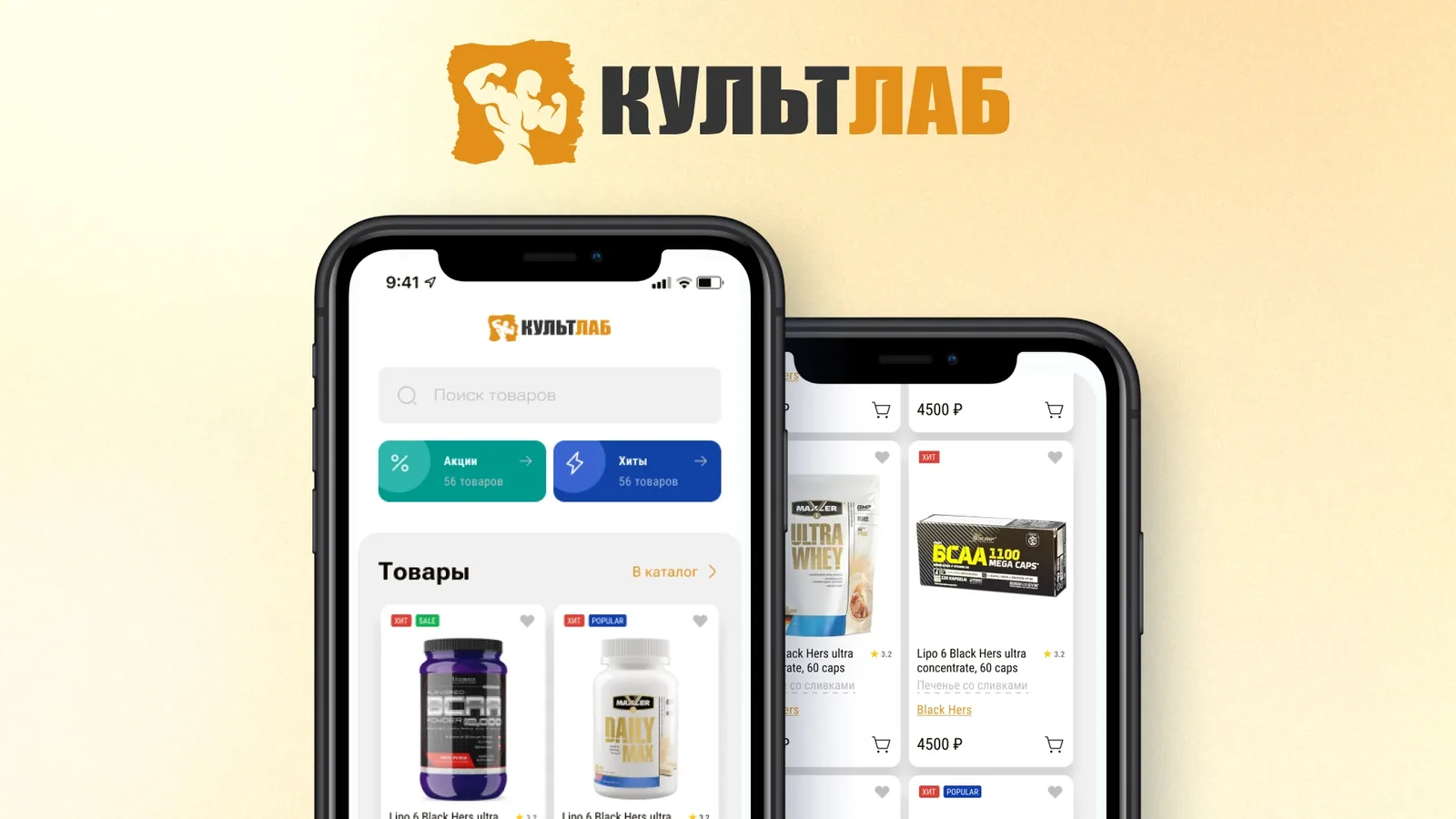
The app’s key screen brings store navigation together: a product search bar, large quick-access tiles for “Promotions” and “Bestsellers” with item counts, and a product feed with a link to the full catalog.
Product cards show the image, name, rating, flavor and price, while “HIT”, “SALE” and “POPULAR” badges highlight priority items and nudge users toward a purchase.
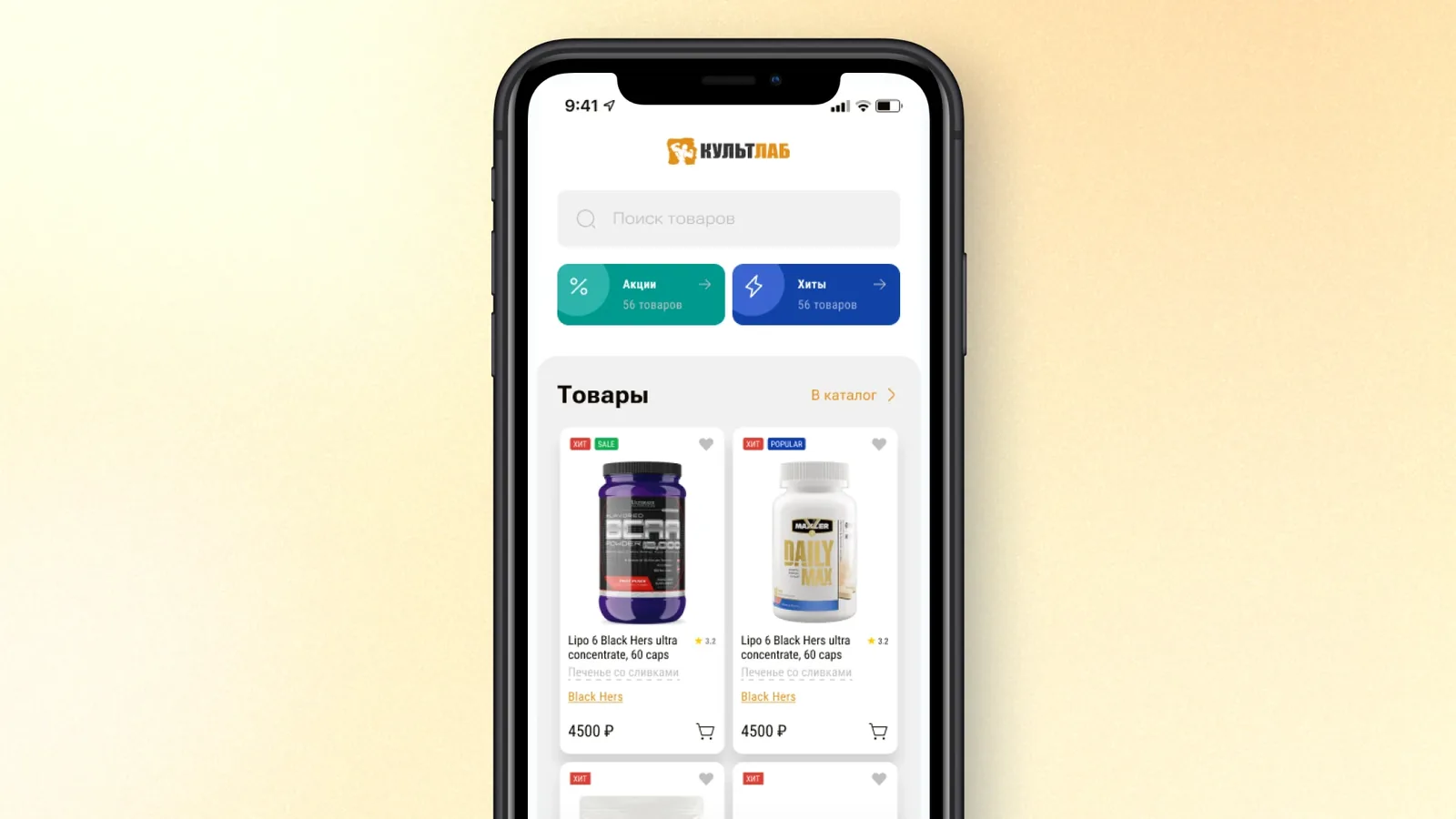
A separate frame shows the structure of the home screen on its own: search, two accent blocks for “Promotions” and “Bestsellers”, and a grid of product cards in the “Products” section.
This layout sets the visual hierarchy, promo and navigation first, then the catalog, and serves as the reference layout for future development.
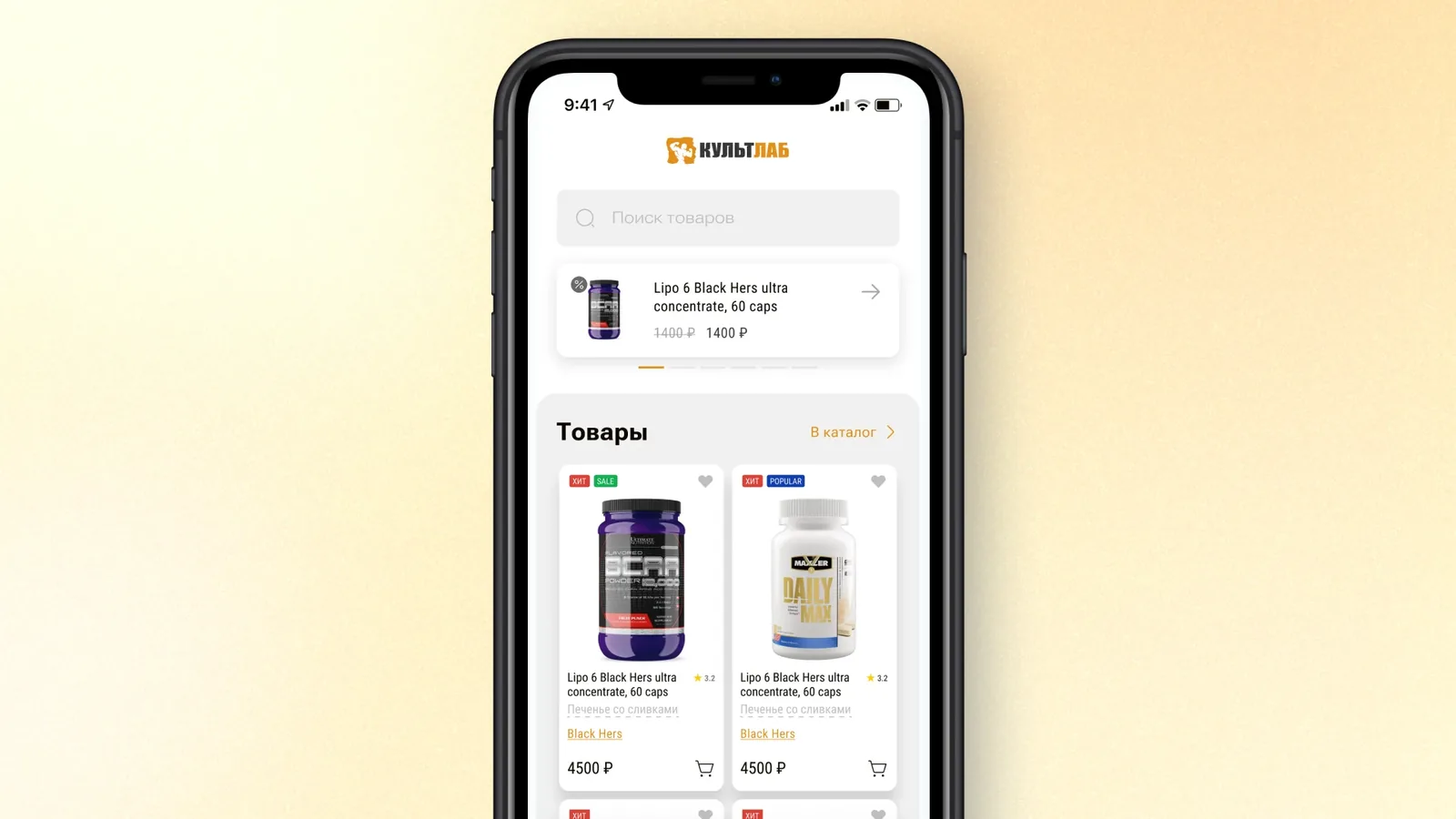
A home screen variant with a promotional banner carousel: a card for a discounted product with the old and new price, a navigation arrow and a slide indicator.
Below the banner is the same product feed with cards and badges. This is how discovery captures different user engagement scenarios before development begins.
A discovery phase is structured product design before the first line of code is written. For the mobile app of a multi-store chain with complex availability logic this is especially important: an architectural mistake at the start turns into expensive refactoring halfway through development.
Completed the discovery phase: research into the market, competitors and target audience.
Detailed wireframes of the first screens: sign-in and catalog with banner variants.
User stories written, including purchases from different stores based on stock availability.
Designed the purchase flow across stores: customers see up-to-date stock in every store of the chain.
Sign-in and catalog screens with banner variants worked out in Figma.
The outcome: a foundation for starting development, with documentation in Confluence and prototypes in Figma.
As early as discovery, we laid down a personal data storage architecture that meets the requirements of the client’s jurisdiction. This lets the development team build the app on the right rules from day one instead of reworking storage and data flows after launch.
Within discovery we designed how users’ personal data (name, phone number, delivery address) is stored and processed. The model provides for locally hosted data storage and a minimal set of fields, following the data minimization principle.
The app is designed around the client’s legal obligations for personal data: user consent to processing, a privacy policy, storage on locally hosted servers and role-restricted access. The client acts as the data controller.
Working out requirements before code reduces legal and product risk: stock availability by store, purchases from different stores and personal data handling are described in Confluence and backed by Figma prototypes.
 FigmaWireframes, UI design and interactive prototypes
Tell us about your product and we will help you design it before development starts, with clear requirements, prototypes and documentation. Let’s discuss how a discovery phase can de-risk your project.
Discovery is the product design stage before development begins: client interviews, user scenario analysis, architecture and interface design, prototypes and technical documentation. The result is a clear specification and prototypes the team can start building from right away.
At the end of discovery the client receives user stories, the app architecture diagram and data model, clickable prototypes of key screens (Figma), documentation in Confluence, and an assessment of complexity and risks. The package lets development start without re-briefing the developers.
In KultLab’s discovery we designed a purchase flow that accounts for stock in the warehouses of different stores. Users see current availability at the nearest store or any other store in the chain, can add the item to the cart or choose another store that has it. This rules out orders for items that are out of stock.
The cost of fixing an architectural mistake grows at every stage of development. During discovery a fix takes hours and costs very little; once development has started it takes days and refactoring; after release it takes weeks and rework. A typical discovery timeline for a mobile app is 2–6 weeks.
It depends on the complexity of the business logic and the client’s availability for sync meetings. Typical range: 2–4 weeks for a single app. This is not a guarantee for a specific project; actual timelines are agreed at the briefing.
Related cases
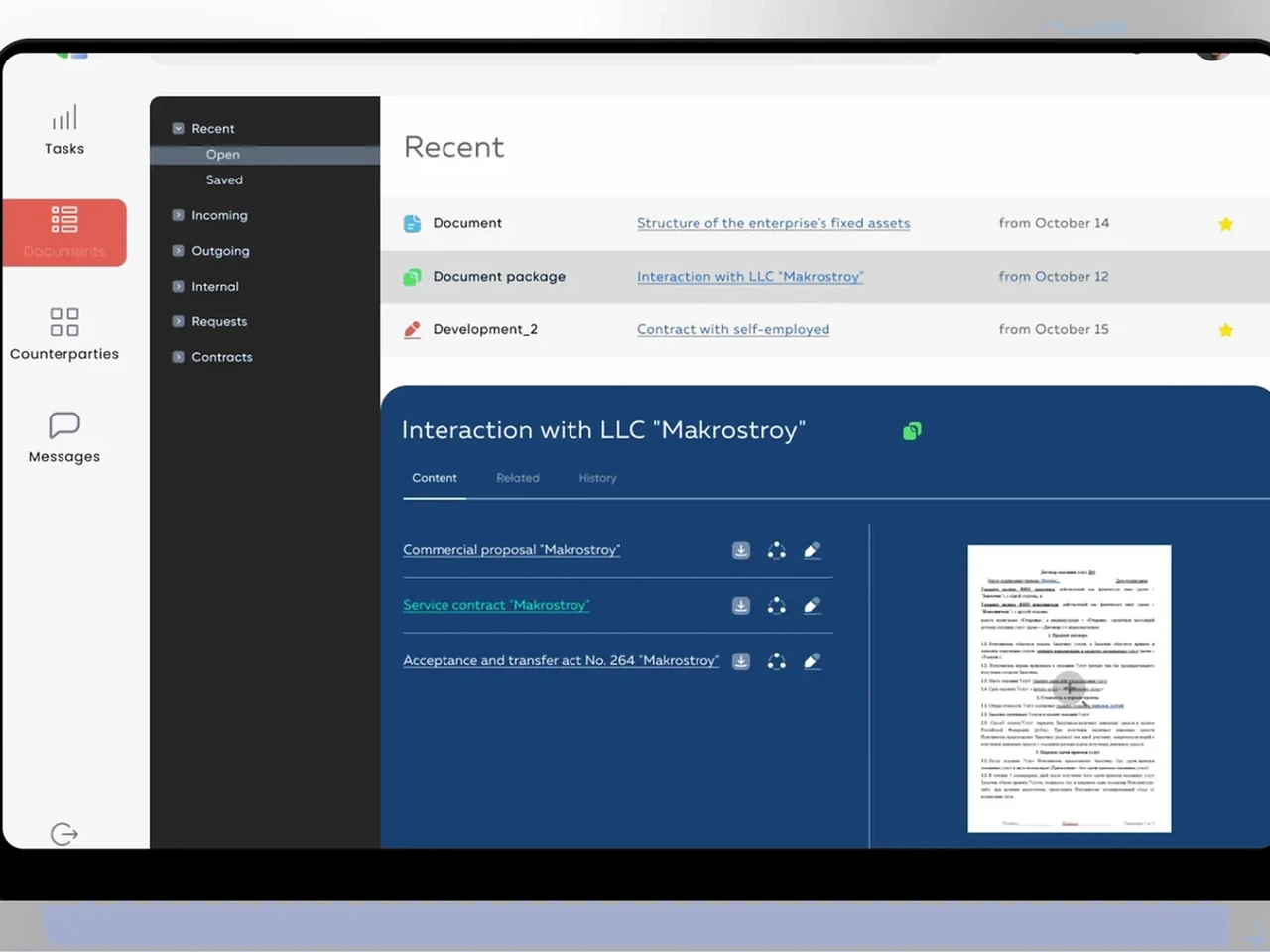
An internal EDM for a retail chain — e-signatures, approval routing, counterparties, and tasks on React + Laravel, built for US & EU operations.
View case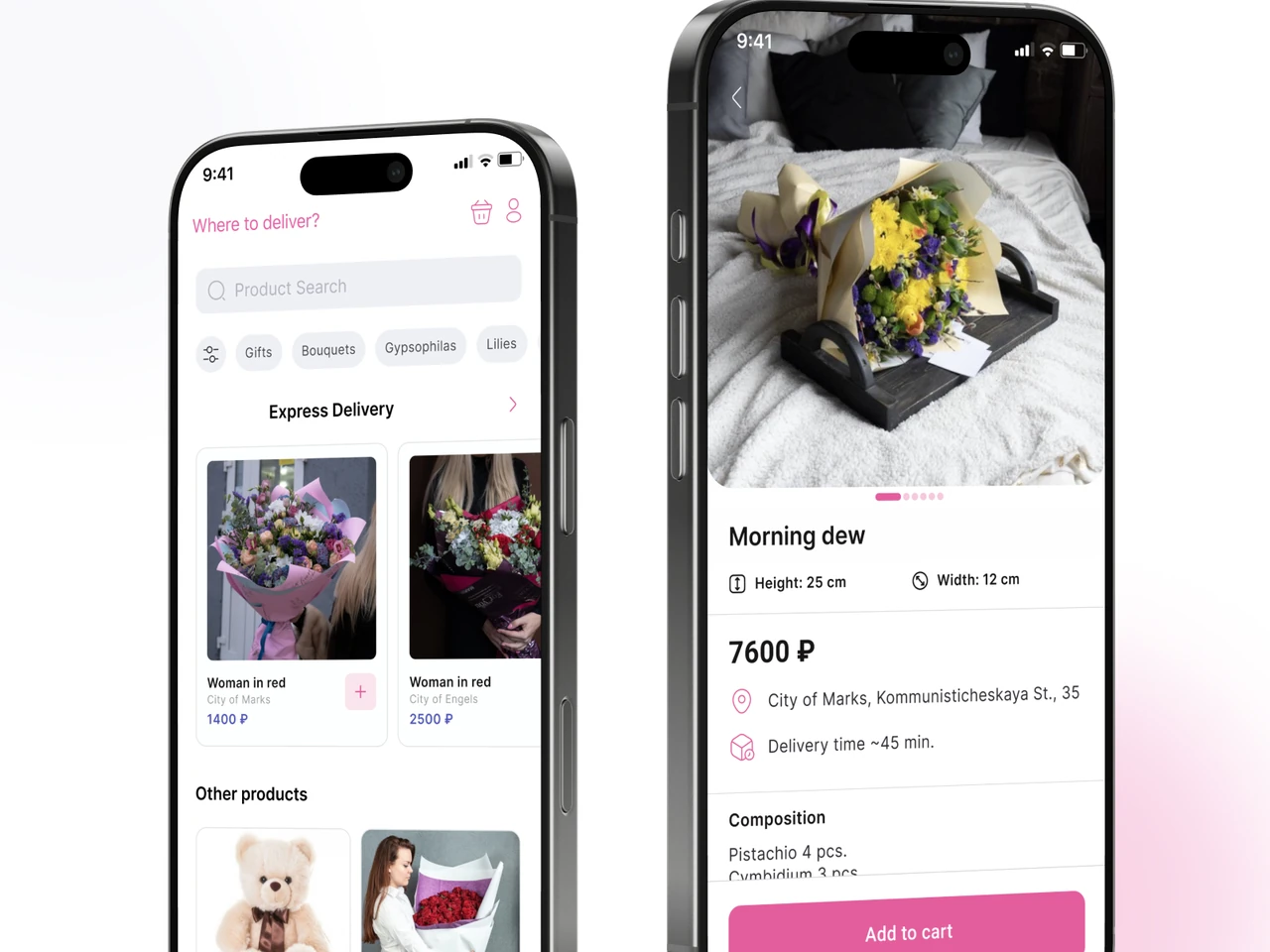
Discovery for a flower-delivery app pair — stock-aware catalog, dynamic product cards, three-step checkout, florist inventory tool.
View case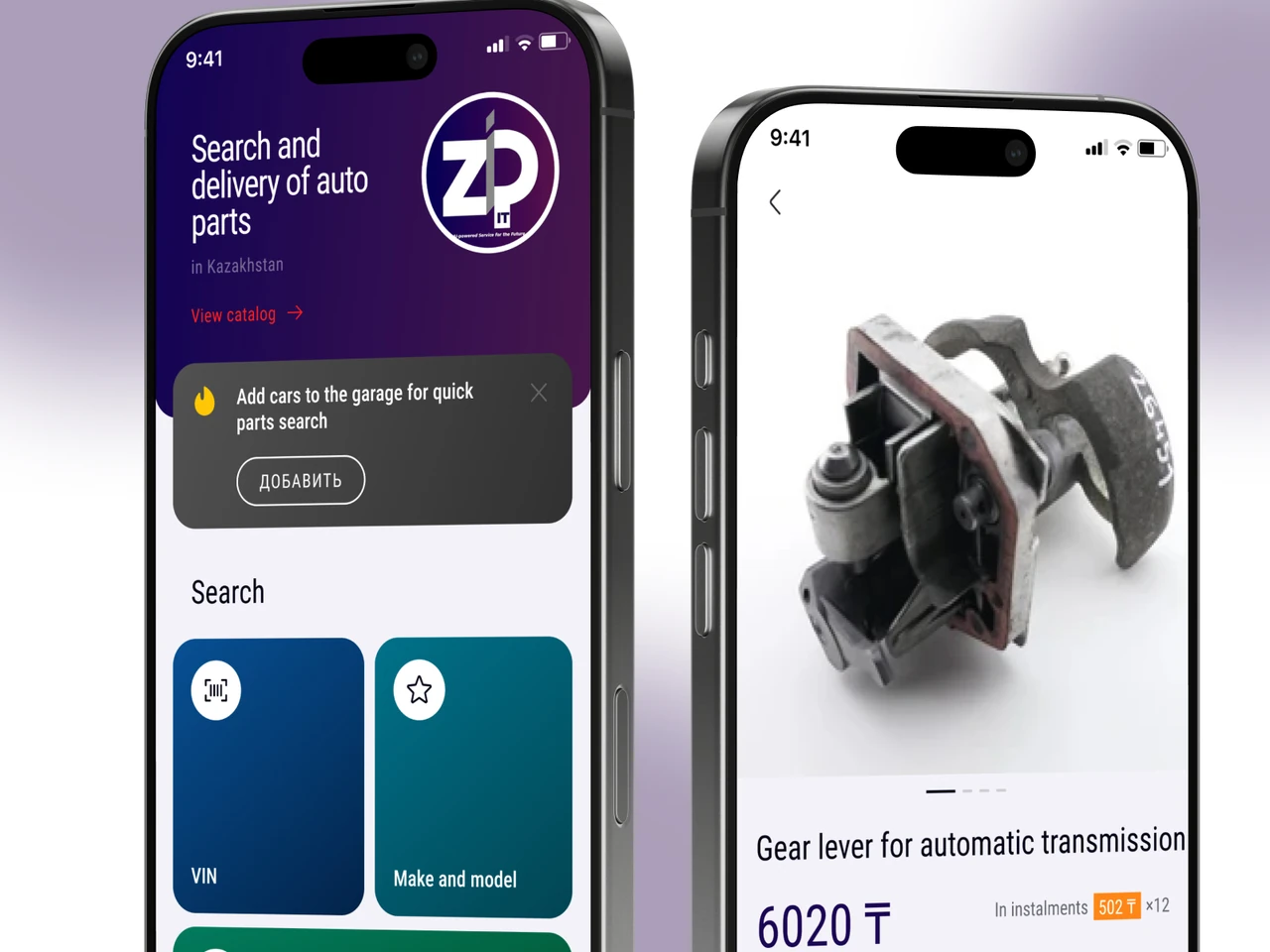
Auto-parts marketplace plus multi-tenant seller CRM — VIN search via Laximo, cross-location inventory, integrated delivery.
View caseShare a few details and a senior consultant will reply within one business day.
Email: sales@yusmpgroup.com
Phone: +374 44 871 811
Offices: KAMAR Business Center, Vazgen Sargsyan St. 2, Yerevan, Armenia · Remote — East-Coast US overlap (9 AM–1 PM ET)