Sign-in and registration
Login and account creation for portal users
Fintech · Client portal · Web + responsive
A web application for a financial company with role-separated user profiles and contract statistics. Built on Laravel and React.
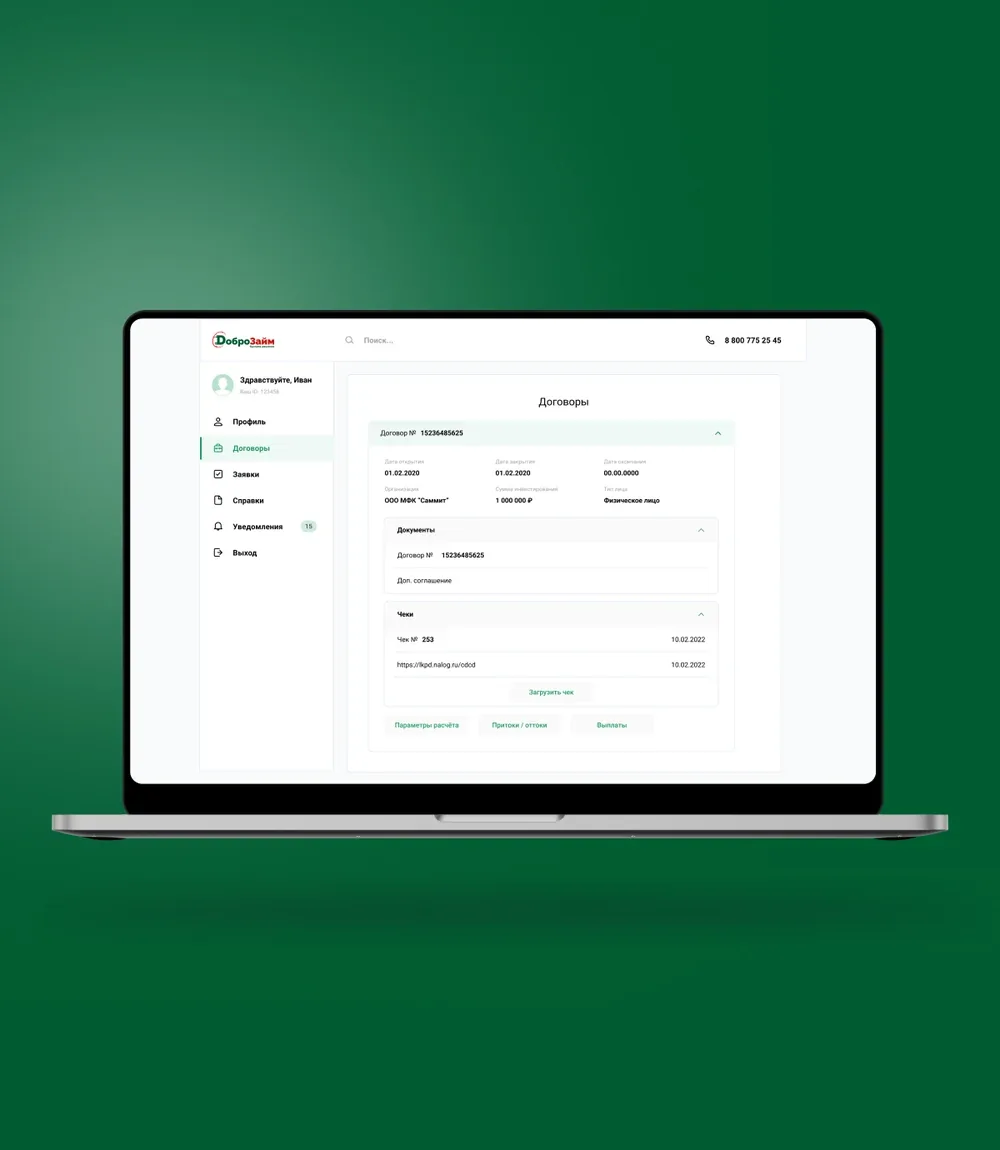
The client is a financial company building out a new line of online services. It needed a client portal where any type of customer — individual, legal entity, self-employed professional or sole proprietor — can see their contracts and related statistics and work with documents in a single interface.
We designed and developed a web portal with separated user profiles: each account type gets its own set of data and actions. The portal brings together contracts with their statuses, terms and amounts, sections for documents and receipts, and a payout schedule with personal income tax calculation. The interface adapts to mobile devices.
Build a web portal with separated user profiles, contract statistics and a responsive layout.
The product serves different customer types — individuals, legal entities, self-employed professionals and sole proprietors — in one interface. Access and display logic had to ensure that every profile sees only the contracts, documents and payouts relevant to it, while the portal works equally well on desktop and on a smartphone.
We built the portal on Laravel and React: the Laravel back end handles business logic, profile separation and the API, while the React front end makes working with contracts, documents and payouts fast and responsive.
We worked in Scrum — short sprints with phased hand-over to the client, which let us show results piece by piece and adjust priorities along the way. In parallel we solved the infrastructure question of accessing the client’s secure network, so that development and testing ran inside the company’s real environment.
Login and account creation for portal users
Individual, legal entity, self-employed and sole proprietor — each with its own data set
Statuses, terms and amounts for every contract in one place
Storage of contract documents and receipt uploads, including by link
Payout calculation with parameters, inflows/outflows and personal income tax, plus schedule export
The portal works correctly on mobile devices
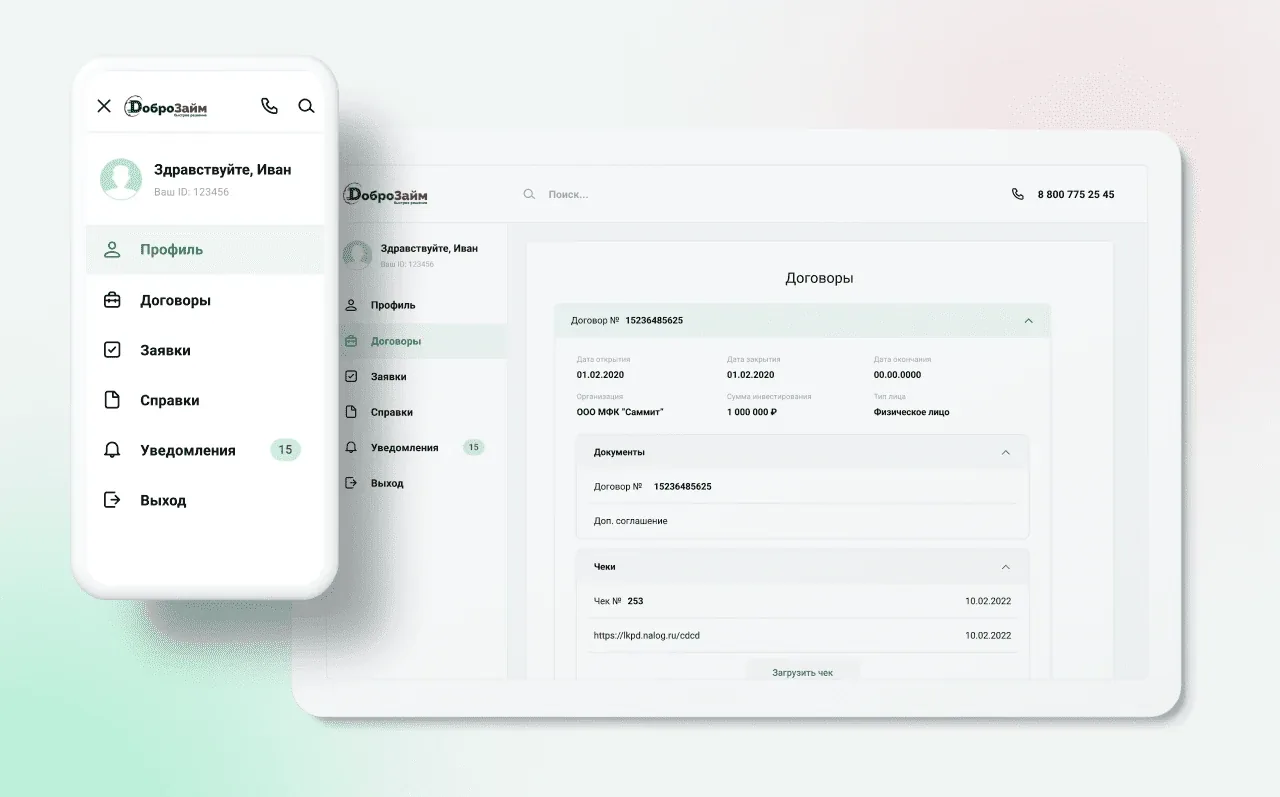
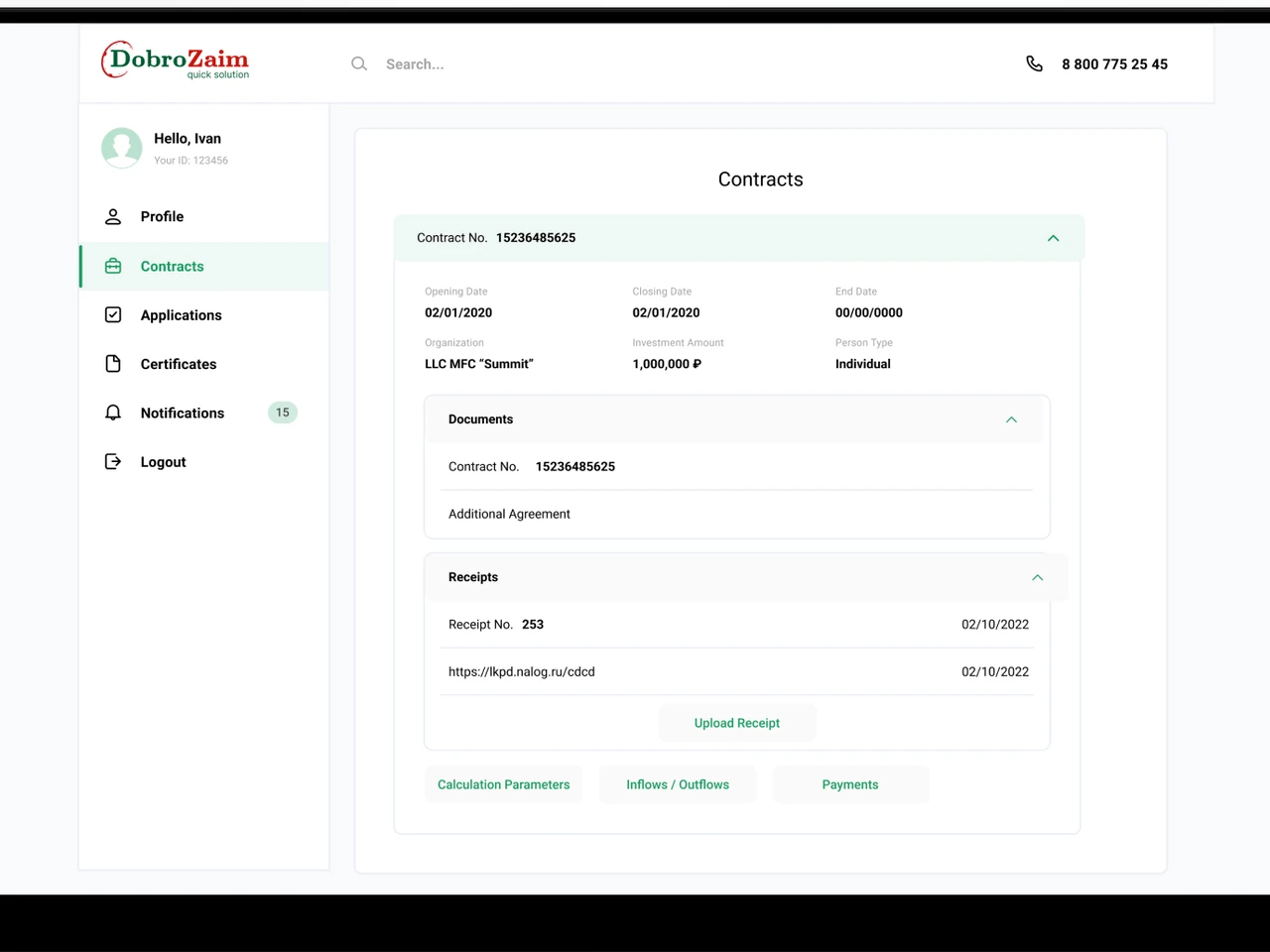
The main portal screen: on the left, navigation with the user profile (Hello, Ivan · Your ID) and the Profile, Contracts, Requests, Certificates, Notifications (with a counter of 15) and Log out items. In the centre, contract No. 15236485625 is expanded, showing opening, closing and end dates, the organisation, the investment amount and the customer type.
Inside the contract card are collapsible Documents and Receipts blocks: the customer sees the contract number, the supplementary agreement and uploaded receipts with dates. On the left of the screenshot is the mobile view of the same menu — the portal adapts to smartphones without losing its structure.
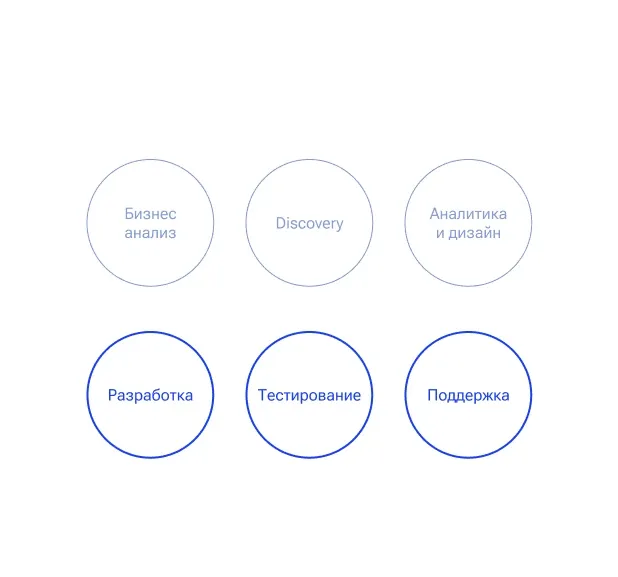
A six-step diagram of the development process: Business analysis, Discovery, Analytics and design, Development, Testing, Support. The top row of preparatory stages is shown muted, the bottom row as active accent circles.
The visual reflects the phased Scrum approach: the product moved from analysis and design to development, testing and support in sprints, with results handed over to the client at every stage.
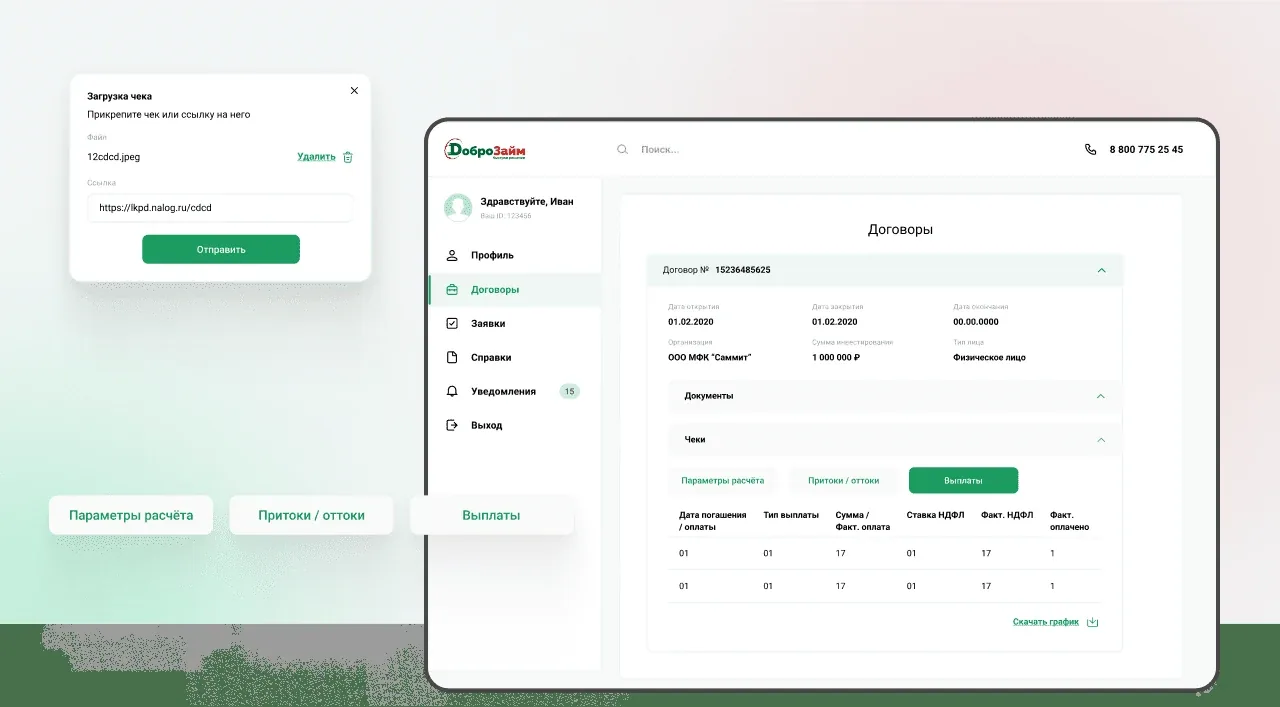
The receipts and payouts screen: in the Upload receipt pop-up, the customer attaches a file (12cdcd.jpeg) or pastes a link to it and submits. In the main area, the Receipts block is expanded with Calculation parameters / Inflows-outflows / Payouts tabs.
The Payouts tab shows a table with the repayment date, payout type, amount, rate, actual personal income tax and a paid flag, with a Download schedule link at the bottom. This lets the customer track cash flow under the contract and export the payout schedule.
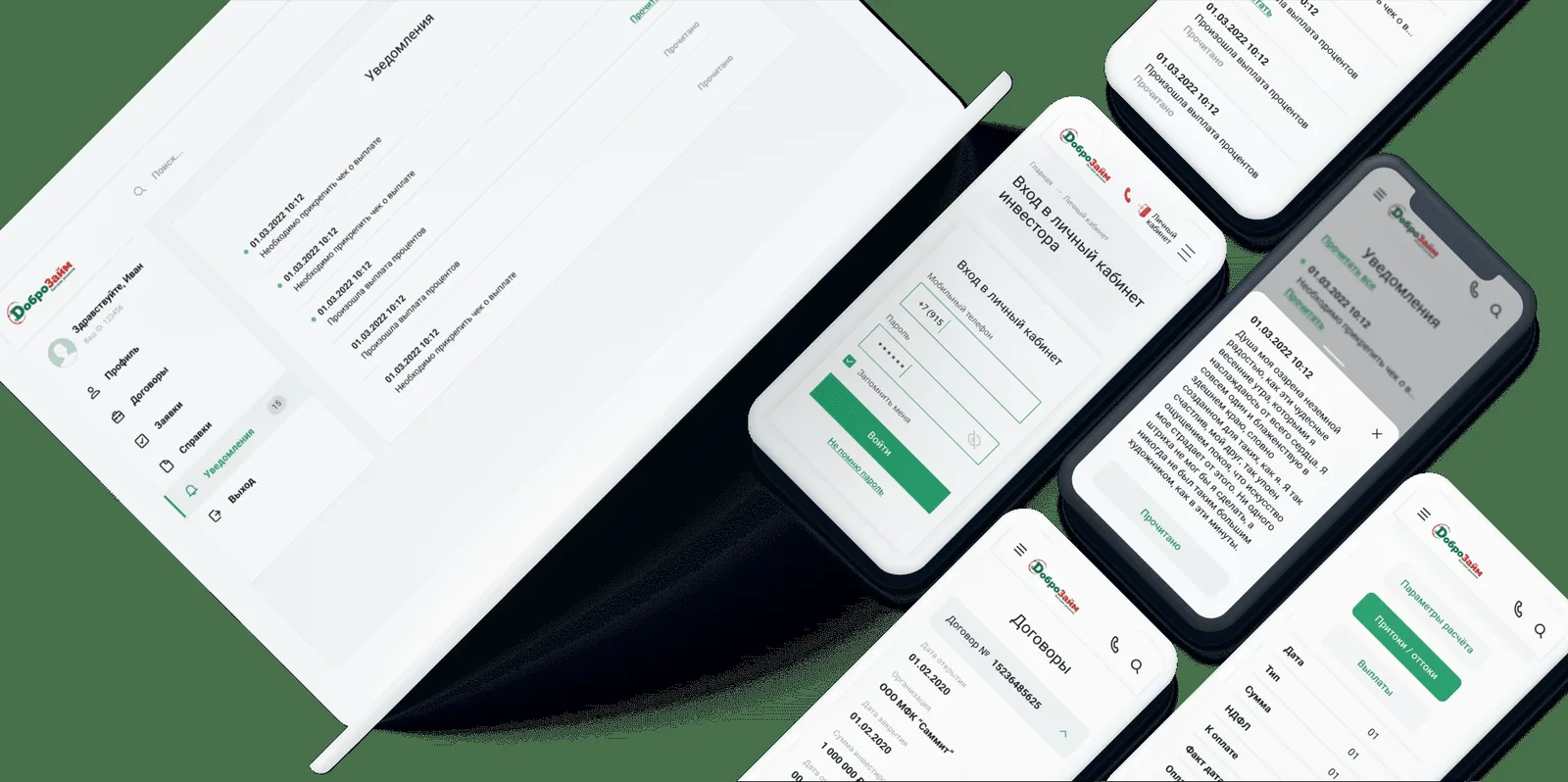
The final portal layout: a large desktop screen with notifications and lists sits next to several phone mockups — request forms, notifications, contract lists and certificates in mobile view.
The composition shows that the same portal works equally coherently on a large screen and on a smartphone: the responsive layout keeps navigation and data intact on mobile devices.
A single web interface brings all profile types into one channel: customers don’t need separate applications for different functions. Laravel provides a reliable back end with role-based access control, and React delivers a responsive interface without page reloads. Separate systems would have doubled maintenance costs and made sign-in more complicated for end users.
Web client portal on Laravel and React — a single interface for the company’s customers.
Registration and sign-in: email and password, access recovery.
Profile types: individual, legal entity, self-employed, sole proprietor.
Contract statistics: statuses, amounts and terms in the client portal.
Responsive layout: the portal works correctly on mobile devices.
Phased delivery of functionality in Scrum sprints — no single monolithic release.
The project ran in Scrum: work was organised in sprints, and every stage included development and testing, with results handed over to the client step by step.
A separate task was getting access to the company’s secure network — we solved it by purchasing a modem and configuring access, after which the team worked directly inside the client’s closed environment.
The portal processes personal data of the financial company’s customers. Access to the system runs over a secure connection; data is processed under the requirements of the client’s jurisdiction, stored on the client’s own infrastructure, and access is restricted by role.
Tell us about your customers, account types and the data they need to see. We’ll propose an architecture and a phased delivery plan for your portal.
A web interface where customers register, see statistics on their contracts and manage their profile; this portal is built on Laravel and React.
It depends on the scope of integrations; this portal was developed in phases using Scrum and fully accepted by the client within a tight timeline.
Access runs through the client’s secure network, and data is processed under the requirements of the client’s jurisdiction and stored on the client’s own infrastructure.
Yes, the profile adapts to individuals, legal entities, self-employed professionals and sole proprietors.
The portal has a responsive layout and works correctly on mobile devices.
Related cases
Laravel + React microloans platform — borrower dashboard with e-signature, underwriter workstation, collections, accounting, admin.
View case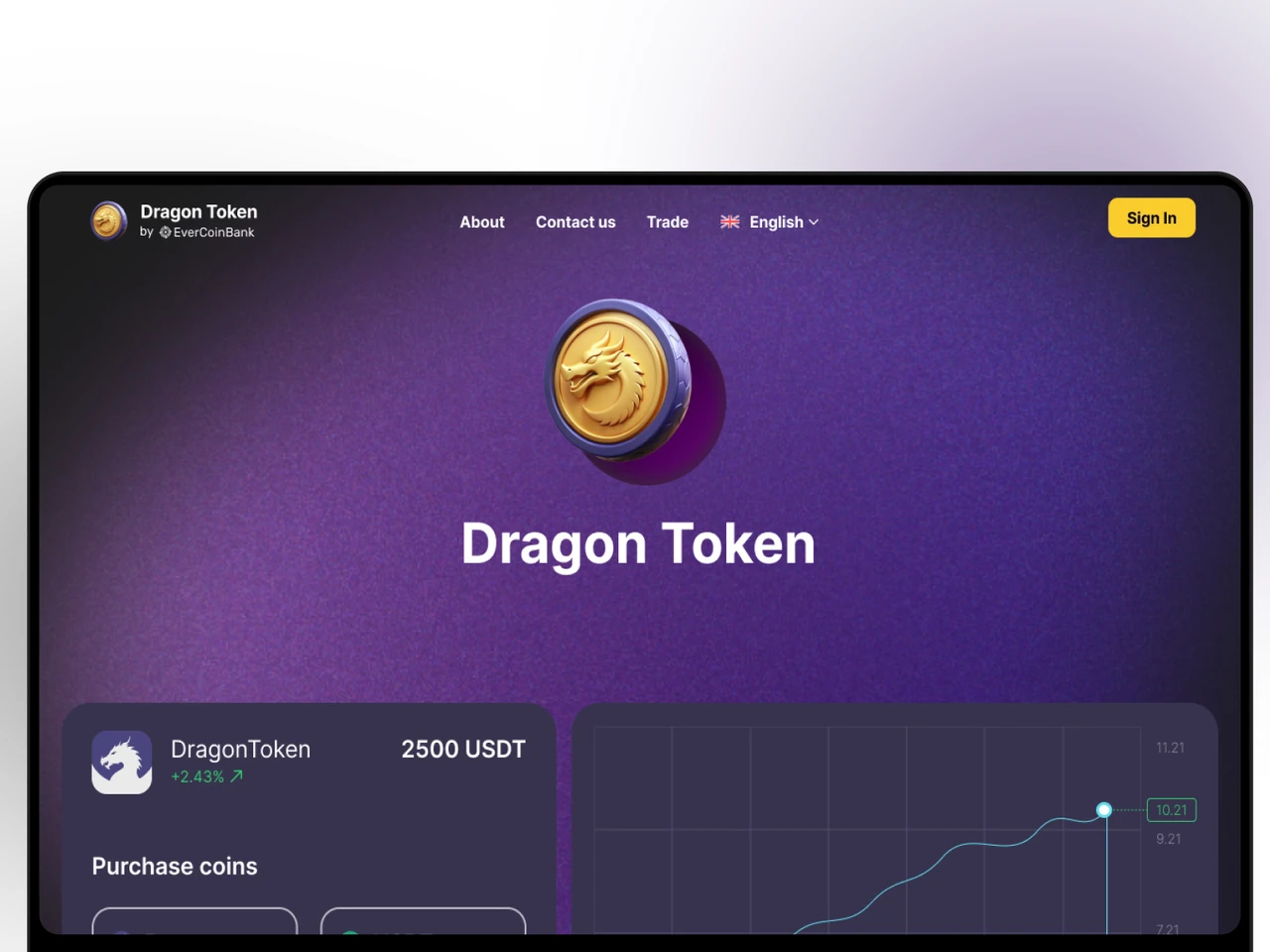
Laravel + React crypto trading platform — USDT-denominated buy/sell, admin-managed dynamic pricing, 9-day live chart, US & EU launch.
View case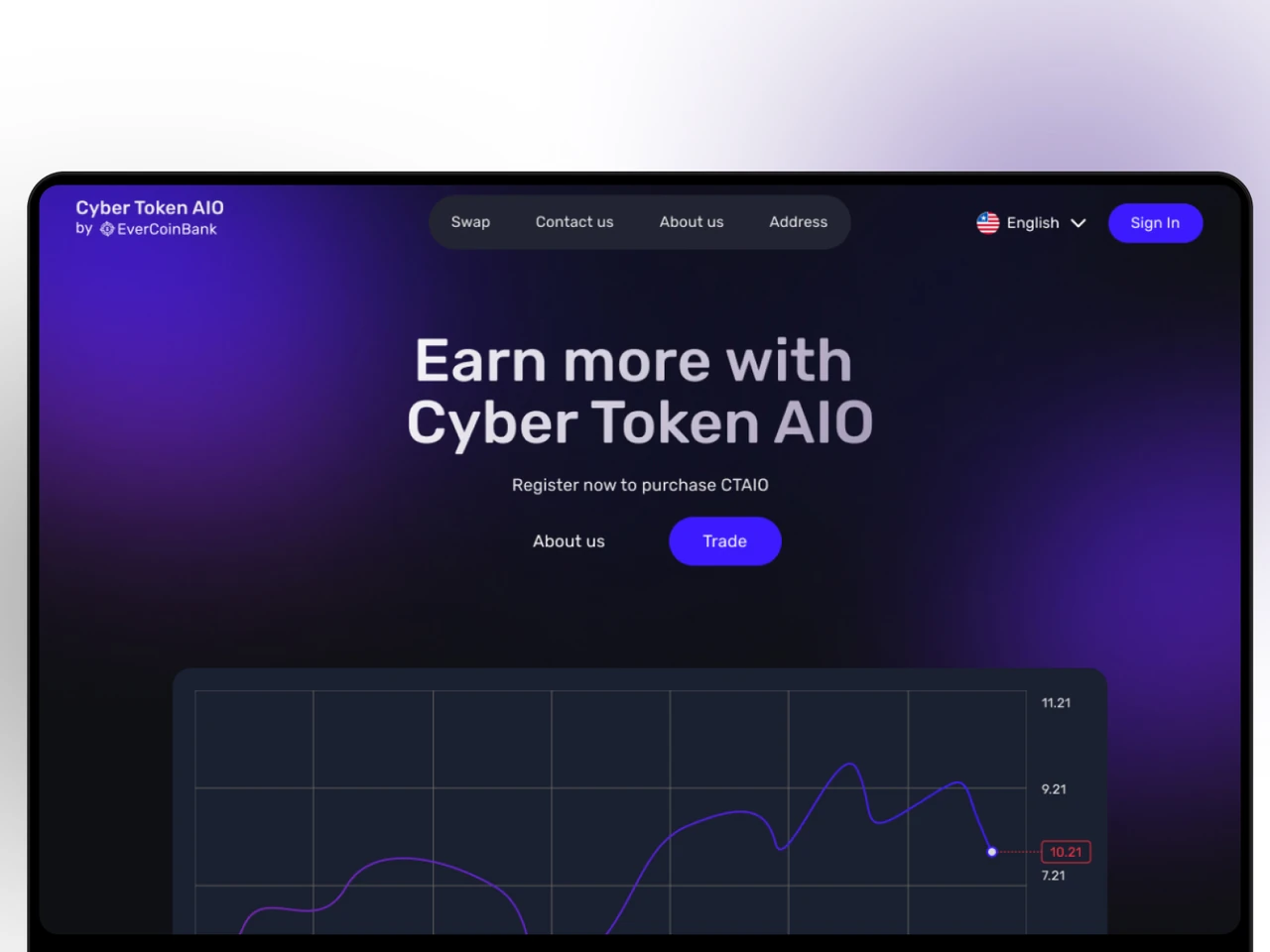
End-to-end ERC-20 token launch — Solidity contract, security audit, exchange listings, MetaMask checkout on the project site.
View caseShare a few details and a senior consultant will reply within one business day.
Email: sales@yusmpgroup.com
Phone: +374 44 871 811
Offices: KAMAR Business Center, Vazgen Sargsyan St. 2, Yerevan, Armenia · Remote — East-Coast US overlap (9 AM–1 PM ET)


